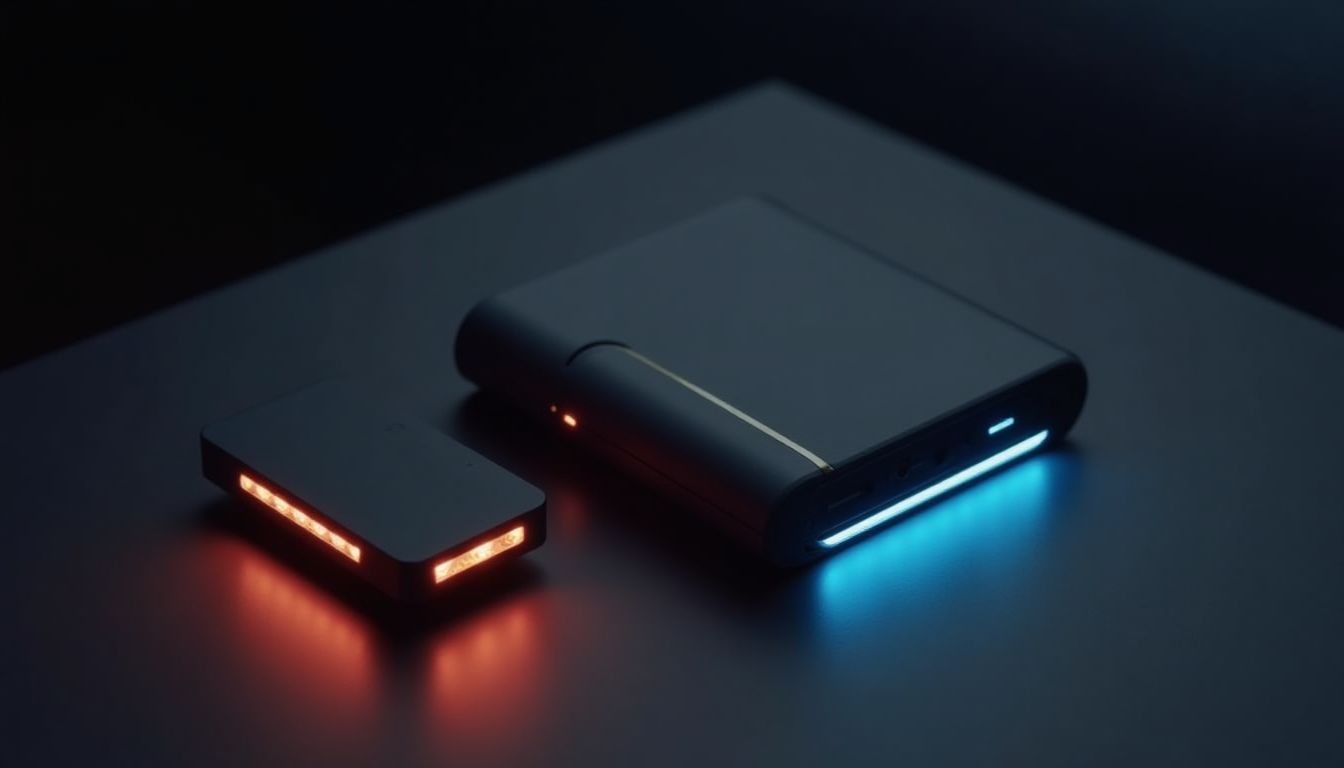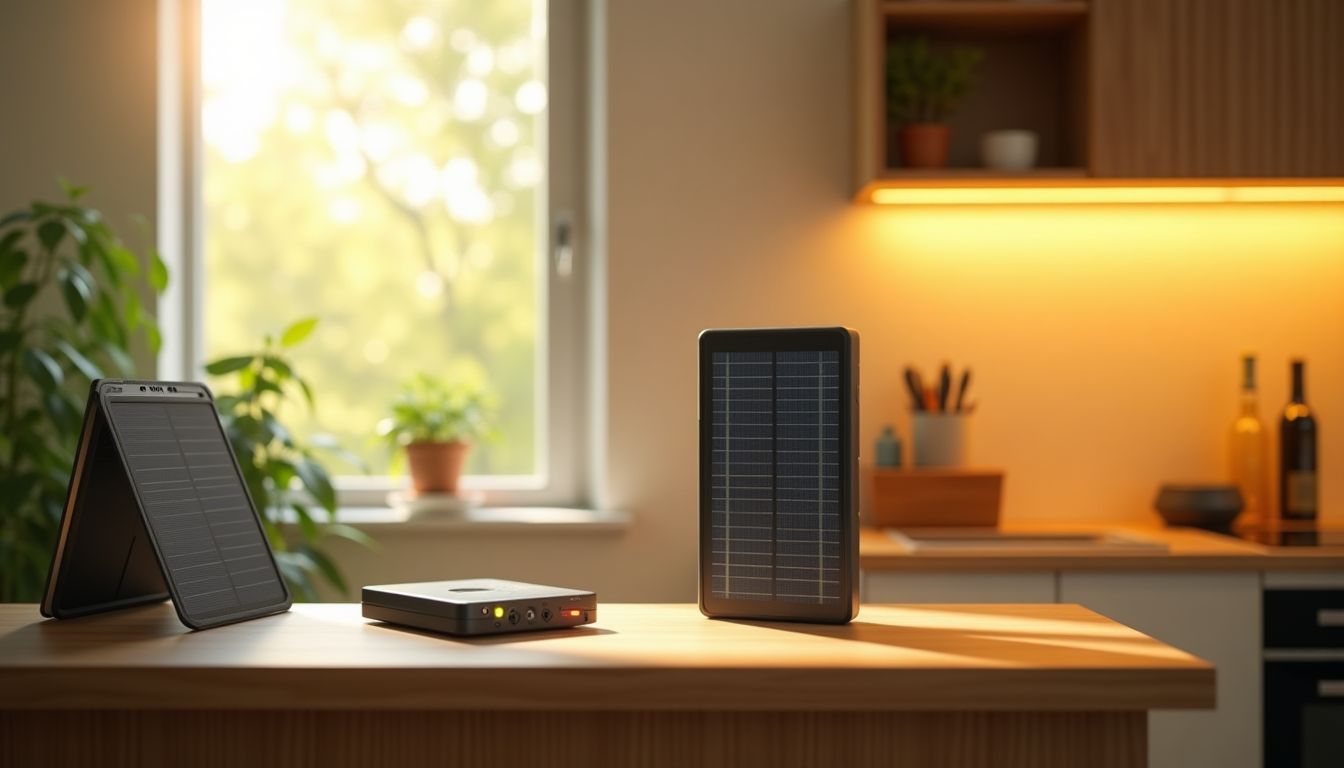
When the lights go out without warning, the most frustrating part is losing connectivity. You feel like you've fallen out of life: work chats go silent, video calls drop, and your smart home turns into an ordinary box. To stay online even through the longest blackout, it's worth investing in backup power for your network equipment. The simplest and most effective solution is a UPS for a router, capable of keeping your Wi-Fi running stably for several hours. According to the ComfortShop editorial team's recommendation, choosing the right uninterruptible power supply will save you stress and preserve your productivity.
Article Contents
Why a regular power bank doesn't always save the day
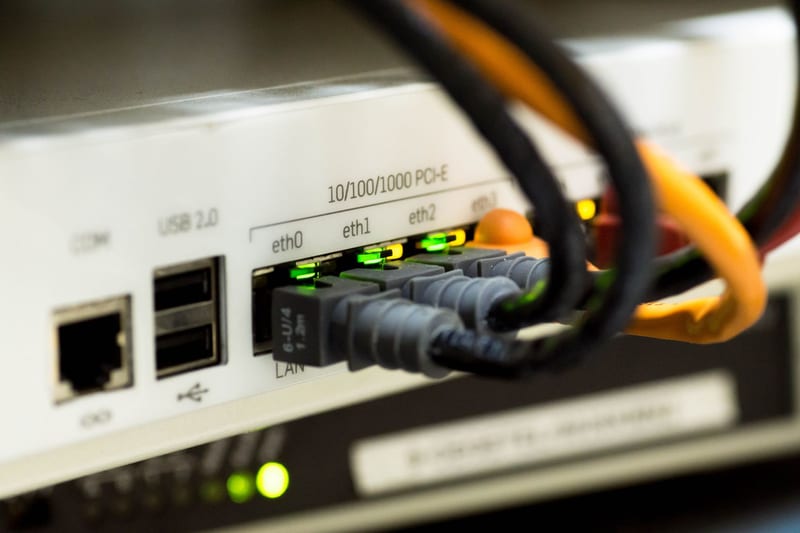
Most modern routers are powered by 9V, 12V, or even 5V via USB. At first glance, you could simply plug a cable into a regular power bank and be happy. But in practice, it's more complicated: cheap models don't support fast charging with the required voltage, and most importantly, they can't operate in pass-through charging mode. That means you can't simultaneously charge the power bank from the mains and power the router from it.
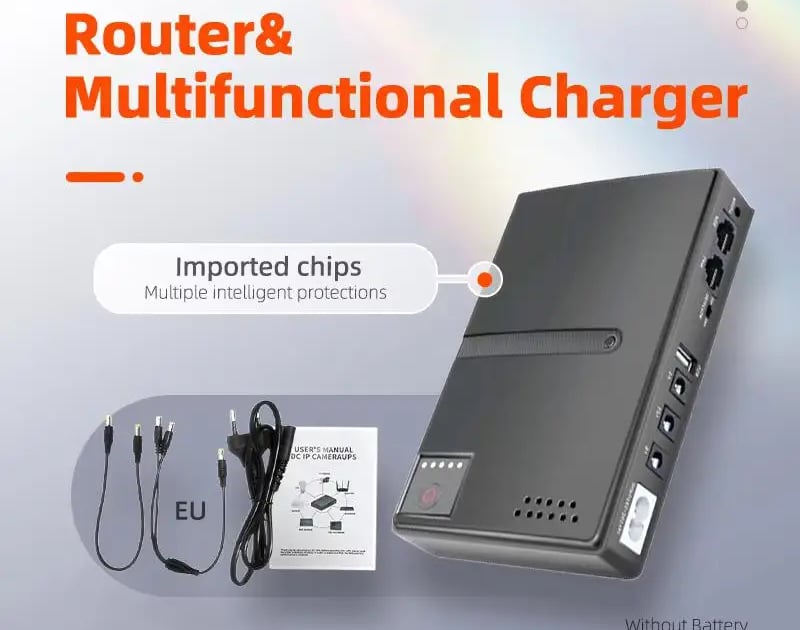
That's why a specialized uninterruptible power supply for a router wins on all counts. It automatically switches to battery in milliseconds without interrupting the session. Moreover, such devices are usually compact, don't take up much space, and can power several devices at once: the router itself, a GPON terminal, or even a surveillance camera.
Key criteria for choosing a UPS for internet
Before buying the first device you come across, it's worth clearly determining what exactly you want to power. For a typical apartment, this is usually a combination of an "optical terminal + Wi-Fi router." If you have a private house, a switch or antenna might be added to the list. ComfortShop experts advise always checking the total power consumption of all devices — it rarely exceeds 15-20 W, but you need to know it precisely.
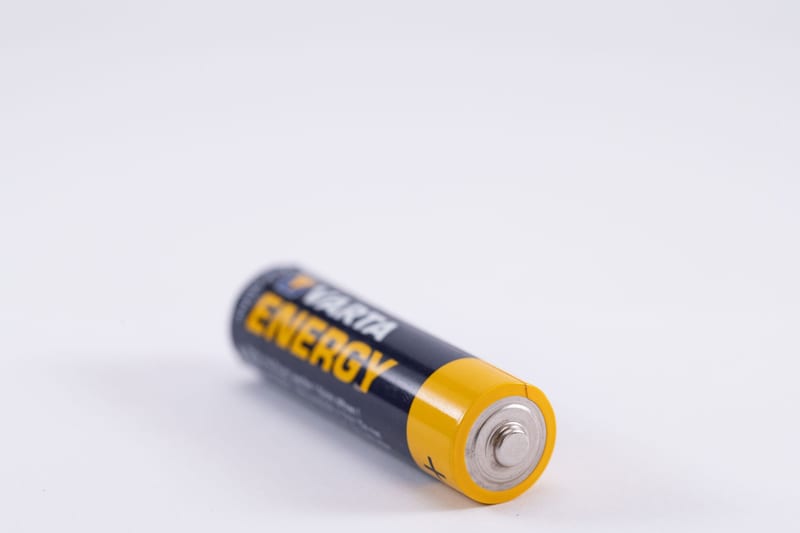
The second key point is the type of connectors. Most routers use round DC plugs of 5.5×2.1 mm or microUSB/Type-C. A universal UPS for internet during power outages usually comes with a set of adapters, allowing you to connect equipment from different brands. And be sure to pay attention to battery capacity: for 6-8 hours of autonomous operation, a model with a 10,000–20,000 mAh battery will suffice.
Types of backup power: from simple to advanced
The market offers several device formats, each with its own advantages. The most affordable option is miniature DC-UPS units with a built-in battery. They are installed in the gap of the power cable and hang discreetly near the outlet. Such uninterruptible power for a router during a blackout provides up to 4 hours of operation and costs very little.
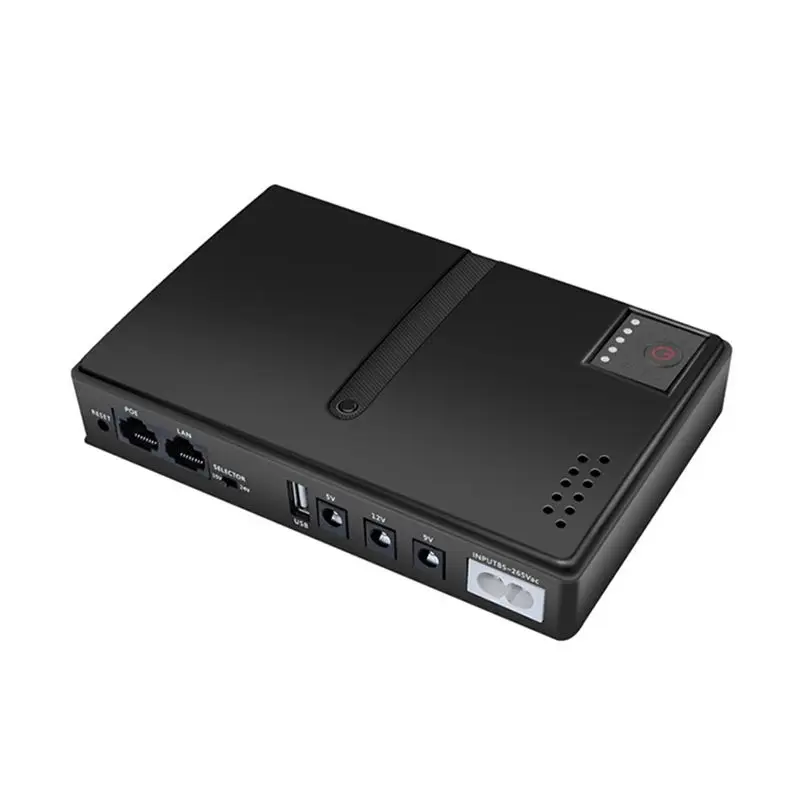
A more advanced class is backup power sources with USB Power Delivery support and the ability to charge a laptop. They are more versatile, have an informative display, and often support solar panels. For those seeking maximum autonomy, models with replaceable 18650 batteries are suitable — you can quickly swap out the batteries and extend operation for several more hours.
How to choose a UPS for a router for a specific model
Versatility is good, but selecting for specific equipment gives the best results. Look at your router's power supply: it indicates the output voltage (most often 9V, 12V, or 5V) and current. These are exactly the parameters the UPS must support. If the voltage doesn't match, the device either won't start or, worse, will fail.
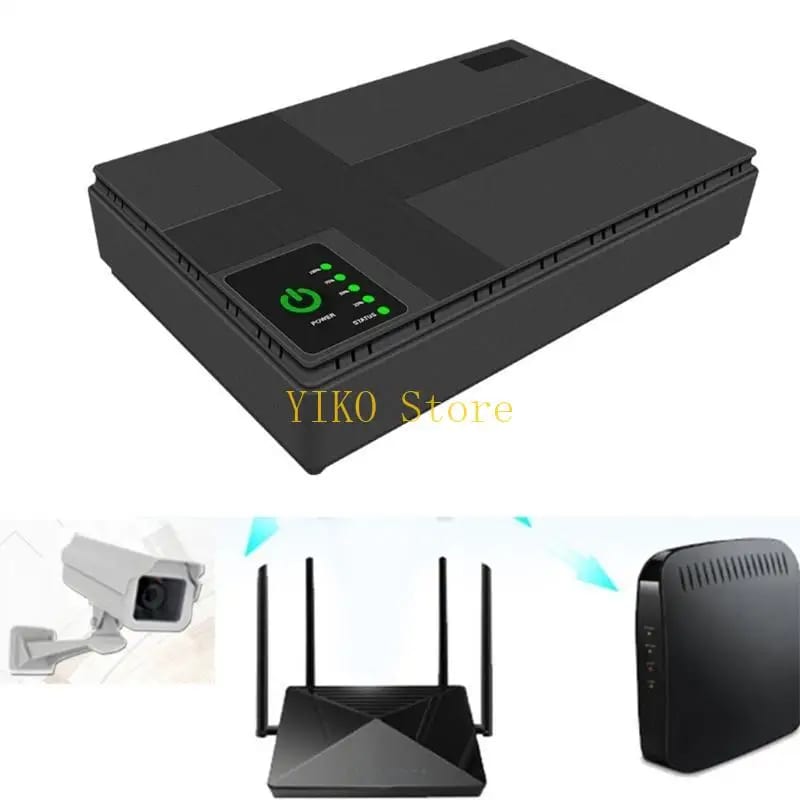
Key parameters for compatibility:
- Output voltage (V) — must exactly match the original power supply.
- Maximum current (A) — preferably with a small margin.
- DC plug polarity — usually "positive inside," but it's better to check.
- Pass-through charging support — so you don't have to fiddle with cables when power returns.
As ComfortShop reviewers note, most modern models like Keenetic, TP-Link, or Xiaomi work perfectly with backup power sources that deliver a stable 9 or 12 volts. However, for micro-routers with 5V power, a quality power bank with pass-through charging is sufficient.
Practical tips for long battery life
Buying a UPS is only half the battle. It's important to configure it properly to squeeze out maximum hours. First, disable everything unnecessary on the router: if you don't use the 2.4 GHz band — leave only 5 GHz. This will reduce power consumption by 15-20%. Second, disconnect all USB devices from the router if they're powered by its port. Third, lower the transmitter power in the settings to a comfortable minimum — within a single apartment, this won't degrade the signal.
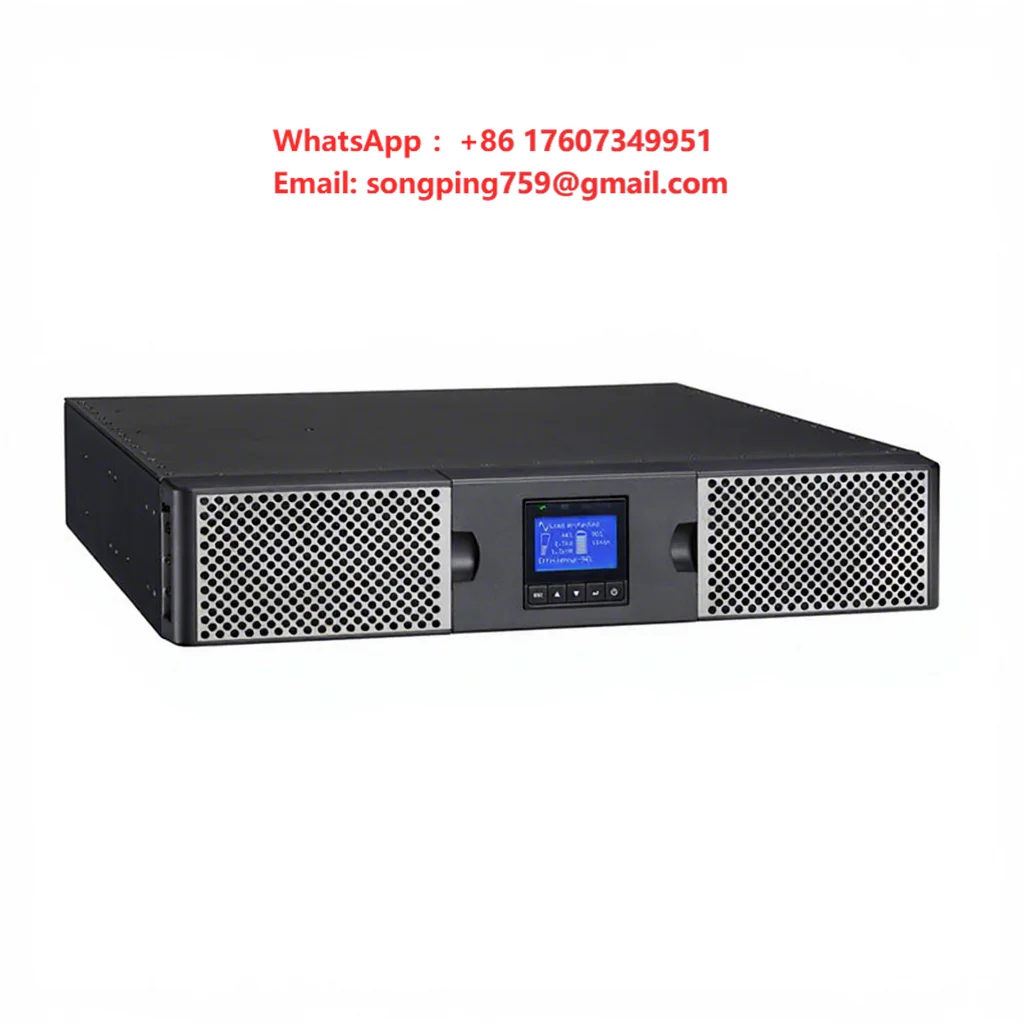
If you're using a UPS for a WiFi router with Li-ion batteries, remember that they don't like being fully discharged "to zero." It's better to purchase a model with deep discharge protection or connect an external battery in time. And one more trick: keep the UPS in a cool place, away from heating radiators — overheating significantly shortens battery lifespan.
Conclusion:
Stable internet during a blackout is not a luxury but a necessity for work, study, and safety. A UPS for a router with properly selected parameters will provide you with up to 8 hours of autonomy without any interruptions in connectivity. The main thing is to check the voltage, choose a model with pass-through charging, and ensure compatible connectors. With such a backup power source, any power outages will become just a minor household inconvenience rather than a digital collapse.
Frequently Asked Questions
How long does a UPS for a router work without power?
The battery life depends on the battery capacity and router consumption, but on average ranges from 2 to 8 hours.
Can I connect a router to a regular UPS for a computer?
Yes, you can, but it's inefficient since computer UPS units have large idle losses and take up a lot of space, so it's better to choose a compact model specifically for the router.
How to choose a UPS for a router to last all night?
Look for models with a battery capacity of at least 10,000 mAh or with the ability to connect an external battery — this will provide 8-12 hours of operation.
Do I need a UPS for a Wi-Fi router if I have a power bank?
A power bank isn't suitable because it doesn't provide continuous power during an outage — a UPS switches to battery instantly, while a power bank requires manual intervention.