Modern video surveillance systems are increasingly moving away from local archives in favor of cloud services. Cloud video storage allows access to recordings from anywhere in the world, protects data from physical damage to the recorder, and simplifies system scaling. However, the key question remains the choice between two types of recorders: NVR (Network Video Recorder) and DVR (Digital Video Recorder). As noted by ComfortShop reviewers, the right platform choice determines not only recording quality but also compatibility with cloud services. Let's consider the main criteria that will help you make an informed choice and set up a reliable security system.
Article Contents
Fundamental Difference Between NVR and DVR

Before discussing cloud video storage, it is worth clearly distinguishing between these two types of devices. A DVR (Digital Video Recorder) works with analog cameras (HD-TVI, AHD, CVI), receiving a ready-made analog signal, which it then digitizes and compresses. In contrast, an NVR (Network Video Recorder) receives a digital stream directly from IP cameras over an Ethernet network.
This fundamental difference affects everything: from image quality to the method of cloud integration. NVR works with IP cameras, which have their own processor and IP address, so video processing partially occurs at the camera level, reducing the load on the recorder itself. DVR, on the other hand, performs all the work independently, making it less flexible for complex cloud configurations. ComfortShop experts recommend deciding on the recorder type at the camera selection stage.
Main criterion: the type of cameras you plan to use.

If you already have analog cameras or have a limited budget, a DVR will be a logical choice. If you are building a system from scratch and aim for maximum quality (4K, 12MP) and flexibility, definitely choose an NVR.
Cloud Video Storage: Key Features
Cloud video storage turns a regular video recorder into a powerful remote monitoring tool. Instead of relying solely on the hard drive in the recorder, you can set up automatic upload of the archive to the provider's server. This ensures data protection even in the event of theft or physical destruction of the recorder.
Modern cloud services support intelligent search functions, motion alerts, and event analytics. For a video surveillance system, it is important that cloud video storage operates in real-time without significant delays. Therefore, when choosing a recorder, you should pay attention to support for P2P and DDNS protocols, which simplify remote access.
Main Advantages of a Cloud Archive:
- Access to recordings from a smartphone or PC anywhere in the world.
- Automatic backup without operator intervention.
- Scalable storage without purchasing additional disks.
- Protection against physical damage to the storage medium.
NVR vs DVR Comparison for Cloud Services
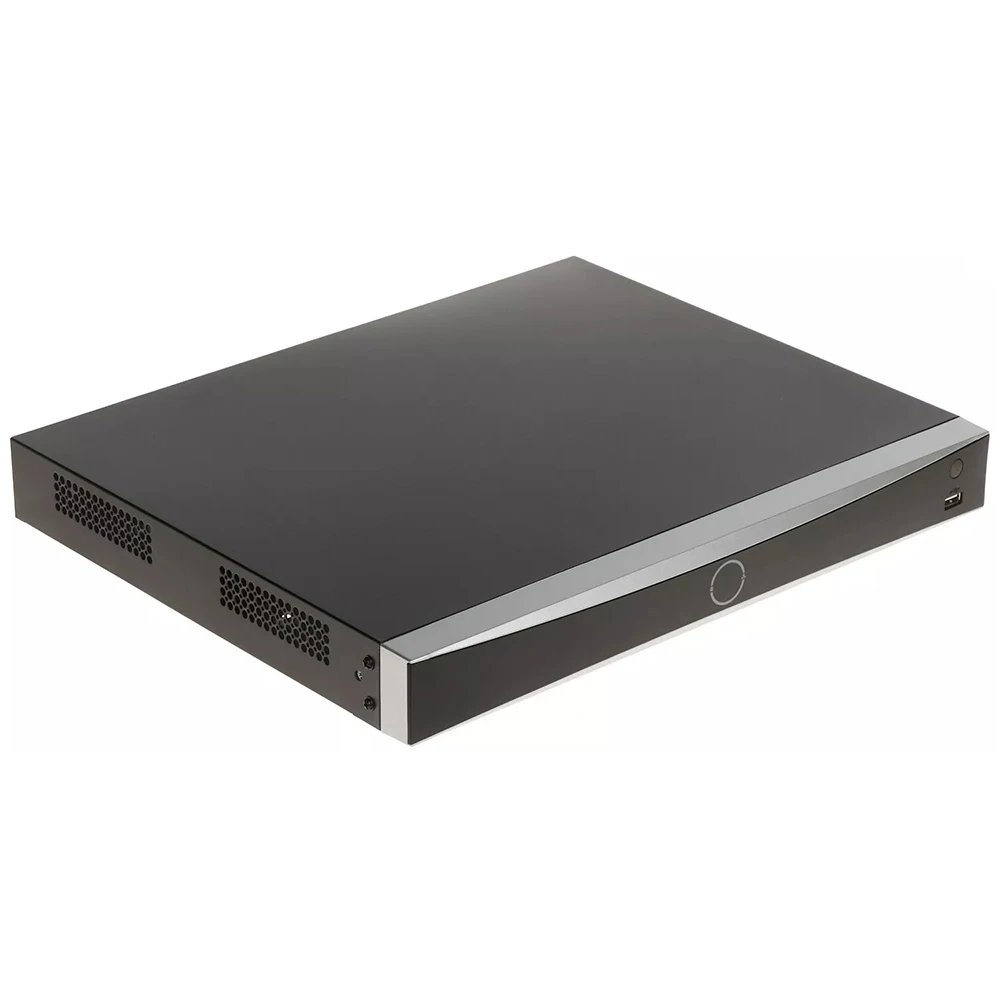
When choosing between NVR and DVR for cloud operation, several technical aspects should be considered. The NVR vs DVR comparison shows that network recorders have better integration with cloud platforms. They support modern encryption protocols (SSL/TLS) and can work directly with cloud services without the need for an additional PC.
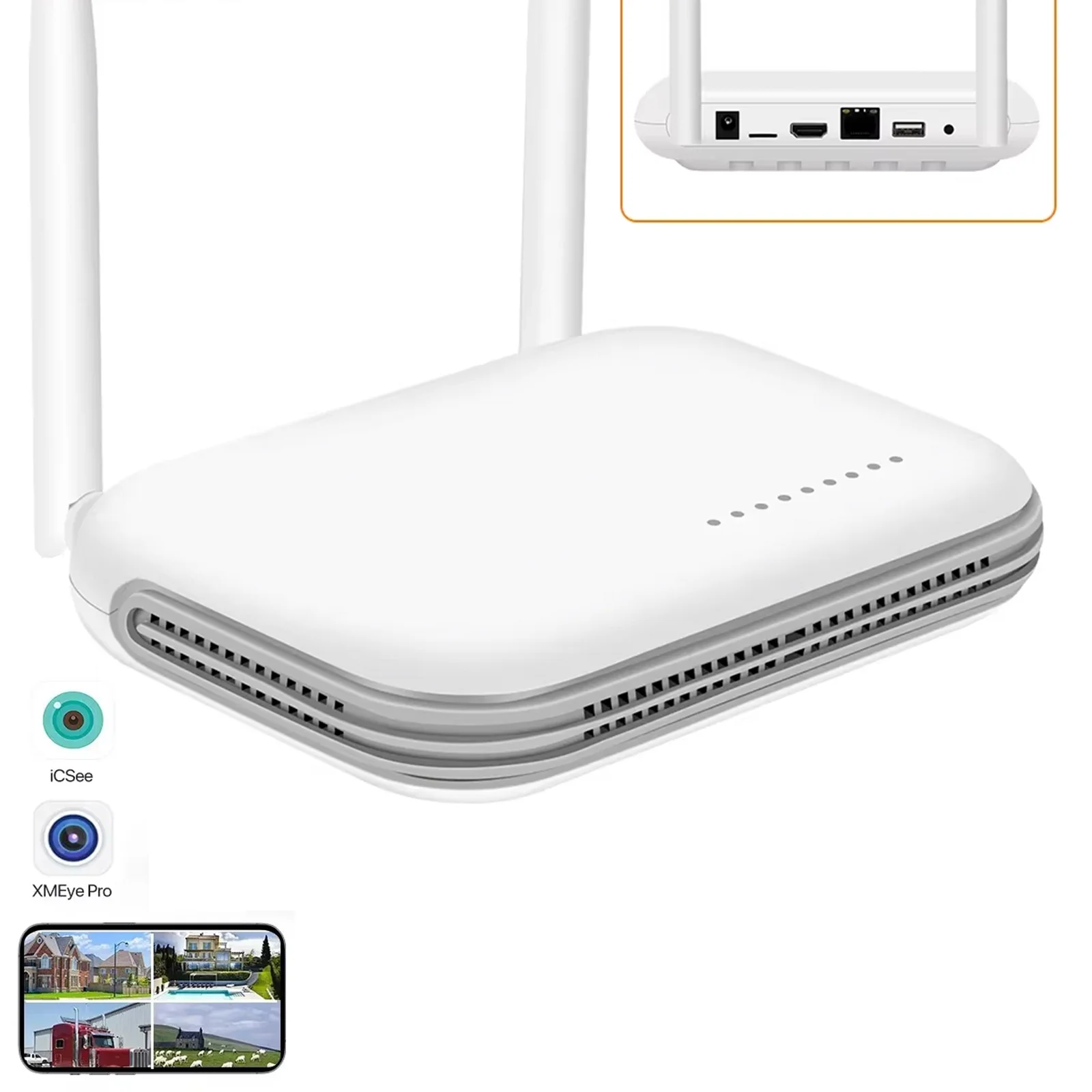
DVRs, especially budget models, often use outdated protocols that complicate cloud access setup. However, modern hybrid DVRs (HDVR) can already work with IP cameras and have built-in modules for connecting to cloud services. Therefore, when choosing a video surveillance system, pay attention to the presence of a "Cloud" function in the device specifications.
Processing speed and network bandwidth.
For NVR, the quality of the local network is critical since all cameras transmit data through a switch. DVR is less demanding on the network, but its capabilities for cloud video storage are limited by the number of channels and resolution. If you are planning a system with 8+ cameras at 4K resolution, an NVR will be the only correct solution.
Choosing NVR or DVR: Practical Recommendations
To make the right choice between NVR and DVR, first determine your priorities. If you need a simple system with 2-4 cameras for a summer house or small office, a modern DVR with cloud support will be quite sufficient. It is cheaper, easier to set up, and does not require complex network knowledge.
For large facilities (warehouses, stores, apartment buildings), you should definitely choose an NVR. It allows you to build distributed systems, add cameras gradually, and use advanced analytics. Additionally, NVR scales better in the cloud: you can easily increase storage capacity without replacing equipment.
Key Parameters for Comparison:
- Number of channels and supported resolution.
- Built-in PoE (Power over Ethernet) support for NVR.
- Support for cloud services (Hik-Connect, Dahua Cloud, Uniview Cloud).
- Compression type (H.265+ significantly saves cloud space).
- Ability to work with analytics (face detection, abandoned object detection).
Video Archive Security in Cloud Systems
Video archive security is a critical factor when choosing any system. Cloud video storage uses data encryption during transmission (AES-256) and storage on the server. However, the level of security also depends on the recorder itself. NVRs typically have more reliable protection against hacking, as they run on Linux or closed operating systems with regular updates.
DVRs can be more vulnerable, especially older models with open ports. When choosing a cloud video recorder, pay attention to the availability of two-factor authentication and the ability to configure separate user access rights. ComfortShop experts recommend choosing models that support automatic firmware updates via the cloud.
Don't forget about redundancy: cloud + local disk.
The best strategy is combined storage: the main archive on the recorder's hard drive and automatic duplication of important events to the cloud. This ensures video archive security even if the internet channel fails.
Conclusion:
The choice between NVR and DVR for cloud video storage depends on the system scale, budget, and quality requirements. For small facilities with analog cameras, a modern DVR with cloud support is suitable, while for professional systems with IP cameras and advanced analytics, an NVR is the optimal solution. When choosing a cloud video recorder, pay attention to support for modern security protocols and scalability. According to the recommendation of the ComfortShop editorial team, the best approach is a hybrid system with a local archive and cloud backup, which guarantees video archive security under any conditions.
Frequently Asked Questions
How does NVR differ from DVR for cloud video storage?
An NVR (Network Video Recorder) works with IP cameras and transmits a digital signal, simplifying cloud integration, while a DVR (Digital Video Recorder) processes an analog signal from coaxial cameras and requires additional encoding for cloud access.
Can an old DVR be used with cloud storage?
Yes, but only if your DVR supports network connectivity and P2P or RTSP protocols; otherwise, you will need to purchase a cloud gateway for signal conversion.
How much cloud storage is needed for a video surveillance system?
For one camera with 1080p resolution during continuous recording, approximately 10-15 GB per day is needed, so for 4 cameras for a month, you will need from 1.2 to 1.8 TB, but using motion detection reduces the volume by 3-5 times.
Is cloud video archive storage safe from hacking?
Modern cloud services use end-to-end AES-256 encryption and two-factor authentication, making hacking unlikely, but it is important to choose trusted providers with servers in the EU or USA.