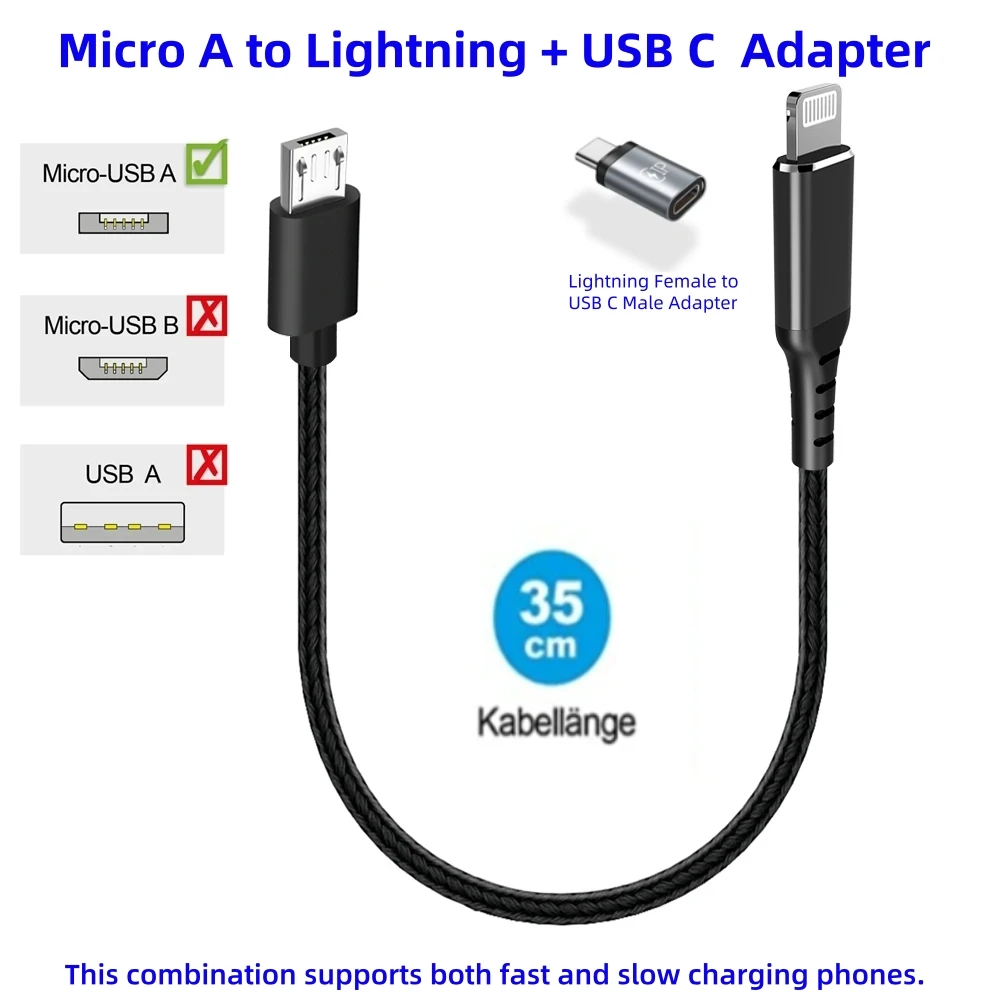
An OTG cable is not just a simple charging adapter. It is a powerful tool that expands the functionality of your smartphone or tablet to the level of a compact computer. Many users don't even realize how wide a range of tasks can be solved with this small accessory. From connecting external drives to controlling peripherals, OTG unlocks the hidden capabilities of Android devices. In this article, we will look at the most interesting and useful life hacks that will change your perception of using a regular cable.
? Also recommended
View product on AliExpress →? Table of Contents
Charging other devices from your smartphone
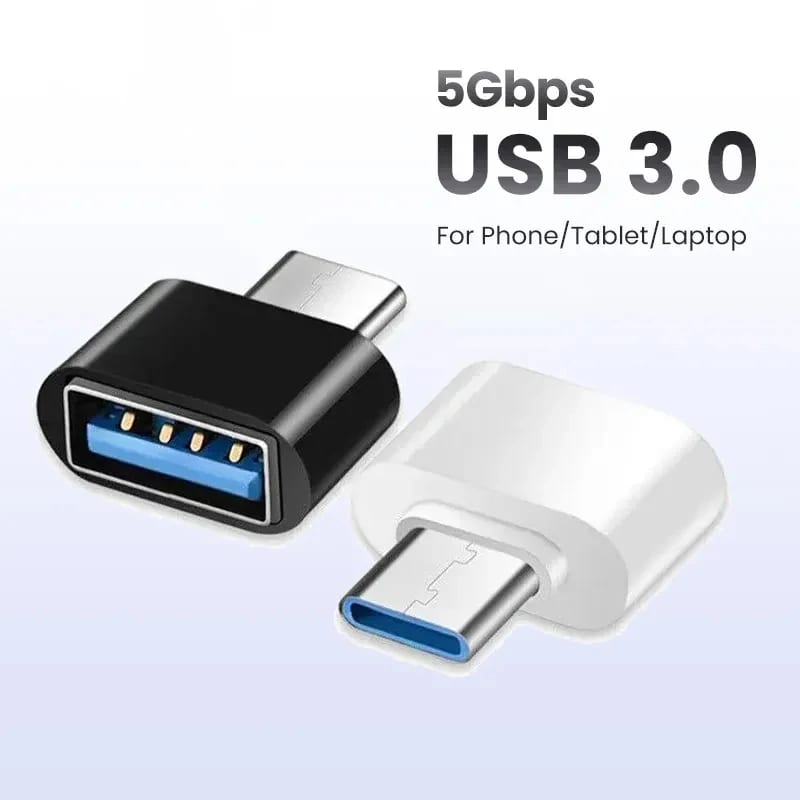
One of the most unexpected ways to use an OTG cable is to turn your smartphone into a portable power bank. If one device runs out of charge and another still has enough energy, you can easily recharge the first one using the second.
This is especially relevant for cables with a specific configuration, such as the E-Bike Use USB Micro A to Type-C USB C Charge Cable for Bosch E-Bike Display. Its specification "Charge Direction from Display to Smartphone" is ideal for such manipulations. Imagine a scenario: you are on a trip, and your power bank is dead. But your smartphone still has 70% charge, while your wireless charging headphones are critically low. Connect them via OTG, and your phone becomes a lifesaver.
It is important to remember that this feature is not supported by all smartphone models and requires a certain power output. However, for emergency situations, this life hack is indispensable.
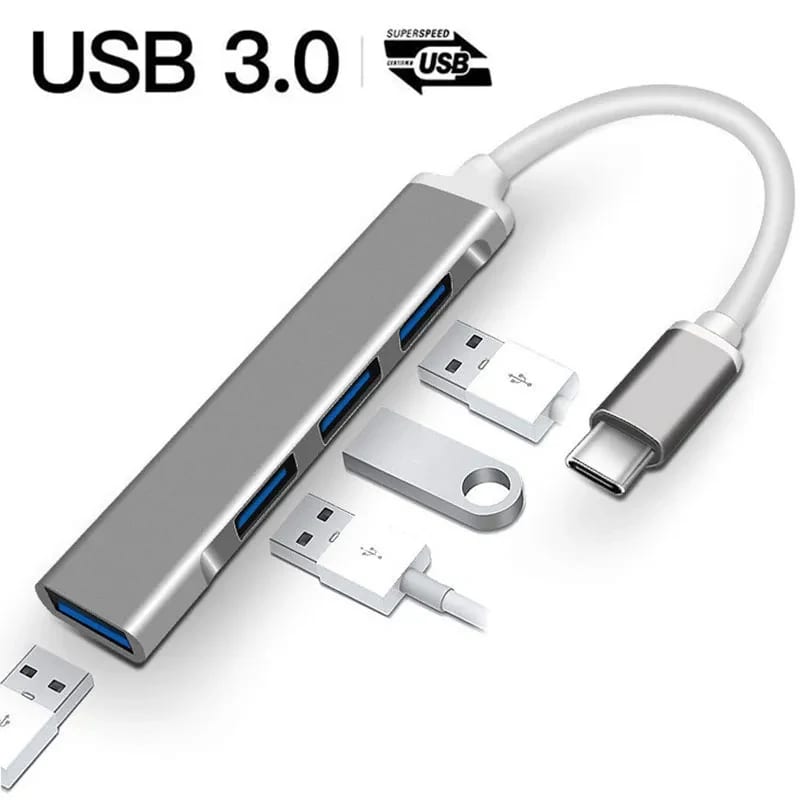
Connecting peripherals: mice, keyboards, and gamepads
Forget about inconvenient touch input when you need to work with large texts or spreadsheets. Using an OTG cable, you can connect a regular USB mouse and keyboard to your smartphone. This instantly turns your device into a compact workstation.
Turning your smartphone into a gaming console.
For gamers, this feature is a real revelation. Connect a PlayStation or Xbox gamepad via OTG, and mobile games will reach a whole new level of comfort. Control becomes precise, and the process becomes much more engaging. Most modern Android games automatically recognize connected controllers.
Additionally, this capability is useful for presentations. A connected wireless mouse allows you to freely switch slides from anywhere in the room, making your presentation professional and dynamic.
Working with external storage media
One of the most popular use cases for OTG is connecting flash drives, external hard drives, or memory cards via a card reader. This is an ideal way to free up your phone's internal memory, transfer large files between devices without intermediaries like cloud storage or a PC.
You can directly view photos and videos from a camera, copy documents from a colleague's flash drive, or create a mobile media library on a portable HDD. To work with the file system, you will need a file manager like ES File Explorer or Total Commander that supports external storage.
This life hack is indispensable for photographers, videographers, and anyone who works with large amounts of data in the field. Instead of carrying a laptop, it's enough to have a compact adapter and a flash drive.
Using audio equipment and musical instruments
The quality of the built-in DAC (digital-to-analog converter) in smartphones often leaves much to be desired. An OTG cable allows you to connect an external sound card or USB DAC, which will significantly improve sound quality through headphones or speakers. This is a real find for audiophiles.
Smartphone as a portable recording studio.
Using a special adapter and an OTG cable, you can connect a USB microphone or even an entire mixing console to your phone. This opens up possibilities for recording high-quality podcasts, interviews, or musical ideas directly on a mobile device. Moreover, some musicians connect MIDI controllers (e.g., keyboards) via OTG to create music in specialized apps.
Controlling home appliances and specialized devices
The scope of OTG application extends far beyond entertainment and office work. For example, you can connect a USB-supported printer to your smartphone and print a document or photo directly from your phone. This is very convenient when there is no computer nearby.
Special attention deserves the use of specialized cables, such as the charging cable for the Bosch e-bike display. Its main function is to charge the smartphone from the bike's display, which is an excellent life hack for cycling tourists. However, understanding the principle of OTG operation, you can experiment (with caution) with the direction of energy transfer or connecting other USB devices to the display, if its firmware allows it.
Also, via OTG, you can connect some digital cameras for direct streaming or control, and on older devices, even 3G modems for internet access.
Diagnostics and data recovery
An OTG cable can be a lifesaving tool in emergency situations. If your primary phone is broken but its storage is functional, you can connect it via OTG to another Android device as an external drive and try to extract important data.
Furthermore, some technicians use OTG connections to diagnose other devices. For example, by connecting a UART cable or serial port via a special adapter, you can read logs from other electronics. This is an advanced level that demonstrates the true power of the technology.
For the average user, the following might be useful: if you forgot the password for an old flash drive, connect it via OTG to your phone. Sometimes, file managers on Android allow you to bypass the simple security systems present on some drives.
Conclusion:
As you can see, an OTG cable is the key to the hidden capabilities of your smartphone, turning it into a universal hub for connecting virtually any peripheral. From emergency gadget charging to creating a mobile workstation or gaming station, the range of applications is limited only by your imagination and device support. Even specialized cables, such as the model for Bosch e-bikes, open up space for useful life hacks. Be sure to get a quality OTG adapter and experiment, discovering new horizons of mobile technology for yourself.