
Multi-Port USB-C Hub: An Unusual Gadget That Will Transform Your Workspace
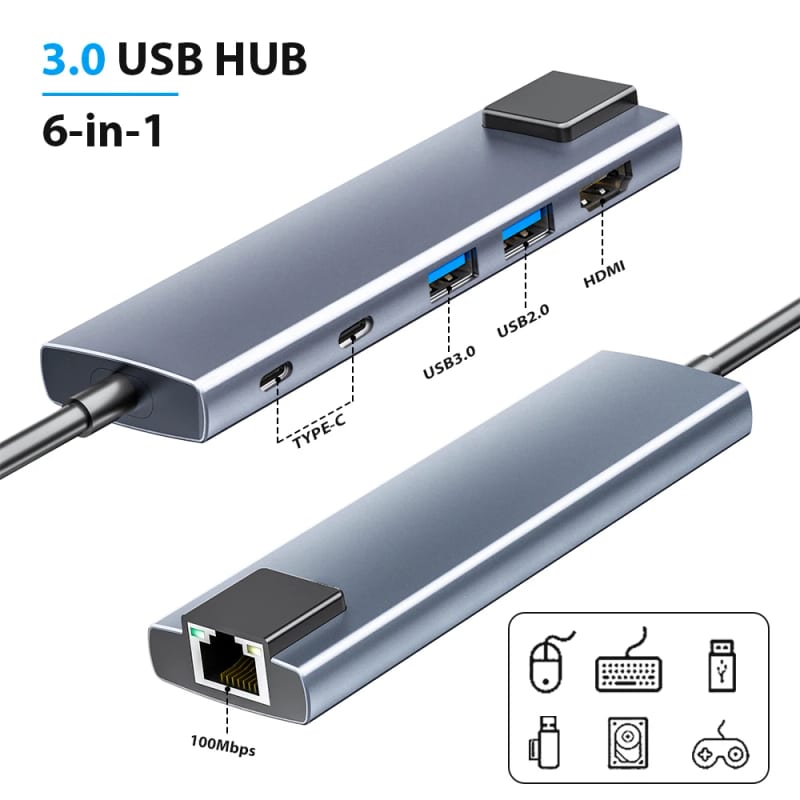
In the world of modern technology, where thinness and minimalism often conflict with functionality, USB gadgets come to the rescue. One of the most useful and truly indispensable devices is the multi-port USB-C hub, also known as a docking station. This compact yet powerful gadget for home and office embodies the idea of "less is more," transforming a single universal port into a whole arsenal of possibilities. If you are looking for practical and unusual gadgets that solve several problems at once, take a close look at this small device.
What is a USB-C Docking Station and Why Do You Need It?
Modern laptops, especially ultrabooks, are becoming thinner and lighter. This is great for mobility, but it is often achieved by drastically reducing the number of ports. Only one or two USB-C ports remain, handling charging, data transfer, and monitor connection simultaneously. This is where the chaos with adapters begins. Mini gadgets, like a multi-port hub, become a real lifesaver.
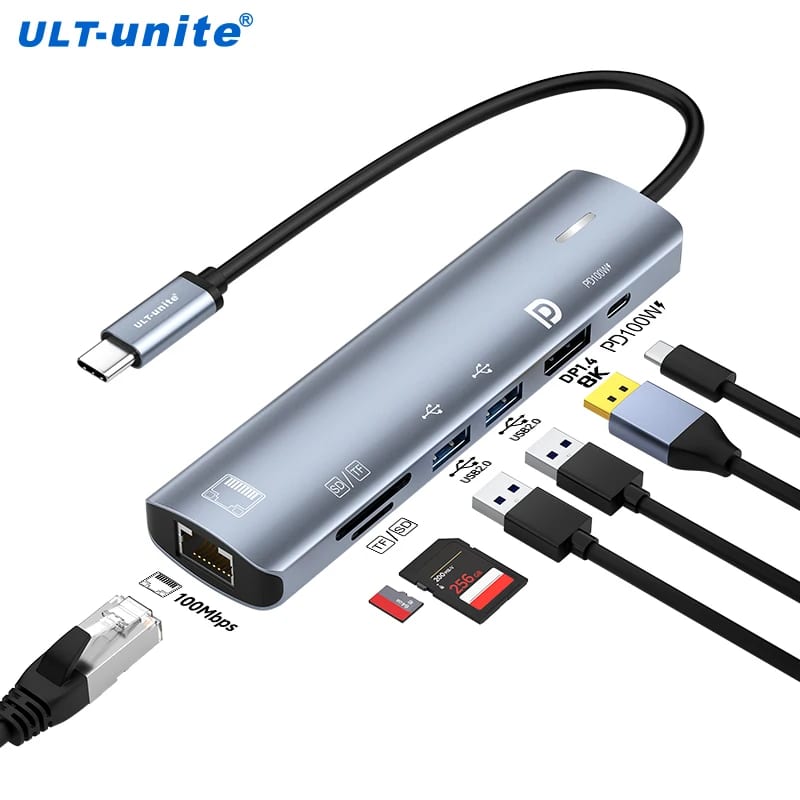
Essentially, it is a compact device that connects to your laptop via a single USB-C port (often with Thunderbolt support) and immediately provides you with a whole set of connectors. A typical set may include:
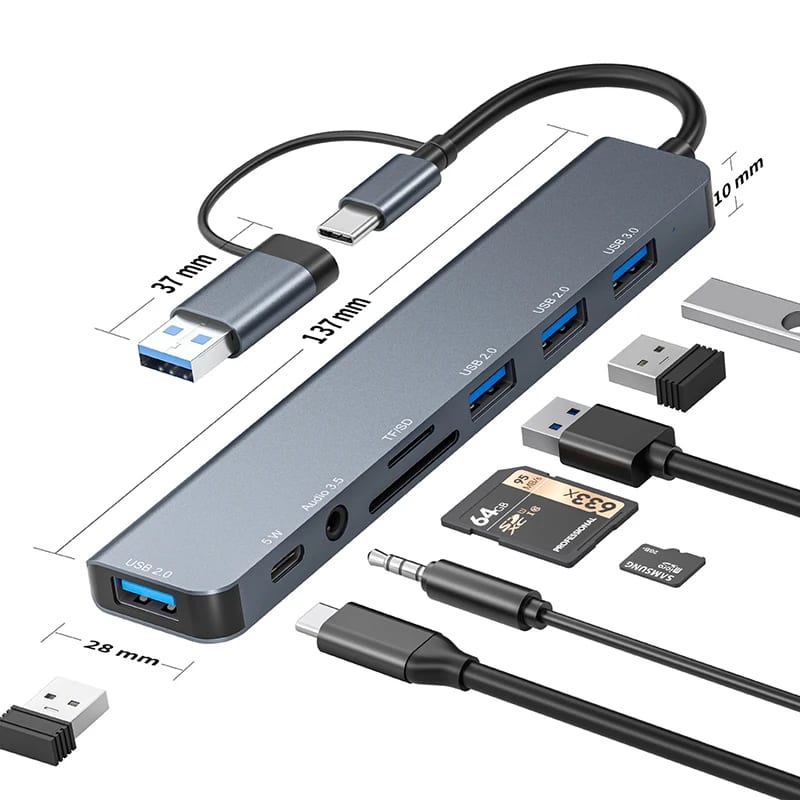
- USB-A ports (standard USB 3.0/3.1): for connecting a keyboard, mouse, flash drives, and external hard drives.
- HDMI or VGA output: for connecting an external monitor, projector, or TV.
- SD/MicroSD card reader slot: indispensable for photographers and videographers.
- Ethernet port (RJ-45): for a stable and fast wired internet connection, important for online conferences and gaming.
- USB-C port for pass-through charging: allows you to connect the laptop charger through the hub, charging the laptop itself and freeing up its second port.
- 3.5mm audio jack: for headphones or speakers.
One gadget transforms a minimalist laptop into a full-fledged workstation.
Thus, one gadget for home turns your minimalist laptop into a complete workstation.
Who Especially Needs This Unusual Gadget?
Many users will appreciate the benefits of a multi-port hub. It is one of those USB gadgets that becomes essential after the first use.
- Freelancers and remote workers: Comfortable work from home requires a large monitor, keyboard, mouse, and stable internet. A docking station allows you to connect all of this with one motion and, when necessary, just as quickly disconnect the laptop for work elsewhere.
- Students: Easily connect to a projector in the classroom, transfer a presentation from a memory card, or connect all necessary devices in the library.
- Photographers and designers: Fast reading of memory cards, connecting a monitor calibrator or external data storage — all through one device.
- Gamers: An Ethernet port ensures minimal ping, and additional USB ports allow connecting all necessary peripherals.
- Owners of modern MacBooks or thin Windows laptops: This is almost a must-have accessory that restores the functionality the manufacturer omitted.
What to Look for When Choosing a Hub?
To ensure this mini gadget becomes a true helper rather than a source of problems, several key parameters should be considered when choosing.
1. Port selection. Clearly define which devices you plan to connect simultaneously. Need two monitors? Look for a hub with two HDMI or DisplayPort outputs. Work a lot with photos? A card reader is essential. Need a stable network? Choose a model with Gigabit Ethernet.
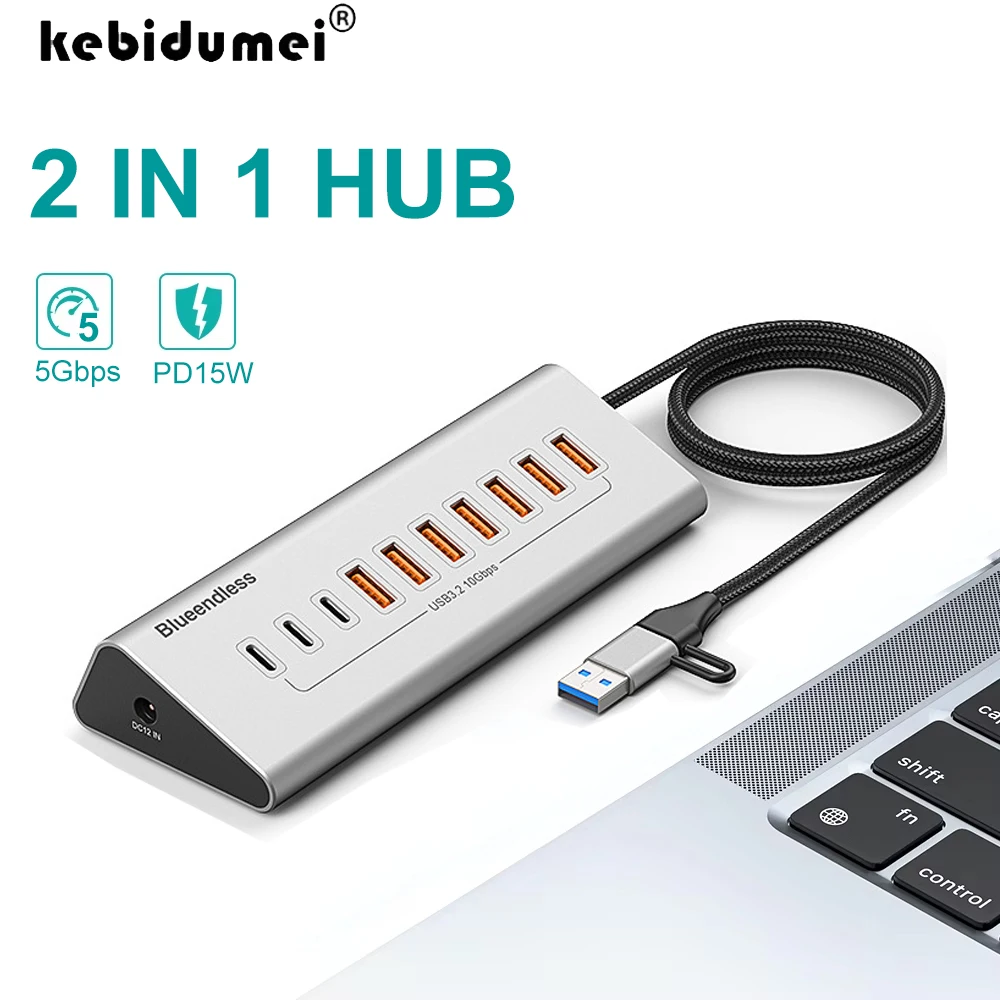
2. Standards and speeds. Pay attention to the USB generation. USB 3.2 Gen 1 (5 Gbps) is sufficient for most tasks, but for fast SSDs, USB 3.2 Gen 2 (10 Gbps) is better. Support for the Thunderbolt 3 or 4 protocol opens up even greater bandwidth and the ability to connect powerful stations.
3. Charging power (Pass-through Charging). This function allows you to charge the laptop through the hub itself. It is important that the hub supports power sufficient for your laptop (e.g., 60W, 85W, 100W). Otherwise, the laptop may charge slowly or discharge during intensive work.
4. Design and cooling. Compact gadgets for home often get hot. Good models have an aluminum casing that dissipates heat, or even active cooling (a small fan). This prevents overheating and a drop in device performance.
The choice between mobility and stationarity determines the ideal model.

5. Mobility vs. stationarity. If you need to carry the hub with you, choose a lightweight and compact model. For permanent desk work, a larger station with additional ports and an angled design will suffice.
How Does a Multi-Port Hub Become a Central Gadget for Home?
This device goes beyond being just a laptop accessory. It can become the heart of your home digital ecosystem — a true gadget for home. Imagine this scenario: you return from work, place your laptop on the desk, and connect it to the hub with one motion. Instantly, the large monitor activates, the network connects via cable (faster than Wi-Fi), along with the keyboard, mouse, and speakers. Your laptop starts charging at the same time.
The hub brings order and efficiency to everyday life.
And when the workday is over, you can connect, for example, a smartphone for quick file transfer or an external hard drive for watching movies on the TV to the same hub. This keeps your workspace tidy, eliminates the tangle of wires, and the constant switching of devices. Such unusual gadgets bring order and efficiency to everyday life.
Conclusion:
A multi-port USB-C hub is not just another mini gadget. It is a strategic upgrade to your workspace that significantly boosts productivity and saves you headaches. It eliminates the main pain point for modern tech users — the lack of ports. It is one of those devices you start thinking, "How did I ever manage without it?"
By choosing a quality docking station, you invest in comfort, organization, and future technological compatibility. It will become a reliable bridge between your powerful yet minimalist laptop and the multi-stream world of peripherals, turning any location into a full-fledged and ergonomic workstation. In the ComfortShop catalog, you will find a variety of models of such hubs — from compact travel versions to powerful stationary stations — to choose the ideal gadget for home and work tailored to your needs.