

The modern desktop is increasingly turning into a real battlefield of wires. Charging cables for your smartphone, headphones, smartwatch, and tablet get tangled under your hands, take up space, and create visual clutter. That's why a wireless charging station for your desk has become one of the most sought-after accessories for organizing your workspace. Following a recommendation from the ComfortShop editorial team, we decided to conduct an honest review of a charging station to find out if it can truly replace traditional chargers and whether it's worth the money.
? Table of Contents
- What is a wireless charging station for a desk and how does it work
- Design and ergonomics: how the station fits into the workspace
- Charging performance: speed, power, and compatibility
- Safety and additional features: what to look for
- Advantages and disadvantages in real-world use
- Comparison with other types of charging devices
- Conclusion:
What is a wireless charging station for a desk and how does it work
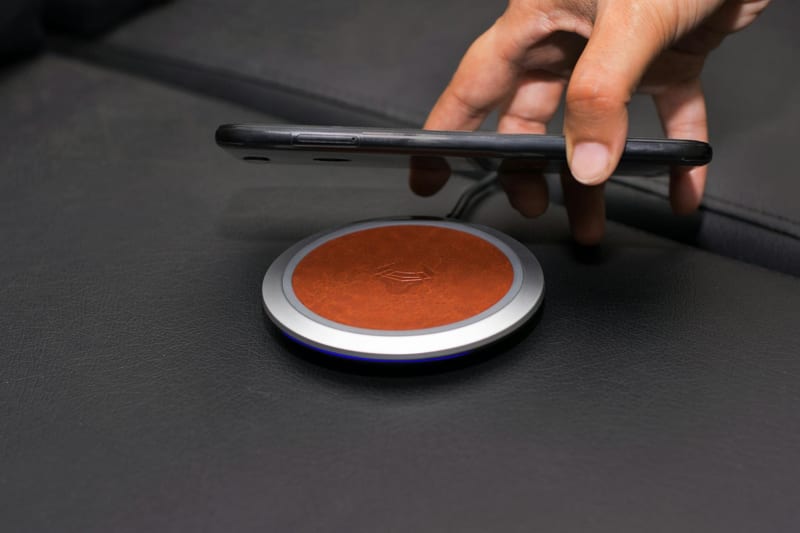
A wireless charging station is a multifunctional device that allows you to charge several gadgets simultaneously without using wires. Its operation is based on electromagnetic induction technology, which transfers energy from a coil in the station to a coil in the device. Modern models support the Qi standard, ensuring compatibility with most smartphones, headphones, and other gadgets.
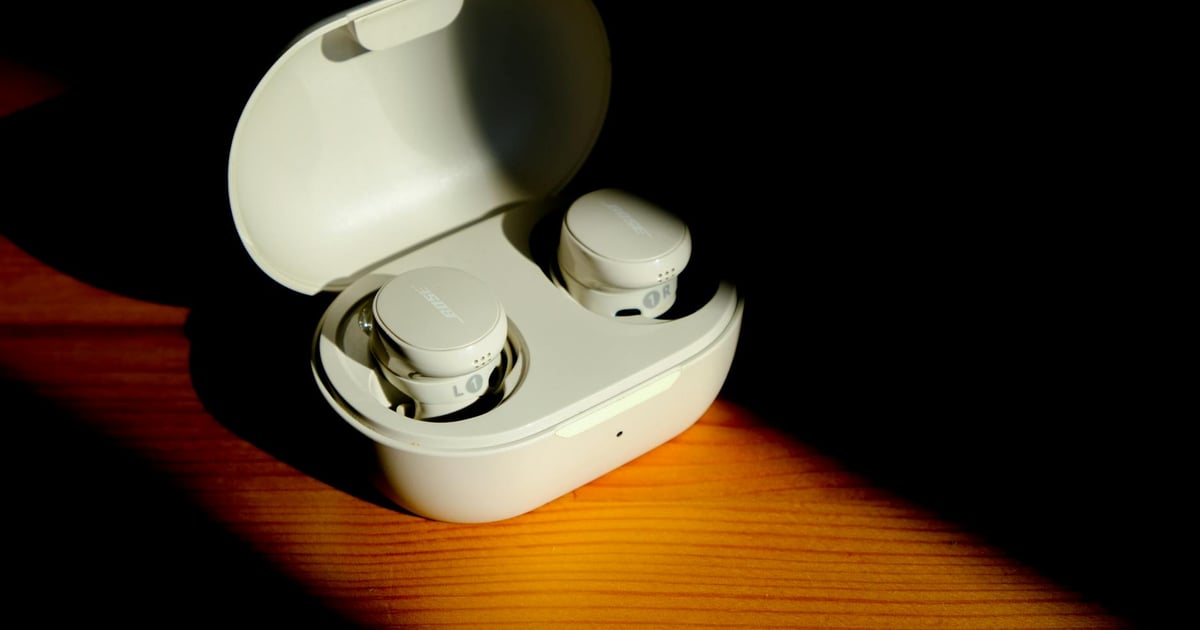
Such a station usually has several charging zones: a main one for the phone, a separate one for headphones, and, in some models, for a smartwatch. Some devices are also equipped with additional USB ports for wired connections, making them a universal solution for any tech. ComfortShop experts advise paying attention to the charging power — for quickly replenishing a smartphone's energy, it is desirable to have a station supporting 15 W or more.
Design and ergonomics: how the station fits into the workspace
The first thing that catches your eye when getting acquainted with a wireless charging station for a desk is its appearance. Most models are made in a minimalist style using matte plastic or aluminum, allowing them to blend organically into any interior. Importantly, the station doesn't take up much space — it is usually compact, with dimensions no larger than a smartphone.

Ergonomics also play a key role. Some models have a tilted stand, allowing you to use your phone during charging for video calls or watching content. Others are made as a horizontal platform, convenient for placing any device. ComfortShop reviewers note that the presence of rubberized inserts prevents gadgets from slipping and protects them from scratches.
Charging performance: speed, power, and compatibility
One of the most important criteria in an honest review of a charging station is its performance. Modern models can provide up to 15 W of power on the main zone, allowing for fast charging of flagship smartphones. However, it's worth remembering that the actual speed depends on the support of fast charging technology by both the station and the device itself.
Compatibility is another important aspect. The Qi standard is supported by most modern gadgets, including iPhone, Samsung Galaxy, Google Pixel, and many headphone models. For owners of older devices or accessories without wireless charging support, some stations offer additional USB ports. This makes them a universal solution for any tech.


Is wireless charging for gadgets really as convenient as it seems?
In practice, a wireless charging station for a desk significantly simplifies the charging process. You no longer need to search for a cable or insert a connector — just place the device on the station. However, it's worth considering that for maximum efficiency, the phone must be positioned exactly in the charging zone; otherwise, the process may slow down or not start at all.
Safety and additional features: what to look for
Safety of use is one of the key factors when choosing any electronic device. A quality wireless charging station for a desk should be equipped with protection against overheating, overvoltage, and short circuits. Many models also have a foreign object detection function, which prevents heating of metal objects accidentally placed on the station.
Additional features may include built-in lighting, which helps you navigate in the dark, or indicators showing the charging status of each device. Some stations have an automatic shut-off function after full charging, which extends the battery life of gadgets. This is especially important for those who leave devices charging overnight.
Advantages and disadvantages in real-world use
After conducting an honest review of the charging station, several obvious advantages can be highlighted. First, it significantly reduces the number of wires on the desk, making the workspace tidier. Second, ease of use — you don't need to plug in a cable every time; just place the gadget. Third, versatility, as one station can charge multiple devices simultaneously.
However, there are also disadvantages. Wireless charging for gadgets is usually slower than wired charging, especially if the station has low power. Additionally, some models may heat up during operation, raising safety concerns. It's also worth considering that thick phone cases can interfere with efficient energy transfer, so they may need to be removed.
Comparison with other types of charging devices
There are several alternatives to wireless stations on the market. Traditional wired chargers remain the fastest and cheapest option, but they create clutter on the desk. Multi-port USB hubs can also solve the problem, but they still require connecting cables to each device.
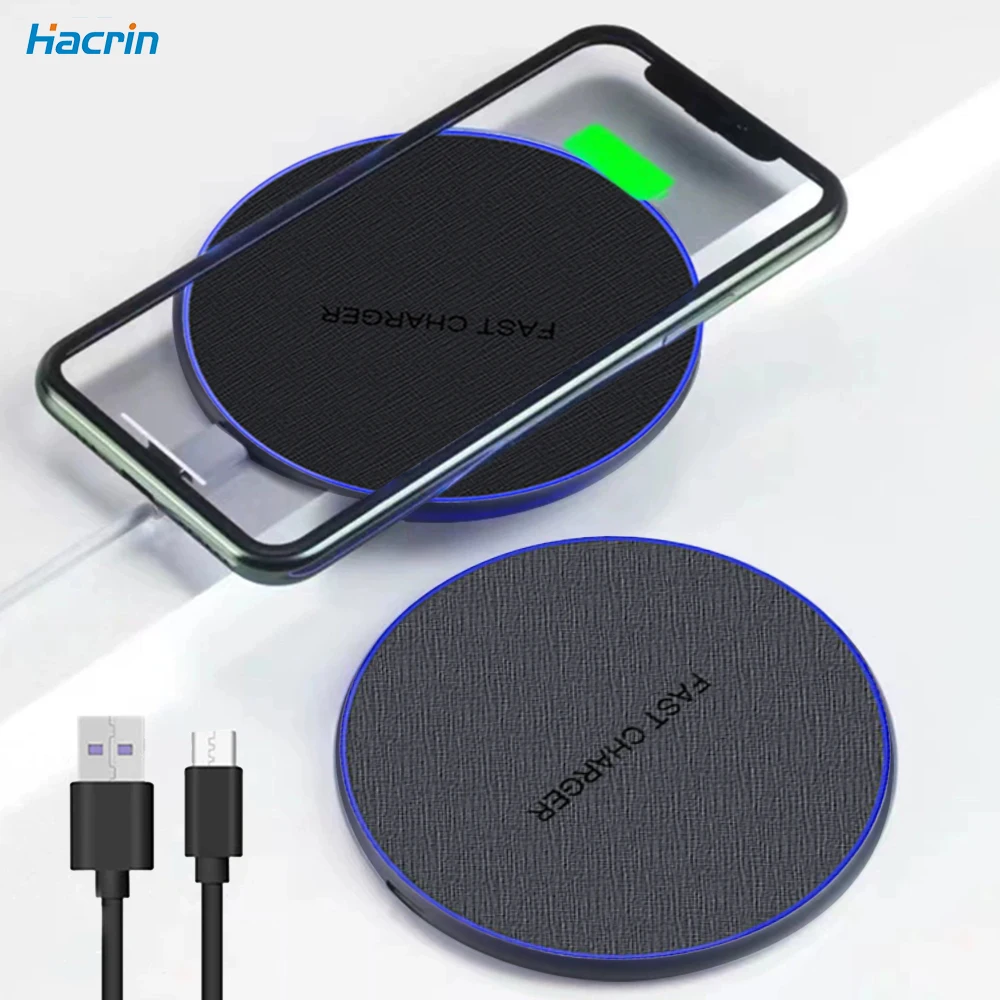
A wireless charging station for a desk wins in ergonomics and aesthetics but loses in speed. For those who value order and convenience, it will be an ideal solution. If maximum charging speed is important to you, it's worth considering hybrid models that combine wireless and wired charging. A review of modern gadgets shows that stations supporting fast wireless charging can be a compromise option.
Conclusion:
A wireless charging station for a desk is not just a trendy accessory, but a practical tool for organizing your workspace. It allows you to get rid of cable chaos, charge multiple devices simultaneously, and makes the charging process as convenient as possible. As ComfortShop reviewers note, choosing a quality model with sufficient power and protection is the key to long-lasting and safe operation. If you strive for minimalism and comfort, such a station will be an excellent addition to your desk.
Frequently Asked Questions
Is a wireless charging station for a desk suitable for simultaneously charging a phone, headphones, and a watch?
Yes, most modern models support simultaneous charging of three devices, but it's important to check the compatibility of your gadgets with the Qi standard and the power of each port.
How fast does a phone charge on such a station compared to a regular power adapter?
Wireless charging speed is usually lower — up to 15 W, while wired adapters can provide 20-30 W, so for an urgent charge top-up, it's better to use a cable.
Is it safe to leave a wireless charging station on the desk turned on overnight?
Yes, it is safe, as stations have automatic shut-off after a full charge and protection against overheating, but it's better to choose models with Qi certification.
Does a thick phone case affect the efficiency of wireless charging?
Yes, cases thicker than 5 mm or with metal inserts can block energy transfer, so for stable operation, it is recommended to remove them or use compatible accessories.