Choosing a tool for daily work is always a compromise between comfort, functionality, and budget. For a programmer, such a tool is the keyboard, as typing speed and fatigue levels at the end of the workday depend on it. In recent years, mechanical models have become a true standard in the development world, and this is not just a tribute to fashion. Following the recommendation of the ComfortShop editorial team, today we will conduct an honest review of a mechanical keyboard for programmers that claims to be the optimal solution for daily coding.
? Table of Contents
Why Mechanical, Not Membrane: The Physiology of Code Typing
Most office keyboards use membrane technology, where a rubber dome-shaped film is located under each key. For fast text typing, this is acceptable, but for coding, where every keystroke must be precise, the membrane often falls short. The issue is that to register a keystroke on a membrane keyboard, you need to press the key all the way down, which creates additional strain on the finger joints.
In a mechanical keyboard, each key has an independent switch with a spring. This provides a clear tactile response and actuation at about half the key travel. For a programmer, this means the ability to type code faster and with less effort, as you don't need to press the key all the way down. Additionally, mechanical keyboards are significantly more durable — they are rated for 50-100 million keystrokes, while membrane keyboards rarely withstand more than 5-10 million.
Which type of switch to choose for coding.
Choosing switches is a key point when buying a mechanical keyboard for a programmer. There are three main types: Linear, Tactile, and Clicky. Linear switches, like Cherry MX Red, have a smooth travel without a noticeable actuation point — they are ideal for gaming, but for coding, they can lead to accidental keystrokes. Tactile switches (Cherry MX Brown or Gateron Brown) have a small "bump" in the middle of the travel that signals actuation — this is the optimal choice for a programmer who values a balance between speed and accuracy. Clicky switches (Cherry MX Blue) add a loud click to the tactile response — they are great for typing but can annoy colleagues in an open office.
Comfort During Long-Term Work: Ergonomics and Layout
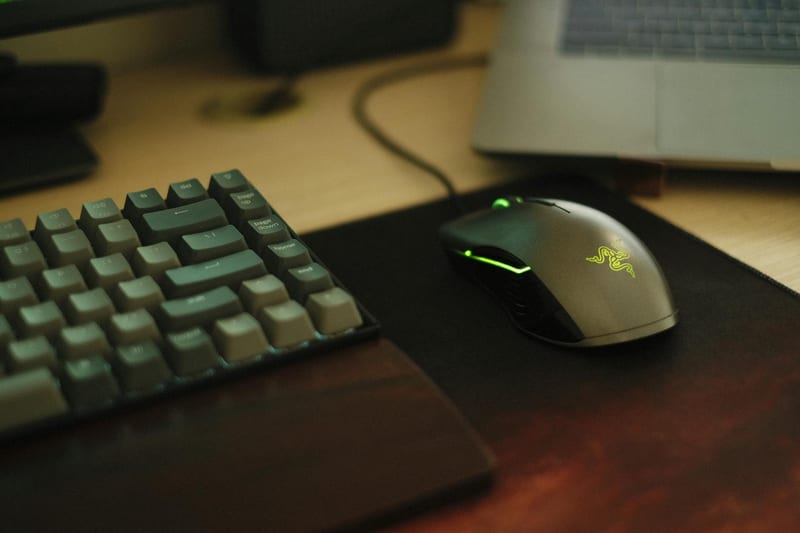
A keyboard for computer work should be not only functional but also ergonomic. Programmers spend 8-12 hours a day at the keyboard, so incorrect hand positioning can lead to carpal tunnel syndrome or wrist pain. The first thing to pay attention to is the presence of a wrist rest. Many modern mechanical keyboards have detachable magnetic wrist rests that lock at an angle, ensuring a natural hand position.

The second important aspect is the key layout. For coding, a full-size keyboard with a separate numeric keypad is best if you frequently work with numbers. However, many developers choose the Tenkeyless (TKL) format without a numeric keypad to free up space for the mouse and reduce the distance between the shoulders. It is also worth paying attention to modifier keys: Ctrl, Alt, Shift — they should be standard size so you don't have to adapt to a new ergonomic layout.
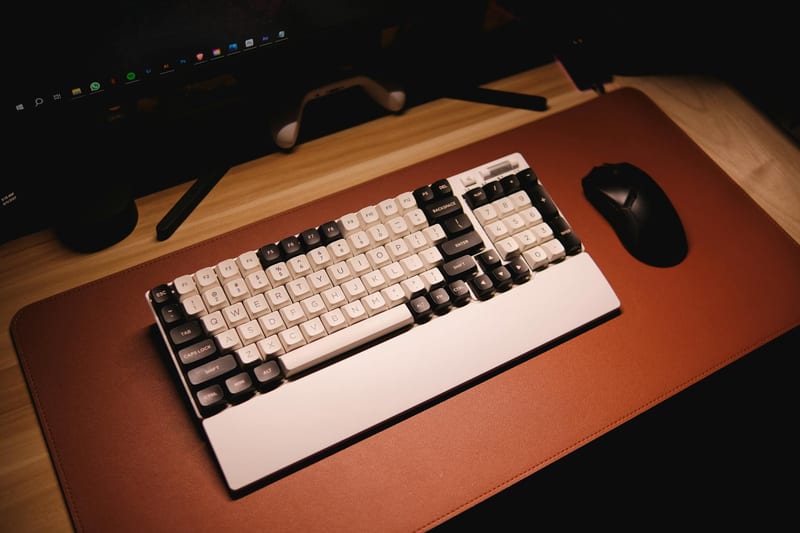
Is it worth choosing a mechanical keyboard with hot-swap support.
Hot-swap technology allows you to change switches without soldering. This is a huge plus for a programmer who wants to experiment with different types of feedback. For example, you can install tactile switches on the main letters and linear switches on the arrow keys or Enter. This makes the keyboard a versatile tool that can be customized to individual preferences.
Connectivity and Compatibility: Wired vs. Wireless Options
For a programmer, connection stability is critical. No delay or signal loss is acceptable while writing code, especially if you work with remote servers via SSH. A wired connection via USB-C guarantees minimal latency and no interference. Additionally, a wired keyboard does not require charging, eliminating the situation where the battery dies at the most crucial moment.
However, wireless models with Bluetooth 5.0 technology or a proprietary radio channel (2.4 GHz) can also be reliable. As ComfortShop reviewers note, modern wireless mechanical keyboards have latency imperceptible to the human eye, but they still fall short of wired ones in stability. If you frequently change workstations or work with a tablet, a wireless option may be convenient. But for a stationary workstation, a wired connection remains the best choice.
Software and Macros: Customizing to Your Needs
Modern mechanical keyboards for programmers are not just physical devices but also software tools. Most models come with proprietary software that allows you to remap keys, create macros, and customize backlighting. For a developer, this means the ability to assign frequent combinations (e.g., Ctrl+S, Ctrl+C, Ctrl+V) to individual keys or create macros to automate routine actions in the IDE.
It is important that the keyboard supports saving profiles in internal memory. This allows you to set up the keyboard once and use it on any computer without installing additional software. Also, pay attention to the availability of an open API or support for QMK/VIA — these are open-source firmwares that offer endless customization possibilities. Keyboards with QMK allow you to configure layers, levels, and combinations at the microcontroller level, which is a real gift for an enthusiast programmer.
Materials and Build Quality: Durability in Daily Use
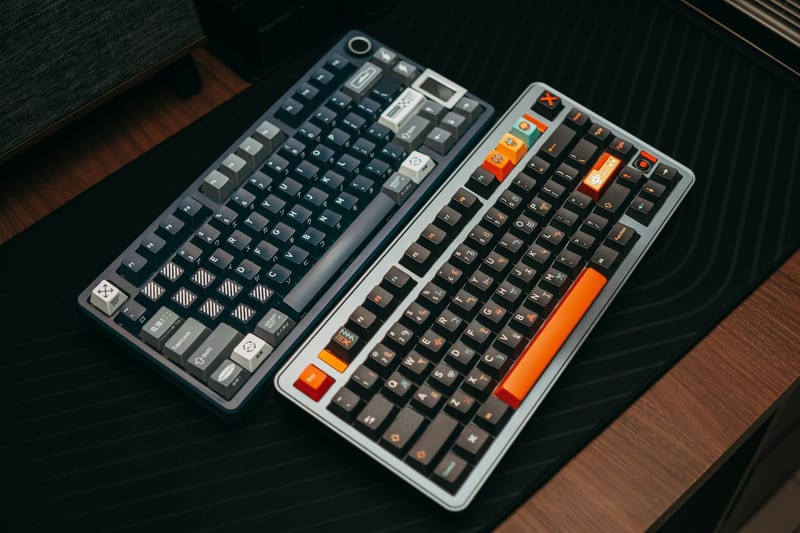
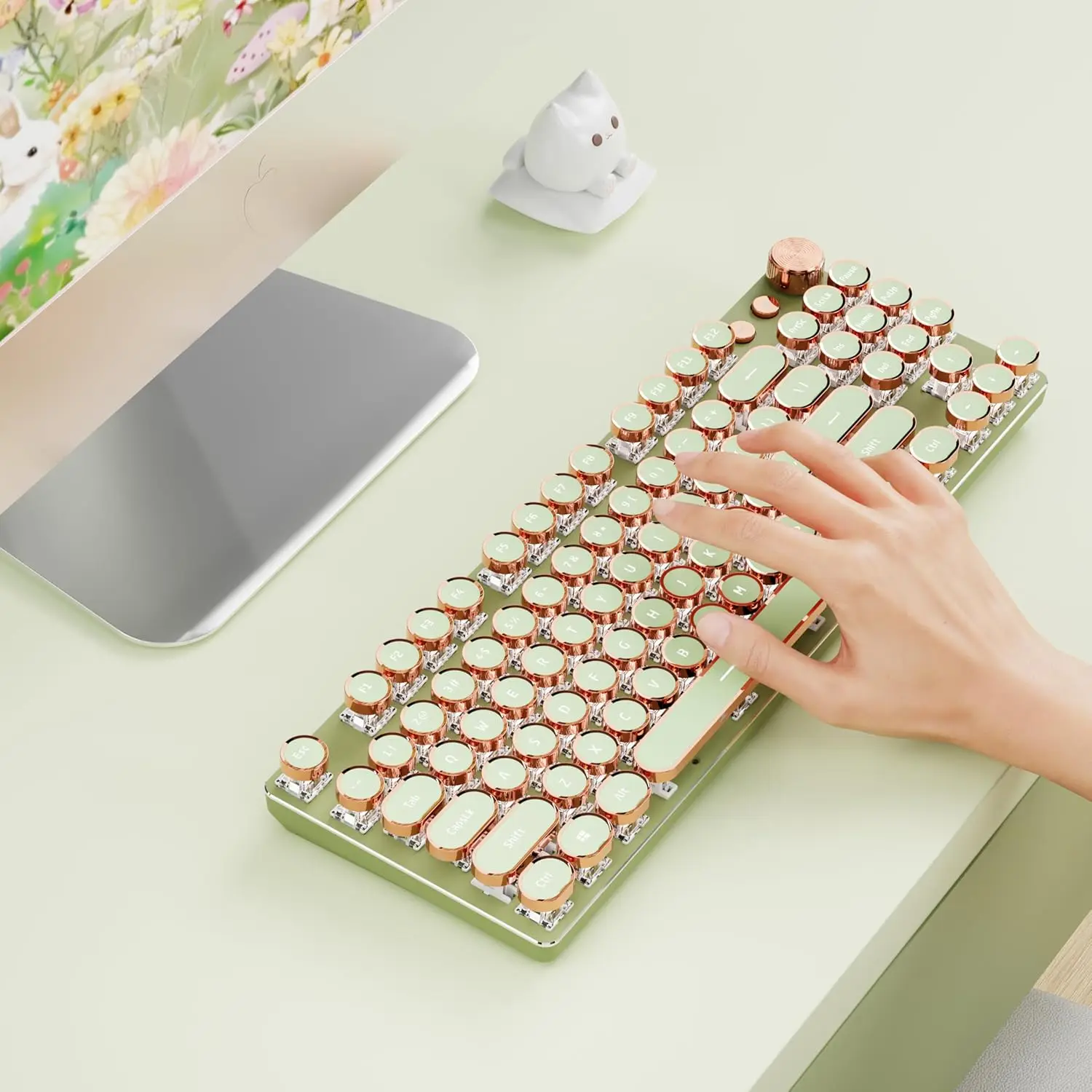
A keyboard for a programmer must withstand intensive use for several years. A case made of aluminum or anodized aluminum is significantly stronger than plastic and does not deform over time. The material of the keycaps is also important. The best choice is PBT plastic, which does not wear out or develop a greasy shine after prolonged use. Cheaper ABS plastic quickly becomes slippery and requires replacement.
The board construction is equally important. Mechanical keyboards come with or without a metal plate. A metal plate adds rigidity and clarity to the feel when pressing, but makes the keyboard heavier. For a programmer who often moves the keyboard between workstations, it is better to choose a model with an aluminum case without excessive weight. Also, pay attention to the quality of soldering and the presence of additional insulation to reduce noise — this affects overall work comfort.
Conclusion:
Choosing a mechanical keyboard for a programmer is an investment in your own health and productivity. The optimal option for coding is a model with tactile switches (Cherry MX Brown or equivalents), hot-swap support for flexibility in customization, and a case with PBT keycaps. ComfortShop experts recommend paying attention to keyboards with QMK support, which allow you to maximally adapt the device to your workflow. Don't forget about ergonomics and proper hand positioning — this will help avoid joint problems even after long coding sessions.
Frequently Asked Questions
Which switches are best for a programmer?
For long coding sessions, linear switches (e.g., Cherry MX Red or Gateron Yellow) are often recommended because they do not require additional force for tactile feedback and are less tiring for the fingers, but if you value noticeable feedback, choose tactile ones (e.g., Cherry MX Brown).
Is a mechanical keyboard mandatory for a programmer's computer work?
It is not mandatory, but it significantly increases comfort during long coding sessions thanks to clear key actuation, durability, and the ability for individual customization, making it the best keyboard for coding for many developers.
What is the difference between a mechanical and a membrane keyboard for a programmer?
A mechanical keyboard has a separate switch under each key, providing greater keystroke accuracy, a longer lifespan (up to 50-100 million keystrokes), and better tactile feedback, while a membrane keyboard is cheaper but wears out faster and is less comfortable for intensive code typing.
Is it worth buying a mechanical keyboard with hot-swap for a beginner?
Yes, this is an excellent choice for a first mechanical keyboard, as you can easily change switches without soldering to find the perfect option for yourself, and also quickly replace a broken switch.