Choosing a wireless mouse for a laptop is not just buying an accessory, but an investment in your comfort and productivity. The modern market offers dozens of models that differ in sensor type, size, connection method, and ergonomics. To avoid getting lost in this variety, it is important to clearly understand what tasks you need the device for: whether it is working with graphics, daily internet surfing, or gaming. According to the recommendation of the ComfortShop editorial team, before buying a wireless mouse for a laptop, you should determine the priority characteristics that will ensure convenience specifically for you.
? Table of Contents
Sensor Type: Optical or Laser
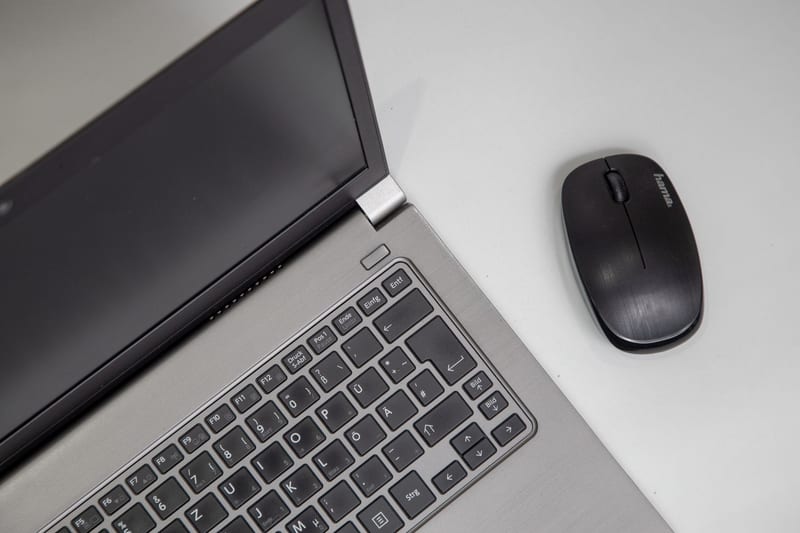
One of the main criteria affecting cursor positioning accuracy is the sensor type. Optical mice use an LED to capture surface images, making them ideal for regular mouse pads and desks. They provide stable operation without unnecessary flickering and consume less power, extending battery life.
Laser models work on any surface, including glass, polished plastic, or varnish. Their main advantage is extremely high sensitivity (DPI up to 16000 and higher), which is critical for designers and gamers. If you often work on the go or in cafes, a wireless PC mouse with a laser sensor will let you forget about the need to carry a mouse pad. However, it is worth remembering that such models are usually more expensive.
For the vast majority of users looking for a wireless laptop mouse, a review of which confirms a balance of price and quality, an optical sensor with a resolution of 1000–4000 DPI is sufficient.
Connection Type: Bluetooth vs Radio Channel
The method of connecting the mouse to the laptop directly affects ease of use. Bluetooth mice do not require an additional USB receiver, which is especially convenient for ultrabooks with a limited number of ports. They easily connect to multiple devices and allow quick switching between a laptop, tablet, and smartphone.

Radio channel mice (2.4 GHz) offer minimal signal latency, making them the better choice for gaming and working with demanding software. However, they occupy a USB port and require storing a small receiver. ComfortShop experts advise paying attention to hybrid models that support both connection types — this is a universal solution for home and travel.
Ergonomics and Size: What Matters for Comfort
The correct mouse shape is the key to your wrist's health. There are three main grip types: palm grip (large mice with a high back), claw grip (medium models), and fingertip grip (compact devices). If you plan to work 8-10 hours a day, choose a mouse that fully fills your palm to avoid fatigue.
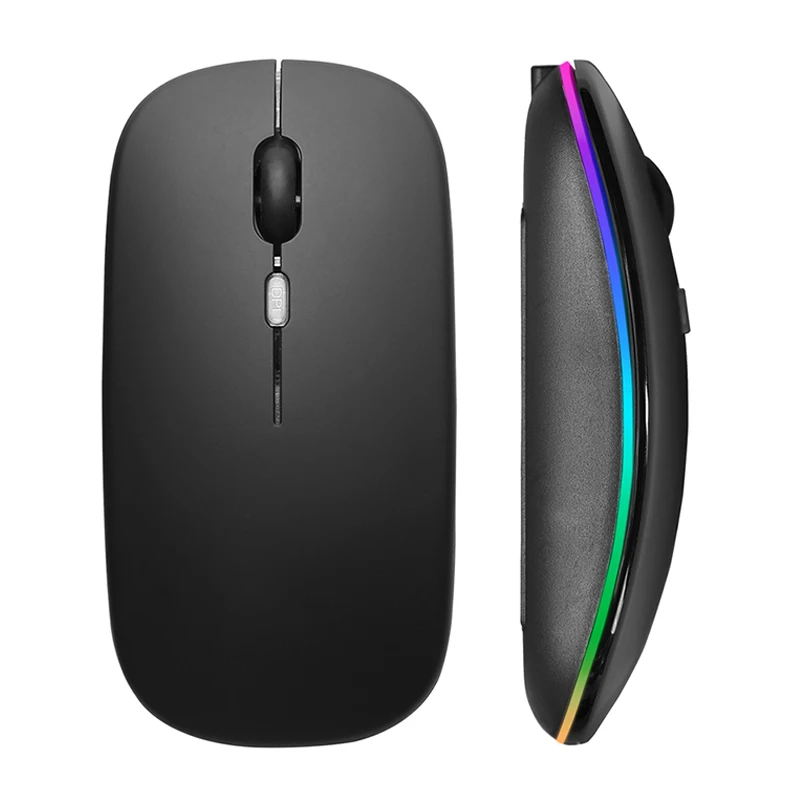

For owners of small laptops, compact models that easily fit into a case are ideal. However, overly miniature accessories can cause discomfort during prolonged use. The best option is to test the mouse in a store or choose a model with an adjustable shape. Remember: the best wireless mouse for a laptop is the one you don't notice in your hand.
Battery Life and Power Type
Wireless mice can run on disposable batteries or a built-in rechargeable battery. Battery-powered models often last 6-12 months without replacement, which is convenient for travel. Rechargeable mice require periodic charging via USB-C but are more environmentally friendly and economical in the long run.
Pay attention to the auto-off function — it significantly extends the life of the power elements. Some premium models support fast charging: 5 minutes of charging is enough for a whole day of work. When choosing a wireless PC mouse, it is better to prefer devices with a charge indicator to avoid finding yourself in an awkward situation in the middle of the workday.
Additional Features and Software
Modern mice offer many useful options: customizable side buttons, on-the-fly DPI adjustment, silent switches, and backlighting. For professional work with Excel or video editing, additional buttons allow you to assign macros and speed up routine tasks.
Equally important is the availability of proprietary software. Using the program, you can adjust sensor sensitivity, scroll speed, and profiles for different applications. As ComfortShop reviewers note, even budget accessories today have basic settings, making the rating of wireless mice for laptops more diverse.
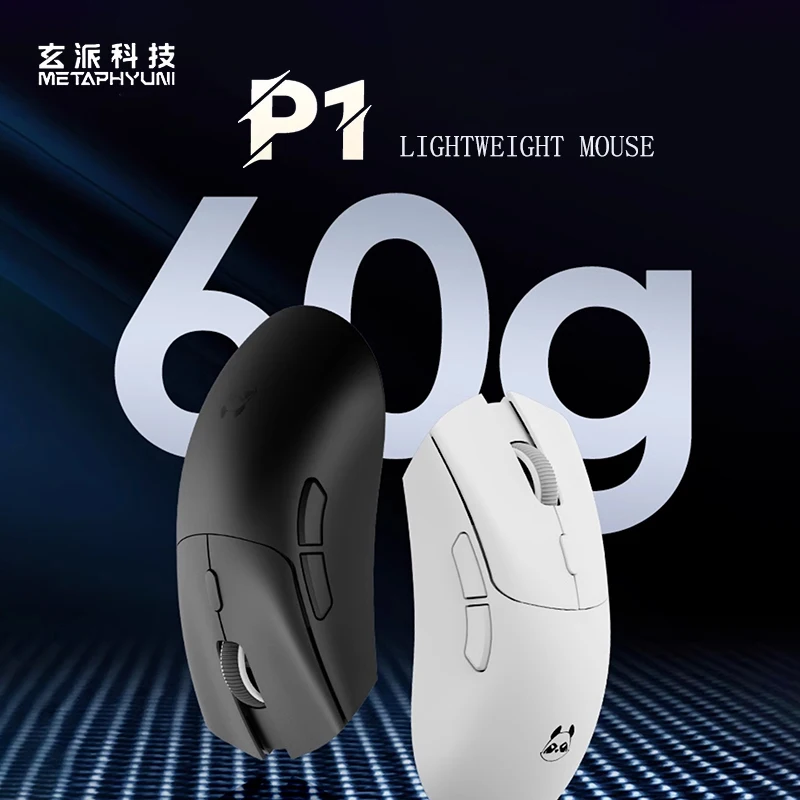
For gamers, a polling rate of 1000 Hz and minimal weight are essential. Some models weigh less than 60 grams, allowing for quick movements without extra effort. The choice depends on your preferences, but a mouse with a balance of weight, size, and functionality remains a universal solution.
How to Choose the Ideal Mouse: Practical Tips
Before making a final decision, make a list of your daily tasks. If you primarily work with text and email, a compact Bluetooth mouse with silent buttons will suit you. For design and gaming, choose a laser model with high DPI and additional buttons.
Don't forget about compatibility with your laptop's operating system. Most modern mice work with Windows, macOS, and Chrome OS, but some proprietary features may only be available on a specific platform. When buying accessories, pay attention to the warranty and the availability of service centers — this will protect you from low-quality products.
The last but equally important criterion is design. The mouse should appeal to you visually and make you want to work. Modern manufacturers offer colors from classic black to bright pastel shades, allowing you to choose a device that matches your laptop's style.
Conclusion:
Choosing a wireless mouse is an individual process that depends on your needs, work style, and budget. Determine the sensor type, connection method, and ergonomics, and you will definitely find the ideal assistant. If you are looking for proven options, check out the ComfortShop assortment, which features models that have undergone careful selection for price and quality ratio. Remember: the right accessory can make working on a laptop not only efficient but also truly comfortable.
Frequently Asked Questions
Which connection type of a wireless mouse is best for a laptop?
The best choice for a laptop is a mouse with Bluetooth connectivity, as it does not occupy a USB port and works with most devices without an additional adapter.
Does the sensor type affect the operation of a wireless PC mouse?
Yes, an optical sensor is suitable for most surfaces, while a laser sensor provides better accuracy on glass and glossy desks, which is important for productive work.
How long does the battery charge last in the best wireless mouse for a laptop?
Modern models with a rechargeable battery work from 2 to 6 months on a single charge, while battery-powered mice can hold a charge for up to a year depending on usage intensity.
Is it worth buying a wireless mouse with additional buttons for a laptop?
Yes, additional buttons (for example, for going back or adjusting DPI) significantly increase the convenience of working in a browser and applications, making them a useful accessory.