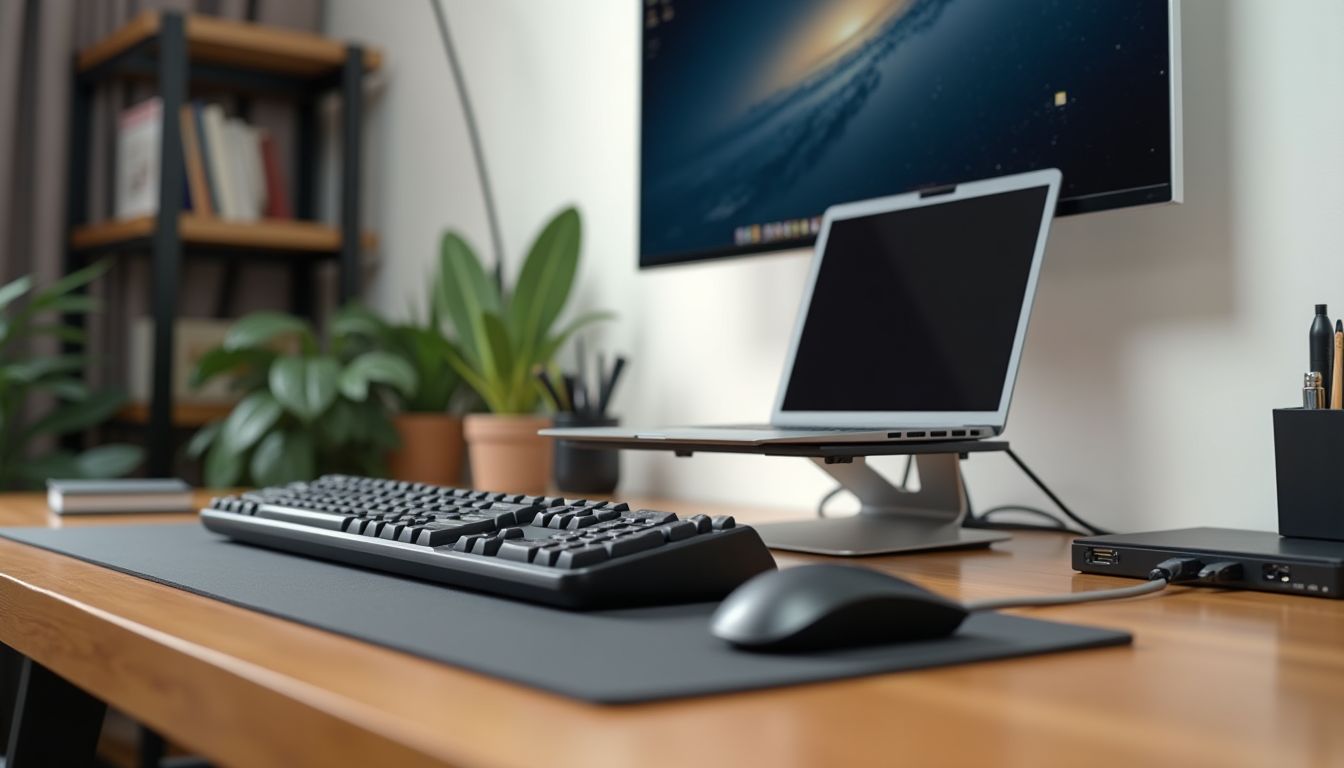
Choosing the right keyboard for Apple computers is not just a matter of aesthetics, but also daily productivity. The standard Apple Magic Keyboard integrates perfectly into the ecosystem, but many users eventually feel the need for different typing sensations or additional features. Whether you work on an iMac, MacBook Pro, or Mac mini, the right accessory can completely transform your workflow. According to the recommendation of the ComfortShop editorial team, the modern market offers a multitude of options for macOS, and the key is to understand which parameters matter specifically to you.
? Table of Contents
macOS Compatibility: Why It Matters
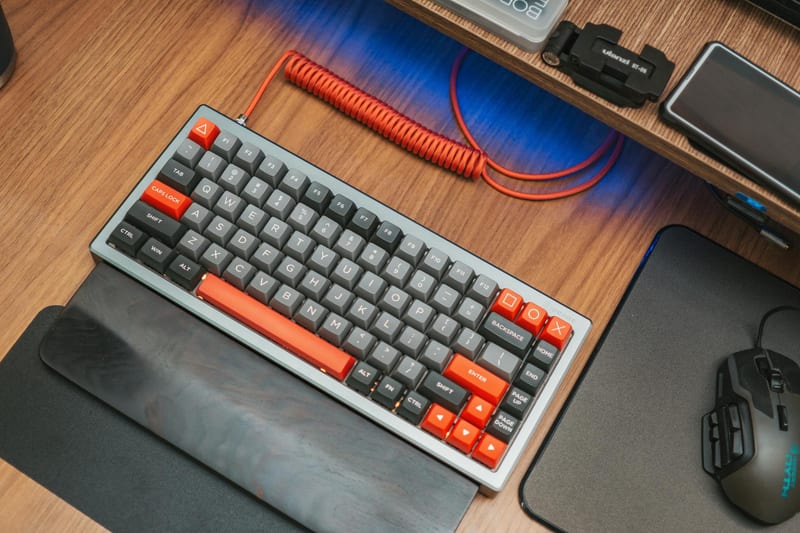
The first thing to consider when choosing a keyboard for Mac is its level of compatibility with the operating system. Not all keyboards, even from well-known brands, work equally well with macOS without additional setup. Many models have special switches for Windows and Mac, allowing for correct recognition of modifier keys such as Command and Option.
If you are choosing a wireless Mac keyboard, make sure it supports Bluetooth connectivity without sacrificing speed. Some devices offer proprietary wireless adapters, but for working with a MacBook or iMac, Bluetooth is the most convenient. ComfortShop experts advise paying attention to models that have native macOS support — this ensures that all multimedia keys and screen brightness functions will work immediately after connection.
How to check compatibility before purchasing.

The best way is to review the product description on the manufacturer's website or in the store catalog. Look for labels like "macOS compatible" or "Designed for Mac." Additionally, pay attention to the availability of software for key remapping — such utilities significantly simplify adapting the keyboard to your habits.
Mechanical vs. Membrane: The Main Dilemma
One of the most difficult decisions is choosing between a mechanical Mac keyboard and a classic membrane one. Membrane models, like the Magic Keyboard, provide a quiet and soft key travel, which is ideal for office work or use in a library. They are thinner, lighter, and often have a built-in battery.
A mechanical keyboard for Mac is the choice of enthusiasts who value tactile feedback and durability. It provides a clear actuation for each key, reducing the number of errors during high-speed typing. Modern mechanical models offer different types of switches: from linear, which operate smoothly, to clicky ones with a characteristic sound. For work in a quiet environment, it is worth choosing silent switches.
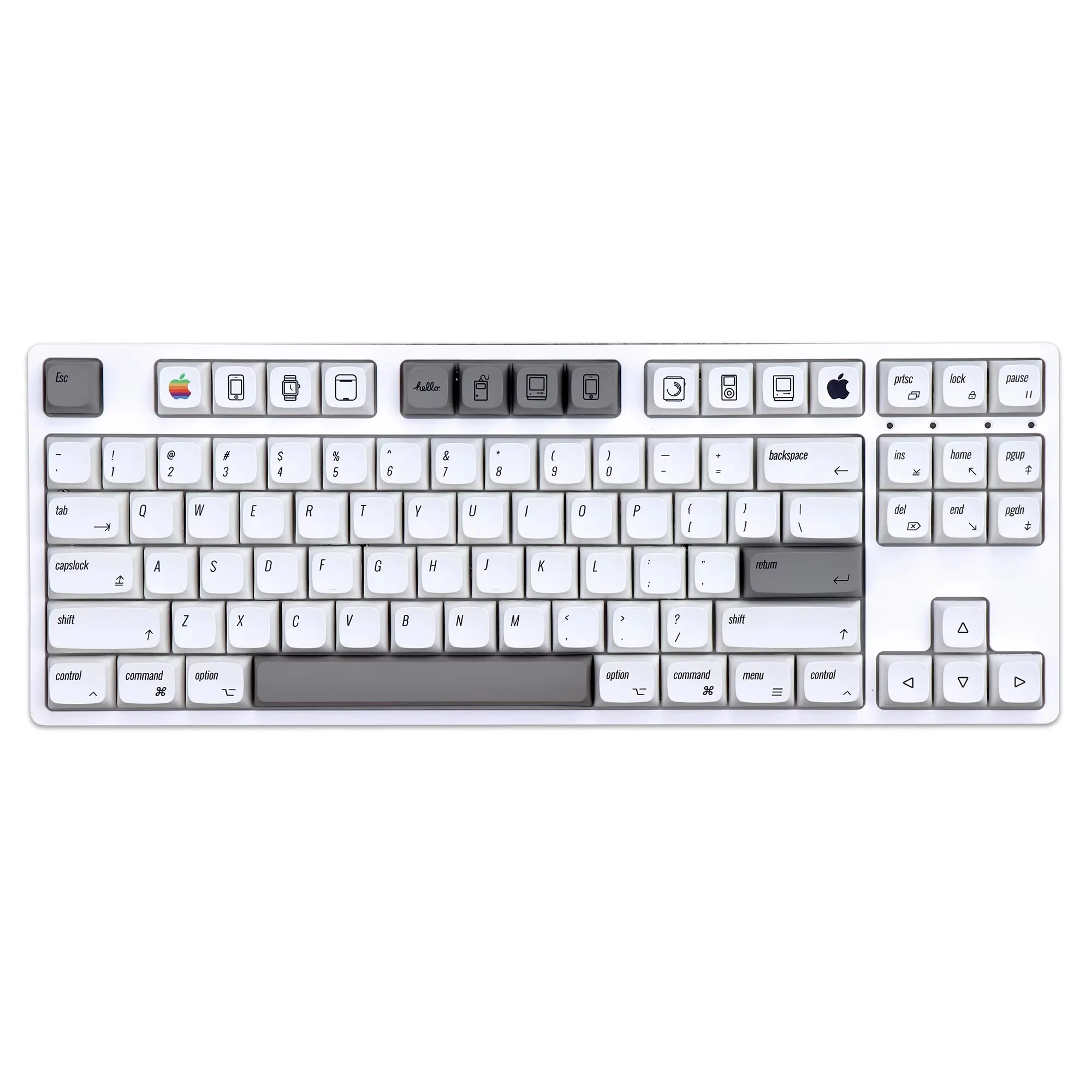

Advantages of mechanical keyboards for Mac owners.
Mechanical keyboards often have a more robust construction and a standard key layout, making it easy to replace keycaps. Additionally, many models support hot-swappable switches, allowing you to customize the typing feel to your preference. This makes them an excellent choice for those who spend 8-10 hours a day at the computer.
Form Factor and Layout: Compactness vs. Full Size
The choice of keyboard size depends on your workspace and needs. For MacBook owners who travel frequently, a compact wireless Mac keyboard in a 60% or 75% format is ideal. It takes up minimal desk space and easily fits into a backpack. However, these models lack a numeric keypad, which can be inconvenient for working with numbers.
A full-size keyboard for iMac or Mac mini with a numeric keypad significantly speeds up work with spreadsheets, financial reports, or programming. It also often has additional keys for controlling multimedia and brightness. If you use your Mac as your primary work tool, this option is worth considering, even if it takes up more space.
- 60% keyboards: maximum compactness, ideal for travel.
- 75% keyboards: retain arrow keys and F-row, but without a numeric keypad.
- TKL (without numeric keypad): a compromise between size and functionality.
- Full-size (100%): all keys, including the numpad.
Connectivity: Wired, Bluetooth, or 2.4 GHz
The connection method directly affects ease of use and signal latency. A wireless Mac keyboard via Bluetooth is the most popular choice as it doesn't require occupying a USB port. Modern Bluetooth versions (5.0 and higher) provide a stable connection at distances up to 10 meters and minimal latency, suitable for most tasks except professional gaming.
Wired connectivity via USB-C or USB-A guarantees the fastest response and no interference. This is an ideal option for stationary workstations. Some models offer hybrid connectivity: both wired and Bluetooth simultaneously, allowing you to quickly switch between multiple devices. As ComfortShop reviewers note, universal models with support for multiple Bluetooth profiles are the best choice for those who work simultaneously with a Mac and iPad.
Design and Ergonomics: Comfort First
Since the keyboard is a tool you interact with daily, its ergonomics are crucial. Many modern models have adjustable feet for changing the tilt angle, which helps avoid wrist fatigue. Some premium keyboards for Mac are equipped with palm rests made of soft silicone or wood.
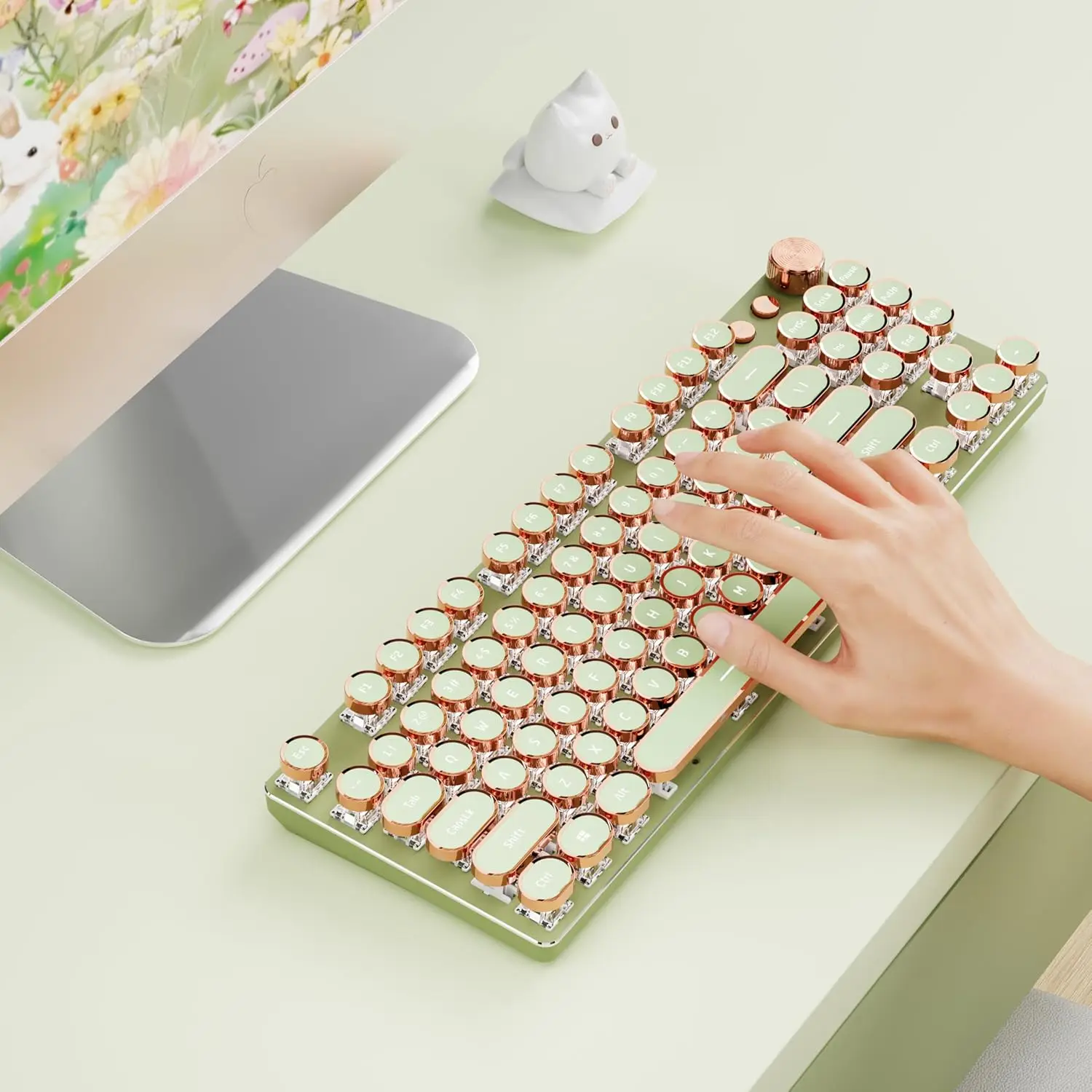
Design also plays a role, especially if you aim to create an aesthetically pleasing workspace. Keyboards in "Space Gray" or "Silver" colors pair perfectly with Apple devices. Additionally, pay attention to backlighting: white or RGB backlighting not only adds style but also helps you type in low-light conditions.
Additional Features: Backlighting, Macros, and Battery
Modern accessories for Mac PCs often offer features not found on the standard Apple keyboard. For example, the presence of programmable macro keys allows you to automate routine actions, such as opening applications or inserting template texts. This is especially useful for designers, programmers, and video editors.
Battery life is another critical parameter. A wireless Mac keyboard with a 2000 mAh battery can operate without recharging for up to 3-4 weeks with active use. Some models support fast charging via USB-C, allowing you to get several hours of work from a 10-minute charge. It is also worth paying attention to the presence of a charge indicator to notice the need to connect the cable in time.
Conclusion:
Choosing a keyboard for Mac depends on your personal preferences and usage scenarios. If you need maximum compatibility and a minimalist design, choose the Apple Magic Keyboard. If you value tactile sensations and durability, look into mechanical models with macOS support. ComfortShop experts recommend deciding on the type of switches, size, and connection method before purchasing to get the perfect tool for work and creativity.
Frequently Asked Questions
Is any keyboard suitable for Mac?
Not all keyboards are compatible with Mac. For full functionality, choose models with macOS support or the ability to switch the layout (Cmd/Option).
Which wireless keyboard for Mac is the best?
The best choice is the Apple Magic Keyboard due to its perfect integration, or models from Logitech (e.g., MX Keys for Mac) with backlighting and long battery life.
Is it worth buying a mechanical keyboard for a MacBook?
Yes, if you type a lot or play games. Mechanical keyboards for Mac (e.g., Keychron) have hot-swappable switches and special keycaps for macOS.
Which keyboard should I choose for an iMac?
For an iMac, an optimal wireless keyboard with a numeric keypad is the Apple Magic Keyboard with Numeric Keypad or the Logitech MX Keys, which provides convenience for working with numbers and function keys.