In the world of gaming peripherals, aesthetics have long ceased to be just a pleasant addition — they have become an integral part of the gaming experience and an expression of personal style. When every element on the desk, from the mouse and keyboard to the PC case, follows a unified RGB philosophy, lighting up even seemingly utilitarian details like cables became a logical step. Glowing USB cables are not just a way to connect a charger or peripheral; they are a bright accent that completes the look of a powerful gaming setup, making it truly cohesive and impressive. They transform the workspace, adding dynamics and individuality, and often serve the practical function of illuminating the connection area. In this article, we will explore why this accessory has become so popular among gamers, what functionality it hides behind its bright appearance, and how to properly integrate it into your gaming ecosystem.
? Also recommended
View product on AliExpress →? Table of Contents
- Aesthetics as a Component of Gaming: The Role of Illuminated Accessories
- How Glowing USB Cables for Gamers Work: The Technology Inside
- Functional Advantages and Potential Disadvantages
- Integration with Other Gaming Peripherals with Backlighting
- Choosing a Cable for Specific Tasks: Charging, Data Transfer, Peripheral Connection
- Illuminated Cables for PCs and High-Tech Solutions: An Adapter Example
- Conclusion:
Aesthetics as a Component of Gaming: The Role of Illuminated Accessories
Modern gaming is total immersion, where not only the gameplay matters but also the atmosphere created by the surrounding environment. RGB lighting from cases, keyboards, and mice has long moved beyond simple marketing and has become a language of self-expression for gamers. Every color, every blinking mode can match a mood, a favorite game, or simply harmonize with the overall concept.
In this context, ordinary black or gray cables start to look like foreign elements that disrupt the cohesive picture. Glowing USB cables solve this problem by becoming the final touch that unites all components into one radiant composition. They can form a neat light contour that emphasizes the lines of the desk, or a bright accent that draws attention to a specific device.
Furthermore, aesthetics also have a practical side. In the dark, during the most intense gaming sessions, an illuminated cable makes it easy to find the port on the PC case or hub without turning on the main light. Thus, a beautiful accessory simultaneously enhances comfort and preserves the magic of nighttime gaming.
How Glowing USB Cables for Gamers Work: The Technology Inside
The operating principle of most glowing USB cables is quite simple and based on the use of LEDs. Inside the cable braid, alongside the power and signal wires, thin conductors are laid that power a series of LED elements located along the entire length of the cord. These are what create the effect of uniform or point lighting.
Power source for backlighting:
The most common solution is to draw power directly from the USB port to which the cable is connected. This uses one of the free contacts in the connector. This design makes the cable autonomous — no additional power supplies or adapters are needed for its operation. However, it is important to ensure that the port you connect such a cable to can deliver enough current for both the backlight and the main device (for example, charging a smartphone).
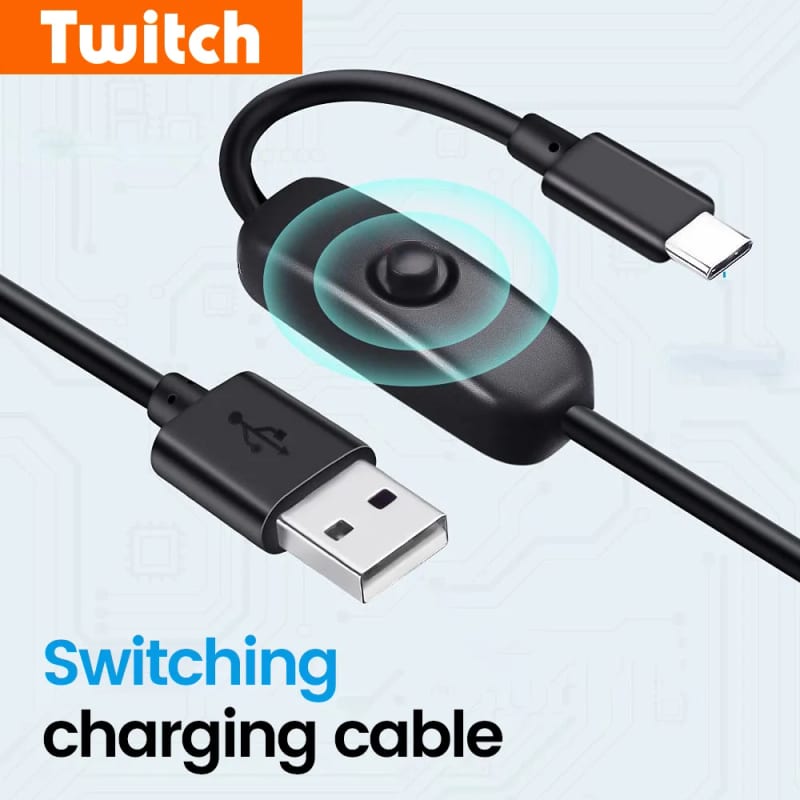
More complex models may have a built-in microcontroller that allows you to control colors and animation modes (static light, breathing, spectrum, music sync) using a button on the cable itself or through a special app. Such cables often support synchronization standards like ASUS Aura Sync, MSI Mystic Light, or Razer Chroma, allowing them to be integrated into a unified RGB system along with other devices.
Functional Advantages and Potential Disadvantages
Besides aesthetic pleasure, gaming glowing USB cables can offer real benefits. First and foremost, these are often cables with a high-quality braid that protects the cores from kinks, mechanical damage, and prevents tangling. A metal or nylon braid not only looks premium but also significantly extends the accessory's lifespan.
However, when choosing, it's worth considering potential downsides. The main one is the power issue. If the cable draws power for the backlight from the port, this may slightly reduce the available power for the connected device, which could be critical during fast charging of powerful gadgets. Also, low-quality cables may have poor contact or not meet data transfer standards, limiting speed, for example, when transferring files to an external SSD.
Therefore, when choosing to buy a USB cable with backlighting, it is important to pay attention not only to the appearance but also to the technical specifications: support for USB standards (e.g., USB 3.2 Gen 1 for fast transfer), maximum charging current (e.g., 3A), and the build quality of the connectors. A good cable should effectively combine beauty and reliability.
Integration with Other Gaming Peripherals with Backlighting
The real magic happens when all the glowing elements on the desk start working in sync. Modern gaming peripherals with RGB backlighting often support one of the popular ecosystems. If your motherboard, graphics card, RAM, case fans, keyboard, and mouse are synchronized through one platform, an illuminated cable supporting the same standard would be the ideal choice.
For example, by connecting such a cable to an ARGB (Addressable RGB) port on the motherboard, you can control each LED on it individually through proprietary software, creating complex waves of colors flowing from one end of the cable to the other in time with in-game events or music. This creates an effect of absolute unity for the gaming station.
If you have a mix of peripherals or don't want to delve into settings, cables with standalone modes are ideal. They will glow brightly in a chosen color or cyclically change the palette, complementing the overall picture, even without synchronization. The main thing is to choose a color scheme that harmonizes with the rest of the lighting on your desk.
Choosing a Cable for Specific Tasks: Charging, Data Transfer, Peripheral Connection
Not all glowing cables are created equal, and your choice should depend on the primary task they are intended for. This is critically important for performance and comfort.
Key types by functionality:
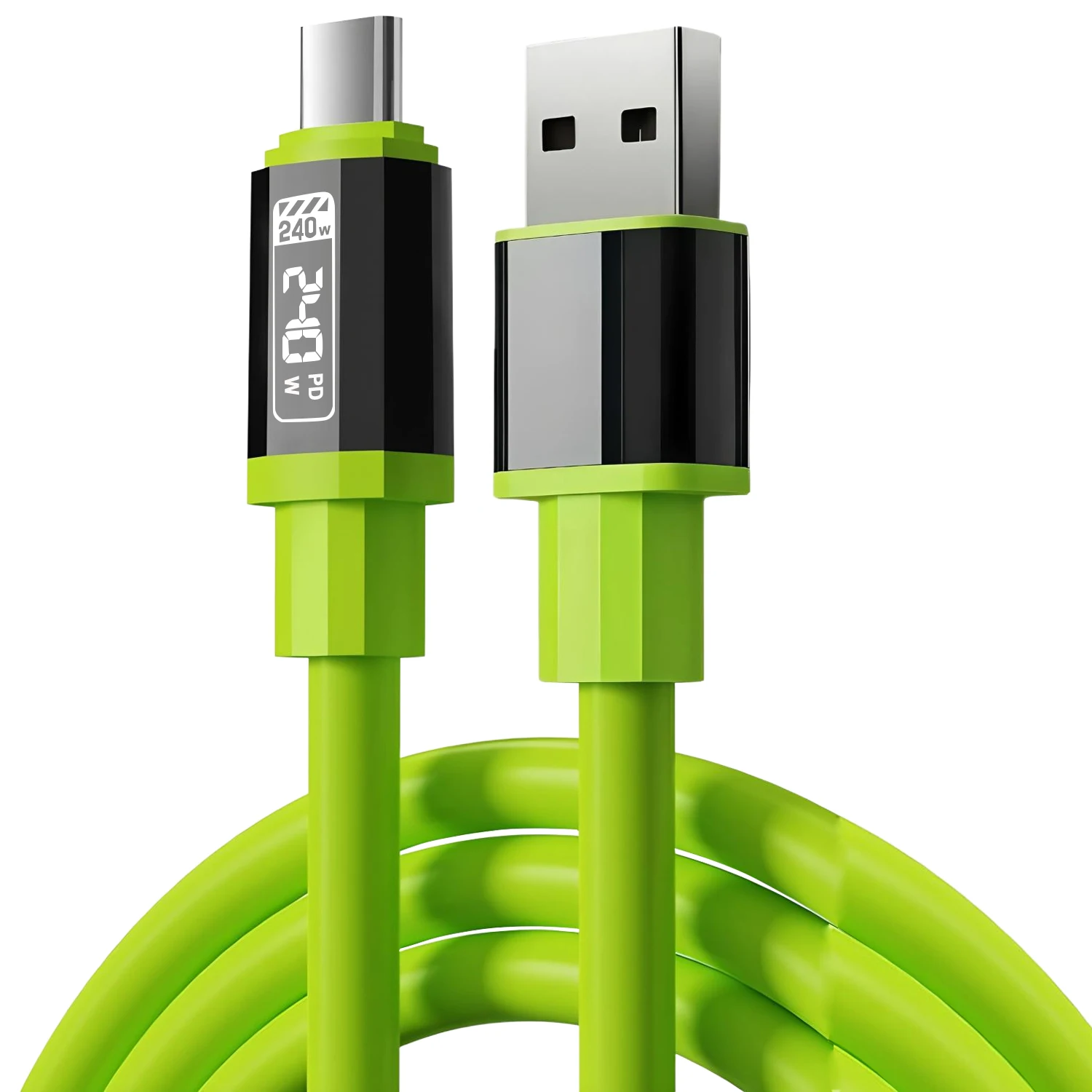
Charging cables: Their main goal is to efficiently transmit current. Look for models with support for fast charging (Quick Charge, Power Delivery) and a sufficient wire gauge. The backlight in them often serves an additional role as a charging process indicator (e.g., changing color when fully charged).
Data transfer cables: Here, the USB standard takes center stage. For fast file copying to an external drive, a USB 3.0 or higher cable is mandatory. An illuminated model must guarantee signal stability, so preference should be given to trusted brands.
Peripheral connection cables: Mice, keyboards, arcade joysticks — for these, the USB 2.0 standard is usually sufficient. Here you can fully focus on the aesthetics and length of the cable to comfortably place the device on the desk. Cables with a flexible braid and bright, uniform backlighting are perfect for such purposes.
Illuminated Cables for PCs and High-Tech Solutions: An Adapter Example
The idea of backlighting has spread not only to simple cables but also to more complex technological accessories. A great example of combining functionality and aesthetics is modern converters and adapters for monitors, which have become an integral part of gaming setups with multiple screens or the latest graphics cards.
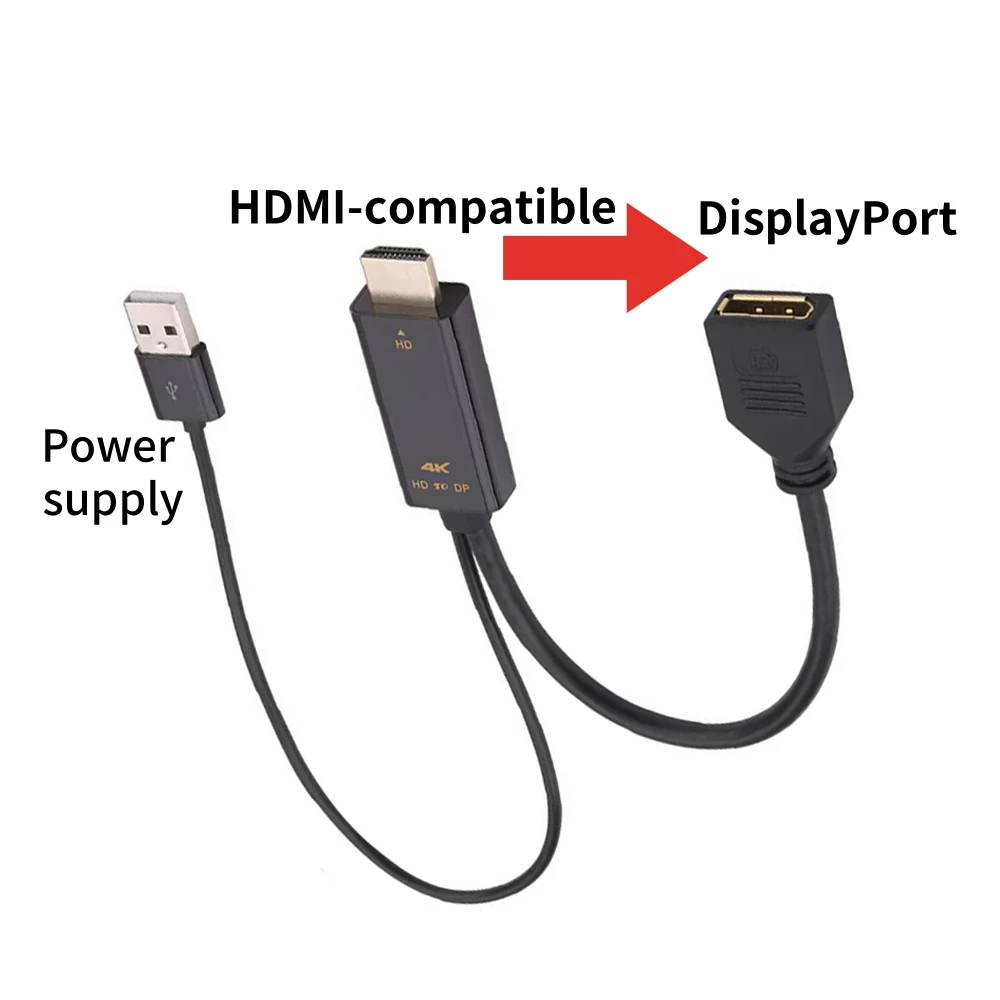
Consider as an example a product like the 4K@60Hz HD DisplayPort Adapter with USB Power Cable Unidirectional HDMI-compatible To DP Converter. This adapter allows you to connect a monitor with an HDMI input to a graphics card that only has a DisplayPort output, while providing high 4K resolution and a 60 Hz refresh rate, which is critically important for gamers. But what makes it particularly interesting in the context of our topic is the presence of an additional USB cable for power.
It is precisely to such a power cable that the backlighting technology can be applied. Imagine: you connect a powerful gaming monitor through a compact adapter, and from it to the PC port goes not just a black cord, but an elegant glowing wire that harmoniously fits into your RGB setup. This demonstrates how the aesthetics of wire lighting integrates even into high-tech solutions where function is paramount, but form also matters. This approach allows hiding a technical necessity (additional power for stable adapter operation) under the guise of a stylish accent, enhancing the overall visual level of the gaming station.
Conclusion:
Glowing USB cables for gamers are far from just a toy, but a serious tool for customizing the gaming space, successfully combining aesthetic appeal with practical benefits. They help create a cohesive, mesmerizing atmosphere, can serve as an indicator, and importantly, emphasize the gamer's individual style. When choosing such an accessory, it's worth balancing between appearance, technical specifications, and compatibility with your existing peripherals. A properly selected, high-quality illuminated cable will be that finishing touch that transforms your workspace into a true command center for victories.