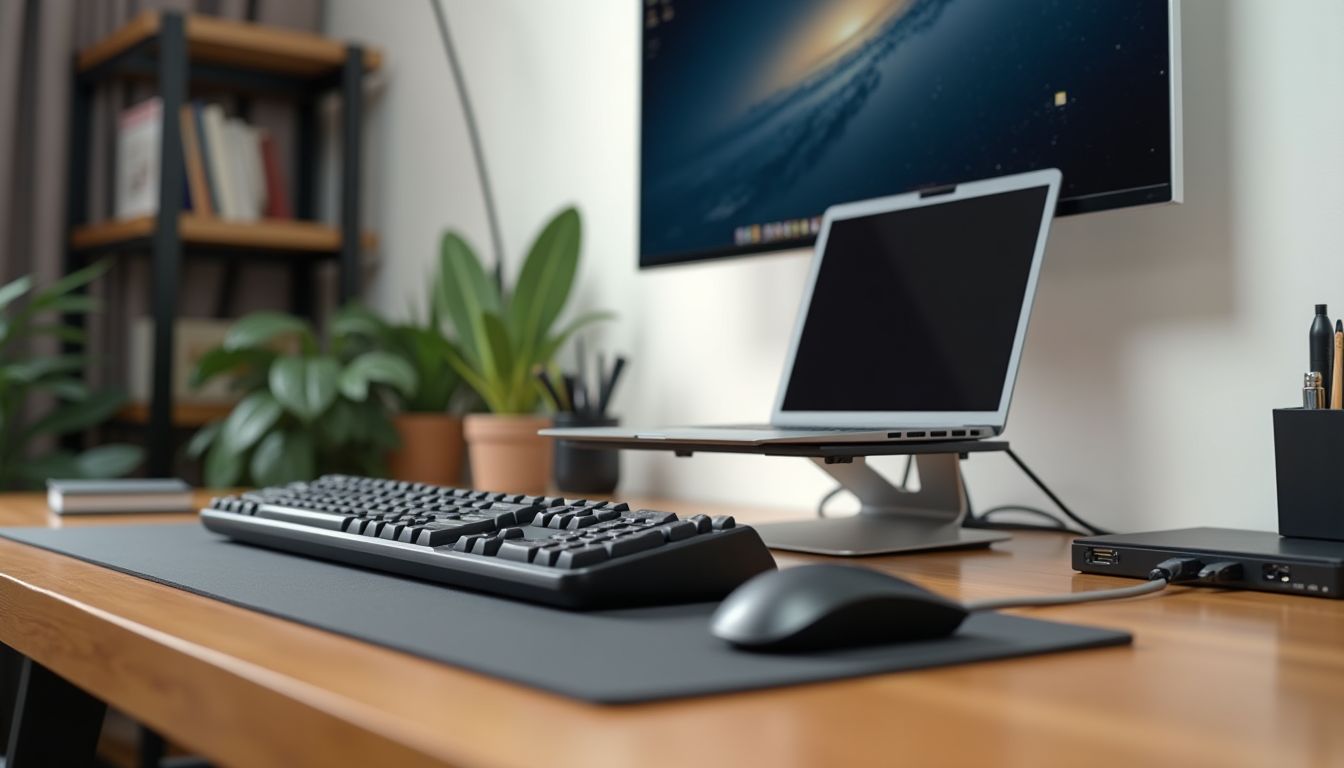
Is your laptop, which was cutting-edge just a few years ago, now gradually becoming outdated? It may run stably, but it lacks modern ports for connecting flash drives, external monitors, or fast charging. Instead of rushing into an expensive replacement, it's worth considering creative and cost-effective ways to upgrade it. One of the most powerful tools for updating an old laptop is a USB-C hub. This compact accessory can literally breathe new life into your device, adding the functionality of modern models. In this article, we will take a detailed look at how using a USB-C hub for a laptop can not only expand its capabilities but also significantly extend its lifespan, making your work more comfortable and productive.
? Table of Contents
- Why is a USB-C Hub the Key to Upgrading an Old Laptop?
- What Possibilities Does a USB-C Adapter Open for Updating a Laptop?
- Practical Steps: How to Choose a Hub to Extend Your Laptop's Life?
- Device Care: A Clean Laptop Means a Longer Service Life
- A Comprehensive Approach: Combining Software and Hardware Methods
- Conclusion:
Why is a USB-C Hub the Key to Upgrading an Old Laptop?
Most laptops released more than 3-5 years ago are equipped with traditional ports: USB Type-A, HDMI, possibly VGA, and a separate charging port. The modern USB-C standard, which combines data transfer, video signal, and power delivery over a single cable, is unavailable to them. However, this port has become the primary one for new accessories, monitors, and even network adapters.
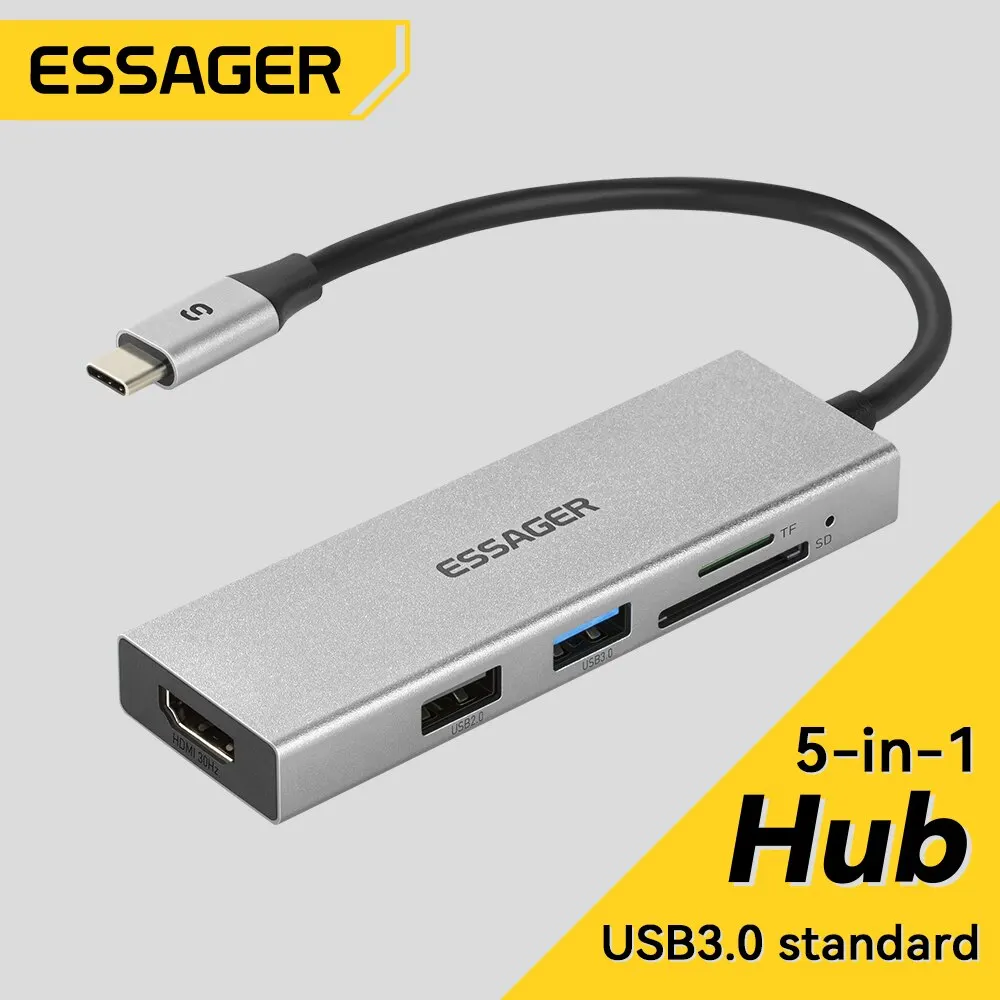
A USB-C hub acts as a powerful adapter, transforming one modern port (if your laptop has one) or even an older USB 3.0 port into a whole set of necessary interfaces. If your laptop lacks USB-C, there are hub models that connect via classic USB-A, but they have limitations in functionality, especially regarding video transmission and charging. However, having even a single USB-C port opens up broader horizons for an upgrade.
Thus, buying a hub is not just about adding connectors. It is a strategic investment that allows you to integrate an old device into the modern gadget ecosystem, postponing the need for an expensive new laptop purchase for several years.
What Possibilities Does a USB-C Adapter Open for Updating a Laptop?
A modern USB-C hub is a true expansion station. Here are the key functions it can provide to your old computer:
- Connecting multiple monitors. Many hubs have HDMI or DisplayPort ports, allowing you to connect one or even two external displays. This is ideal for working with spreadsheets, programming, or creative tasks, significantly expanding your workspace.
- Fast data transfer. USB 3.0/3.1 ports on the hub allow you to connect external hard drives, flash drives, and other peripherals without losing speed.
- Charging via USB-C (Power Delivery). If your laptop supports charging via USB-C, the hub can pass power from a powerful charger directly to the laptop, freeing up its native charging port for other purposes.
- Restoring "forgotten" ports. Do you need an RJ-45 for wired internet or an SD card reader for your camera? The hub can easily add these connectors.
The main advantage is versatility and compactness.
Instead of carrying a bunch of separate adapters, you get one small device that solves all connectivity issues. This not only updates the laptop but also organizes your workspace, making it neater and more efficient.
Practical Steps: How to Choose a Hub to Extend Your Laptop's Life?
To make the investment in a hub effective, it's important to choose a model that fits the specific needs of your laptop and your work style. First, determine which ports your laptop currently has and what you lack the most. Do you often work with two monitors? Do you need a stable network cable? Do you use many USB devices simultaneously?
Next, pay attention to the technical specifications. To connect a 4K monitor, you'll need a hub with HDMI 2.0 support. If you want to charge your laptop through the hub, look for a model with Power Delivery (PD) function and make sure the power supply you will use is powerful enough for your device. It is also important that the hub's casing is made of quality materials for effective heat dissipation, as it can heat up when multiple ports are actively used.
Don't forget about design and portability. If you travel often, choose a compact and lightweight model with a durable cable. For stationary desk use, larger hubs with additional ports that can stand vertically are suitable.
Device Care: A Clean Laptop Means a Longer Service Life
Hardware modernization is only one side of the coin. To truly extend the life of an old laptop, you need to take care of its physical condition. Dust, a dirty keyboard, and especially the fan bearings in the cooling system can lead to overheating, which is the main enemy of electronic components and significantly reduces their lifespan.
Regular cleaning is prevention against overheating and a guarantee of stable operation.
Specialized laptop gadgets, such as a portable battery-powered lint remover with a brush, can help here. This compact device is ideal for delicate and effective cleaning of the keyboard, ventilation grilles, as well as the fabric lining of a laptop backpack or case. For example, the PL Portable Rechargeable Lint Remover with Cleaning Brush model combines a powerful roller for collecting lint, dust, and hair with a soft brush for sweeping debris out of hard-to-reach places.
Using such a device once every 1-2 months will help keep your laptop's cooling system clean, preventing dust buildup and, consequently, performance drops due to throttling (automatic reduction of the processor's clock speed to lower the temperature). A clean laptop runs quieter, cooler, and lasts longer.
A Comprehensive Approach: Combining Software and Hardware Methods
For maximum effect, approach laptop upgrading comprehensively. Hardware modernization using a USB-C hub should go hand in hand with software optimization. Consider increasing the RAM or replacing a traditional hard disk drive (HDD) with a solid-state drive (SSD). Even an old laptop starts to "fly" after installing an SSD — the system boots in seconds, programs open instantly.
Don't forget about software. Remove unnecessary programs that start automatically, clean up the startup list, regularly update drivers, especially for the graphics card and chipset. Use the built-in tools of the operating system to clean temporary files. These simple actions unload the system and can restore its speed.
Thus, combining external expansion of capabilities through a hub, internal upgrades of key components, and careful maintenance of the casing creates a synergistic effect that can extend the active life of your laptop for another 3-4 years.

Conclusion:
Extending the life of an old laptop is entirely possible without significant financial investment. The key tool for this is a USB-C hub, which allows you to instantly update the device's interfaces, adding modern ports for monitors, fast data transfer, and charging. Equally important for maintaining the laptop's health is regular physical care, for example, using portable cleaners like the PL Portable Rechargeable Lint Remover. By combining hardware expansions, possible internal upgrades, and thorough maintenance, you can postpone buying a new laptop for years, getting full performance and comfort from your old one.