Top 10 USB Hubs for Home and Office: Which One to Choose in 2026?
In a world where the number of digital devices is constantly growing and laptops and all-in-ones often lack ports, a USB hub has transformed from an accessory into a necessity. It's not just a "splitter," but a true productivity center for your workspace. If you're looking for a reliable device for home or office, the range can be confusing. This review will help you navigate the trends of 2026 and choose the ideal USB hub that perfectly meets your needs.
What to Look for When Choosing a USB Hub?
Before moving to the ranking, let's define the key parameters that affect convenience and functionality.
- Type and number of ports: A modern USB hub for a laptop should offer not only classic USB-A ports but also high-speed USB-C ports, including those with Power Delivery (PD) support for charging the laptop. Also, pay attention to the availability of HDMI, RJ-45 (network port), and memory card slots.
- Data transfer speed: The USB 3.2 Gen 1 standard (up to 5 Gbps) is the minimum for comfortable work. For transferring large files, USB 3.2 Gen 2 (up to 10 Gbps) or even Thunderbolt would be ideal.
- Construction and design: A desktop USB hub often has additional power and many ports, while compact models are focused on mobility. An aluminum case dissipates heat better.
- Additional power: For stable operation of all ports, especially when connecting HDDs or multiple devices, a power supply connector is desirable.
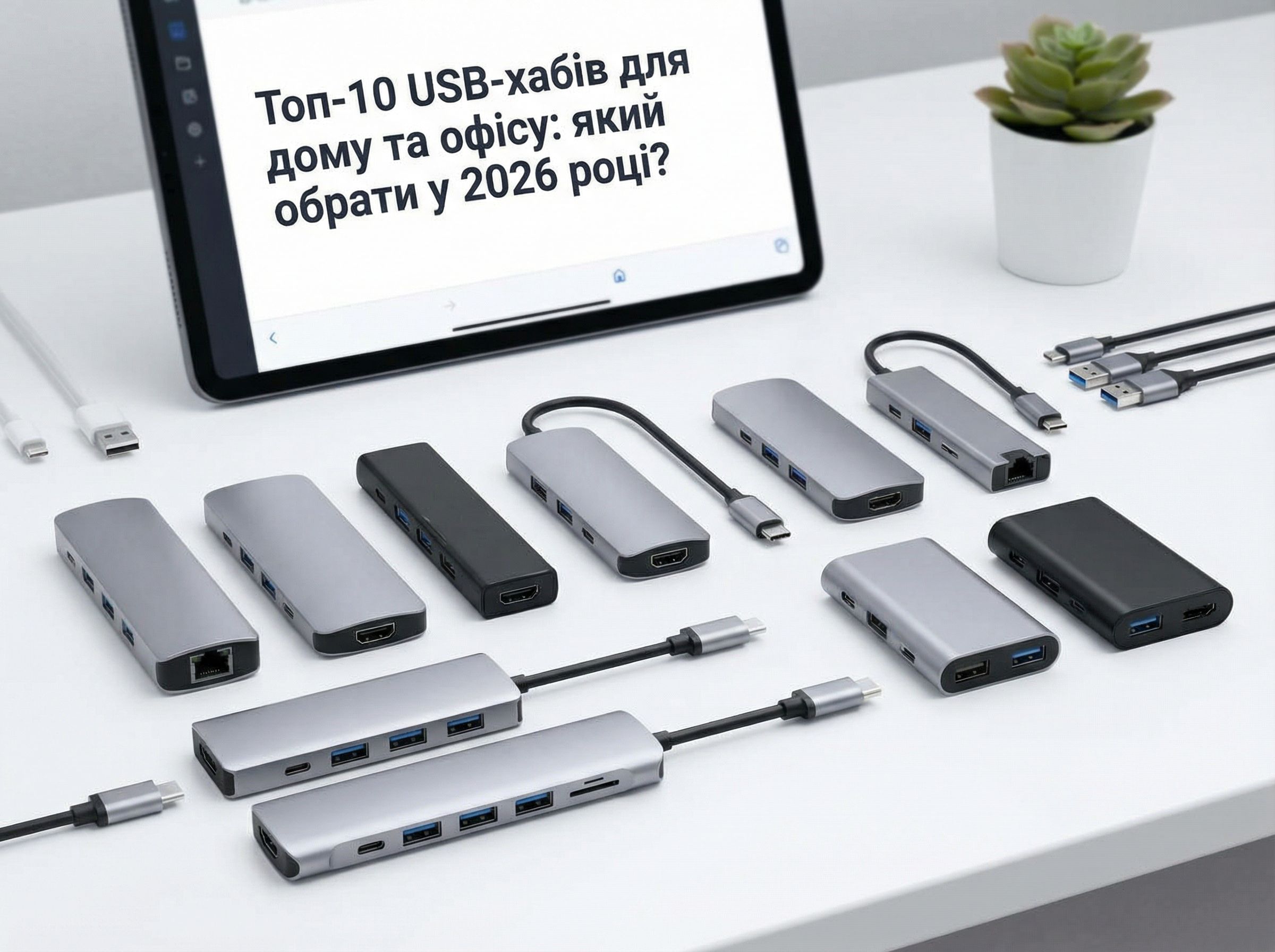
Key selection parameters: port type, transfer speed, and construction.
Top 10 USB Hubs of 2026: Review of the Best Models
1. The Universal Hub Champion: Anker 10-in-1 USB-C Hub
This model is a true find for the office. It combines 4 USB-A 3.0 ports, 2 USB-C ports (one with PD up to 100W), HDMI 4K, Gigabit Ethernet, and an SD/MicroSD card slot. The sturdy aluminum case and reliability of the Anker brand make it one of the most popular choices for a full-fledged workstation.
2. The Ideal Companion for MacBook and Ultrabook: Satechi Slim Aluminum Type-C
If you value style and minimalism, this USB hub is for you. It integrates perfectly into the design of modern laptops, offering USB-A, USB-C, HDMI, and micro/SD ports. Its main advantages are the extremely thin metal case and the absence of a bulky cable (it connects directly to the port).
3. A Powerful Station for Home: Sabrent 13-Port Hub with Power Supply
This desktop USB hub is a whole communication station. It is equipped with 7 USB 3.0 ports, 2 USB 2.0 ports, eSATA, RJ-45 interfaces, and even audio jacks. A separate power supply ensures stable operation even with the most "power-hungry" external drives. It is ideal for organizing a home media center or workstation.
4. Mobility and Compactness: UGREEN 4-in-1 USB-C Hub
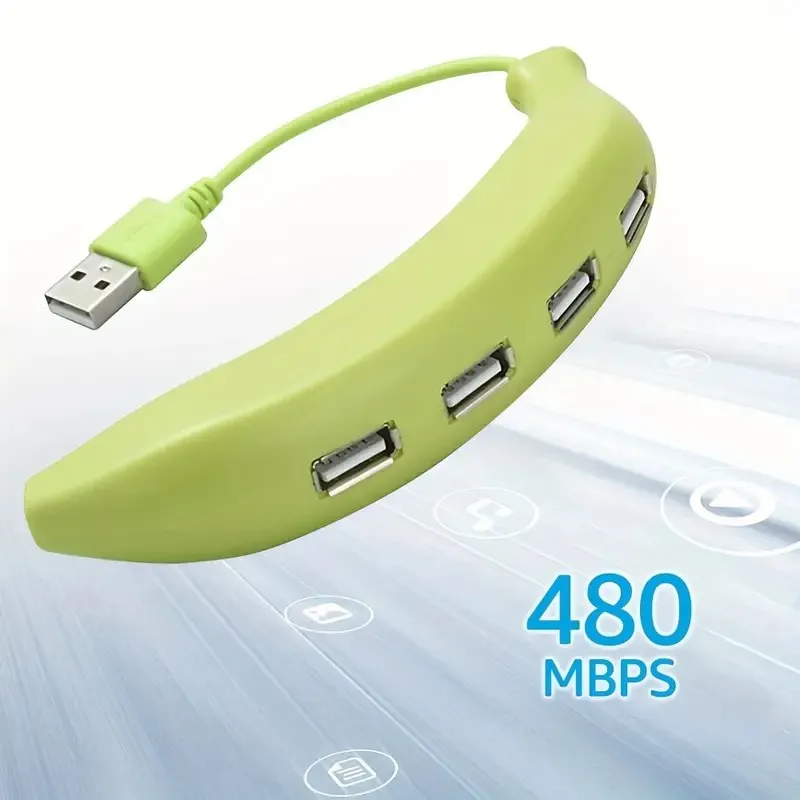
For those constantly on the go, this small model will be a faithful assistant. In a compact case, it houses three USB 3.0 ports and one HDMI port. It doesn't take up space in your bag but significantly expands your laptop's capabilities during business trips or studies. A reliable and affordable option.
5. A Hub for Creatives and Gamers: CalDigit TS4 Thunderbolt 4 Dock
This is the pinnacle of technology and the choice for professionals. The hub connects via Thunderbolt 4 and offers incredible data transfer speeds, support for multiple 4K/6K monitors, up to 18 ports of various types, including DisplayPort, optical audio, and much more. The ideal USB hub for the office of a designer, video editor, or gamer who needs maximum performance.
6. Elegant and Functional: HyperDrive 9-in-1 for MacBook Pro
Specifically designed for Apple laptops, this hub impresses with its build quality and well-thought-out port selection: 2xUSB-C, 2xUSB-A, HDMI, SD/MicroSD, Gigabit Ethernet, and a 3.5mm audio jack. It provides a stable connection and looks harmonious with Apple devices, serving as a convenient tool for daily work.
7. Budget Universal: TP-Link UH400 4-Port Hub
If you just need to add a few USB 3.0 ports for a mouse, keyboard, flash drive, and printer, this model from a proven network equipment manufacturer is an excellent choice. A reliable, unpretentious, and very affordable USB hub for home.
8. Hub with Individual Switches: Atolla 7-Port USB 3.0 Hub
The unique feature of this hub is the separate buttons for each port. This allows you to save energy, disconnect devices with one touch, and avoid problems with "burned-out" flash drives. LED indicators and an additional power supply make it convenient for constant work with a large amount of peripherals.
9. For Video Work: Dell D6000 Universal Dock
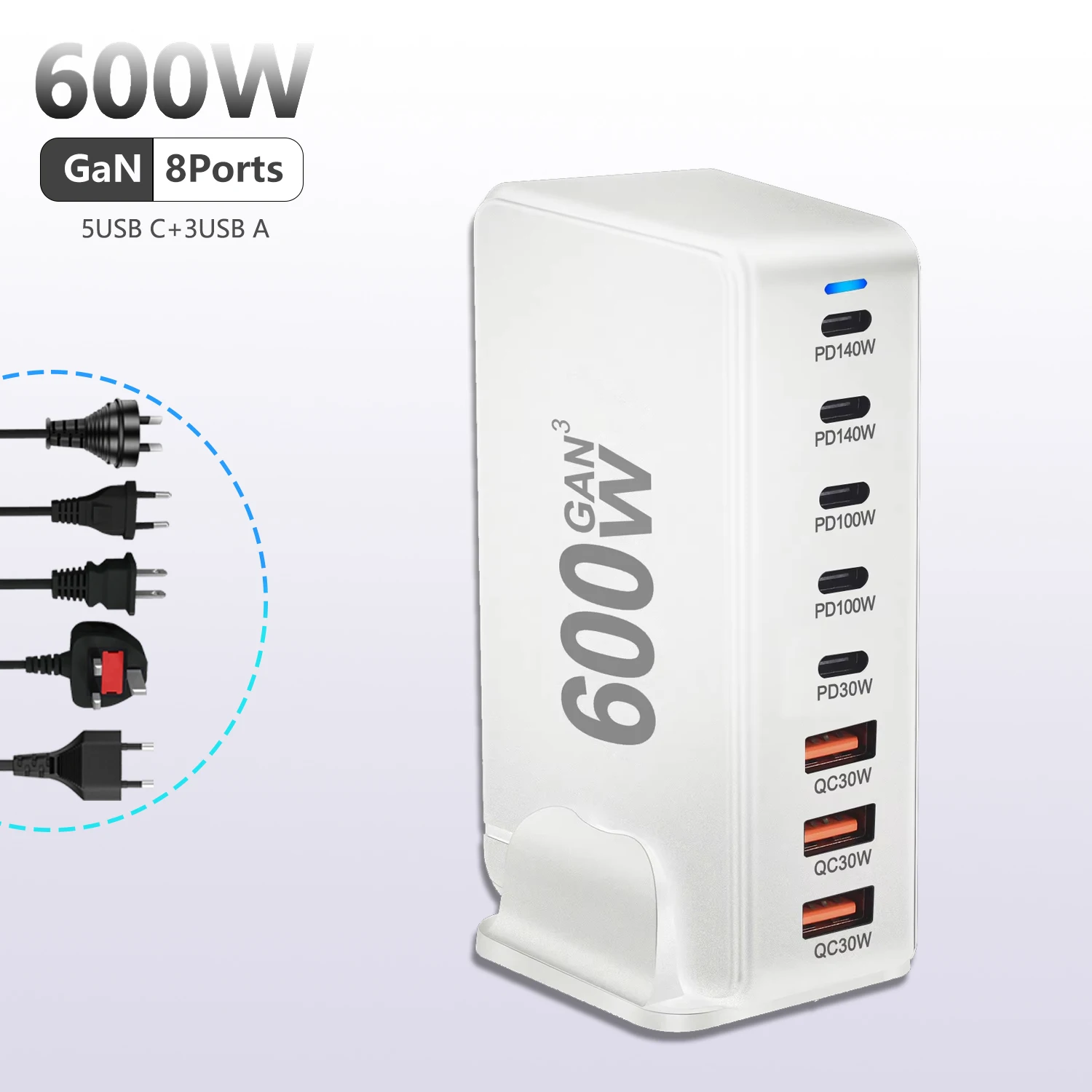
This docking station allows you to connect up to three monitors simultaneously thanks to DisplayLink technology. It has a full set of ports, including USB-C, USB-A, HDMI, DisplayPort, audio, and network. It is perfect for financial analysts, programmers, or any professionals who work with multiple screens.
10. Innovative Wireless Hub: Wavlink Wireless Display Dock
A glimpse into the future. This device not only expands the number of ports but also allows you to wirelessly stream content to a monitor or TV via Miracast. It combines the functions of a classic hub, media player, and charging station. An interesting solution for modern smart offices and home entertainment.
From the universal champion to the innovative wireless solution.
Summary: How to Choose Your Ideal Hub?
The choice depends on your main tasks:
- For the mobile user (business trips, cafes): a compact hub without additional power (UGREEN, Satechi).
- For the home workspace: a universal model with HDMI and various ports (Anker, HyperDrive).
- For a powerful stationary station: a hub with separate power and the maximum number of ports (Sabrent, CalDigit).
- For working with multiple monitors: a docking station with DisplayLink or Thunderbolt support (Dell, CalDigit).
In 2026, a USB hub is not just an adapter, but a strategic tool for efficient work. Given the speed of technological development, it's worth investing in a device with a margin for speed and features. A correctly chosen hub will organize your space, speed up work, and relieve the stress of tangled wires, making your digital life much more comfortable.