USB Cables for Smartphones: Your Guide to the World of Charging and Data Transfer
A modern smartphone is our faithful companion, but without a properly selected USB cable, it quickly turns into a dead box. There are many different cables on the market: long, short, with various connectors, promising fast charging and file transfer. How can you avoid getting confused in all this variety and choose the cable that is perfect for your device? Let's figure it out together.
Connectors: What Type of USB Do You Need?
The first thing to pay attention to is the type of connector that fits your smartphone. Here are the main types you will encounter today.
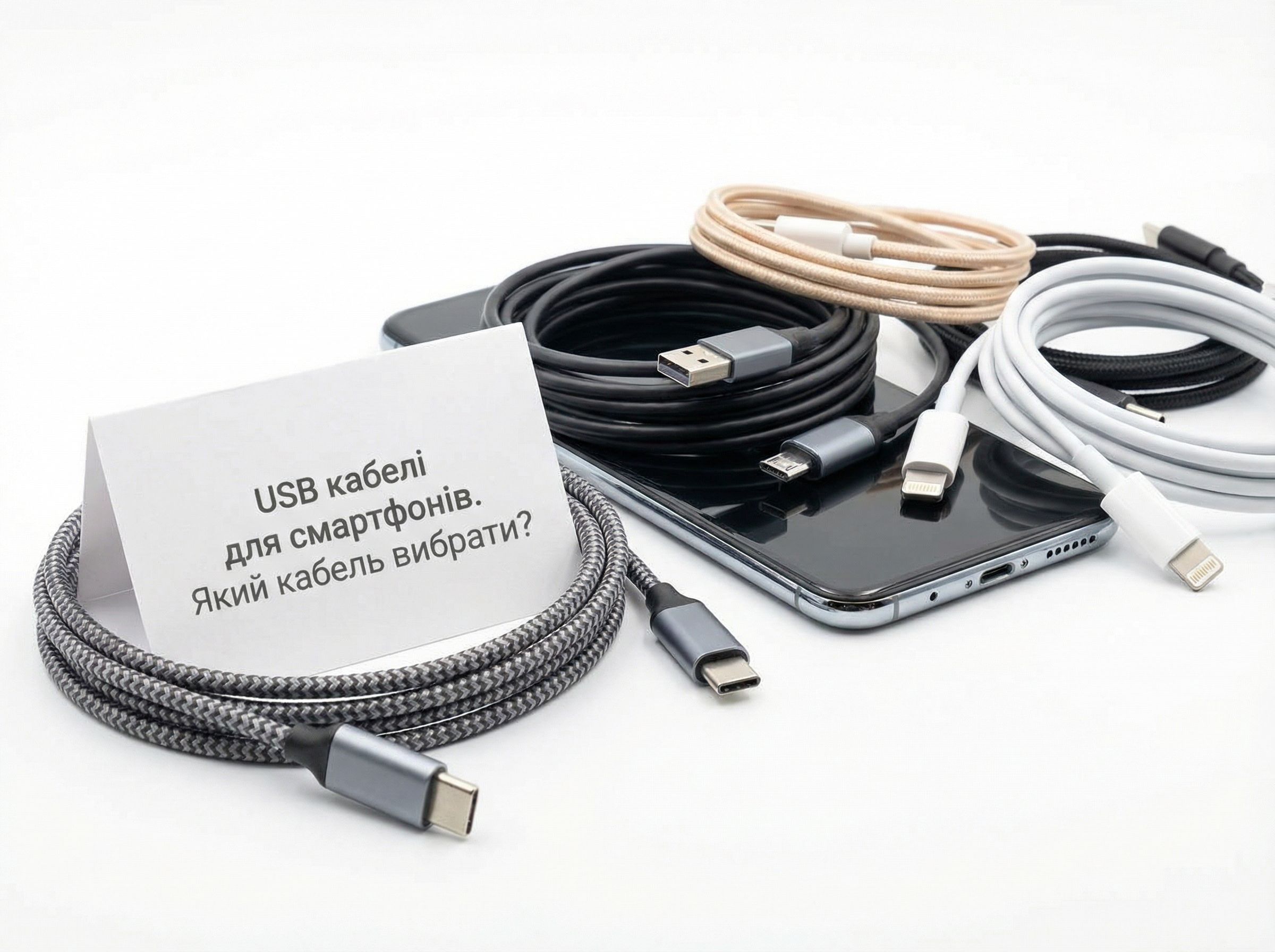
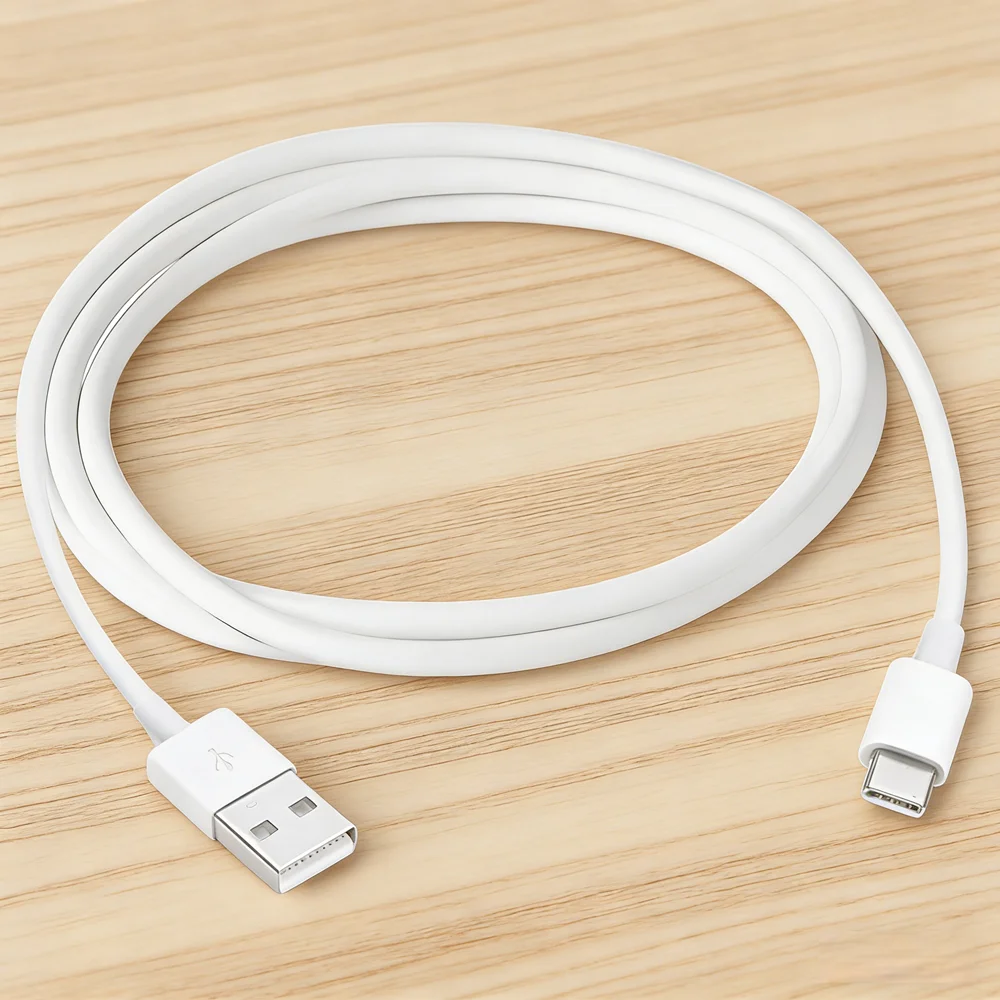
USB Type-A is the classic rectangular connector, familiar to everyone since the days of the first computers. It is found on most chargers, computers, and car outlets. The cable usually has USB-A on one end and a modern connector (e.g., Type-C or Lightning) on the other.
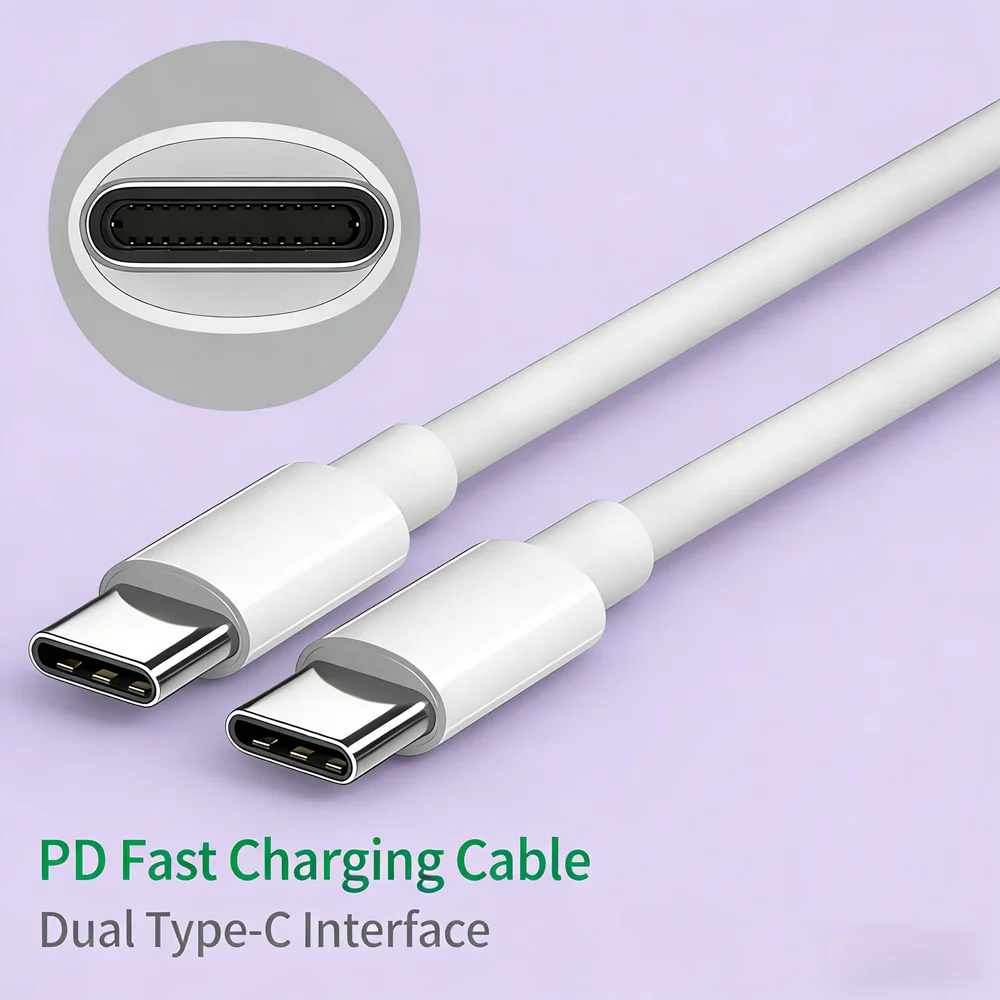
USB Type-C is a modern standard that has become the main one for Android smartphones, tablets, laptops, and many other devices. Its main advantages: symmetry (it can be inserted either way), compactness, and versatility. A USB-C cable supports not only fast charging but also high-speed data transfer, and sometimes even video signal (DisplayPort). If you have a modern Android smartphone, you most likely need a cable with a USB-C connector.
Lightning is Apple's proprietary connector for iPhones, iPads, and other accessories. It is also symmetrical but works exclusively with Apple products. For these devices, you need to buy special Lightning cables.
Micro-USB is an outdated but still quite common standard, especially on older smartphone models, power banks, Bluetooth headphones, and other electronics. It has a trapezoidal shape and is not symmetrical. If you have an old device, it likely uses micro-USB.
Choosing the connector is the foundation that determines the cable's compatibility with your device.
Charging Speed: From Standard to Powerful
Not all USB charging cables are the same. The speed at which your smartphone receives power depends on two things: the capabilities of the charger (adapter) and the cable itself.
Standard charging (up to 15W) is provided by most basic cables. It is sufficient for slowly replenishing the battery overnight.
Fast Charging is a whole range of technologies (Qualcomm Quick Charge, Samsung Adaptive Fast Charging, Pump Express, etc.) that can significantly speed up the process. They require both a special adapter and a quality cable capable of handling increased current. For example, for effective operation of technologies like Quick Charge 3.0/4.0, a good fast charging cable is necessary.
Super Fast Charging is the pinnacle of evolution. Technologies like USB Power Delivery (PD) allow power transfer of up to 100W and more! They are used for charging not only smartphones but also laptops. A cable for such purposes must be certified and support the relevant standards. If your flagship supports 45W, 65W, or even 120W charging, a regular cable of unknown origin will not work — it simply won't pass the required power and may overheat.
Charging power is limited by the weakest link in the chain: the adapter or the cable.
Data Transfer: From Files to Video
Besides charging, a USB cable is used for syncing with a computer and transferring files. There are also different speed standards here:
- USB 2.0: Maximum speed — up to 480 Mbps. Enough for transferring photos and music, but slow for large video files.
- USB 3.0 / 3.1 / 3.2: These standards offer speeds from 5 Gbps to 20 Gbps. They are ideal for transferring large amounts of data, backups, or working with high-resolution files. USB 3.0 and higher Type-C cables often have blue plastic inside the connector or special markings (SS — SuperSpeed).
- Thunderbolt 3/4: These are the fastest interfaces (up to 40 Gbps) that use the USB Type-C connector. They allow not only instant data transfer but also connecting external 4K/8K monitors, drives, and creating docking stations. Such cables are compatible with regular USB-C, but a special cable is needed to unlock the full potential of Thunderbolt.
What to Look for When Choosing a Cable?
To ensure your smartphone cable lasts a long time and works safely, pay attention to these details:
Build quality and length. A sturdy, flexible cable with a quality braided sheath will last much longer than a cheap, thin plastic one. Length is a matter of convenience. For bedside charging, a short one (0.5-1 m) will do, but for use in the car or with a power bank in a backpack, it's better to take a long cable (1.5-2 m or more).
Compatibility with standards. Make sure the cable supports the fast charging technologies you need (e.g., Power Delivery, Quick Charge) and data transfer (USB 3.0+). This is often indicated on the packaging.
Brand and certification. It is better to buy cables from well-known brands or those certified by your device manufacturer (e.g., MFi cables for Apple). This guarantees safety, compatibility, and compliance with stated specifications. Uncertified cheap cables can damage your smartphone's battery or even cause a short circuit.
Versatility. If you have multiple devices with different connectors, you might consider a universal cable with interchangeable tips (Type-C, Micro-USB, Lightning) or a cable with two connectors on one end.
Quality, compatibility, and certification are the keys to safety and durability.
Summary: Which USB Cable to Choose?
- For a modern Android smartphone: Choose a quality USB Type-C cable with support for the fast charging standard you need (e.g., Power Delivery) and, if desired, high data transfer speed (USB 3.1).
- For an iPhone: You need a certified Apple MFi cable with a Lightning connector. For new iPad Pros or MacBooks, you will also need a USB-C cable.
- For an old device or peripherals: You might need a Micro-USB cable.
- For universal use: Keep in mind a cable with Type-C and Type-A connectors, as most outlets and power banks still use the USB-A port.
A properly selected USB cable is not a trifle but an important accessory that affects the comfort of daily smartphone use, its charging speed, and the safety of your device. Don't skimp on quality, and your gadget will always be ready to work.