Choosing gaming headphones is always a compromise between sound quality, comfort, and price. Many gamers buy the first model they see, guided only by a flashy design or a loud brand name, only to encounter audio distortion or a headphone cup pressing on their ear within a week. To avoid this, it's worth approaching the choice systematically, considering the technical specifications and design features of the headset. According to the recommendation of the ComfortShop editorial team, the right approach to choosing an accessory begins with determining your primary usage scenario: whether you play dynamic shooters, prefer atmospheric RPGs, or perhaps need a universal option for both gaming and listening to music.
? Table of Contents
Connection Type: Wired or Wireless?
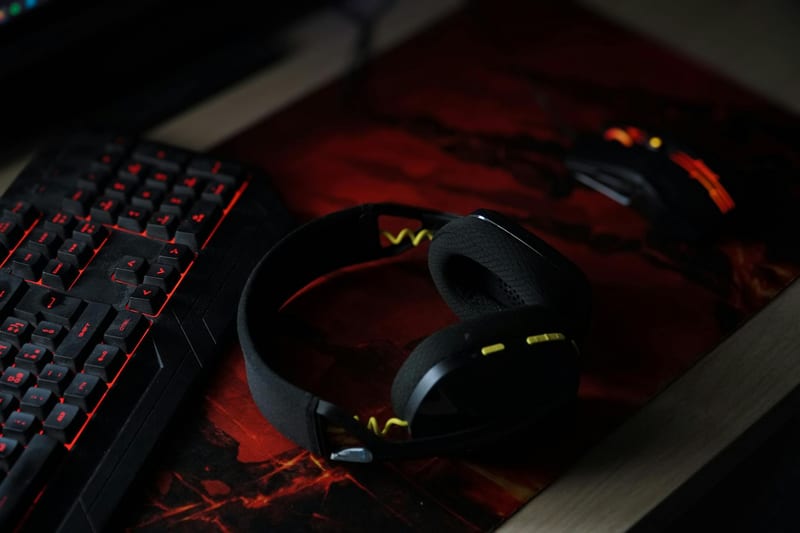
The first thing to determine is whether you are willing to put up with wires for minimal sound latency. Wired headphones remain the standard for esports, as they transmit the signal without loss and do not require charging. They connect via USB, 3.5 mm, or a combined jack, providing the stability that is critical in competitive games.
Wireless models, on the other hand, offer freedom of movement: you can step away from the computer without taking off the headset. Modern technologies, such as 2.4 GHz or Bluetooth 5.3, minimize latency, but it is still slightly higher than that of wired counterparts. If you are choosing headphones for gaming, reviews of which include a latency test, pay attention to models with low latency support.
For most players, hybrid options become the optimal compromise: they work both wired and wirelessly, allowing you to use them both at home and on the go.
Form Factor: Over-Ear, On-Ear, or In-Ear
Over-ear headphones are the best choice for long gaming sessions. They completely envelop the ear, creating sound isolation and comfort. Ear pads made of quality leatherette or memory foam fabric do not press on the head even after 6-8 hours of use.
On-ear models are less bulky but can press on the auricles, making them less suitable for extended gaming. In-ear monitors (earbuds) are a compromise for mobility, but they do not provide an adequate soundstage or sound localization in games.
ComfortShop experts advise paying attention to the weight of the headset: the ideal indicator is up to 300 grams for over-ear models. Heavier headphones can cause neck fatigue during long gaming marathons.
Sound Quality: Frequency Range and Drivers
For gaming, it's not just about volume, but the headphones' ability to convey the smallest details: enemy footsteps, weapon reloads, environmental sounds. Standard drivers with a diameter of 40-50 mm provide sufficient volume, but higher-quality models use neodymium magnets, which improve sensitivity.
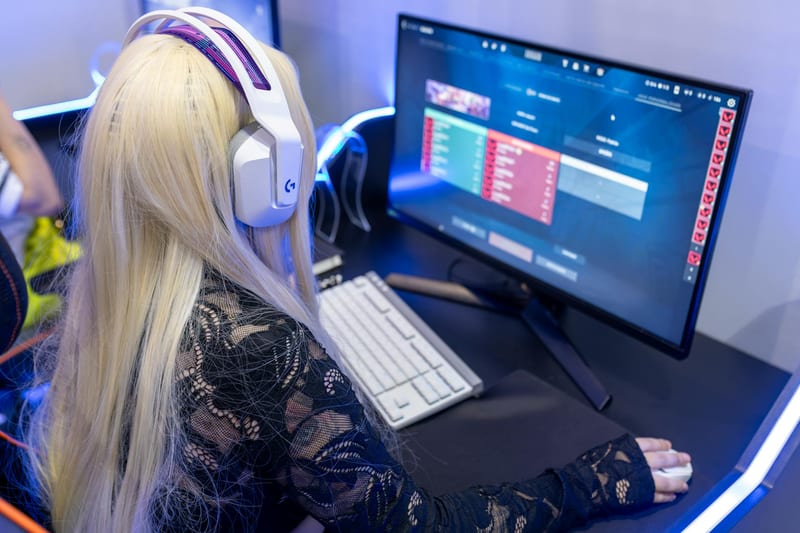
A frequency range from 20 Hz to 20 kHz is the minimum. For deep bass in shooters or explosions, it's better to choose models with an extended range, for example, up to 40 kHz. However, don't chase numbers: the actual soundstage is more important, which can only be assessed by ear or through reviews.
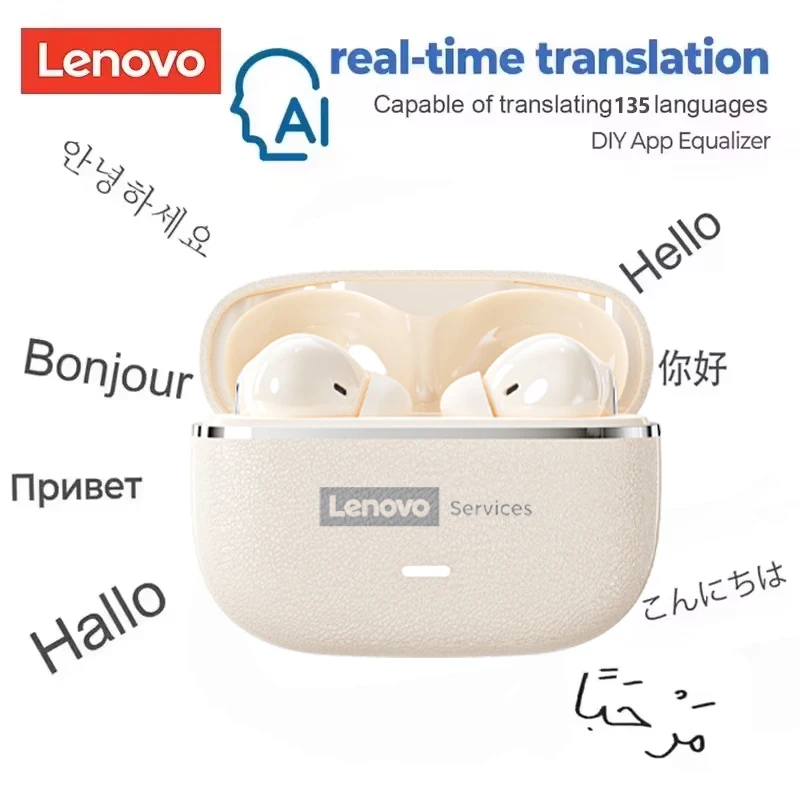
Don't forget about support for virtual 7.1 surround sound or technologies like Dolby Atmos. This software significantly improves spatial orientation, which is critical for tactical games.
How the microphone affects the overall impression of the headset.
Many gamers ignore microphone quality, but for team play, it is one of the key parameters. Noise cancellation, sensitivity, and the ability to detach the microphone are what you should pay attention to. The best gaming headphones are equipped with detachable microphones on a flexible arm, allowing you to adjust the position.
Materials and Ergonomics: What to Look For
Comfort during gameplay depends on the material of the ear pads and headband. Genuine leather is durable but can cause sweating in summer. Fabric ear pads (velour, mesh) breathe better but wear out faster. The optimal choice is hybrid materials or replaceable pads.
An adjustable headband with a metal frame is a sign of reliability. Plastic models are lighter but can crack if dropped. If you often take the headset with you, choose options with a folding mechanism.
Also important is the clamping force on the head: too much pressure causes discomfort, while too little worsens sound isolation. Before buying, it's worth trying on the headphones or reading reviews that describe the feeling after prolonged wear.
Additional Features and Compatibility
Modern gaming headsets often have RGB lighting that syncs with other devices. This is aesthetic but does not affect performance. More useful features include hardware volume control on the ear cup, a microphone mute button, and the ability to change the equalizer.
Platform compatibility is another important aspect. If you play on PC, console, and smartphone, choose models that support various connectors or Bluetooth. Some headphones for gaming, reviews of which include a multi-platform test, can connect to two devices simultaneously.
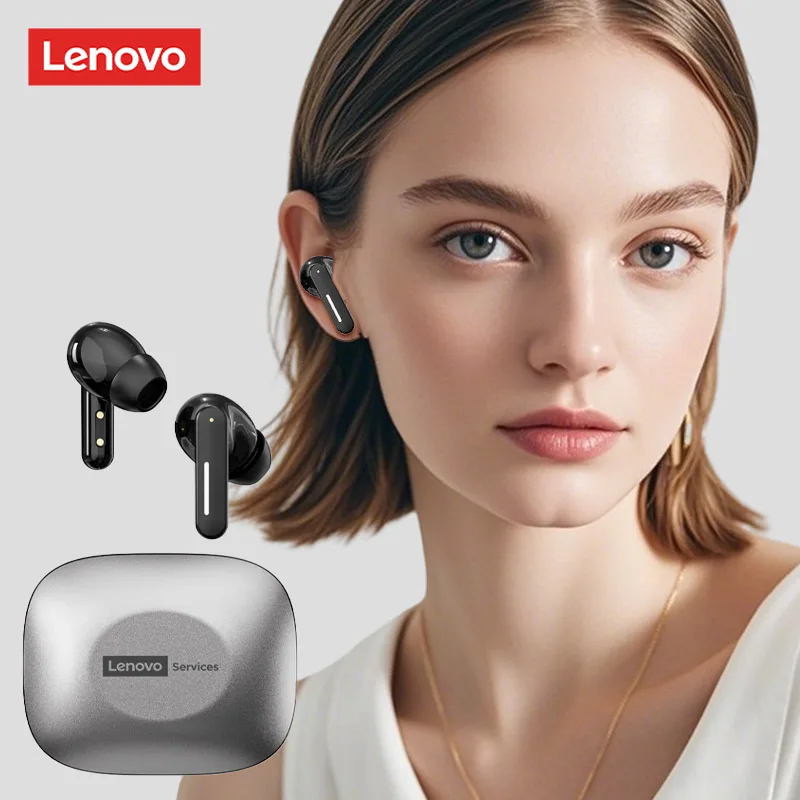
Don't forget about the package contents: the availability of additional cables, adapters (e.g., from USB-C to 3.5 mm), and a storage case significantly simplifies use.
Budget and Price-to-Quality Ratio
The market offers models from 500 UAH to several thousand. In the budget segment (up to 1500 UAH), you will find basic wired headsets with a minimal set of features. The mid-price range (1500-4000 UAH) is the sweet spot, where you already get quality sound, comfortable ergonomics, and sometimes wireless connectivity.
Premium models (from 4000 UAH) offer the best materials, high-quality drivers, advanced noise cancellation, and long battery life. However, expensive headphones are not always justified for casual gamers.
If you are looking for PC accessories headphones that will last a long time, it's better to invest in a model with a metal frame and replaceable ear pads. This allows you to replace worn parts rather than buying a new headset.
Conclusion:
Choosing gaming headphones is a balance between technical specifications, comfort, and your personal preferences. Start by determining the connection type: wired for minimal latency or wireless for freedom of movement. Pay attention to ergonomics and materials, as they determine whether you can play for hours without discomfort. If you want a proven option, which gaming headphones to buy — look at models with virtual 7.1 support and a quality microphone that fits your budget. Visit ComfortShop to browse the range and choose a headset that won't disappoint you even after prolonged use.
Frequently Asked Questions
What is the difference between wired and wireless gaming headphones for PC?
Wired models provide a stable connection without latency and do not require charging, while wireless ones offer more freedom of movement but may have slight audio latency and limited battery life.
Is 7.1 surround sound important for gaming?
Yes, virtual 7.1 surround sound significantly improves spatial orientation in shooters and open-world games, allowing you to more accurately determine the direction of footsteps or gunshots.
Which connection type is best for gaming headphones?
For PC, the best choice is a USB connection, which provides power, quality sound, and support for software to configure the equalizer and microphone.
Should I buy gaming headphones with a microphone if I play alone?
Even for single-player games, a microphone can be useful for voice commands or communication in cooperative modes, so it's better to choose a model with a detachable or built-in microphone.