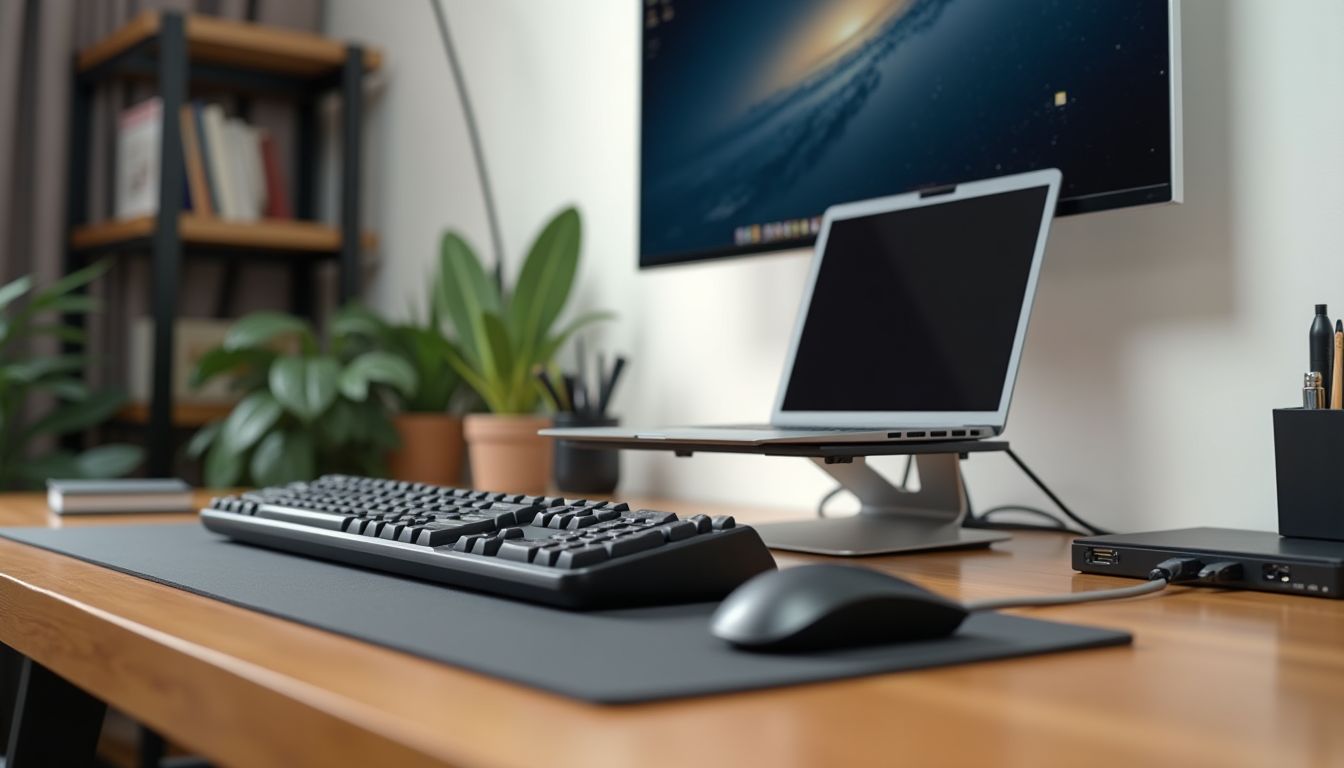
The modern desktop is gradually getting rid of extra wires, and one of the most controversial accessories in this process has become the mouse pad with wireless charging. Manufacturers promise convenience, minimalism, and constant readiness of gadgets for work, but is this device really worth its money? Before making a decision, it is worth understanding the technical nuances, compatibility features, and real-world usage scenarios. According to the recommendation of the ComfortShop editorial team, such an accessory can be an excellent addition to a gaming or work station, but only if it is correctly selected for your devices.
? Table of Contents
How a mouse pad with wireless charging works
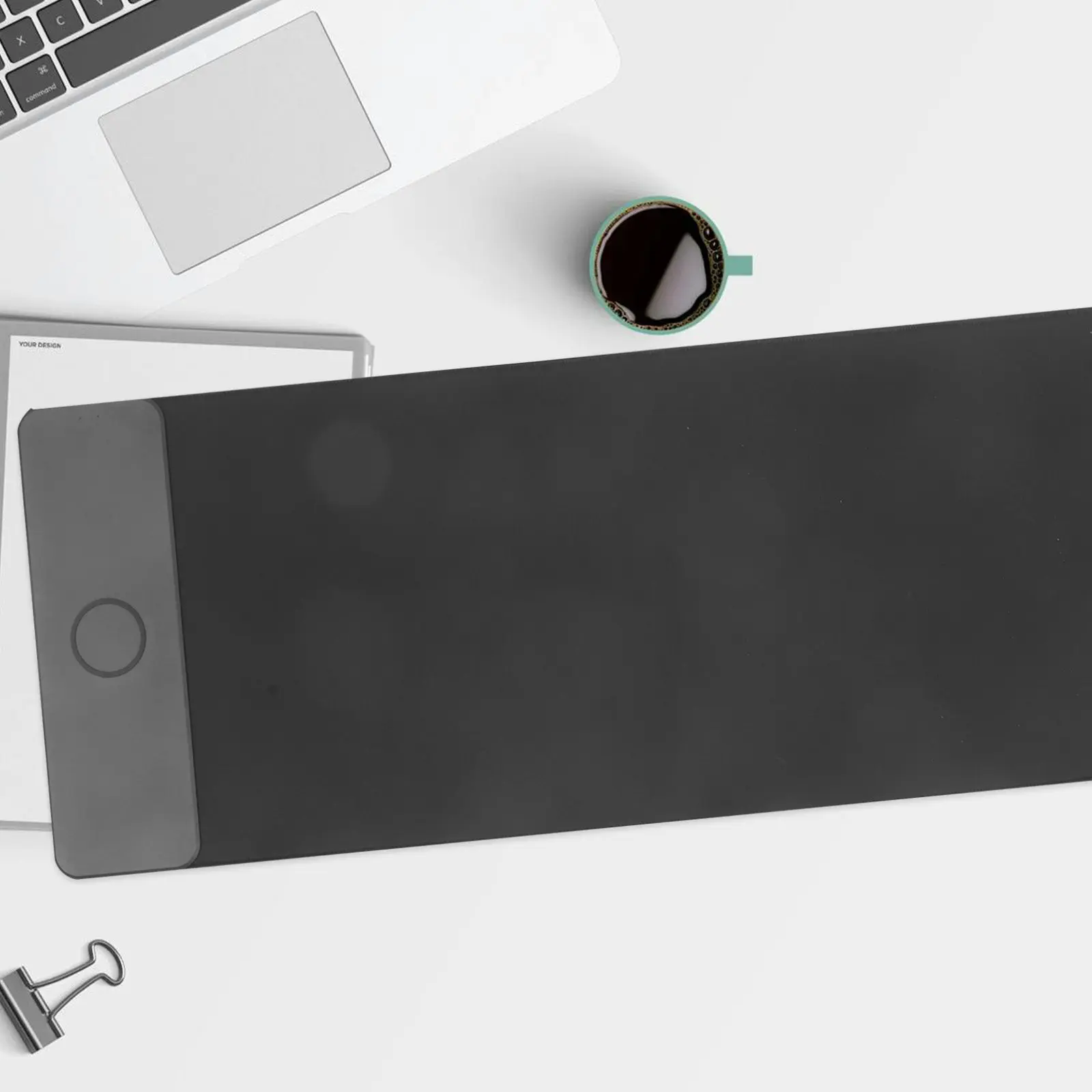
The operating principle of such mouse pads is based on Qi inductive charging technology. Inside the mouse pad, an induction coil is built-in, which creates an electromagnetic field, and in the mouse or smartphone, there is a receiving coil that converts this field into an electric current to charge the battery. It is worth noting that the charging zone usually has a fixed position, so to recharge, you will have to place the mouse in a specially marked spot.
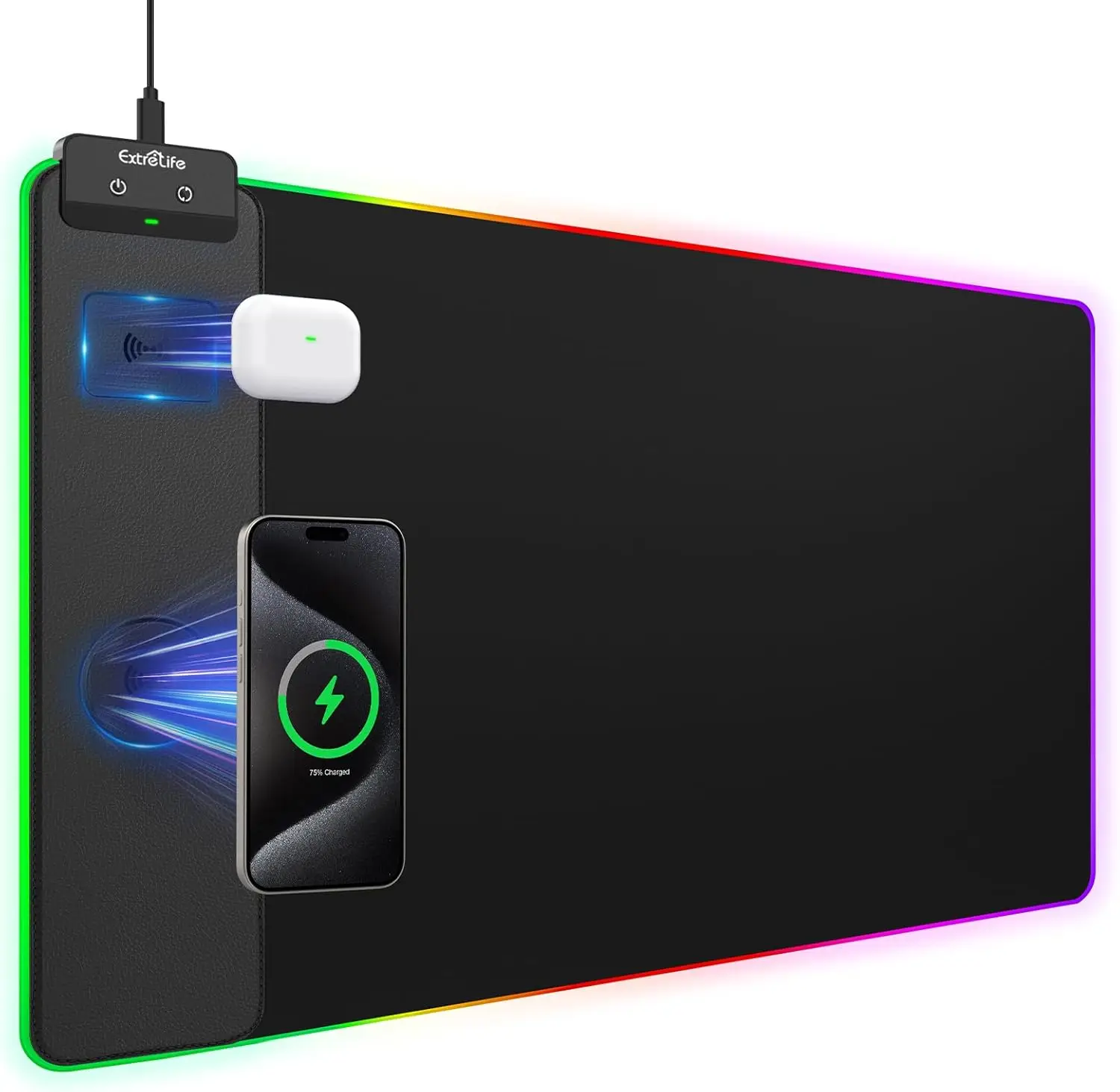
Most modern models support the Qi standard with a power output of 5 to 15 watts, allowing you to charge not only mice but also smartphones, headphones, or other compatible gadgets. However, it is important to understand: if your mouse does not have a built-in Qi receiver, the mouse pad will not be able to charge it. In that case, you will have to purchase a special receiver or choose a model with a separate dongle that connects to the mouse.
Advantages of using a charging mouse pad
The main advantage of such an accessory is the complete elimination of the need to connect a cable to charge the mouse. This is especially convenient for users who work or play for several hours straight and forget to put the device on charge in time. Additionally, a mouse pad with Qi charging allows you to service multiple devices simultaneously: while the mouse works on the surface, the smartphone can charge in a special zone.
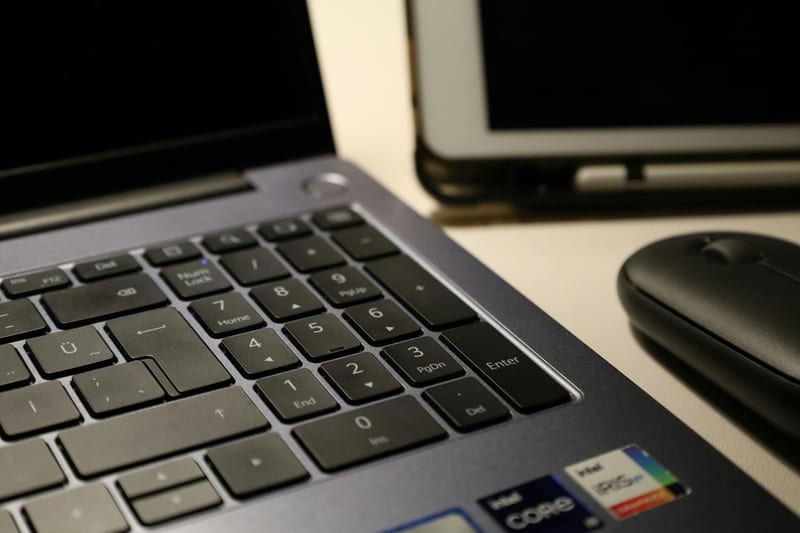
A review of mouse pads from leading brands shows that high-quality models have a durable coating that ensures smooth gliding and precise cursor positioning. ComfortShop experts advise paying attention to models with a rubberized base, which prevents the mouse pad from sliding on the table during active movements. It is also worth noting the aesthetic appearance: a wireless mouse charger looks modern and minimalist, which is important for designing a workspace.
Disadvantages and pitfalls
Despite the obvious advantages, a mouse pad with wireless charging also has significant drawbacks. Firstly, the cost of such products is much higher than regular mouse pads, especially when it comes to gaming models with backlighting and fast charging support. Secondly, the charging zone is often limited: if you are used to actively moving the mouse across the entire surface, you will have to constantly return it to the right spot for recharging.
Another important point is compatibility. Not all wireless mice support charging via Qi, and some manufacturers use their own proprietary standards. For example, Logitech mice with PowerPlay technology require a special mouse pad that is not compatible with Qi. Therefore, before purchasing, it is worth carefully checking whether the chosen model is suitable for your device.
Who should really buy a mouse pad
The decision to purchase such an accessory depends on your work style. If you are a professional gamer or designer who spends 8-10 hours a day at the computer, a charging mouse pad can be a real lifesaver. It will eliminate the need to constantly monitor the mouse's charge level and search for a free USB port for the cable.
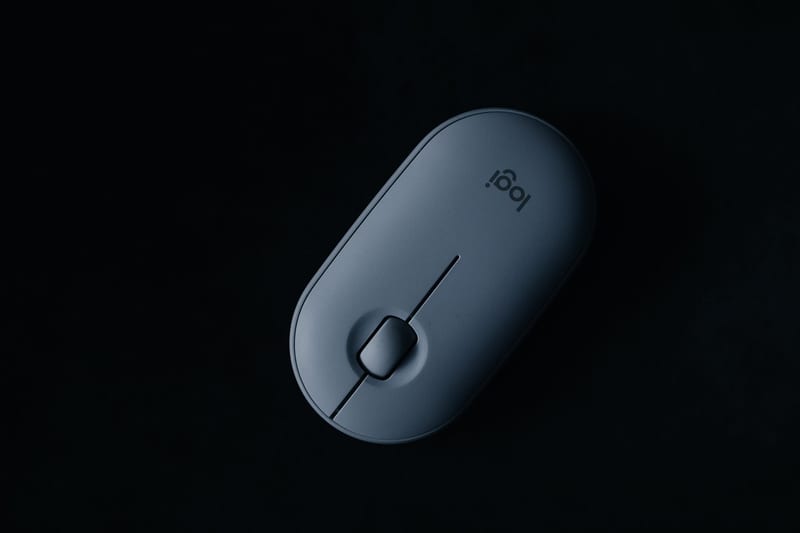
On the other hand, for ordinary home use, when the mouse runs on batteries for weeks or even months, paying extra for the wireless charging function does not make sense. PC accessories should be practical, and if you do not feel discomfort from periodically replacing power elements, a mouse pad with Qi charging will remain just an expensive accessory.
What to pay attention to when choosing a model.
When choosing a mouse pad, you should pay attention to the size of the working surface, the coating material, and the charging power. For gaming, it is better to choose models with a fabric coating that provides optimal friction, while smooth surfaces are suitable for office work. It is also important that the mouse pad has sufficient thickness for comfortable wrist placement.
Alternative solutions on the market
If you are unsure whether to buy a mouse pad with a charging function, consider alternatives. Firstly, there is regular charging via cable — the cheapest and most reliable method. Many modern mice support fast charging via USB-C, allowing you to fully charge the device in 1-2 hours.
Secondly, there are docking stations and stands with wireless charging that take up less space on the desk and cost less. They do not function as a mouse pad, but they do an excellent job of charging a smartphone and mouse. Thirdly, you can purchase a separate Qi receiver for your existing mouse, turning it into a compatible device without needing to buy a new mouse pad.
Practical tips for use
To ensure the charging mouse pad lasts a long time and works efficiently, follow simple rules. Regularly wipe the surface from dust and dirt, as contamination can impair the mouse sensor's sensitivity and charging efficiency. Do not use the mouse pad on soft surfaces such as a blanket or sofa — this can lead to overheating of the electronics.
It is also worth remembering that metal objects placed on the mouse pad's surface can heat up during charging. Keep keys, coins, and other small metal items away from the charging zone. As ComfortShop reviewers note, high-quality models have protection against overheating and short circuits, but it is better not to take risks and follow basic safety rules.
Conclusion:
A mouse pad with wireless charging is a convenient but niche accessory that justifies itself only with active daily computer use. It really helps get rid of extra wires and keeps gadgets always charged, but it requires careful selection of compatible devices. If you are ready to invest in comfort and minimalism, such a mouse pad will be a successful purchase, but for most users, traditional solutions remain more practical and economically justified.
Frequently Asked Questions
Is any mouse suitable for a mouse pad with wireless charging?
No, the mouse pad only works with mice that support the Qi wireless charging standard, or with special receivers for regular mice.
Does wireless charging affect the mouse's performance speed?
No, charging does not affect performance or signal latency, as it occurs through a separate module, not through the mouse sensor.
Is it worth buying a mouse pad with Qi charging instead of a regular one?
Yes, if you have a compatible mouse and want to get rid of wires and constant battery replacement — it is a convenient solution for the desktop.
Can I charge a smartphone on such a mouse pad?
Yes, most models support charging smartphones and other Qi gadgets, but they need to be placed in a specially marked zone.