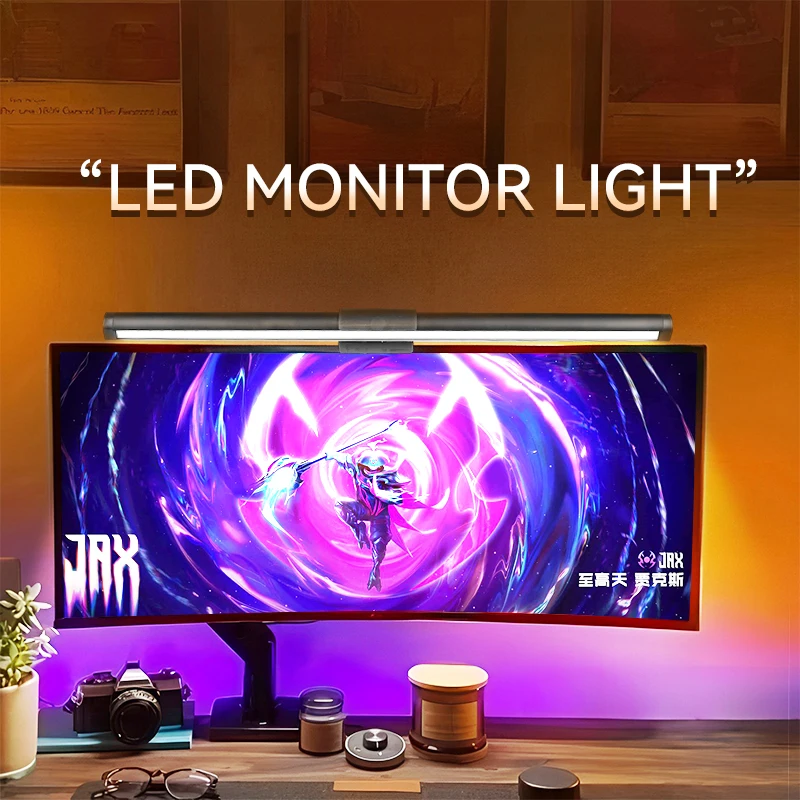
The modern workspace is not just about functionality, but also about the atmosphere that affects productivity and eye comfort. One of the most popular solutions for improvement is LED monitor lighting that connects via USB. It not only creates cozy indirect lighting, reducing the contrast between the bright screen and the dark surroundings, but can also become a stylish accent in your gaming or office setup. Properly selected lighting helps combat eye strain during prolonged computer work, and thanks to USB power, it is extremely easy to install — no need to find an outlet or get tangled in wires. In this article, we will take a detailed look at what to pay attention to when choosing such LED lighting to ensure it perfectly meets your needs.
? Table of Contents
Operating Principle and Advantages of USB Monitor Lighting
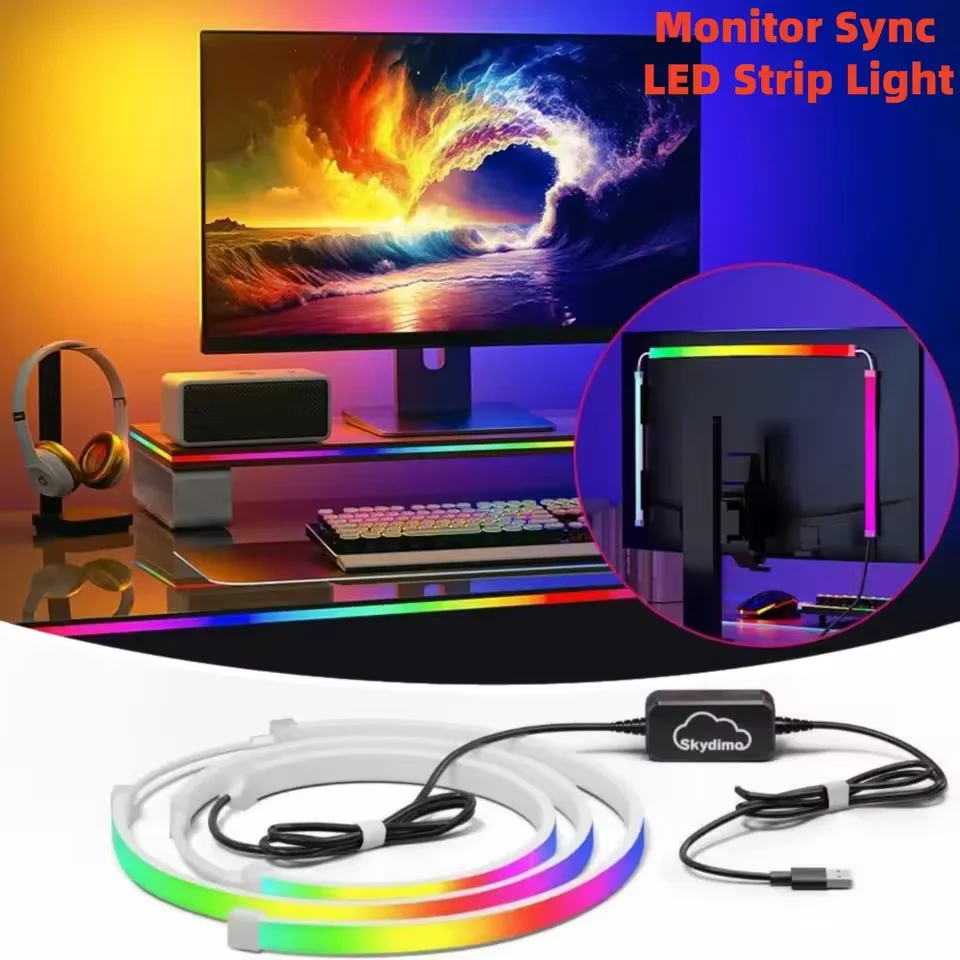
LED monitor lighting is typically a flexible strip or a special panel (bar) with bright LEDs mounted on it. Its main purpose is to create background, diffused lighting for the space behind the monitor. This is called bias lighting, and its primary benefit is reducing eye strain.
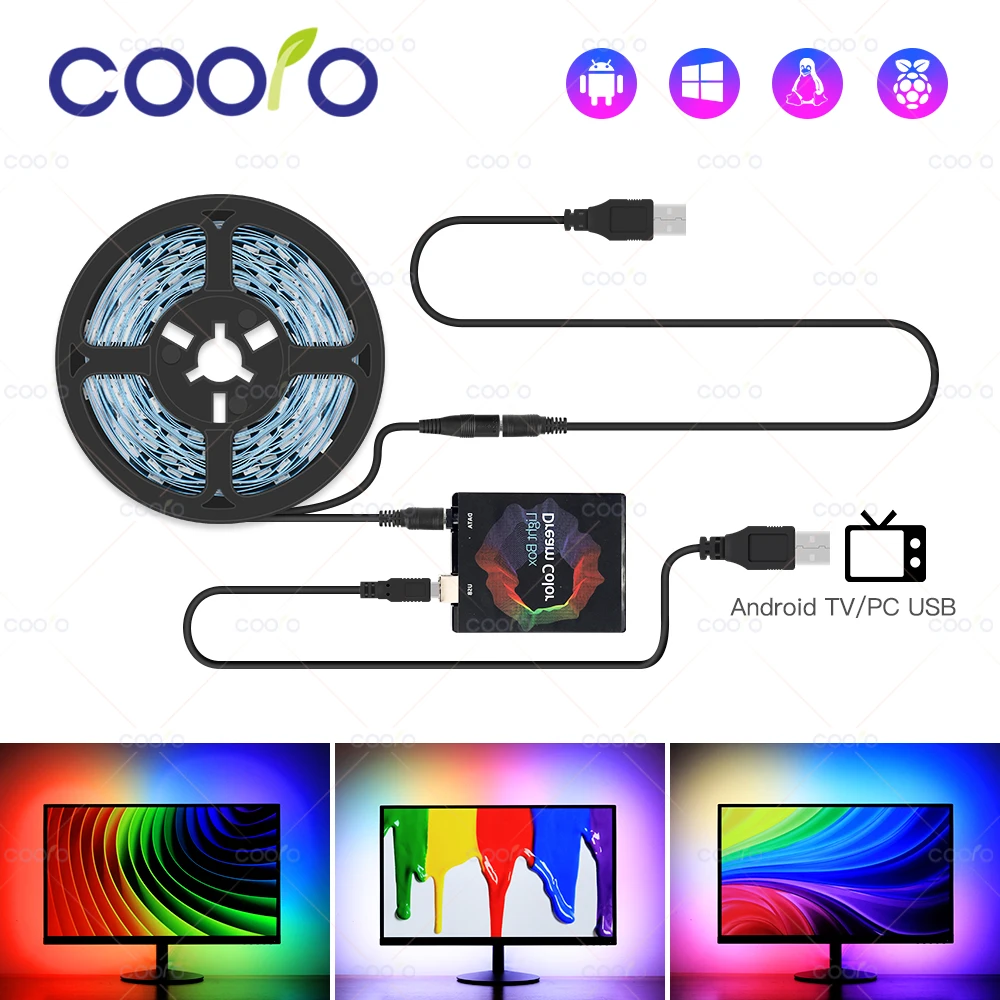
When you look at a brightly lit screen in a dark room, your eyes constantly have to readjust to sharply contrasting areas, leading to rapid fatigue, dryness, and sometimes even headaches. Soft light behind the monitor smooths out this contrast, making perception more comfortable. USB connectivity is a key advantage of such lamps. You don't need a separate power adapter — just plug the cable into a free port on your monitor, system unit, laptop, or even a power bank.
This solution greatly simplifies installation, makes the system more mobile and tidy, as there are virtually no extra wires left. Thus, USB lighting combines practical benefits for eye health, the energy efficiency of LED technology, and technological convenience.
Key Selection Parameters: Type, Size, and Brightness
Before buying lighting, it's important to decide on its physical characteristics, which will directly affect the result. The main options are an LED strip or a monoblock in the form of a light bar (Monitor Bar). A strip is usually flexible and allows you to outline the monitor's perimeter, creating an even light ring. A light bar is a compact panel that attaches to the top or bottom of the monitor and provides a directed, even stream of light onto the desk.
Measure your monitor before purchasing.
For a strip, its length is critically important. Measure the perimeter of your monitor (or the part you plan to illuminate) to buy a strip with some extra length that can be cut. For a light bar, the width is more important — it should look harmonious under your monitor, not extending beyond its edges. The next parameter is brightness, measured in lumens (lm) or adjusted subjectively. Look for a model with dimming capability (brightness adjustment). This will allow you to adapt the lighting for different times of day and specific tasks: brighter for work, dimmed for watching movies.
Also, pay attention to the color temperature of the light if the model is not RGB. Neutral white light (4000-5000K) is better for work, while warm light (2700-3000K) is suitable for relaxation. Models with the ability to switch between several temperatures are the most versatile.
Color Control: From Solid Light to RGB Rainbow
Here, options fall into two large camps: classic lighting with white light (or several fixed shades of white) and full-fledged RGB systems. Monochrome options are ideal for those who value functionality and ergonomics. They handle the main task — reducing eye strain — perfectly and do not distract with bright colors.
RGB monitor lighting is a whole world of possibilities for personalization. It allows you to choose any color from the palette, often with the ability to create dynamic effects (fading, pulsing, changing to the beat of music). This is an ideal choice for gamers, creative individuals, or simply for creating a unique atmosphere in the room. You can set a calm blue shade for concentration, an aggressive red for gaming, or a fun rainbow for a party.
Control methods also vary: from the simplest buttons on the lamp body itself to remote controls, special smartphone apps, or even integration with ecosystems like Razer Chroma, ASUS Aura Sync. The choice depends on your desire for control depth and your budget.
Mounting Methods and Installation Ergonomics
Reliable and convenient mounting is the key to ensuring the lighting doesn't fall off after a few days of use. Most modern models, especially light bars, use a clamp (clip) that hooks onto the top edge of the monitor. It is important that this clamp is tight, has rubber pads to protect the monitor surface, and can hold on to panels with thin bezels.
LED strips often come with two types of mounting: adhesive on the back or plastic clips. Adhesive is convenient but may leave residue upon removal. Clips are a cleaner solution but require more careful installation. Some strips have magnetic mounting, which is very convenient for temporary installation or relocation.
Before buying, imagine exactly where you want to install the lighting: around the entire perimeter, only on top, or perhaps on the bottom to illuminate the desk surface? The answer to this question will determine not only the type of mounting but also the shape of the lamp itself.
Additional Features Worth Considering
Basic functionality is light and USB power. But modern models offer a range of useful "features" that can be decisive arguments when choosing. The most useful one, besides brightness adjustment, is settings memory. Imagine you've set the perfect warm shade and brightness for the evening — it's good if the lighting remembers this mode and automatically turns on with it.
Automation makes the device smarter.
A very convenient feature is automatic on/off together with the computer, if the lighting is connected to a monitor or PC that supplies power to USB when the system starts. Some advanced models have motion or light sensors, activating when you sit down at the desk. For music lovers, models with sound effects, where the light reacts to the rhythm, might be interesting. Also, don't forget about build quality: reliable materials, a long and durable USB cable, and the availability of spare clips or strip segments in the kit.
When evaluating additional features, honestly determine whether you will actually use them or if you are paying for useless options. Sometimes a simple and reliable model with brightness adjustment turns out to be a better choice than a gadget overloaded with features.
Conclusion:
Choosing the ideal LED monitor lighting via USB is a balance between technical parameters, functionality, and personal needs. Decide what is your priority: ergonomic lighting for work or a bright RGB accent for entertainment. Be sure to consider the size, type of mounting, and the presence of brightness adjustment.
An accessory like the Monitor Bar LED Desk Light embodies the modern approach: it combines directed desk lighting, bias monitor lighting for eye comfort, USB power, brightness adjustment, and often RGB lighting in one compact body. It will become a versatile assistant for both office work and gaming. Considering all the described criteria, you will be able to choose the exact lighting that will transform your workspace into a comfortable and stylish zone.