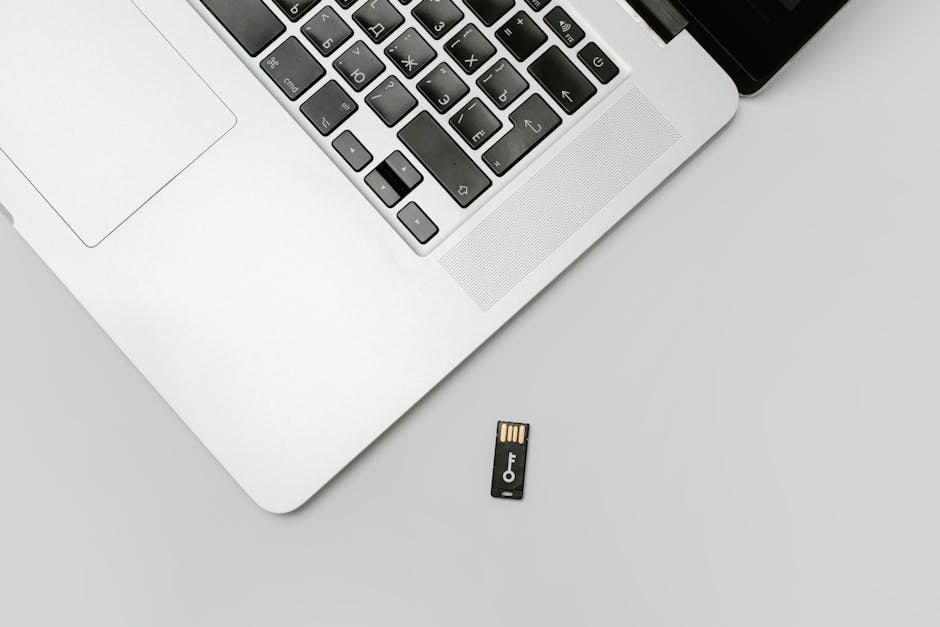
Each of us has accumulated quite a few USB devices at home that, after first use, end up in a drawer and are never needed again. Flash drives, cables, hubs — all of this is often bought spontaneously, without understanding real needs. But how do you choose USB devices that won't sit idle but will become true helpers in daily tasks? Expert recommendations will help you figure this out, advising you to pay attention not to the number of ports or bright design, but to functionality and compatibility with your gadgets. According to the recommendation of the ComfortShop editorial team, choosing the right USB accessories starts with analyzing your own habits and usage scenarios.
? Table of Contents
Determine Your Real Needs: What Do You Actually Need?
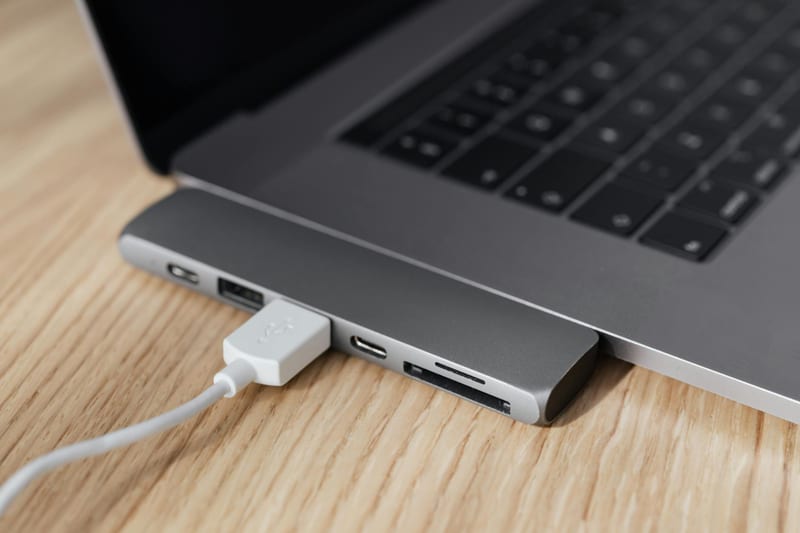
Before buying another USB gadget, ask yourself a simple question: will I use it at least once a week? For example, if you often transfer files between a computer and a laptop, you'll need a fast flash drive with a USB 3.2 or USB-C interface. If you work from home and connect several peripheral devices at once — a monitor, keyboard, mouse — then a quality powered USB hub will be indispensable.
Avoid universal solutions that promise everything at once. For example, cheap multi-card readers often break after a few uses, and sets with a dozen adapters only clutter up space. Instead, choose specialized devices: a USB adapter for connecting an SSD, an external sound card reader, or a compact hub with Power Delivery support. Such items won't sit idle because they perform a specific function.
Quality and Speed: Key Criteria for a Useful USB Gadget
When looking for useful USB gadgets, pay attention to data transfer speed and case materials. The modern USB 3.2 Gen 2 standard provides speeds up to 10 Gbps, allowing you to copy large files in seconds. If you often work with video or databases, consider devices with Thunderbolt 4 support — they are compatible with USB-C and offer maximum performance.
The case is equally important. Aluminum models dissipate heat better and last longer than plastic counterparts. ComfortShop experts advise avoiding devices with a glossy finish — it scratches quickly and looks untidy. Choose matte or textured plastic, and for portable drives, metal sides. This is not only aesthetic but also practical: such a gadget doesn't slip in your hand and withstands drops.

Device Compatibility: How to Avoid Mistakes in Your Choice?
One of the most common mistakes is buying a USB device that doesn't fit your laptop or smartphone. For example, many modern ultrabooks only have USB-C ports, so a traditional USB-A flash drive will require an adapter. Therefore, before purchasing, check what ports your computer, tablet, or phone has. The ideal option is a device with two types of connectors or a detachable cable.
Special attention — compatibility with operating systems. Some USB gadgets, such as external Wi-Fi adapters or Bluetooth receivers, may not work with Linux or macOS without additional drivers. If you don't want the device to sit idle due to incompatibility, choose models with Plug and Play support. ComfortShop reviewers recommend paying attention to USB-IF certification — it guarantees that the gadget will work with any system.
Top 3 Useful USB Devices for Home and Work
To avoid mistakes in your choice, it's worth focusing on proven categories of gadgets. Here is a list of devices that definitely won't sit idle:
- USB-C hub with HDMI and power delivery. Ideal for working from home: connects a monitor, keyboard, and charges the laptop simultaneously. Choose models with 4K@60Hz support — they are relevant for modern monitors.
- Compact flash drive with dual interface (USB-A + USB-C). This gadget is suitable for both an old PC and a new MacBook or smartphone. Read speed from 200 MB/s is the necessary minimum.
- External 1TB SSD drive. It is lighter and faster than a traditional HDD and doesn't require separate power. Use it for backups or transferring work projects.
These devices cover 90% of typical scenarios: from file transfer to connecting peripherals. They are compact, reliable, and don't become obsolete within 2-3 years. If you're unsure what to choose, start with this list — it has already been tested by thousands of users.
How to Avoid Unnecessary Purchases: A Pre-Purchase Checklist
Before clicking "Buy," pause and check the device against several parameters. First, assess the real speed: if you're buying a flash drive for 4K video, choose a model with a write speed of at least 150 MB/s. Second, pay attention to the cable length — short cords are often inconvenient to use, while overly long ones get tangled.
Third, read reviews about operational stability. Some cheap hubs overheat during prolonged use, leading to data loss. If a device has a rating below 4.0 on trusted platforms, it's better to look for an alternative. Remember: a good USB gadget is one you will use daily, not one that has 20 functions but none work perfectly.

Conclusion:
Choosing USB devices that won't sit idle comes down to three simple rules: determine your real needs, choose quality models with support for modern standards, and check compatibility with your equipment. Don't chase cheapness or an excessive number of features — it's better to buy one solid gadget that will come in handy every day. As ComfortShop reviewers note, the best way to avoid wasted expenses is a conscious approach to each purchase. Choose wisely, and your USB accessories will only bring benefits.
Frequently Asked Questions
Which USB devices are most often used daily?
The most popular are USB hubs with additional ports, card readers, and compact flash drives for quick file transfer, as well as LED lamps or fans powered by the port.
Is it worth buying a USB device if it only supports USB 2.0?
Yes, for simple tasks like connecting a keyboard, mouse, or charging small gadgets, USB 2.0 is sufficient, but for fast transfer of large files, it's better to choose USB 3.0 or 3.1.
How to choose a USB device that won't clutter your desk?
Pay attention to compact models with a flexible cable or wireless options, as well as devices with an integrated cable holder to avoid clutter.
Can I use USB devices for home that work without additional power?
Yes, most modern USB gadgets, such as mini air humidifiers, monitor backlights, or cable organizers, are powered directly from the port and don't require a separate power supply.