Choosing a gaming mouse for your PC often becomes a real puzzle even for experienced gamers. The huge range of models with different sensors, shapes, weights, and buttons can be confusing. The wrong choice leads to a loss of accuracy in shooters, rapid hand fatigue during long gaming sessions, or simply dissatisfaction with use. This article will break down step by step how to choose the perfect gaming mouse, focusing on your play style, anatomical features, and technical nuances, to finally solve the problem of comfort and precision.
? Table of Contents
Step 1: Determining Your Grip and Mouse Shape
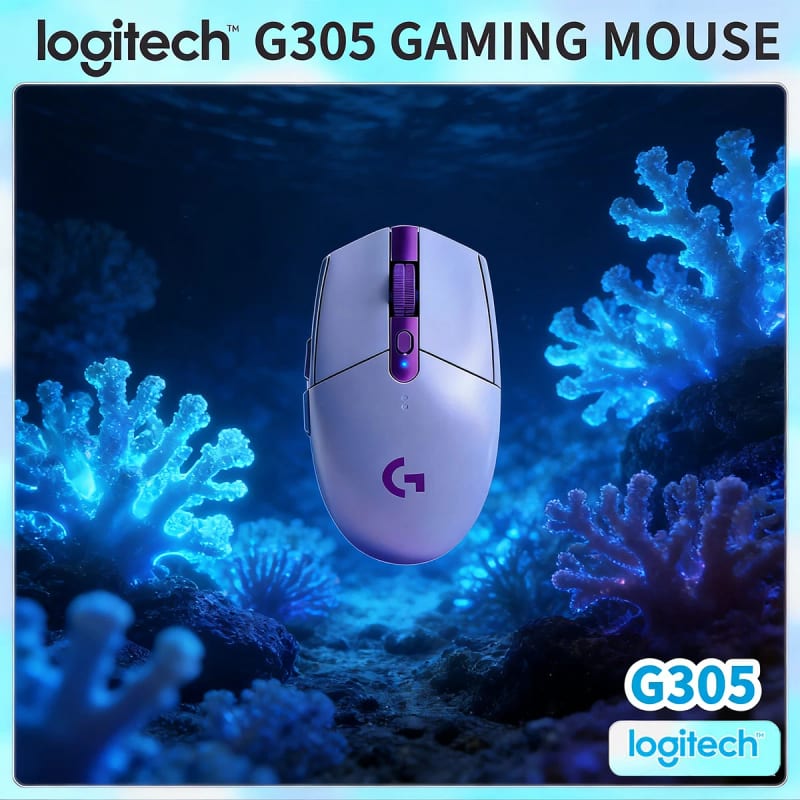
Before looking at technical specifications, determine how you hold the mouse. The shape of the body, which affects comfort and control, depends on this. There are three main types of grip: palm grip, claw grip, and fingertip grip. With a palm grip, your entire hand rests on the mouse, providing maximum comfort but limiting fast movements. A claw grip, where the palm touches the back of the mouse and fingers are arched, offers more control for quick, sharp movements. A fingertip grip provides maximum speed and minimal friction but can tire the hand faster.
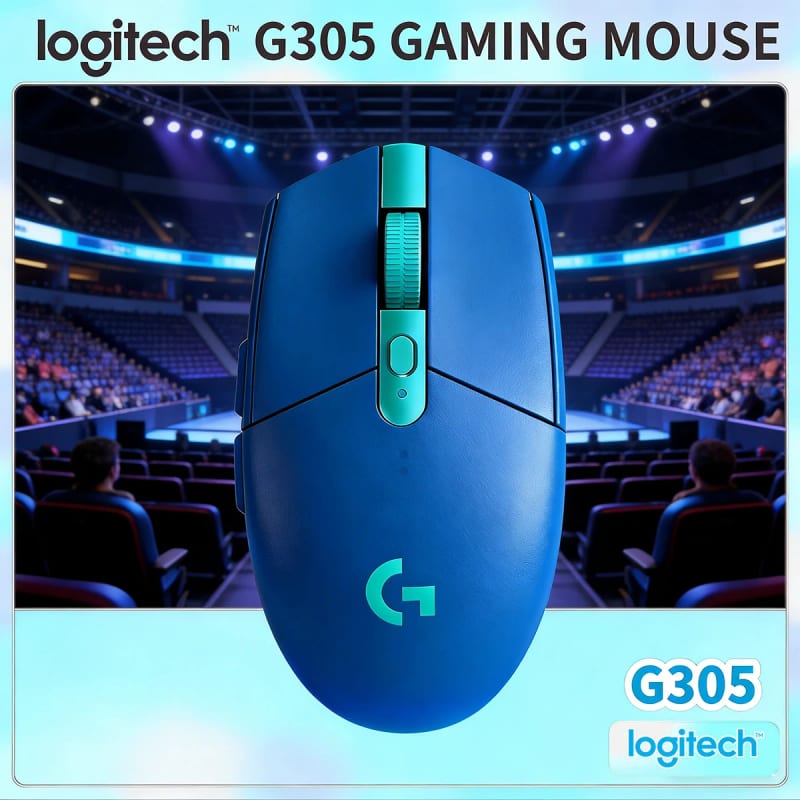
The choice of body shape directly follows from your grip. For a palm grip, large, ergonomic mice with a high back that supports the palm are ideal. For a claw grip, it is better to choose medium-sized mice with a slightly raised back. Fingertip grips are best suited to lightweight, low-profile, and symmetrical mice. A typical mistake is choosing a beautiful but uncomfortable shape that forces your hand to strain. Be sure, if possible, to "try on" the mouse in a store or rely on reviews from gamers with a similar grip.
Step 2: Choosing a Sensor and Adjusting DPI/Sensitivity
The heart of any gaming mouse is its optical sensor. Its quality determines tracking accuracy, the absence of hardware acceleration, and stable operation on different surfaces. Modern top-tier models use sensors from manufacturers like PixArt (e.g., PMW 3389, 3395 models) or proprietary developments from companies (Razer Focus+, Logitech HERO). The main parameters are maximum DPI (dots per inch) and polling rate (standardly 1000 Hz).
It is important to understand that high DPI is not necessarily good. Most pros play at values from 400 to 1600 DPI. The key quality of a sensor is stability and accuracy at low values. A polling rate of 1000 Hz (response every millisecond) is the standard for gaming. A typical mistake is chasing maximum DPI numbers in marketing, while tracking quality at medium and low values is much more important. Adjust the DPI to suit you: low DPI for shooters where aiming precision is important, and higher DPI for MOBAs or strategies where fast movement across a large map is needed.

Step 3: Weight, Glide, and Additional Buttons
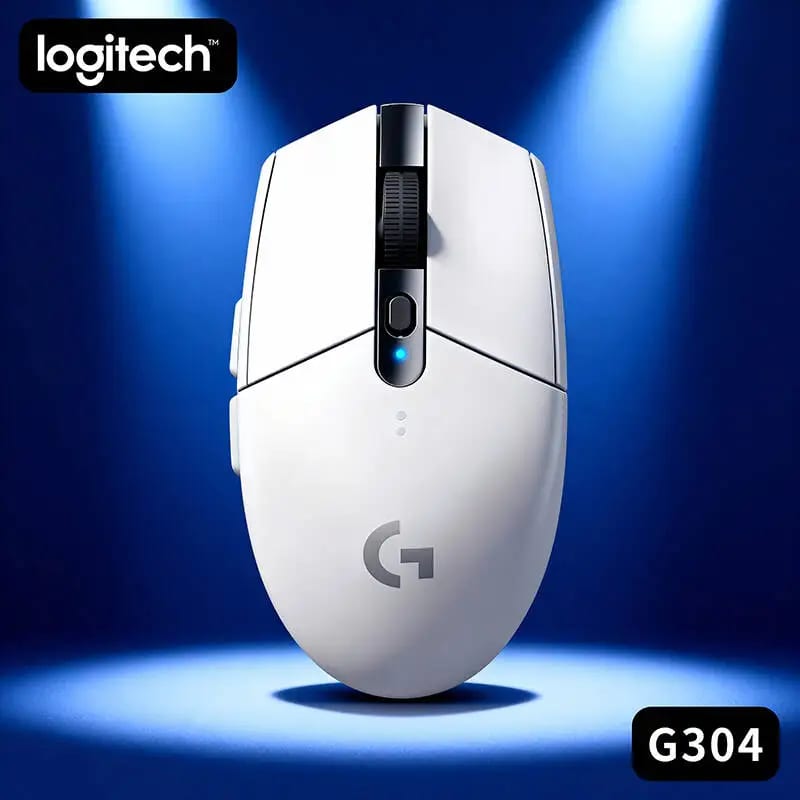
Gaming mouse weight has become one of the key trends in recent years. Lightweight mice (weighing 60-80 grams) allow for faster and sharper movements and reduce wrist fatigue. Heavy mice (over 100g) can feel better in the hand and provide smoother movements. Many modern models have an adjustable weight system, but most often gamers prefer a fixed, optimized weight.
Glide depends on the feet (Teflon or ceramic) and the surface you play on – the mousepad. A quality gaming mousepad is not a waste of money but an important investment in accuracy. As for buttons, besides the main ones, it is important to evaluate the number and placement of additional programmable buttons (macro buttons). For MMO/RPG or MOBA games, you will need many buttons under the thumb. For shooters, two additional buttons for voice chat or quick weapon switching are often enough. A mistake is choosing a mouse with an excess of buttons if you won't use them, as they can get in the way.
Typical mistake: ignoring the quality of the switches.
The tactile feedback and button lifespan depend on the switches. High-quality mechanical micro-switches (e.g., Omron) provide a clear click and a long service life (over 50 million clicks). Some manufacturers use their own developments. Listen to the click sound in reviews – it should be crisp, without "mushiness."
Step 4: Wired or Wireless Connection?
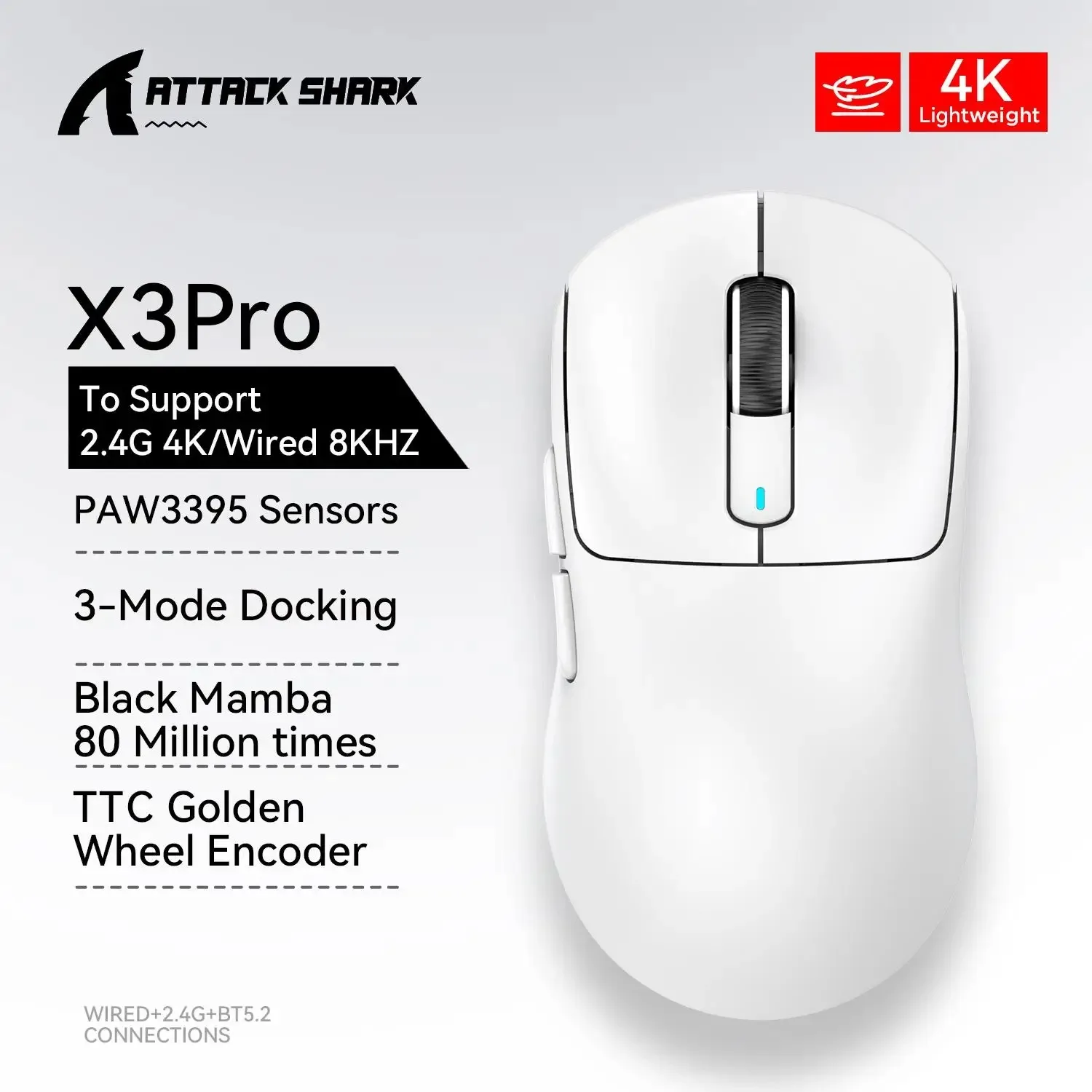
Traditionally, wired mice were valued for zero latency (lag) and no charging issues. Modern wireless technologies (e.g., Razer HyperSpeed, Logitech LIGHTSPEED) have virtually eliminated these drawbacks, providing the same response speed as wired models. A wireless mouse offers complete freedom of movement and a clean look on the desk.
However, a wireless mouse requires charging or battery replacement. Top models often have high-frequency receivers that reduce the risk of interference and offer long battery life. A typical mistake is buying a cheap wireless mouse with standard Bluetooth – in games, this can lead to noticeable lag. For serious gaming, choose models with their own radio frequency and dongle. If you don't want to think about charging, a wired mouse remains a flawless and often more budget-friendly option.
Software and Brand Features
Almost all gaming mice come with companion software (Razer Synapse, Logitech G Hub, etc.). It allows you to adjust DPI, assign macros to buttons, customize lighting, and create profiles for specific games. Make sure the program interface is clear and convenient for you.
Also, pay attention to additional features. For example, mice with adjustable sensor lift-off distance (LOD) are useful for gamers who lift the mouse. The technology for storing profiles in the mouse's internal memory allows you to take your settings to competitions or friends' houses. A mistake is buying a mouse with overly complex software that you won't use, overpaying for features.
Conclusion:
Choosing the perfect gaming mouse is about finding a balance between ergonomics, technical specifications, and personal preferences. Start by analyzing your grip and hand shape, then choose a quality sensor with the desired DPI range, and only then weigh the arguments for weight, buttons, and connection type. Avoid chasing marketing "megafigures" and don't skimp on the quality of the sensor and switches. A properly chosen mouse will become an extension of your hand and will significantly improve your results and enjoyment of the game.