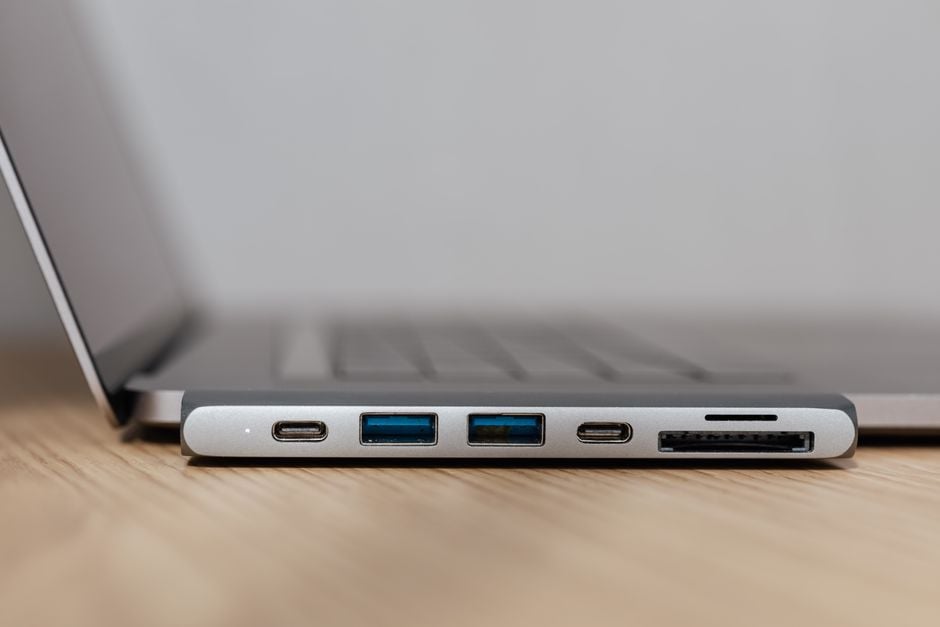
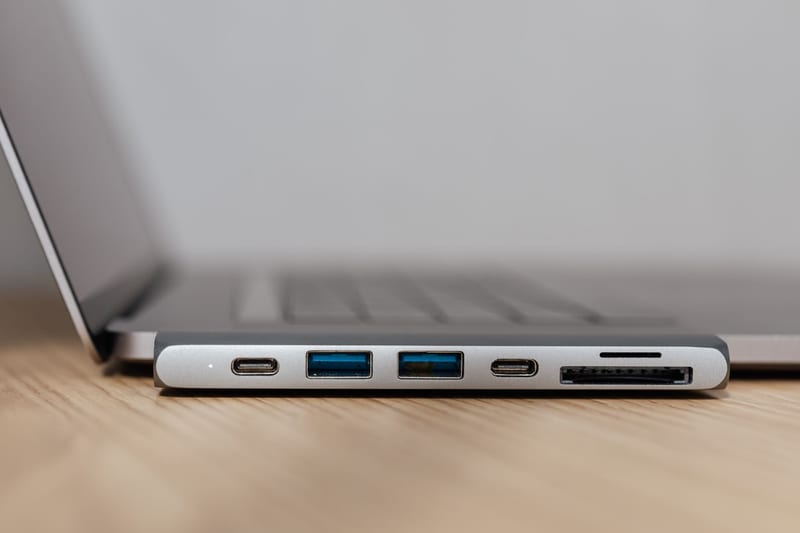
Modern laptops are becoming thinner and lighter, and as a result, manufacturers are sacrificing the number of ports. Often, the user is left with only one or two USB-C connectors, which must handle charging, data transfer, and monitor connection. This is why a USB-C hub for a laptop transforms from a nice addition into an essential tool for work and leisure. According to the recommendation of the ComfortShop editorial team, before purchasing, it is worth clearly understanding what specific tasks you have for the device, as the market offers models with very different capabilities.
Article Contents
Determine Your Primary Needs
Before diving into technical specifications, answer a simple question for yourself: what exactly do you plan to connect? If you work with graphics and need an external monitor with high resolution, you will need support for DisplayPort or HDMI 2.0. For those who frequently transfer large files, USB 3.2 Gen 2 speed will be critical.
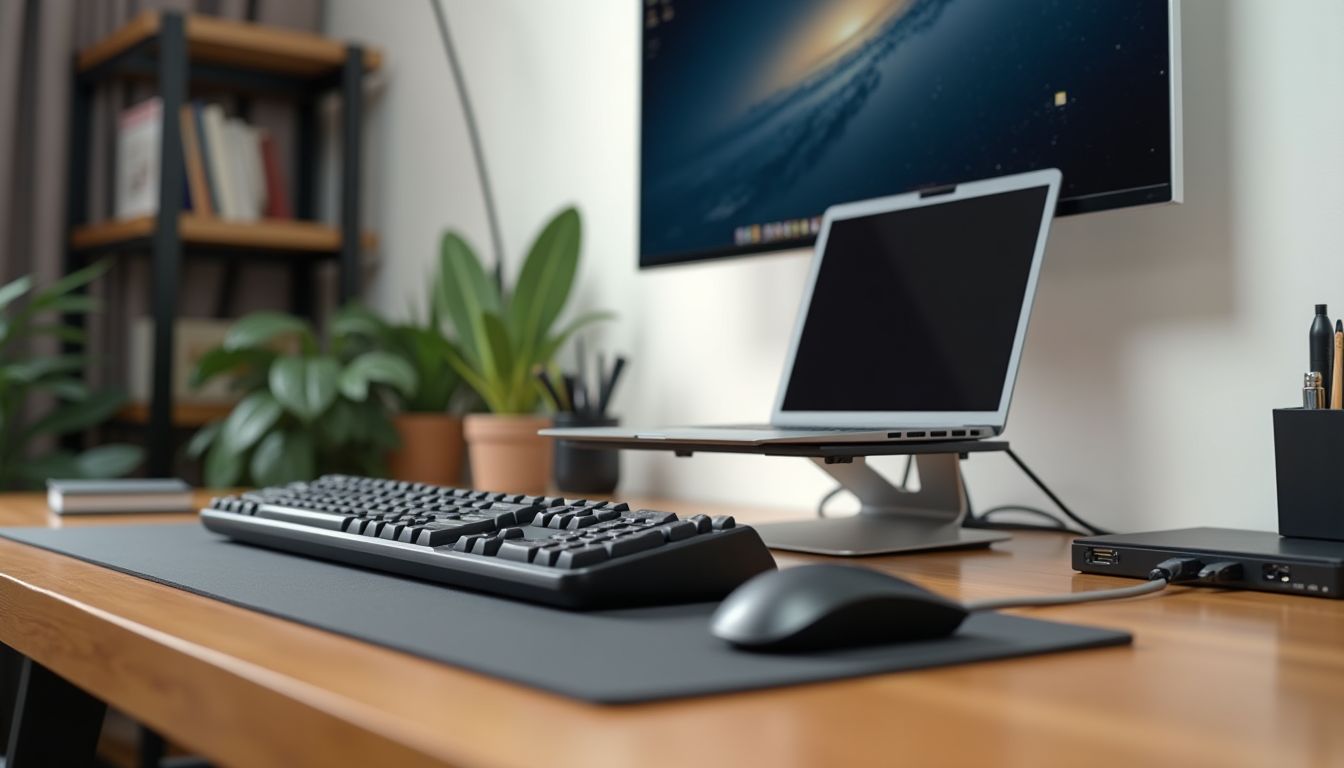
If you primarily use your laptop at home with stationary peripherals, pay attention to docking stations with Power Delivery support for charging. On the go, a compact hub with a minimal set of ports (e.g., one USB-A and a card reader) will be much more convenient than a bulky device.
The answer to the question "how to choose a USB hub" always starts with an analysis of your daily usage scenarios. Do not buy extra functionality "for future growth" if you won't need it in the near future.
Key Features of USB-C Hubs
To choose the best USB-C hub, you need to understand the main technical parameters. The most important is the USB standard: USB 3.0 provides speeds up to 5 Gbps, while USB 3.2 Gen 2 offers up to 10 Gbps. For working with SSDs, this is crucial.
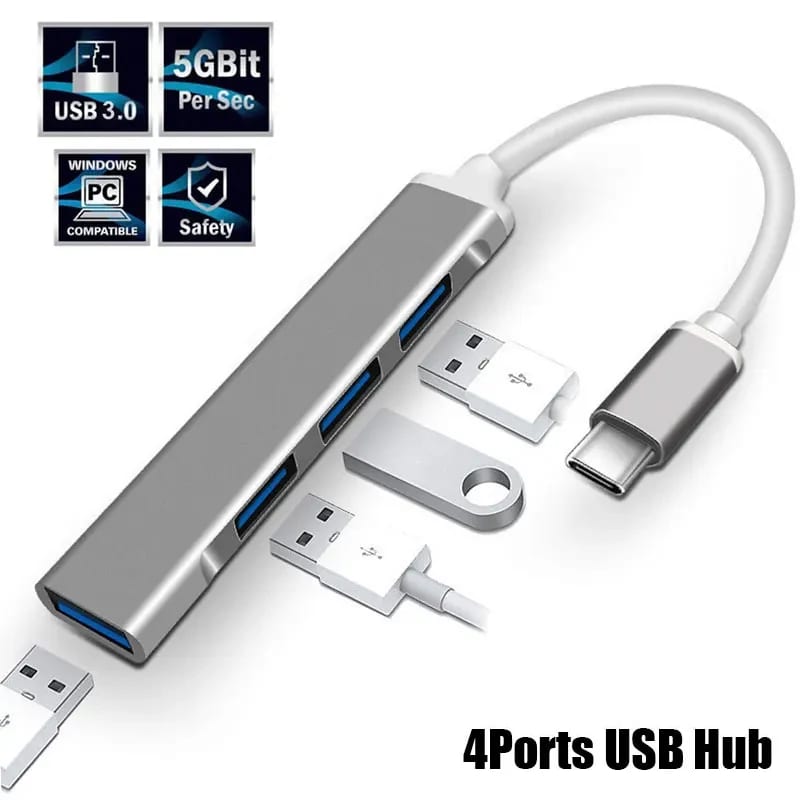
The second important aspect is video interface support. Many hubs have HDMI or DisplayPort, but pay attention to the version: HDMI 1.4 supports 4K only at 30 Hz, while HDMI 2.0 allows for smooth 60 Hz. For convenience when working with two monitors, look for models with two video outputs.
Power Delivery Feature: Do You Need Charging Through the Hub?
Power Delivery (PD) technology allows you to charge your laptop through the same USB-C port to which the hub is connected. This is very convenient, but remember: the hub "takes" part of the power for its own operation. If your laptop requires 65W, choose a hub with PD support of 85-100W to leave a margin for peripherals. ComfortShop experts advise not to skimp on this parameter, especially if you work with power-intensive programs.
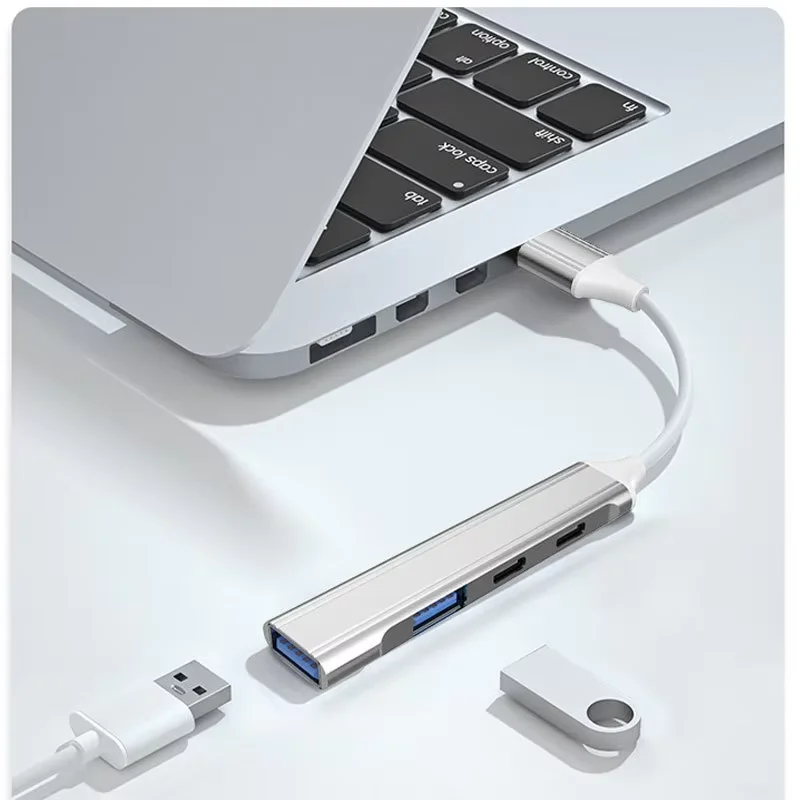
Hub Types: Portability vs. Functionality
The market offers two main types of devices: compact "adapters" with 3-4 ports and multifunctional docking stations. The first option is ideal for travel: it fits in a pocket and allows you to connect a flash drive, memory card, and HDMI cable. The second is a stationary solution for a desktop.
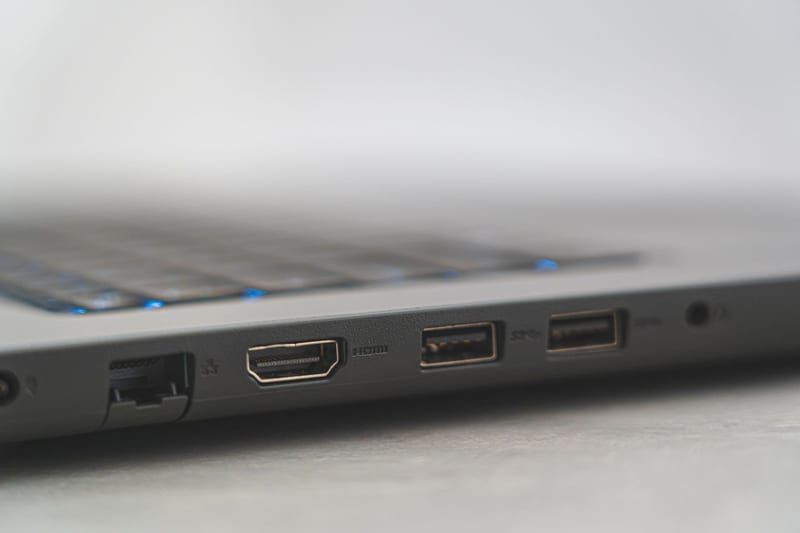
Docking stations often have their own power supply, support for Ethernet (RJ-45) for a stable internet connection, multiple USB-A and USB-C ports, as well as audio outputs. They provide maximum convenience but require desk space and an additional power source.
For most users, the optimal choice will be a medium-sized hub with 6-8 ports that can be taken in a backpack. Such a device provides a balance between mobility and connectivity options.
Materials and Build Quality
Do not ignore the physical characteristics of the hub. An aluminum case not only looks premium but also dissipates heat better, which is important during prolonged operation at high data transfer speeds. Plastic models are lighter and cheaper but may overheat.
Cable length also matters. A too-short cord (15-20 cm) will be inconvenient if the hub sits separately on the desk from the laptop. A length of 25-30 cm is considered ideal. Also, check whether the cable is an integral part of the case or detachable — the second option is more convenient for replacement in case of damage.
Compatibility with Your Laptop: The Main Selection Criterion.
Not all USB-C hubs work equally well with different laptops. Some MacBook models have limitations on the number of connected monitors due to the specifics of M1/M2 chips. For Windows laptops, it is important to check whether the hub supports Alternate Mode (Alt Mode), which is responsible for video signal transmission. Before purchasing, be sure to read reviews from owners of the same laptop model as yours.
Additional Features and Compatibility
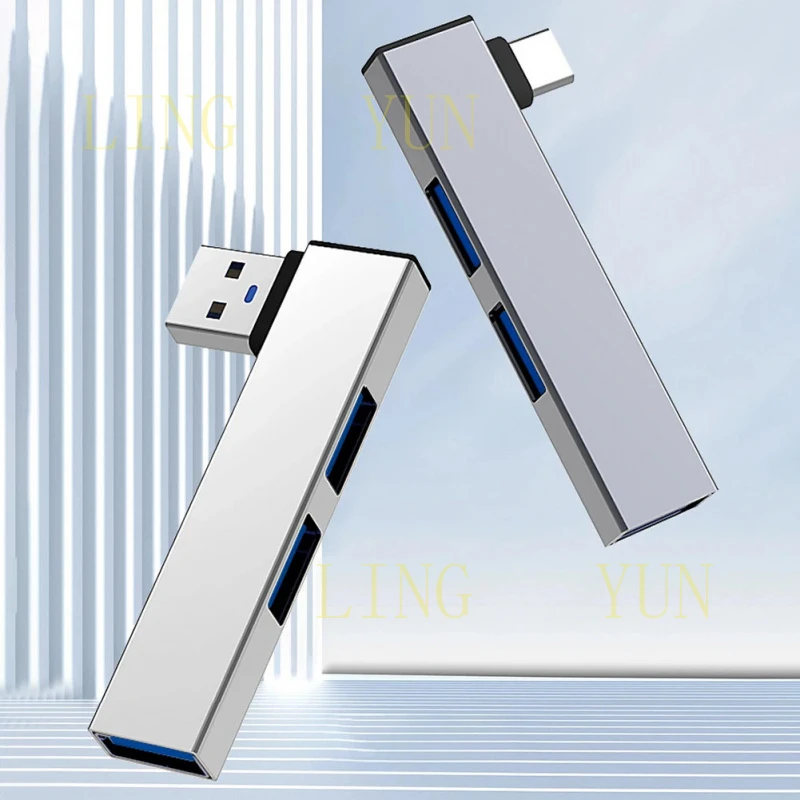
A modern laptop hub review is impossible without mentioning additional features. A card reader (SD/microSD) is essential for photographers and video editors. An Ethernet port will come in handy in offices with unstable Wi-Fi. Some hubs have a built-in 3.5mm audio jack, allowing you to connect headphones directly.
Pay attention to the number of USB-A ports — you will need at least two to connect a mouse, keyboard, and flash drive simultaneously. If you plan to charge your smartphone through the hub, make sure the corresponding port supports fast charging (QC 3.0 or PD).
Do not forget about backward compatibility: some older devices (printers, scanners) may not work correctly through USB-C hubs. In such cases, it is better to choose models with a separate controller for each port.
Conclusion:
The right choice of a USB-C hub for a laptop depends on your specific tasks: for travel, choose compact models with a basic set of ports; for stationary work, choose docking stations with PD and Ethernet. Pay attention to data transfer speed, HDMI version, and compatibility with your operating system. As ComfortShop reviewers note, a quality hub is an investment in work convenience, so do not skimp on case materials and charging power. Choose trusted brands and read reviews before purchasing so that your new PC accessory becomes a reliable assistant for years to come.
Frequently Asked Questions
What main features of a USB-C hub for a laptop should I consider?
Pay attention to the number and type of ports (HDMI, USB-A, card reader), supported charging power (Power Delivery), and data transfer speed (USB 3.0/3.1/3.2).
Will any USB-C hub work with my laptop?
Most hubs are universal, but make sure your laptop supports USB-C with Alternate Modes (Alt Mode) for video output and charging.
How to choose the best USB-C hub for working with a monitor?
Look for a model with an HDMI or DisplayPort port that supports the resolution you need (e.g., 4K at 60 Hz), as well as a Power Delivery function for charging the laptop through the hub.
Does a USB-C hub affect laptop performance?
If the hub supports high-speed standards (USB 3.2 Gen 2) and has separate power for powerful devices, it will not slow down performance, but cheap models may limit bandwidth.