Lavalier Microphone for Podcast Recording: Your Secret to a Clean Audio Track
The world of podcasting is growing rapidly, and with it, listener demands for sound quality are rising. No one wants to strain their ears trying to make out words through noise, hiss, or muffled sound. If you're just starting out or looking for a way to improve your audio content quality without significant investment, a lavalier microphone for podcast recording could be the perfect solution you've been searching for. This compact yet powerful technology can dramatically change the sound of your voice, making it clean, professional, and appealing to your audience.
What is a Lavalier Microphone and Why is It Ideal for Podcasters?
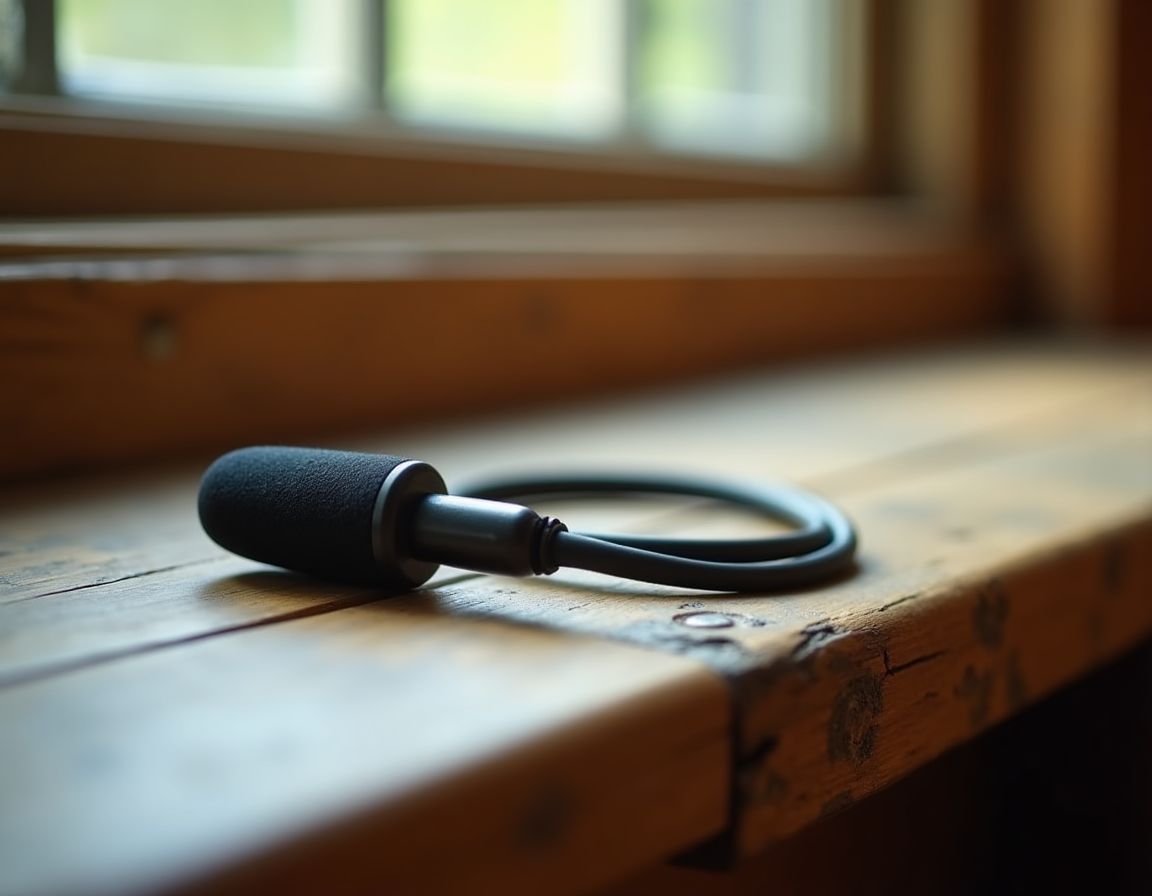
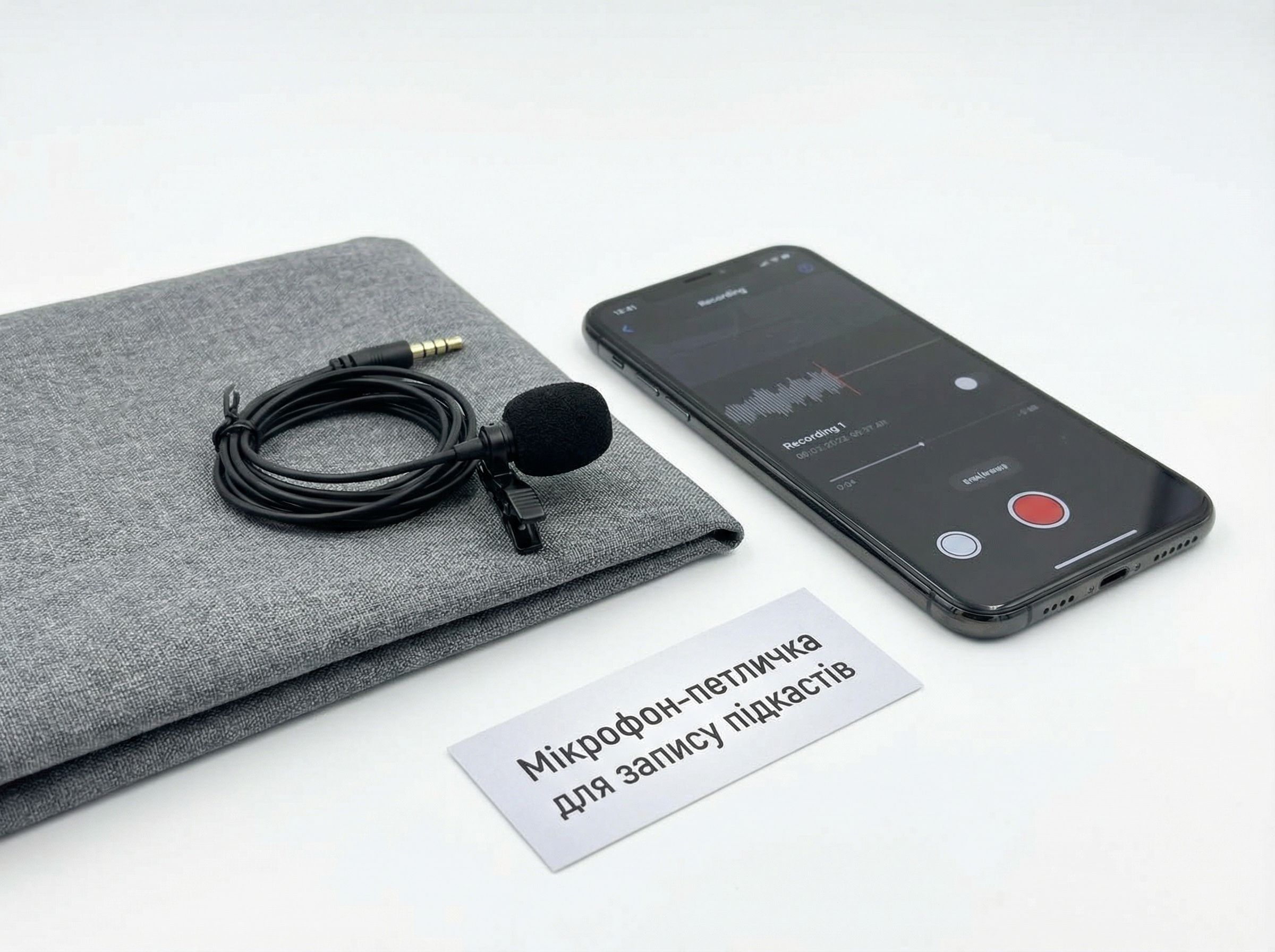
A lavalier microphone (lapel mic) is a tiny device that clips onto clothing, usually about 15-20 cm from the mouth. Unlike large studio condenser microphones, it is unobtrusive, mobile, and extremely convenient. Its main advantage for podcast recording is stability. It always stays at the same distance from the sound source, even if you move your head or body. This ensures a consistent level of volume and timbre throughout the recording, which is critically important for long episodes.
Most modern lavalier mics for podcasting feature a condenser capsule with a directional cardioid pattern. This means they are sensitive to sound in front of them and effectively ignore noise from the sides and rear. This directionality is ideal for recording voice in home environments, where perfect acoustics aren't always achievable.
Key Advantages of Using a Lavalier Mic for Podcasts
Why should you consider this type of microphone for creating audio content? Here are the main arguments:
- Portability and Simplicity. A lavalier mic doesn't require a stand, pop filter, or a lot of space. You can record in any comfortable chair or even while walking if you use it with a portable recorder.
- Excellent Ambient Noise Rejection. Due to its close proximity to the mouth, the microphone captures your voice much louder than background sounds (computer hum, street noise, room echo).
- Unobtrusiveness. This is important if you host video podcasts or live streams. The microphone is practically invisible on camera, allowing viewers to focus on you, not the equipment.
- Ideal for Recording with Multiple Speakers. Each participant in a conversation can have their own lavalier mic, ensuring stable sound quality for each person individually. This is much more effective than one large microphone in the middle of a table.
- Cost. A quality USB lavalier microphone for beginners often costs less than a good desktop microphone with similar specifications.
How to Choose the Best Lavalier Microphone for Your Podcast?
The market offers a multitude of options, from ultra-budget to professional. Focus on these key parameters:
The most important question for a beginner is the type of connection.

Connection Type: USB or XLR?
This is the most important question for a beginner.
- USB Lavalier Microphone: This is a plug-and-play solution. You simply connect it directly to your computer or even smartphone (via an adapter) and start recording. It is ideal for solo podcasters working from home. Such models often have a built-in analog-to-digital converter.
- Lavalier Mic with XLR Connector: Requires connection through a mixer or audio interface. This is the choice for professionals working in a studio, recording multiple guests simultaneously, or planning to scale their production. These microphones typically offer better sound quality and flexibility in settings, but the overall system is more expensive and complex.
Focus on consumer specifications and the package contents.
Consumer Specifications: What Else to Look For?
- Frequency Range. For clear speech transmission, a range of approximately 100 Hz – 15 kHz is optimal.
- Sensitivity. Measured in mV/Pa. Higher sensitivity allows the microphone to "hear" quiet sounds better but can make it more prone to overload on loud sections.
- Included Accessories. The package may include a windscreen (pop filter for lavalier), different types of mounts (clip, magnet), and a cable extension. This is very convenient and often saves money.
- Compatibility. Make sure the microphone is compatible with your device (PC, Mac, smartphone, camera).
Practical Tips for Recording a Podcast with a Lavalier Mic
Even the best microphone requires proper use.
1. Proper Placement. Attach the microphone to your clothing in the center of your chest, about a hand's width from your mouth. Avoid placing it on fabric that rustles heavily (e.g., silk, nylon). Cotton or wool is ideal. Point the capsule towards your mouth.

2. Breath and Consonant Control. The lavalier mic is close to the body, so air blasts from sounds like "P," "B" can be noticeable. Use the windscreen that usually comes with the kit. Also, slightly angling the microphone away from the direct line of your mouth can help.
3. Concealing the Cable. To prevent the cable from being distracting or creating accidental noise, run it under your clothing, securing it with a small clip.
4. Testing and Monitoring. Before the main recording, always do a 1-2 minute test recording and listen to yourself. Check for interference, hiss, or too many low frequencies.
Top Use Cases for a Lavalier Microphone
This device is versatile and suitable not only for classic desk recording:
- On-location Interviews. Easy to take with you and quickly set up on an interviewee.
- Vlogs and Voiceovers. Clean sound directly into the camera without needing to hide a large microphone.
- Online Courses and Webinars. Maintains professional sound during long lectures.
- Journalistic Investigations or Reports. Unobtrusive on the outside, but powerful in sound.
As you can see, a lavalier microphone for podcast recording is not just a budget alternative, but often a conscious and optimal choice for creating quality audio content. It removes technical barriers, allowing you to focus on the main thing — your story, thoughts, and delivery. By investing in a good lavalier microphone, you are investing in the professional sound of your voice, which your audience will surely appreciate. Start with a simple USB model, master the basic principles of working with it, and you will be pleasantly surprised at how much the quality of your podcast can improve.