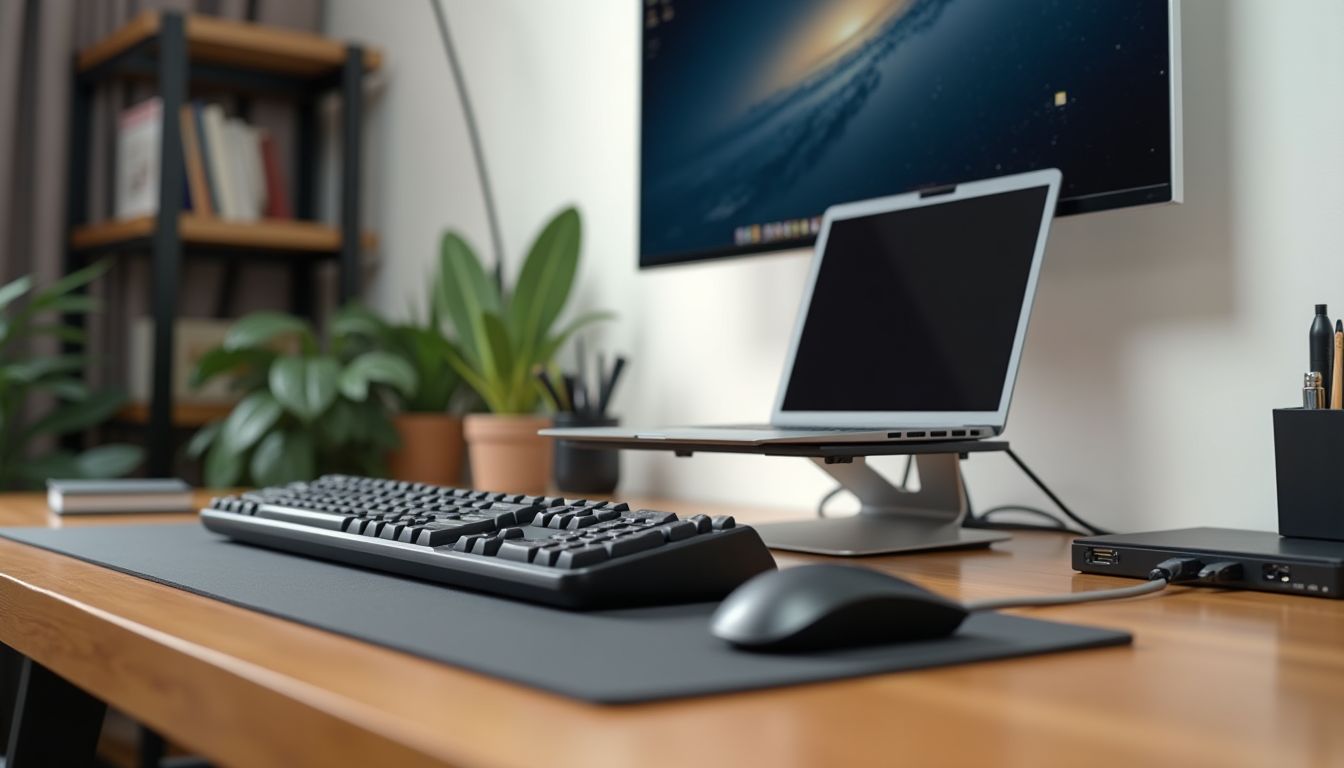
Gaming laptops are always a compromise between power and heat dissipation. Even the best models eventually start to throttle, dropping FPS at the most critical moment. That is why a laptop cooling pad has turned from a whim into an essential PC accessory that genuinely extends the life of components. After analyzing open sources and the specifications of popular models, the ComfortShop editorial team notes that proper laptop cooling can lower CPU and GPU temperatures by 5–15°C. This is not only comfort during gaming, but also system stability during long sessions.
Table of Contents
Why a gaming laptop needs an additional stand

Any gaming laptop operates at the limit of its thermal capabilities. Built-in coolers often cannot cope with the load, especially when the device is placed on a soft surface — a sofa, a blanket, or your lap. In such conditions, the air intakes become blocked, and the laptop's cooling system loses efficiency.
A separate stand for a gaming laptop solves several problems at once. First, it raises the chassis above the surface, providing free air access to the ventilation openings. Second, active models with fans create additional airflow that helps the built-in system dissipate heat faster.
Based on an analysis of specifications, ComfortShop recommends paying attention not only to the number of fans, but also to their placement. It should match the ventilation openings of your specific laptop model.
Key criteria for choosing a stand with fans
Before buying a cooling pad, it is worth understanding the main parameters. They directly affect how effectively the accessory will work with your specific device.

The main characteristics to pay attention to:
- Fan diameter and quantity. Large 140 mm coolers run quieter and more efficiently than several small 80 mm ones.
- Rotation speed. The optimal range is 1000–1500 RPM. This is the balance between performance and noise level.
- Chassis material. Aluminum stands dissipate heat better than plastic ones, although they cost more.
- Adjustability. The ability to change the tilt angle and fan speed increases user comfort.
- Additional ports. A USB hub on the stand compensates for an occupied laptop connector.
Also pay attention to compatibility with screen diagonal. Most models are designed for laptops from 12 to 17.3 inches.
Types of cooling pads: active and passive
The PC accessory market offers two main types of stands. Passive models are essentially just aluminum or plastic structures with perforations that improve natural air circulation. They do not create noise, but they also do not provide a significant temperature reduction.


Active stands with laptop fans are a full-fledged tool for combating overheating. They are powered by a USB port and create directed airflow. These are the models recommended for gaming configurations, where the load on the hardware is at its maximum.
For gaming — active cooling only.
Passive stands can be useful for office work, but if you play modern AAA titles, saving on fans will result in throttling and reduced performance.
Top 5 cooling pad models according to the editorial team
After analyzing open sources, user reviews, and technical specifications, the ComfortShop editorial team highlights several models that deserve gamers' attention in 2025.
Models with large fans
Stands with one or two large 140–200 mm coolers provide powerful airflow at a relatively low noise level. They are best suited for laptops with a diagonal of 15.6–17.3 inches that have large ventilation grilles on the bottom.
Such models are often equipped with an aluminum panel that additionally dissipates heat from the chassis. This is especially relevant for laptops with a metal bottom, which itself acts as a passive heatsink.
Compact solutions for mobility
If you often take your laptop with you, consider foldable models. They weigh less than a kilogram, easily fit in a backpack, and still provide basic laptop cooling. However, their efficiency is lower than that of stationary solutions.
A compromise option is stands with two 120 mm fans. They maintain a balance between portability and performance, making them a universal choice for most users.
How to use a stand correctly for maximum effect
Even the best laptop cooling pad will not reach its potential if used incorrectly. First of all, make sure that the stand's fans are directed exactly where your laptop's air intakes are located. If they do not match, cooling efficiency drops dramatically.
Regularly clean both the stand itself and the laptop's ventilation openings from dust. Grilles clogged with dust negate all the efforts of additional coolers. Also, do not forget that the stand is powered via USB — this slightly increases the load on the battery, so during long gaming sessions it is better to keep the laptop plugged in.
It is important to understand that a stand is an auxiliary tool, not a replacement for regular cleaning of the laptop's cooling system and thermal paste replacement. Only a comprehensive approach will give a stable result.
Conclusion:
A laptop cooling pad is an essential PC accessory that genuinely extends the life of gaming hardware and improves FPS stability. According to the recommendation of the ComfortShop editorial team, for gaming laptops you should choose active models with large fans and an aluminum chassis. Before buying a cooling pad, check compatibility with your laptop model and the current price on the seller's website.
Frequently Asked Questions
Does a cooling pad really lower the temperature of a gaming laptop?
Yes, provided there is sufficient airflow, a stand with laptop fans lowers the temperature of the chassis and components by several degrees, especially if the laptop is placed on a hard surface. Models with large fans and speed control provide the most noticeable effect.
How to choose a cooling pad for a specific laptop model?
First of all, check the screen diagonal and weight of the laptop, as well as the location of the ventilation openings on the bottom — the airflow must reach exactly those. Additionally, pay attention to the tilt angle, height adjustment, and the presence of a USB hub.
Are gaming laptop stands noisy during gaming?
The noise level depends on the size of the fans and the rotation speed: large fans (140–200 mm) are usually quieter than several small ones. Models with a speed controller allow you to reduce speed during light tasks and add power during gaming.
Where to buy a laptop cooling pad and what to consider before ordering?
Stands are sold on marketplaces and in electronics stores, so before purchasing it is worth comparing the specifications of several models and checking the current price, delivery terms, and warranty on the seller's website. The ComfortShop editorial team only analyzes specifications and provides recommendations, and does not sell products directly.