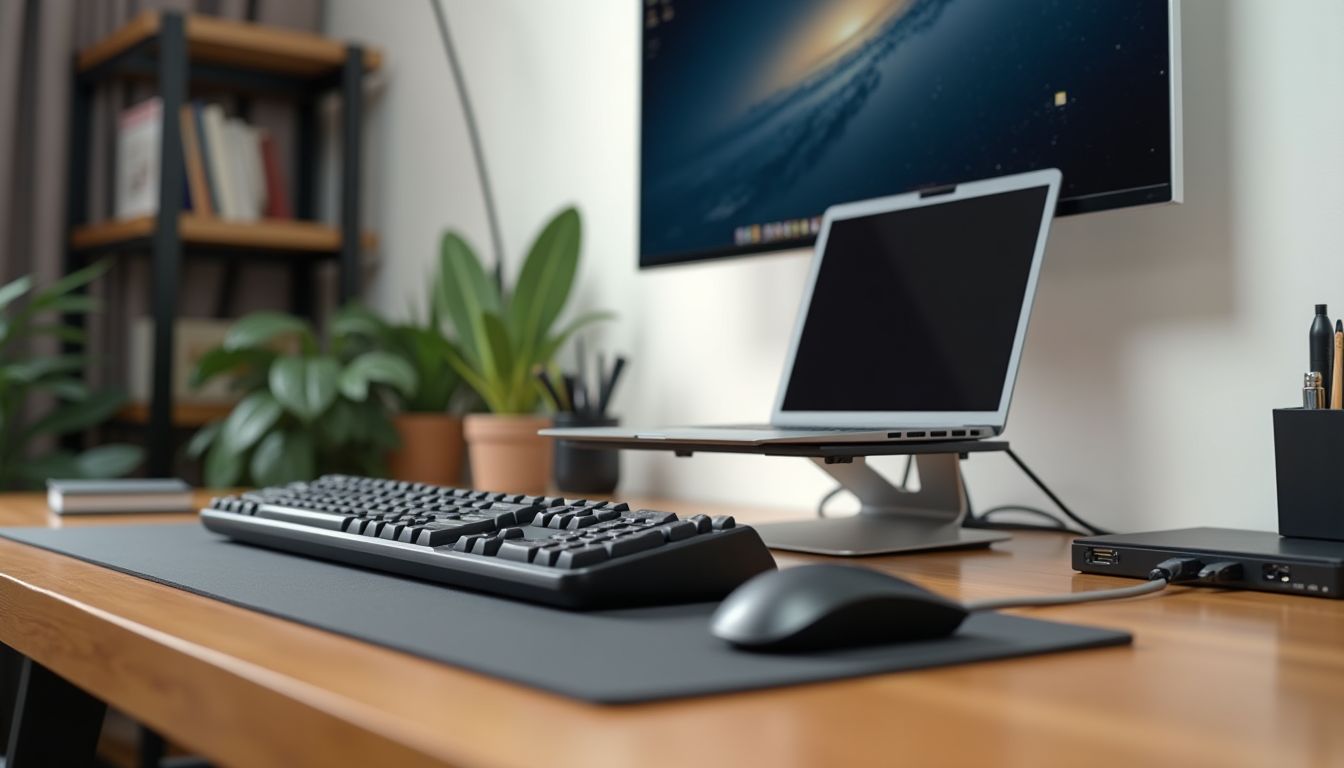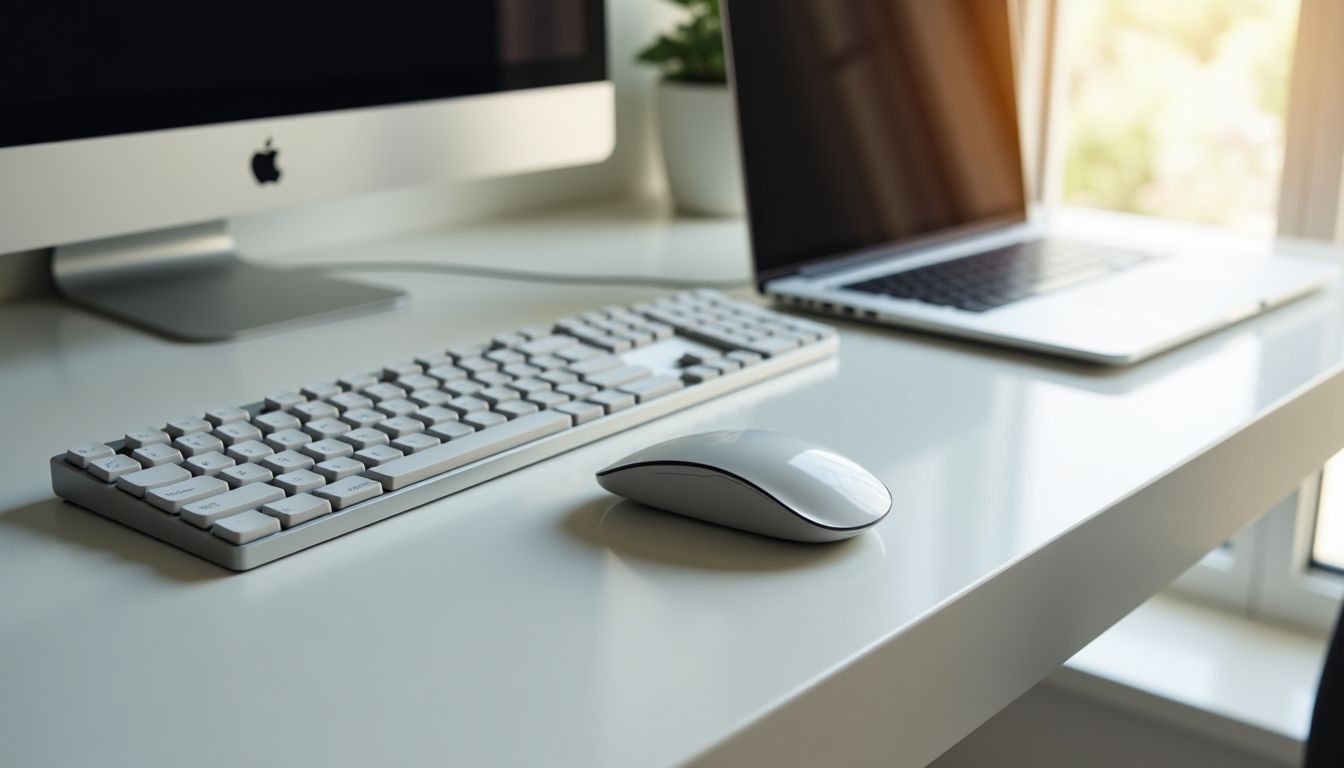
The modern PC accessories market offers an incredible variety that can confuse even an experienced user. The choice of keyboard, mouse, and mouse pad affects not only the comfort of work or gaming, but also productivity, wrist health, and the overall impression of interacting with the computer. In this article, we will compare key types of accessories — keyboards, mice, and mouse pads — in detail, examining their advantages, disadvantages, and main characteristics. You will understand which solutions are ideal for office work, which are for gaming, and which will be a universal choice for daily use. Our review will help you make an informed purchase by focusing on the most important parameters.

? Table of Contents
Keyboards: Mechanical, Membrane, or Hybrid?
Choosing a keyboard is the foundation of comfortable PC use. All modern models fall into three main categories, each with its own unique features and purpose.
Mechanical keyboards are considered the gold standard among gamers, programmers, and anyone who types a lot. Each key has a separate mechanical switch, providing tactile feedback, durability (50-100 million keystrokes), and the ability to press many keys simultaneously (N-key rollover). They are louder, heavier, and more expensive, but offer an unmatched feel when pressed.
Membrane keyboards are the most common and budget-friendly option. Under the keys is a single rubber membrane. They are quiet, lightweight, and spill-resistant, but have a less distinct key travel, the feel "wears out" faster, and they are not suitable for fast, dynamic gaming. An ideal choice for an office or a home PC for content consumption.
Hybrid (Opto-Mechanical) Keyboards: Combining Advantages.
This type attempts to combine the quietness of a membrane with the speed of mechanics. They use optical or magnetic switches that register presses faster by breaking a light beam. They are durable, fast, but often expensive and offer fewer "feel" options compared to classic mechanics.
Gaming Mice: Sensor, Shape, and Extra Buttons
Choosing a mouse is a matter of ergonomics, precision, and personal preference. For gaming and productive work, three key parameters are important.
The most important characteristic is the sensor type. Optical sensors with LED illumination are the most common, reliable, and sufficient for most tasks. Laser sensors have higher DPI (sensitivity) but can skip on some surfaces. Modern high-quality optical sensors, like the PixArt 3389, offer perfect tracking without acceleration and are the choice of professional esports athletes.
Shape and size should perfectly fit your hand and grip (fingertip, palm, claw). Ergonomic right-handed mice provide maximum comfort for prolonged use, while symmetrical models are universal for left and right hands. Weight also plays a role: lightweight mice (up to 70g) are popular for fast shooters, heavier ones for strategy games or MOBAs.
The presence of additional programmable buttons (macro buttons) is a key advantage of gaming models. They allow you to assign complex actions, key combinations, or multimedia functions, significantly increasing efficiency in games and work applications.
Mouse Pads: Why Are They Important?
Many people underestimate the role of a mouse pad, but it is a critically important accessory. It provides stable and smooth gliding, protects the desk and mouse feet from wear, and also serves as a stylish element in the workspace design.
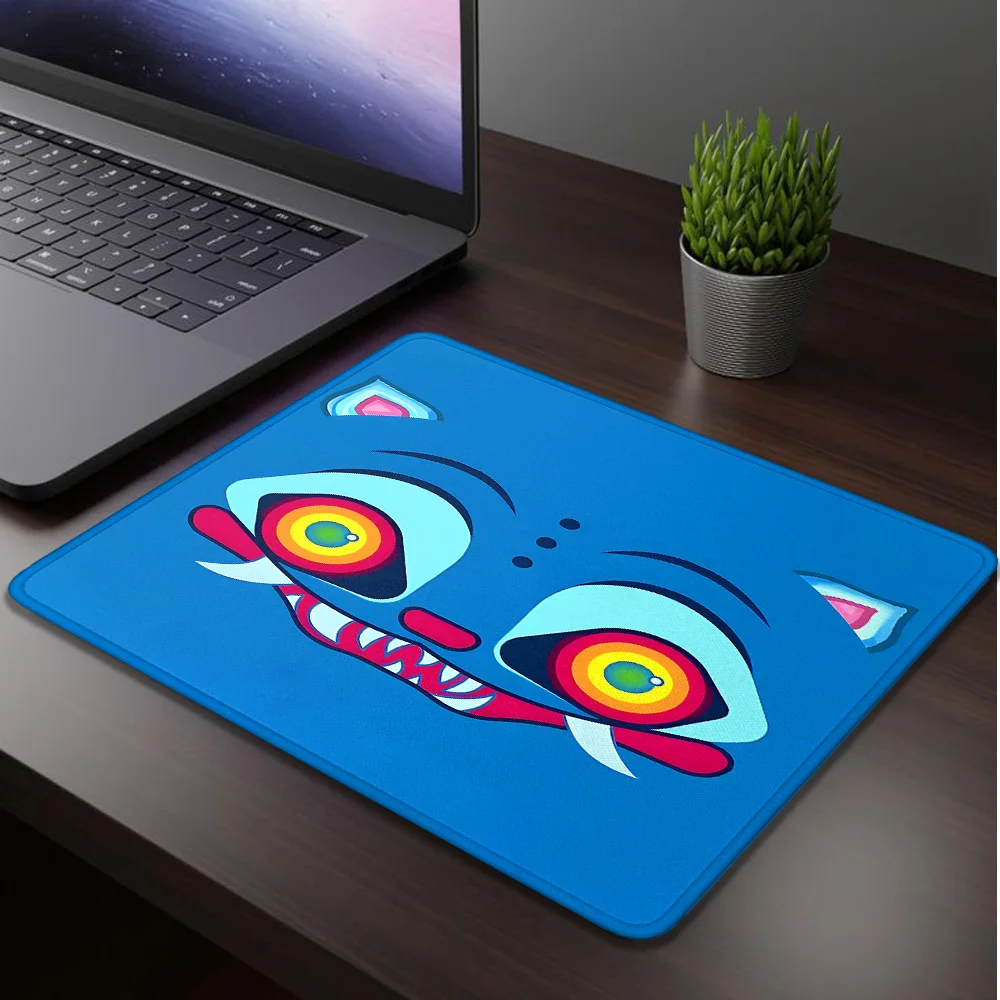
Main types by material: cloth (most common, varying density), hard plastic (for very fast gliding), and glass/metal (premium, maximum speed and durability). For the vast majority of users, a high-quality cloth mouse pad with stitched edges, like the Small Mouse Pad Weird Cat, is the ideal choice. It combines optimal gliding, wear resistance, a pleasant-to-touch surface, and a vibrant design that livens up the desk.
Size Matters: From Compact to Full Deskmat.
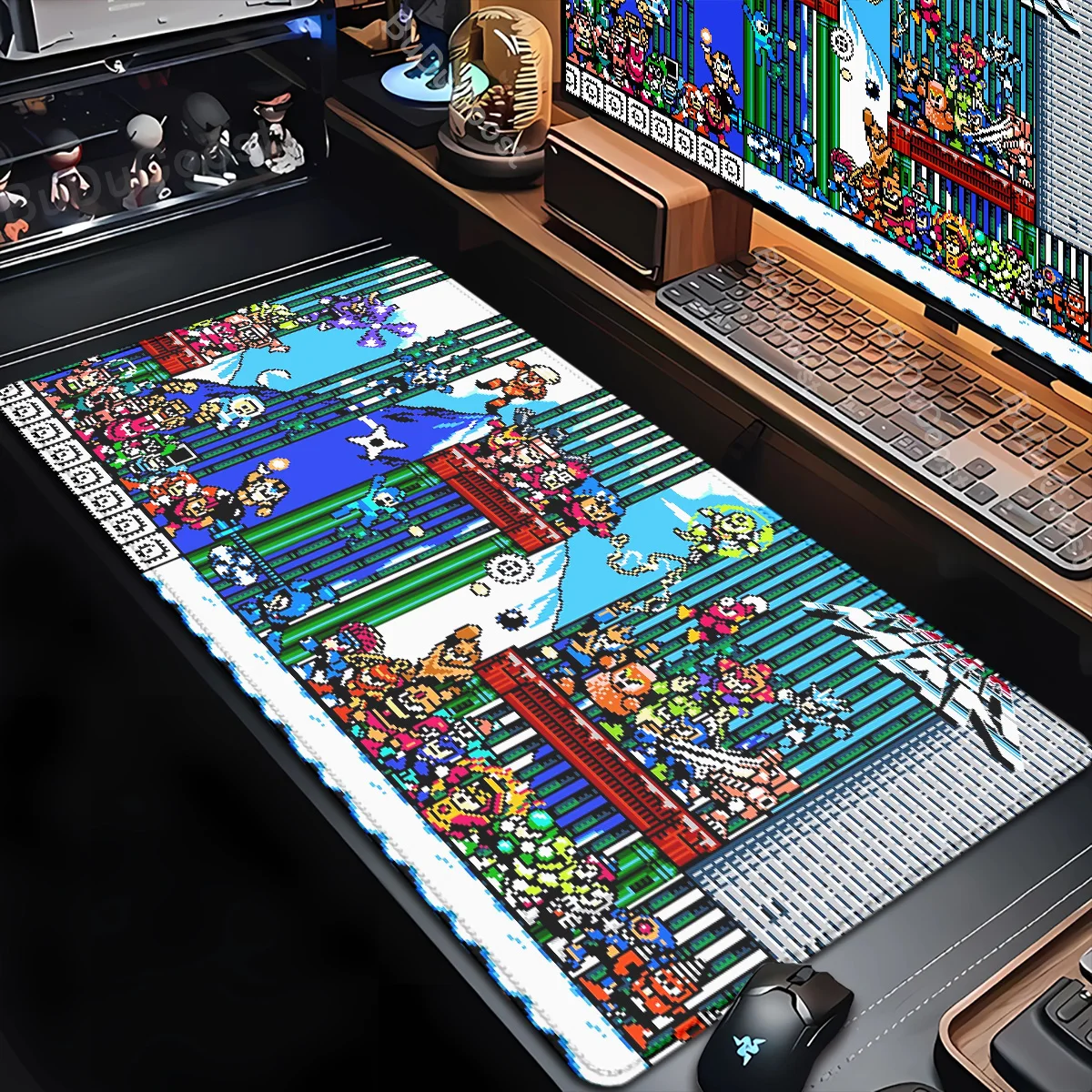
Today, large deskmat format mouse pads are gaining popularity, covering the space under the keyboard and mouse. They not only provide a unified surface for movement but also protect the desk, serve as a wrist rest, and fulfill an aesthetic function. Compact mouse pads are more suitable for limited space or mobile use.
Comparison Table of Key Features
For clarity, let's summarize the key parameters of each accessory type in a table. This will help you quickly compare their capabilities.
| Accessory / Type | Main Advantages | Possible Disadvantages | Who It's For |
|---|---|---|---|
| Mechanical Keyboard | Tactile feedback, durability, N-key rollover, customization options | High price, noise, heavy weight | Gamers, programmers, heavy typists |
| Membrane Keyboard | Low price, quiet operation, moisture resistance, lightweight | Less distinct key travel, shorter feel durability | Office workers, home users, for laptops |
| Optical Sensor Mouse | Reliable tracking, good price, works on most surfaces | Limited maximum DPI compared to laser | Most gamers and users |
| Laser Sensor Mouse | Very high DPI, works on glass/glossy surfaces | Possible cursor skipping, higher price | Users needing ultra-high sensitivity |
| Cloth Mouse Pad (e.g., Weird Cat) | Optimal gliding, comfort, diverse designs, affordable price | Can accumulate dust, requires periodic cleaning | Absolute majority of users, gamers, designers |
| Hard Mouse Pad (Plastic/Glass) | Very fast gliding, durability, easy to clean | Noise when moving, cold surface, may wear mouse feet | Gamers who prefer fast gliding |
What to Choose: Recommendations by Use Case
The final choice always depends on your specific needs and budget. Here are a few ready-made solutions for different scenarios.
For Gaming (Shooters, MOBAs): A mechanical keyboard with linear or tactile switches (e.g., Cherry MX Red or Brown), a lightweight gaming mouse with a high-quality optical sensor (high polling rate, 5+ buttons), and a medium or large cloth mouse pad with low friction. This setup will provide maximum reaction speed and control.
For Office Work/Study: A quiet membrane or hybrid keyboard, an ergonomic wireless mouse with long battery life, and a compact or medium mouse pad for comfort. Priority is quietness, mobility, and maintaining wrist health.
For a Universal Home PC: You can consider a budget mechanical or high-quality membrane keyboard, a versatile mouse with DPI adjustment support, and a stylish deskmat format mouse pad, like the Small Mouse Pad Weird Cat. Such a mouse pad will not only improve accuracy but also become a pleasant accent on the desk, combining functionality with aesthetics.
Conclusion:
Choosing PC accessories is an investment in your comfort, productivity, and enjoyment of using the technology. For gamers and professionals, the optimal choice would be a mechanical keyboard, a lightweight gaming mouse with a precise optical sensor, and a high-quality cloth mouse pad. For the office and daily tasks, quietness, ergonomics, and reliability of membrane solutions will be a priority. As a universal and aesthetic element that improves interaction with any mouse, we recommend paying attention to deskmat format mouse pads, such as the Small Mouse Pad Weird Cat, which combine practicality with a vibrant design.