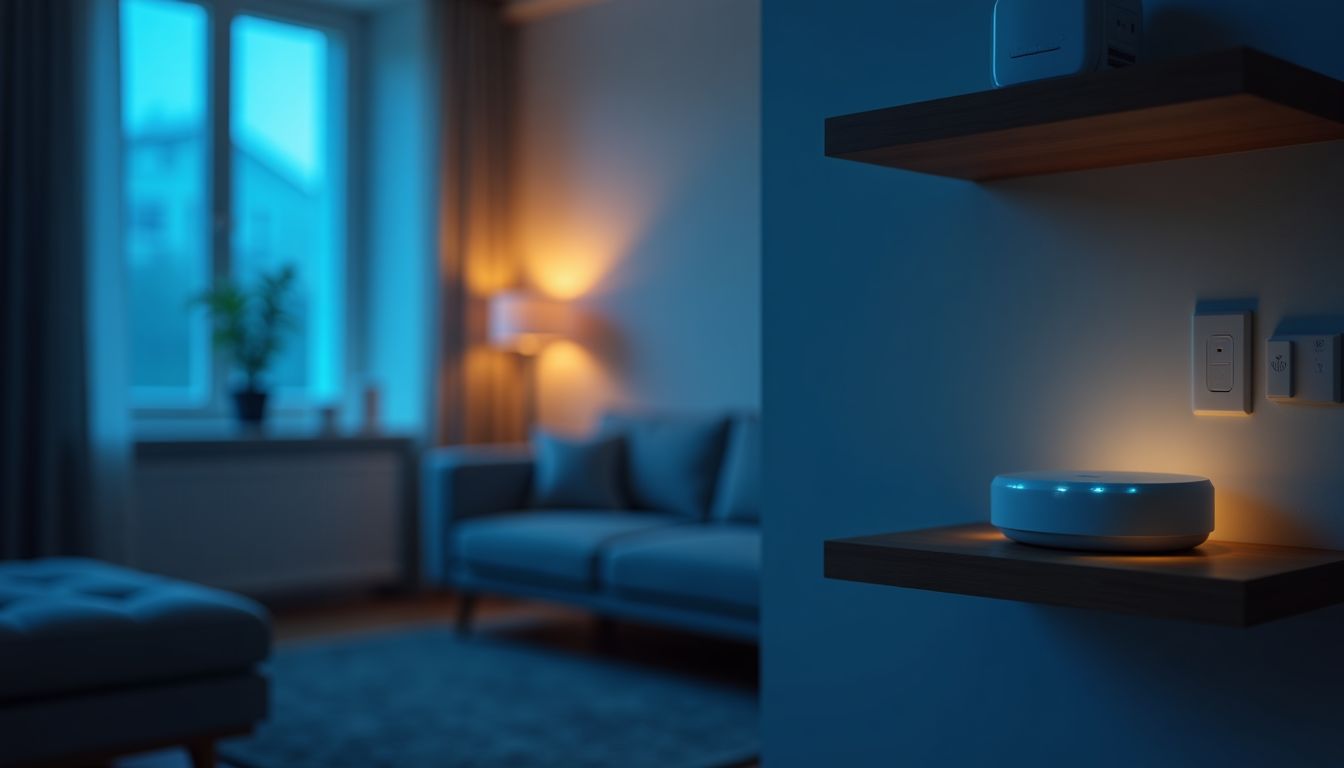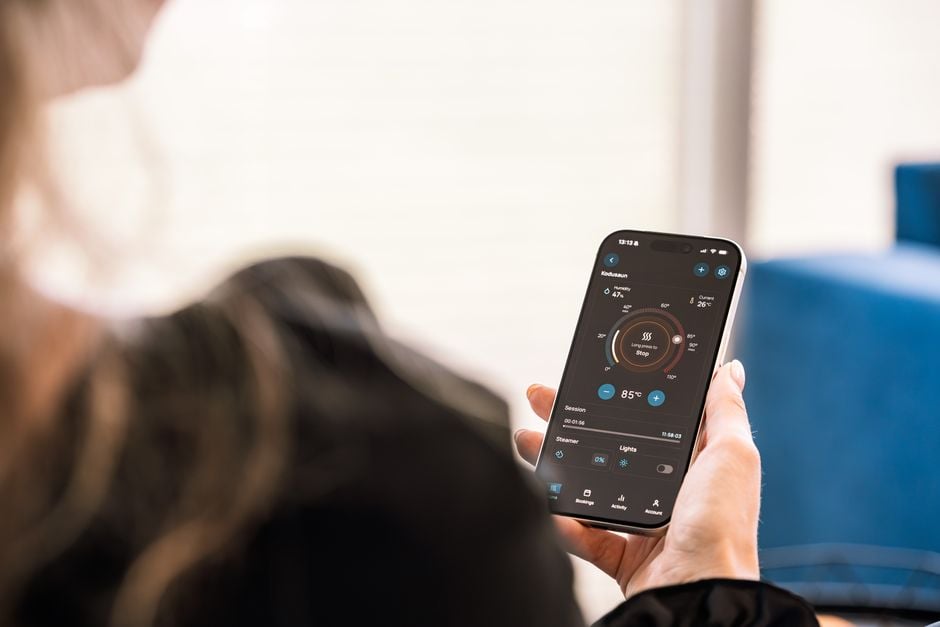
A modern home is increasingly becoming not just a place for relaxation, but also a technological space that adapts to the rhythm of its owners' lives. Lighting automation is the first and most understandable step towards creating a smart home, allowing you to experience comfort and savings from day one. Instead of familiar switches, intelligent devices appear that react to movement, time of day, or voice commands. As ComfortShop reviewers note, it is with light automation that people most often begin their acquaintance with the concept of a "smart home." In this article, we will look at how to implement smart switches step by step without spending extra money and effort.
Article Contents
Why Start with Lighting Automation
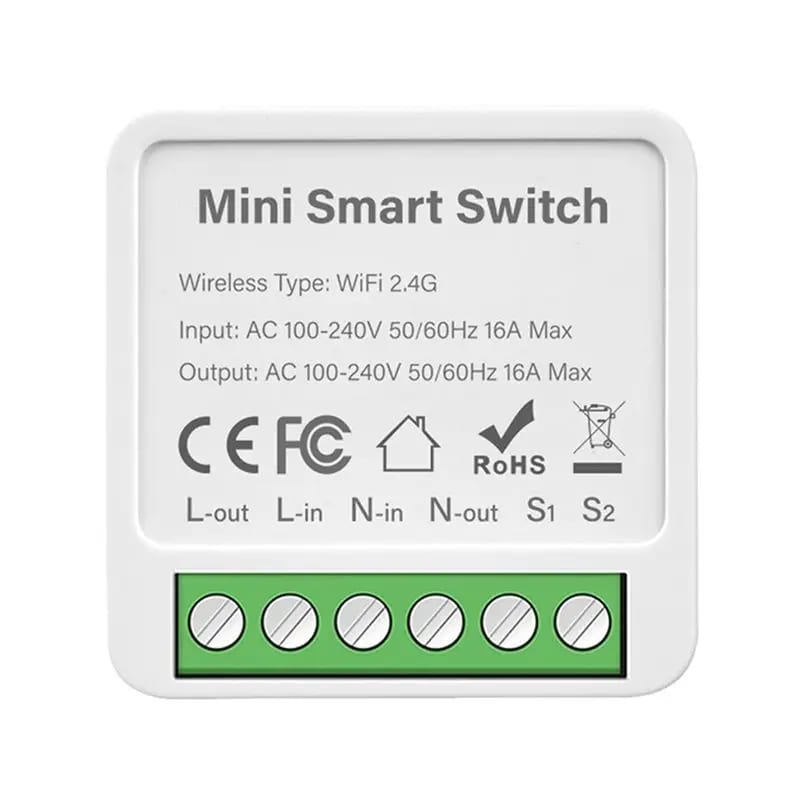
The lighting control system is the most visual and convenient element of a smart home. It does not require complex installation or new wiring, making it accessible even for beginners. Furthermore, lighting automation step by step allows you to adapt the space to your habits: the light will turn on automatically when you enter a room and turn off when you leave.
Energy savings are another compelling argument. Thanks to motion and light sensors, lamps do not work in vain, and smart home lighting scenarios allow you to set soft night lighting or bright working light. ComfortShop experts advise starting with one room, such as a hallway or living room, to evaluate the system's benefits before full scaling.
Choosing Equipment: Smart Switches Overview
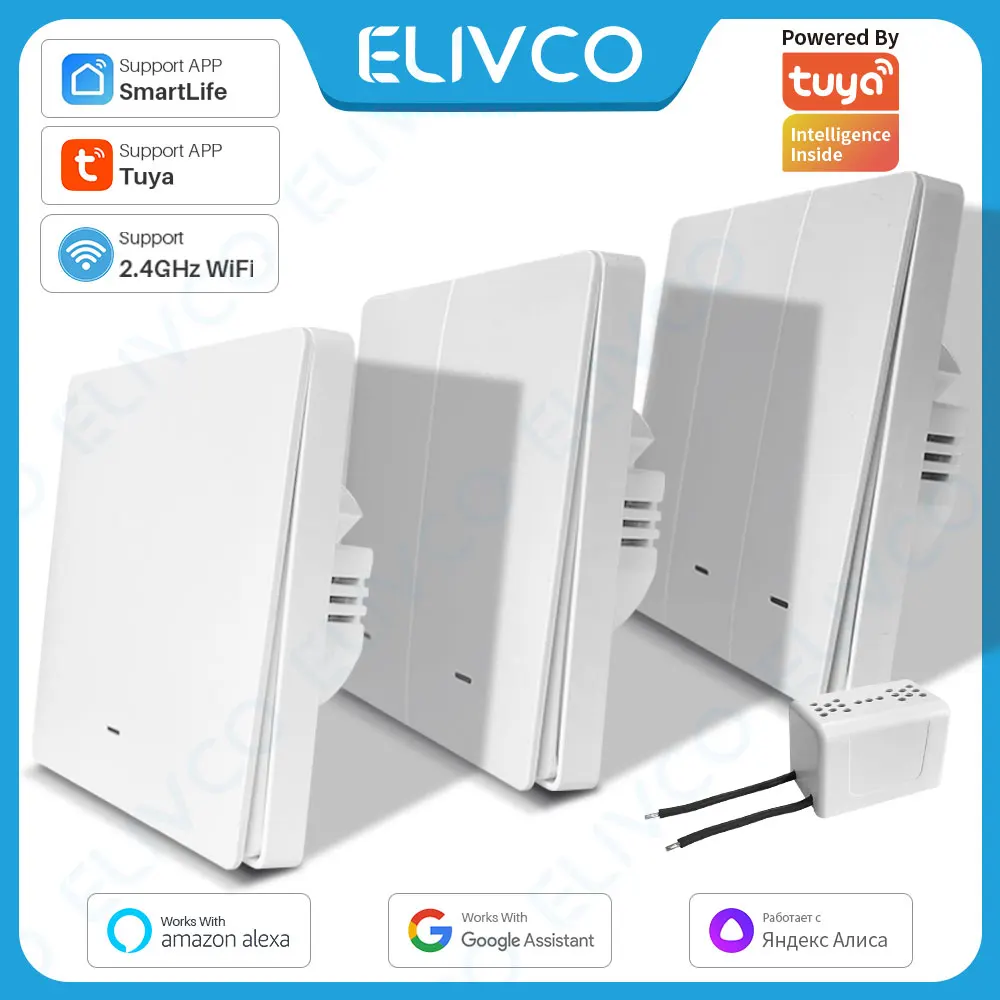
Before moving on to setup, it is important to understand what devices are available on the market. A smart switches overview shows that the most popular models are those with Wi-Fi, Zigbee, or Z-Wave support. Wi-Fi switches are the easiest to install — they connect directly to your home network and are controlled via a smartphone app.
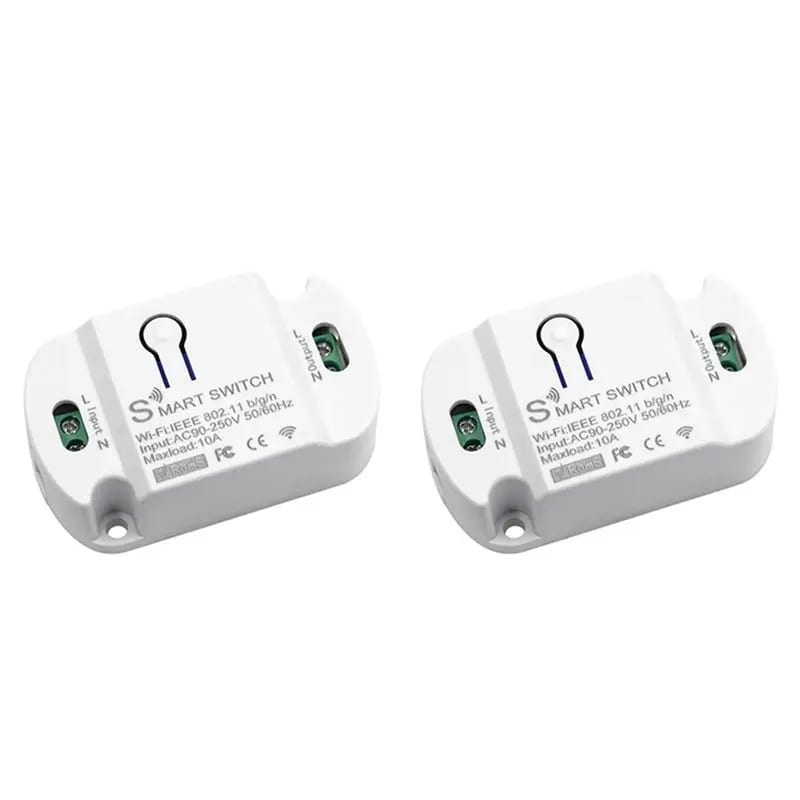
For those planning a large-scale system, it is better to choose devices on the Zigbee protocol. They create their own mesh network, ensuring stable communication even in large houses. Also, pay attention to the presence of a physical button — this is important for ease of use by all family members, including children and the elderly.
How to choose the right type of switch for your project.
If you want to make a smart switch with your own hands without complex electrical work, choose surface-mounted models that attach over an existing switch. They are ideal for rented apartments or temporary solutions. For major renovations, it is better to install built-in devices that are mounted in a standard junction box.
Step-by-Step Installation and Connection Guide
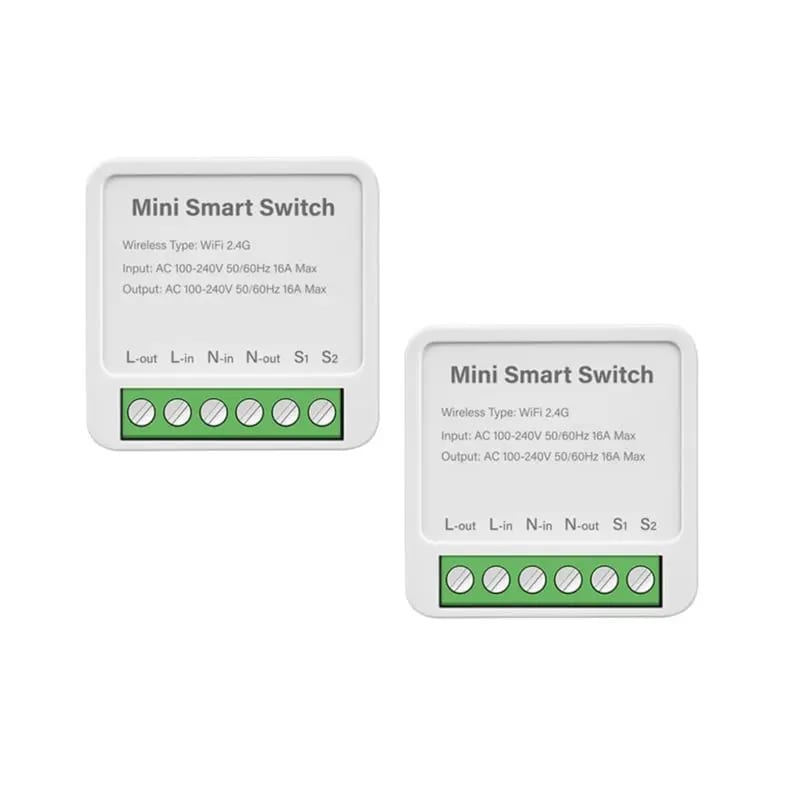
The process of setting up smart lighting begins with installing the device. Turn off the power in the electrical panel, dismantle the old switch, and connect the new one according to the manufacturer's diagram. Typically, only three wires are needed for connection: phase, neutral, and ground (if provided).
After physical installation, download the manufacturer's proprietary app, create an account, and add the device by scanning a QR code or searching the network. The system will automatically detect the switch and offer to update the firmware. This is an important step that ensures the correct operation of all functions.
Creating Lighting Scenarios: From Simple to Complex
Smart home lighting scenarios are the heart of automation. They allow you to combine several devices into one logical action. For example, a "Morning" scenario could turn on the lights in the kitchen and hallway at 7:00 AM, while an "Evening" scenario could gradually dim the brightness in the living room after 10:00 PM.
To create a scenario in the app, select a trigger (time, motion sensor, or button press) and an action (turn on, turn off, change brightness). You can set up lighting automation step by step, adding new conditions: for example, the light turns on only during dark hours or when people are at home.
Example scenario for safety and comfort.
Create a "Presence Simulation" scenario: at a random time in the evening, turn on lights in different rooms to create the impression that someone is home. This is a simple but effective way to protect against intruders. Such scenarios are easily configured in most modern apps and do not require additional equipment.
Integration with Voice Assistants and Sensors
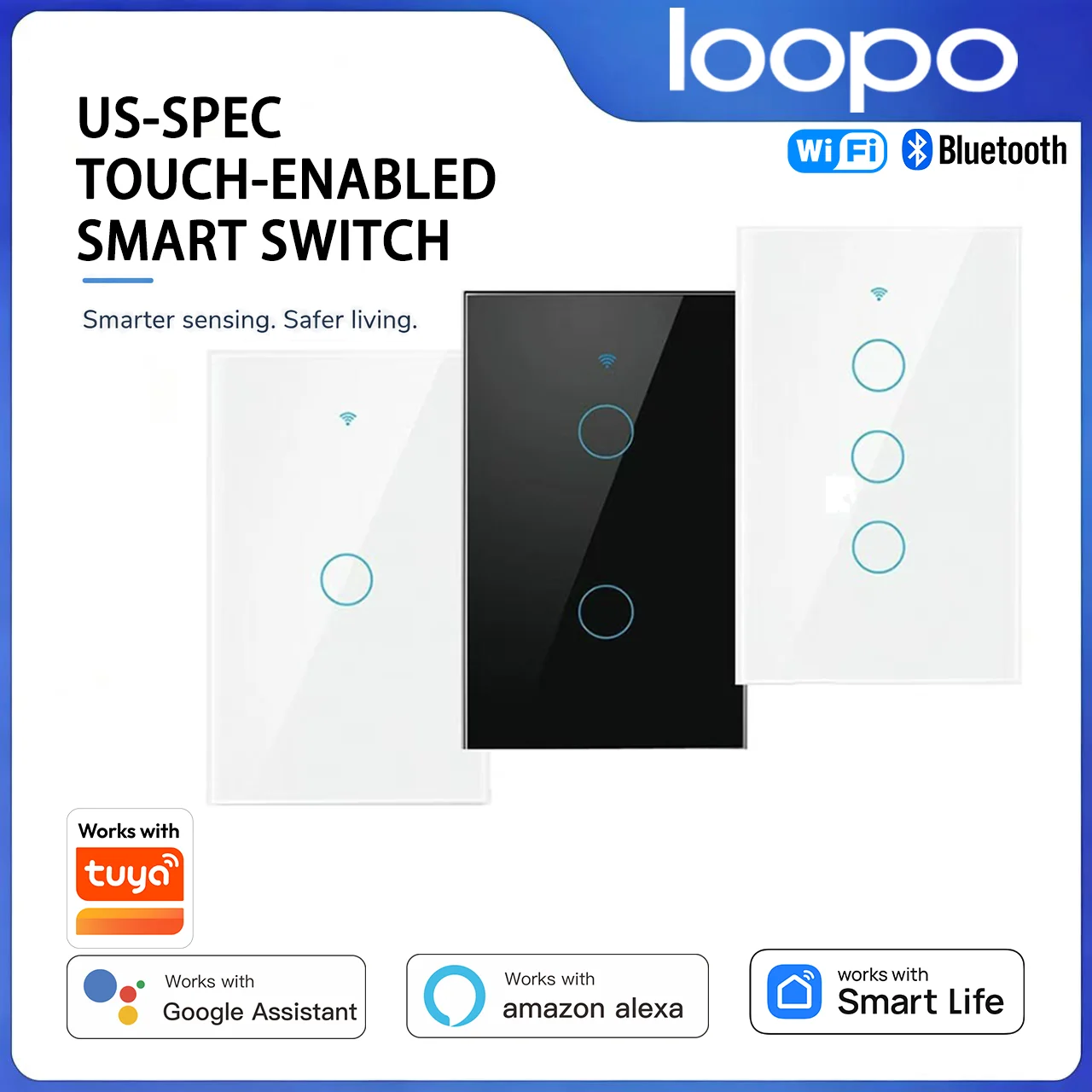
Smart home lighting automation becomes even more convenient when you connect voice control via Google Assistant, Amazon Alexa, or Siri. To do this, simply activate the corresponding skill in the app and synchronize your accounts. After that, you can say, "Turn on the light in the living room," and the system will execute the command.
Adding motion and light sensors significantly expands the possibilities. For example, a motion sensor in the hallway will turn on the light for 30 seconds, and a light sensor will adjust the lamp brightness depending on the amount of natural light. This is not only convenient but also helps reduce electricity bills by up to 30%.
Common Mistakes and Tips for Beginners
The most common mistake is trying to automate all rooms at once. This leads to confusion in settings and unnecessary expenses. It is better to start with one zone, such as a hallway or bedroom, and gradually add new devices. Also, remember that a DIY smart switch requires a good Wi-Fi signal at the installation point.
Do not ignore firmware updates — manufacturers often fix bugs and add new features. If you plan to integrate with other systems (e.g., alarm or climate control), choose devices from the same brand or with open protocol support. This will simplify setting up smart lighting in the future.
Conclusion:
Lighting automation is an affordable way to make your home more comfortable, safer, and more economical. Starting with one smart switch and creating a few basic scenarios, you will quickly feel the benefits of technology. By following the step-by-step instructions, you can independently set up a system that works exactly as you like. As ComfortShop experts recommend, do not be afraid to experiment — modern solutions offer endless possibilities for personalizing your space.
Frequently Asked Questions
Can I install a smart switch in old wiring without a neutral wire?
Yes, there are special models of smart switches that work without a neutral wire, using shunt technology through the light bulb, but be sure to check compatibility with your type of lighting before purchasing.
What lighting scenarios are most commonly used for home automation?
The most popular scenarios are automatic light activation by motion in the hallway, presence simulation during vacation, and gradual dimming of lighting in the bedroom on a schedule.
Do I need a central hub to set up smart lighting?
Not necessarily: many modern smart switches connect directly to Wi-Fi and are controlled via an app, but a hub (Zigbee/Z-Wave) provides more stable operation and more possibilities for complex scenarios.
How to make a smart switch with my own hands using Arduino?
For this, you will need an ESP8266 board or Arduino with a Wi-Fi module, a relay, and a power supply — after flashing, you can control the lighting via MQTT or a web interface, but this option requires basic programming and soldering skills.