The modern format of remote work requires not only discipline but also high-quality technical equipment. One of the key elements of productivity is a headset, as online meetings, calls, and focus on tasks all go through it. When choosing TWS headphones for work, users often face a paradox: a model is perfect for music but transmits voice poorly during conferences. As ComfortShop reviewers note, a true work tool should combine comfort, battery life, and an impeccable microphone, and these are the criteria to pay attention to first and foremost.
? Table of Contents
Are TWS headphones suitable for working with a PC?
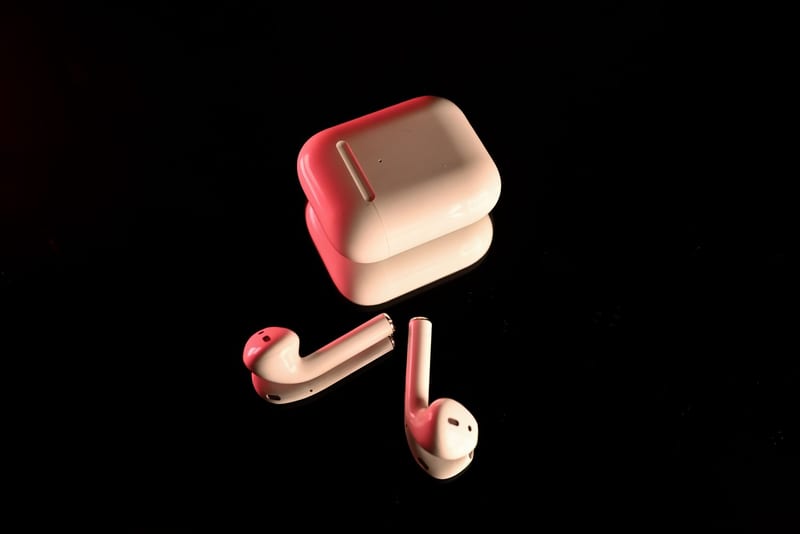
Many still believe it's better to buy bulky wired headsets for home use, but TWS models have long proven their capability. Modern wireless headphones for PCs offer a stable connection via Bluetooth 5.3, allowing you to step away from the monitor without losing the connection. This is especially convenient when you need to quickly grab documents or pour coffee during a briefing.
However, the main difference between work-oriented TWS and purely musical ones lies in microphone quality. If you plan to use headphones for home daily, pay attention to models with Environmental Noise Cancellation (ENC) technology. They cut out keyboard sounds, loud neighbors, or appliance noise, leaving only your voice clear and intelligible.
Key criteria for choosing for remote work
To avoid making a mistake with your choice, it's worth clearly defining your priorities. First and foremost is battery life. TWS headphones for work should hold a charge for at least 5-6 hours without recharging to endure a series of consecutive meetings. The second criterion is the fit in the ear, as you'll have to wear the headset for hours.
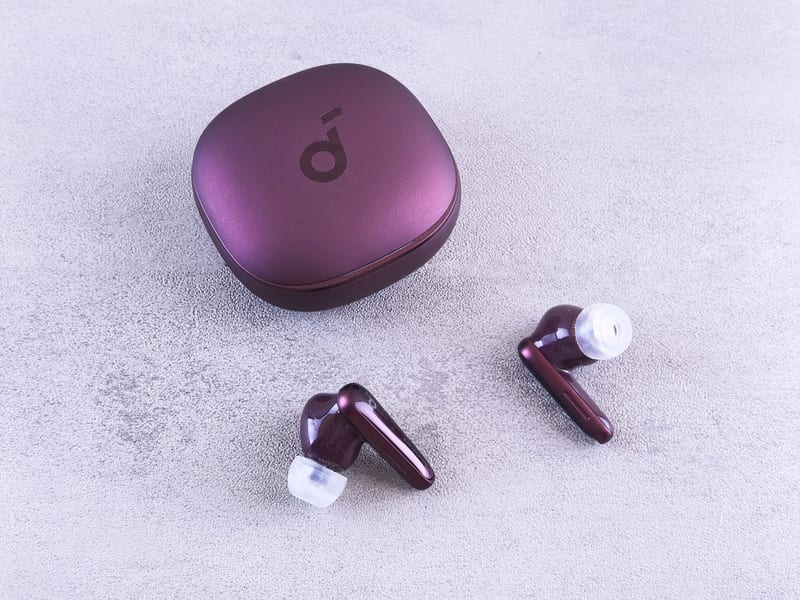
ComfortShop experts advise paying attention to models with multipoint support — this is the function of simultaneous connection to a laptop and smartphone. This way, you won't miss an important call even if you're working on your PC. Also important is the type of control: touch or button. For work, button control is often more convenient to avoid accidentally ending a call by touching your ear.
What to look for when choosing a headset for conferences.
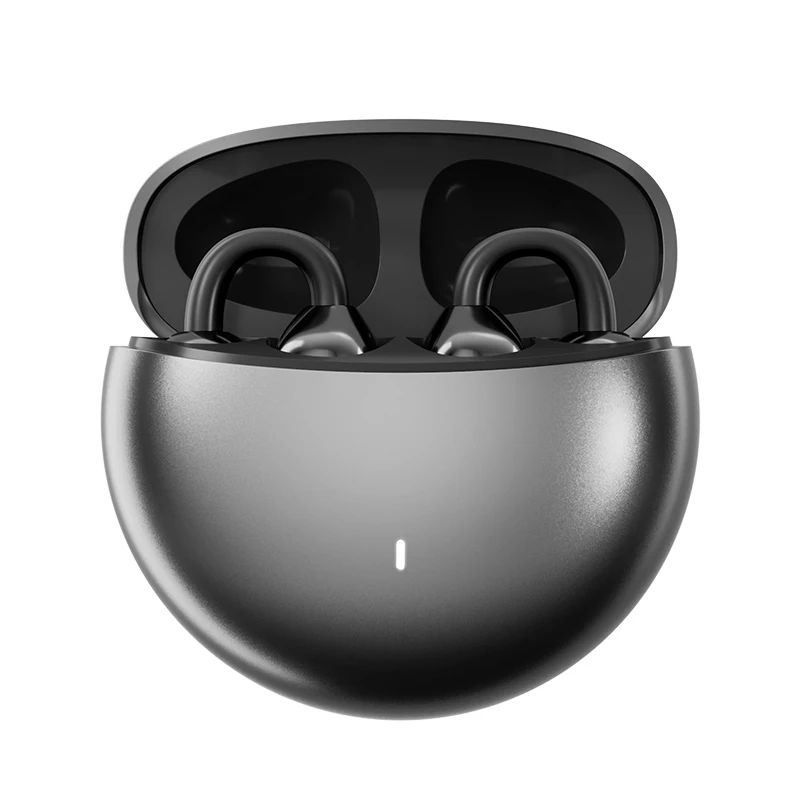
Comparison of popular models on the market
Among the most discussed options in 2025, several leaders can be highlighted. First are models with an emphasis on voice transmission, such as series from Jabra or Poly (Plantronics). They were initially designed for business environments, so their microphone algorithm is significantly better than that of mass-market audiophile brands.
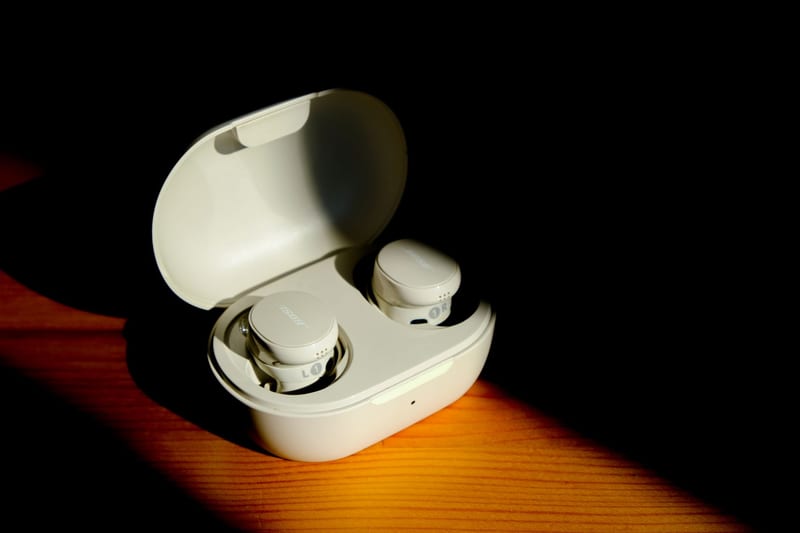
If you're looking for a universal option, it's worth checking out models in the mid-price segment. They often offer a decent balance between music quality and microphone performance. Importantly: when reading a TWS headphone review, pay attention to tests specifically in call mode, not track listening — these are two different worlds.
PC accessories that will improve the user experience
Even the best TWS headphones for work can have micro-delays in sound transmission via Bluetooth. To avoid this, it's worth purchasing a special Bluetooth adapter for your PC with support for aptX Low Latency codecs. This is a small accessory that plugs into a USB port and significantly reduces sound latency.
Other useful PC accessories include charging docks for headphones and silicone cases. If you often move around the house with your headset, a charging case with wireless charging will be a real lifesaver. It allows you to always have a power reserve on hand without getting tangled in wires.
Pros and cons of using TWS at home
The advantages are obvious: no wires, mobility, and compactness. You can work from any point in the room instead of being tethered to the system unit. Additionally, TWS headphones for home take up minimal desk space, which is important for organizing your workspace.
However, there are also drawbacks. The main one is the need to monitor the charge. Unlike wired models that work indefinitely, TWS require daily recharging of the case. It's also worth considering that microphones in most TWS are worse than those in professional headsets with a boom microphone. Therefore, for ideal sound on calls, choose models with flagship chips.

Tips for setup for maximum productivity
After purchase, it's important to configure the device correctly. First, always update the headphone firmware through the official app — manufacturers often fix microphone operation errors and connection stability. Second, in Windows or macOS settings, select the "Headset" (Hands-Free) profile, not just "Stereo."
Use the equalizer in the app to boost mid frequencies — this will make the voices of your interlocutors clearer. And don't forget about hygiene: ear tips need to be cleaned regularly, as dirt accumulates on them during prolonged wear, degrading the sound.
Conclusion:
TWS headphones for working from home are not just a trendy gadget but a full-fledged work tool. The main thing is to approach the choice consciously, focusing on microphone quality, battery life, and fit comfort. ComfortShop's editorial recommendation is not to skimp on models with ENC and multipoint support, as these features directly affect your productivity. Choose proven models, and your workday will become much more comfortable.
Frequently Asked Questions
Are TWS headphones suitable for working from home if I have an old PC without Bluetooth?
Yes, but you will need a separate Bluetooth adapter (USB dongle) that adds wireless connectivity to your PC, turning ordinary TWS headphones into a convenient work accessory.
How to choose TWS headphones for home so they don't fall out during long calls?
Pay attention to models with silicone ear tips in various sizes and ANC (Active Noise Cancellation) function — they fit more snugly in the ear and stay better secured during movement.
Is there sound delay in wireless headphones for PCs during video conferences?
Modern TWS headphones with support for aptX Low Latency or AAC codecs have minimal latency, so your voice and the sound of your interlocutors will be synchronized without noticeable delays.
What are the best TWS headphones for working from home with long battery life?
The best are considered models with a total operating time of 20 to 30 hours (including the charging case), for example, series from Jabra or Sony, which provide up to 8-9 hours of continuous operation on a single charge.