Streaming has long ceased to be just a hobby — for many, it is a full-fledged job, and for others, a way to communicate with an audience. And in this process, image quality plays a crucial role. Viewers may forgive imperfect audio, but a blurry picture can ruin the impression of even the most interesting content. That is why choosing the right camera becomes a top priority for anyone going live. Based on a recommendation from the ComfortShop editorial team, we decided to conduct an honest review and figure out what you should really pay attention to when buying a Full HD webcam for streaming.
Article Contents
Why Full HD remains the standard for streaming.
There are models on the market with 4K resolution, but for most streamers, Full HD is the optimal choice. Firstly, such a webcam for streaming does not require a super-powerful PC, since processing video at 1080p is much less resource-intensive. Secondly, the majority of viewers watch streams on monitors or phones that support Full HD.
Furthermore, a Full HD webcam for PC provides sufficient clarity to convey facial expressions and emotions, which is critically important for gaming streams or talk shows. It is worth noting that a stable 30 frames per second at 1080p looks better than unstable 60 frames at 4K, which can lag due to channel overload.
Key features of a good webcam for a streamer.
When it comes to which webcam is best for a streamer, it's not megapixels that come to the forefront, but the sensor and optics. A high-quality sensor can shoot even in low light, which is a common problem in home studios. Pay attention to the aperture: the smaller the f-number, the more light hits the sensor.
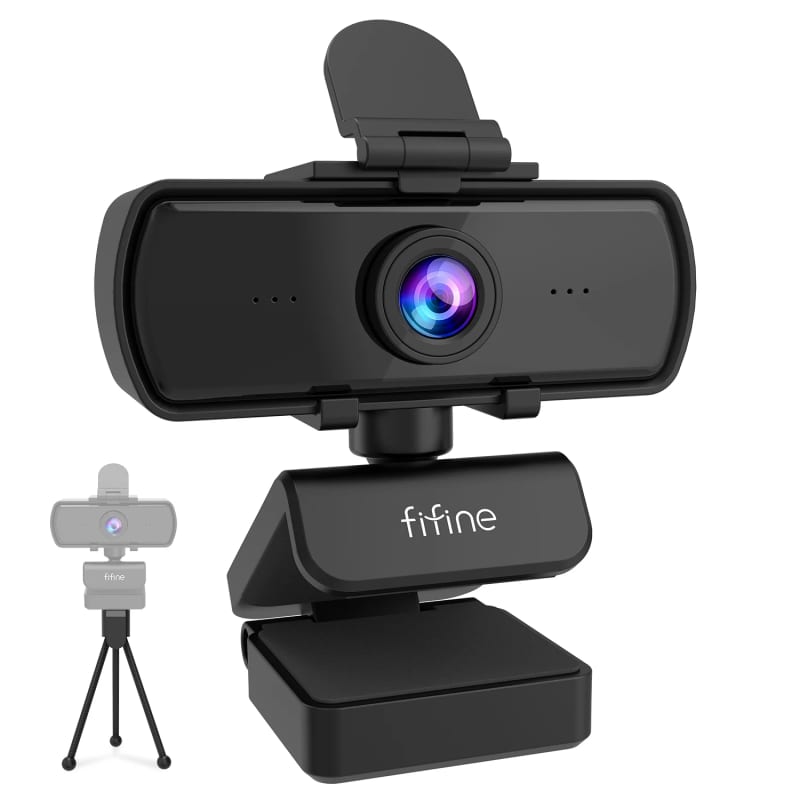
The second important characteristic is the frame rate. For dynamic streaming, where you move actively or play fast-paced games, 60 FPS is desirable. If you host calm podcasts or talk shows, 30 FPS will suffice.
Autofocus and field of view: what to look for.
Autofocus is a feature that either saves the broadcast or ruins it. Cheap models often "hunt" in the background, constantly changing focus, which distracts viewers. It's better to choose models with fixed focus, set to a distance of 1-2 meters, or with high-quality fast autofocus. As for the field of view: 70-80 degrees is ideal for one person, while 90+ degrees already captures unnecessary background details.
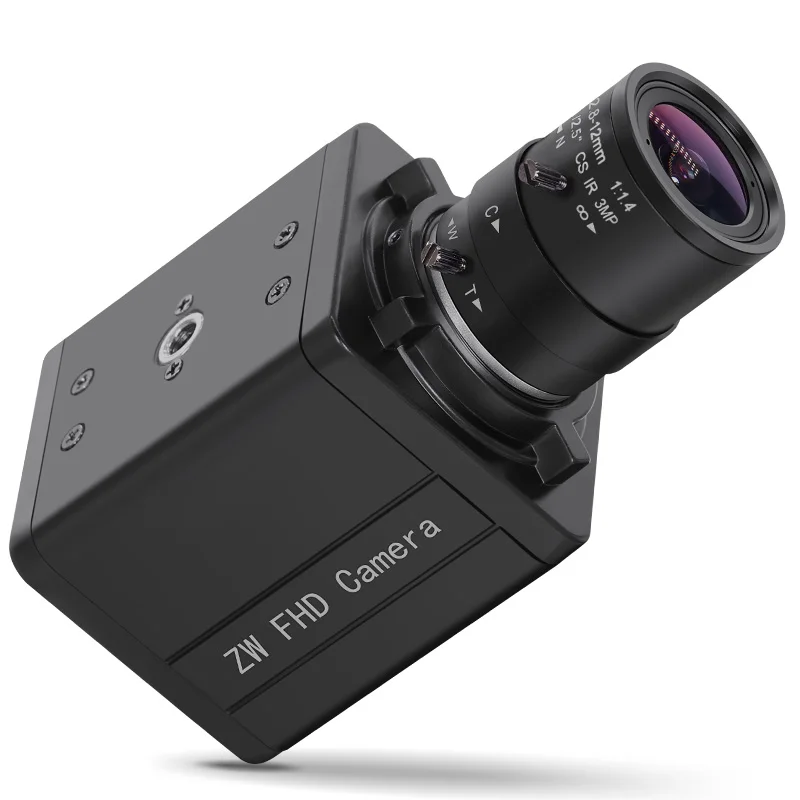
Webcam review for streaming: what's inside the box.
Usually, a webcam for streaming review starts with unboxing, and for good reason. The package contents often determine ease of use. A standard set includes the camera itself, a USB cable, and a monitor mount. However, high-quality models have a universal mounting clip that fits both thin laptops and thick gaming monitors.
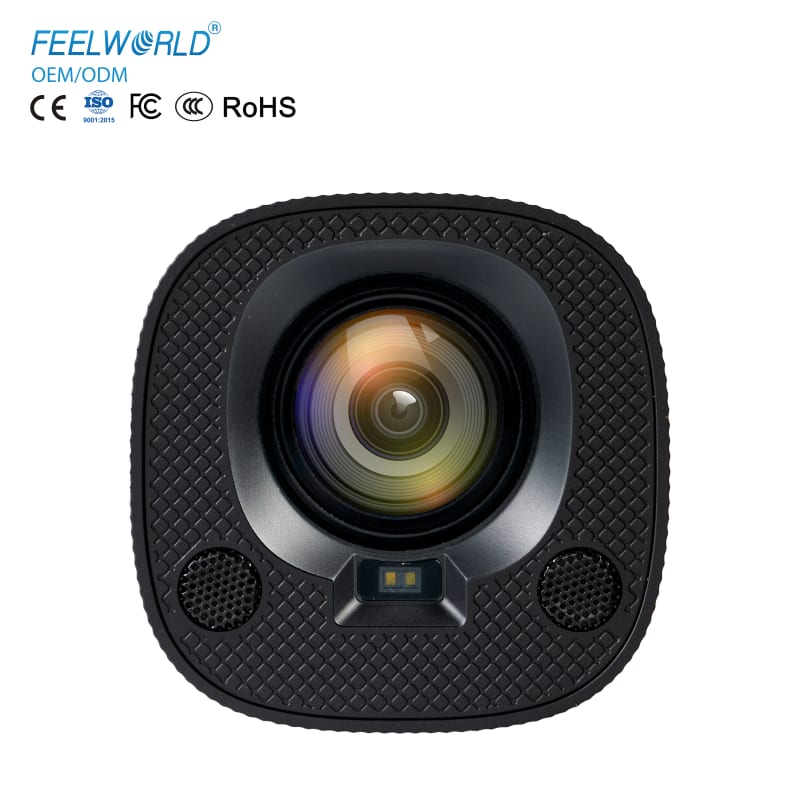
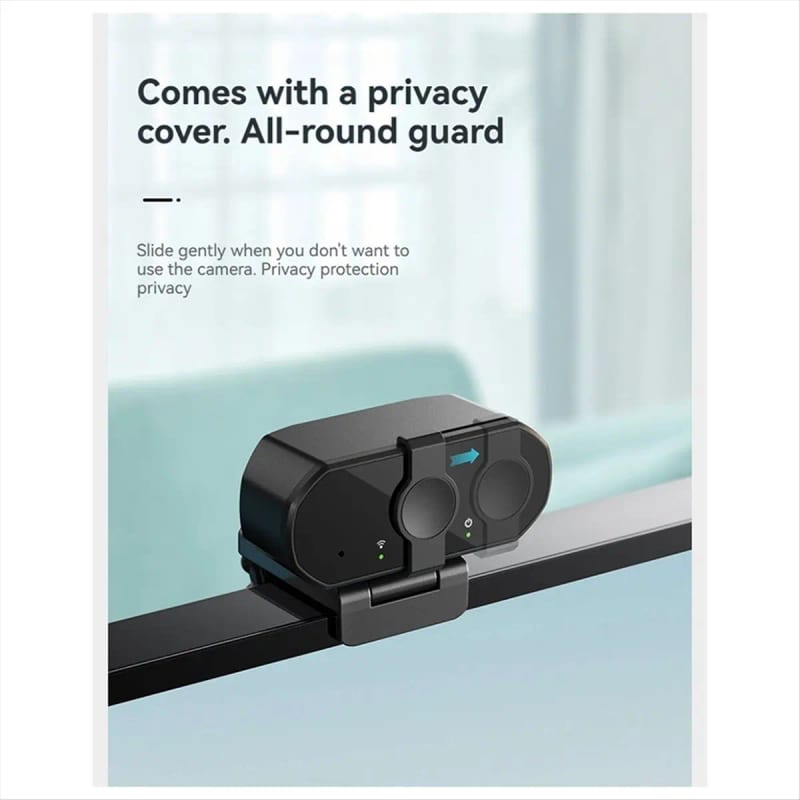
Some manufacturers add a lens cover — this is a very useful PC accessory that protects against dust and ensures privacy. Also, pay attention to the cable length: 1.5 meters is often not enough if the system unit is far from the monitor. ComfortShop experts advise checking these parameters right away to avoid having to buy an extension later.
Comparison of popular models on the market.
Among the large number of devices, several types can be distinguished that cover different budgets. For example, budget models often have decent Full HD picture quality but suffer from noise in poor lighting. They are suitable for beginners just trying their hand at streaming.
The mid-price segment offers better color reproduction and stable 60 FPS. This is where you can find a balance between price and quality. Such models are often equipped with a built-in microphone, which, although it won't replace a professional one, is quite suitable for initial broadcasts.
The premium segment already includes professional solutions with large sensors that deliver image quality close to DSLR cameras. They have better detail in shadows and practically don't "noise" in the dark.
Is it worth buying the most expensive model right away?
Not always. If you are a beginner, an entry-level Full HD webcam for streaming costing 2000-3000 UAH will give you 90% of the necessary quality. The difference with a model costing 8000 UAH will only be noticeable to experienced viewers or on a large screen.
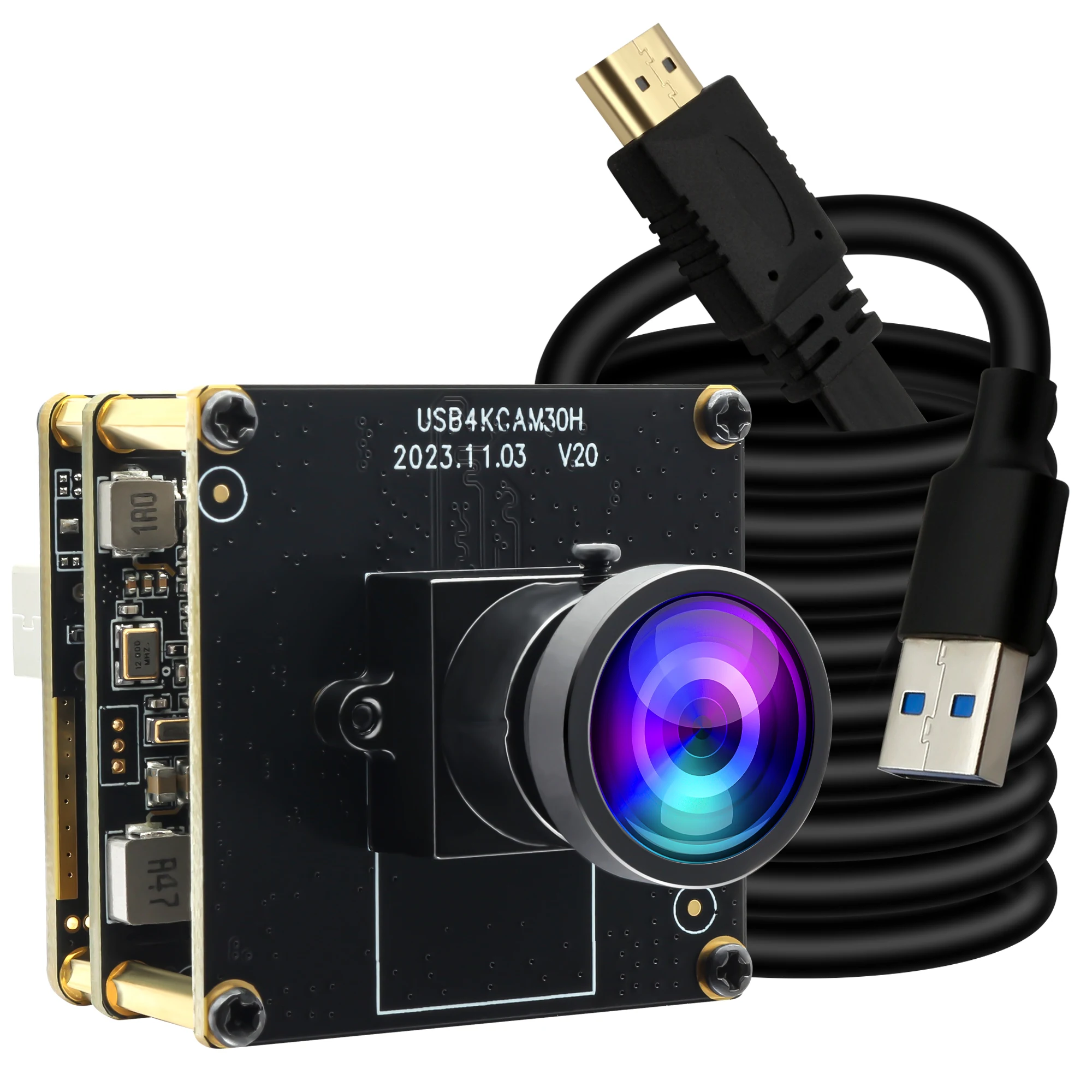
PC accessories: webcam and additional equipment.
The camera itself is only half the success. To get truly high-quality picture, you should think about lighting. A ring light or softbox will significantly improve the image even from a budget webcam. Also, don't forget about a tripod — it allows you to position the camera at eye level, creating a more natural viewing angle.
As ComfortShop reviewers note, an important addition is the background. Even the best Full HD webcam for PC won't save the broadcast if there's a mess behind you. Invest in a plain background or a green screen for chroma keying — this is a professional approach that will immediately improve the quality of your stream.
Don't forget about sound either. Built-in microphones in cameras are a compromise. For serious broadcasts, it's better to purchase a separate USB microphone or headset. Viewers may forgive you for imperfect video, but poor audio will make them leave the stream within seconds.
Conclusion:
When choosing a Full HD webcam for streaming, don't chase the numbers on the box — focus on real characteristics: sensor quality, frame rate, and mounting convenience. For most streamers, the optimal solution will be a model with stable 30-60 FPS, good color reproduction, and the ability to work in average lighting. Remember that even the best webcam requires proper light and sound, so plan your budget comprehensively.
Frequently Asked Questions
Will a Full HD webcam work for streaming if I have a weak PC?
Yes, most modern Full HD webcams for PC have hardware encoding, which reduces the load on the processor. However, for stable operation at 1080p 30fps, it is recommended to have at least an Intel Core i5 or AMD Ryzen 5 processor.
Which frame rate is better for streaming: 30 or 60 FPS?
For most streamers, 30 FPS is sufficient, as it provides a smooth picture without overloading the channel. 60 FPS is worth choosing only for dynamic games or if your internet allows a stable bitrate above 6000 Kbps.
Is additional lighting needed for a webcam for streaming?
Yes, even the best webcam for a streamer requires quality lighting to avoid noise and blur. We recommend using a ring light or soft side light for an even skin tone.
What PC accessories does a webcam need for a quality stream?
In addition to lighting, it's worth getting a tripod to adjust the viewing angle and a pop filter or microphone for clean audio. A USB extension cable is also useful to position the camera at an optimal distance.