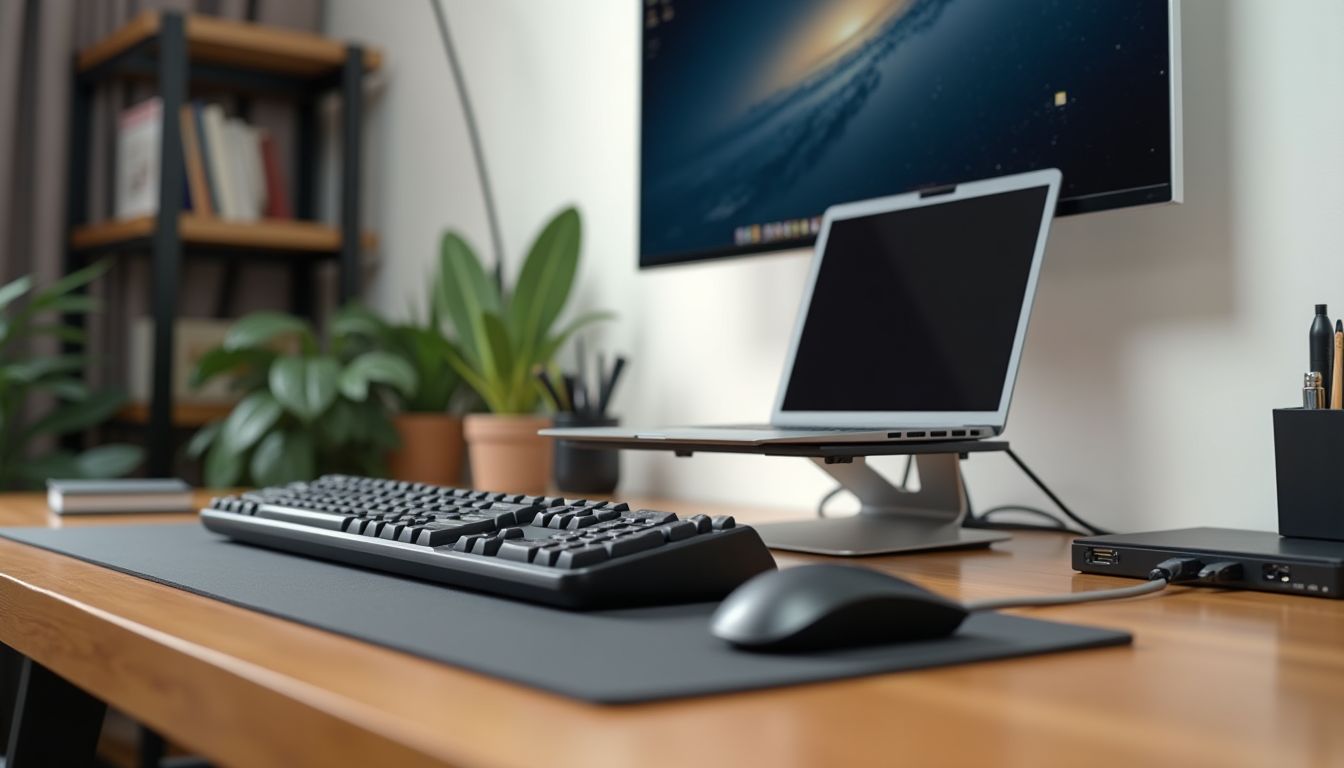
Sitting work at a computer has long become the norm for millions of Ukrainians. However, along with the conveniences of the digital age, occupational diseases have arrived: wrist pain, numbness in the fingers, and carpal tunnel syndrome. Many seek relief in specialized devices, and the first on the list is often an ergonomic keyboard. Can changing the keyboard's shape truly eliminate pain, or is it just a marketing gimmick? We delve into the anatomy of the problem and seek an effective solution together with experts.
According to the recommendation of the ComfortShop editorial team, wrist health requires a comprehensive approach, but the right tool is the foundation. To understand whether an ergonomic keyboard helps, it's worth first figuring out why the pain occurs. The main cause is prolonged static tension and an unnatural position of the hand while typing on a standard "flat" keyboard.
? Table of Contents
Why a regular keyboard harms your wrists
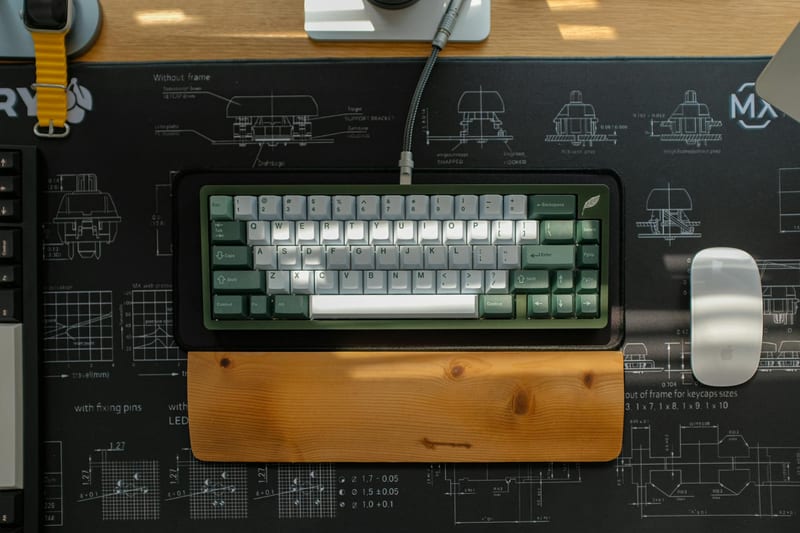
A standard rectangular keyboard forces us to bring our hands together toward the center, twisting the wrists outward. This position, known as "pronation," creates excessive pressure on the median nerve in the carpal tunnel. If you work at a computer for 8-10 hours a day, such strain inevitably leads to tendon inflammation and nerve entrapment.
The most common symptoms: tingling in the fingers (especially the thumb, index, and middle fingers), wrist pain that worsens at night, and weakness in the hand. Ignoring these signals can lead to carpal tunnel syndrome, which is then treated surgically. That's why a review of an ergonomic keyboard should begin with understanding how it corrects movement biomechanics.
A keyboard for wrist pain is designed to return the hand to a neutral, natural position — the same position your hands hang in alongside your body when you stand. This position is called the "handshake": palms facing each other, not the floor.
How an ergonomic keyboard works: design and principle of operation
The main difference in such devices is the split or curved panel. There are several types of designs: a solid wave-shaped one (e.g., Microsoft Sculpt), one split into two halves (Kinesis Freestyle), and a fully split one with adjustable angle (Ergodox). Each aims to reduce pronation and elbow abduction.

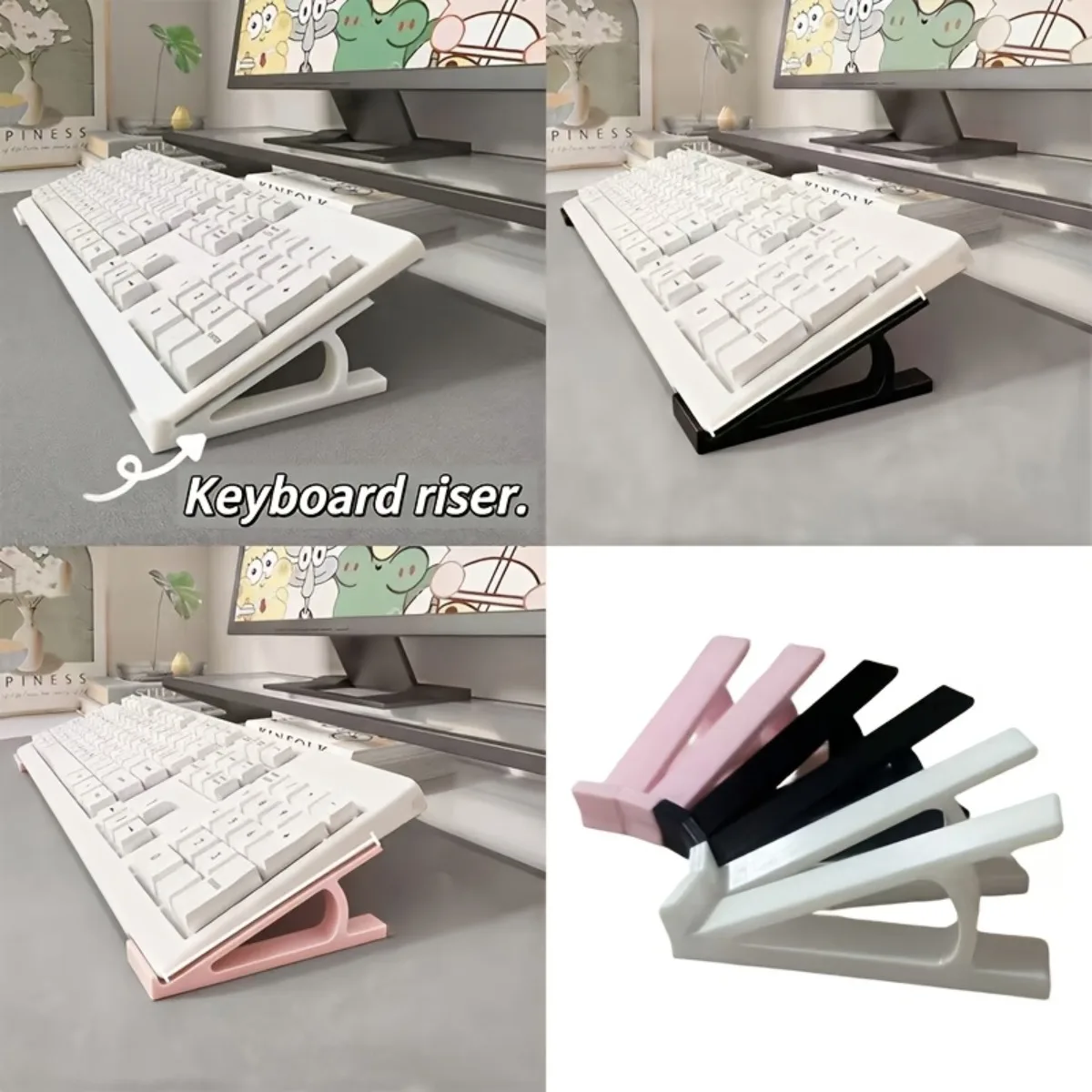
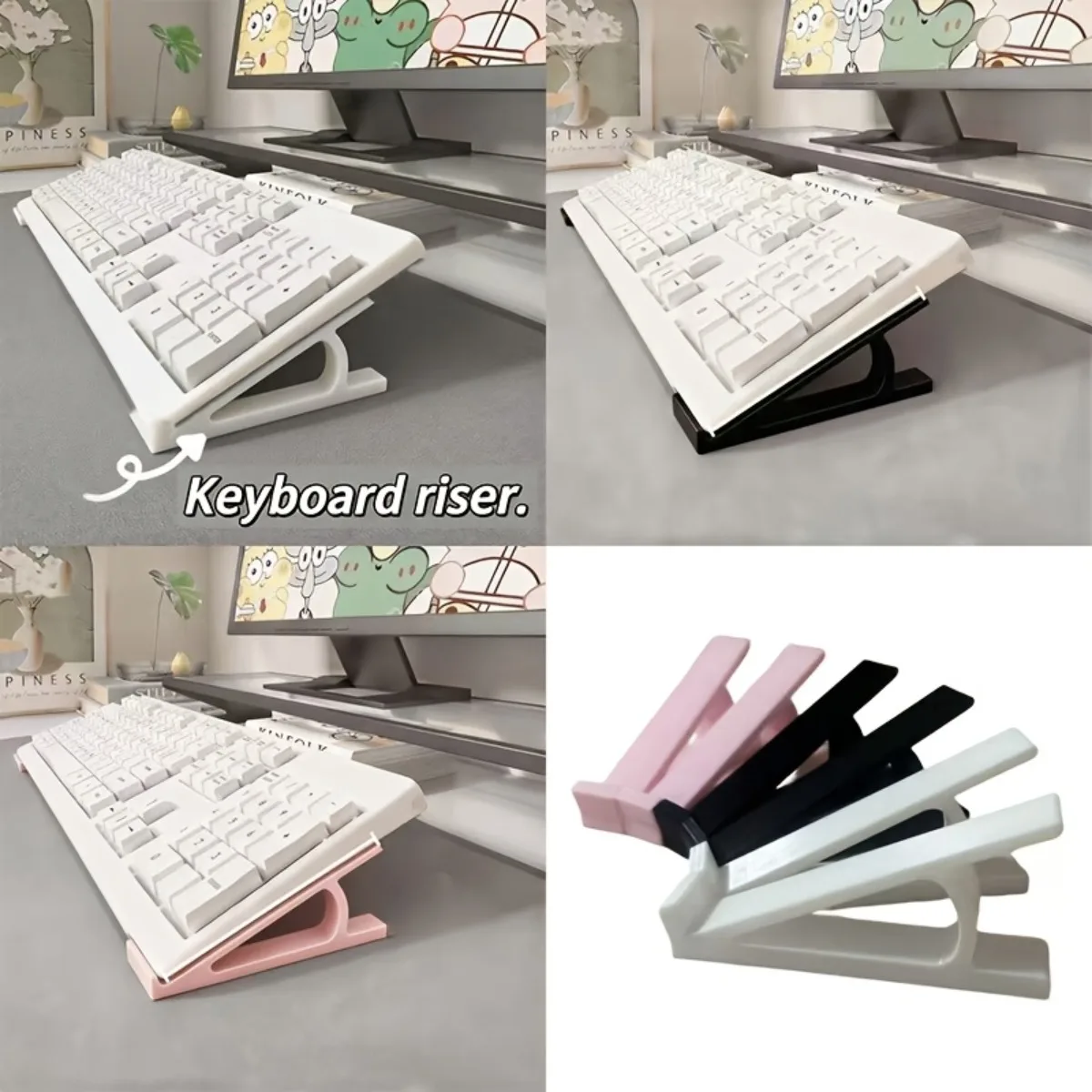
Besides the shape, the tilt angle and lift play an important role. Many models have legs that raise the back of the keyboard, or conversely, have a negative tilt where the front edge is higher than the back. Studies show that a negative tilt or flat position (keyboard tray) reduces wrist extension, which is a key factor in pain.
Specialists at ComfortShop advise paying attention to the presence of a wrist rest. It doesn't cure, but it relieves point pressure on the palm, allowing muscles to relax during pauses between keystrokes. However, it's important to remember: the rest is for resting, not for support while typing.
Does an ergonomic keyboard help with existing pain?
This is the most important question. The answer: yes, but with caveats. If the pain is caused solely by incorrect posture while typing (so-called "mechanical" pain), then changing the keyboard provides significant relief. Many users report that discomfort disappears within 1-2 weeks after switching to an ergonomic model.
However, if you have already been diagnosed with moderate or severe carpal tunnel syndrome, an ergonomic keyboard is only part of the therapy. It will not replace treatment from a neurologist, physiotherapy, or special stretching exercises. But it creates conditions where the injured area does not receive additional strain, which speeds up recovery.
It's also important to consider the adaptation period. The first 3-5 days, you will type slower and make more mistakes. This is normal — the brain and muscles are getting used to the new position. Don't give up after the first day of discomfort, otherwise you won't get any effect.
Ergonomic keyboard review: what to look for when choosing
The market for PC accessories for pain offers dozens of models, and choosing the right one can be difficult. First of all, decide on the type of split. For office work without frequent moves, a solid wave-shaped ergonomic keyboard (Logitech Ergo K860) is ideal. It requires no setup and immediately gives a feeling of the correct position.
If you are a gamer or programmer and are willing to invest time in setup, pay attention to fully split mechanical keyboards (e.g., ZSA Moonlander or Dygma Raise). They allow you to adjust not only the angle but also the distance between the halves, which is critical for people with broad shoulders or specific posture.
A keyboard for wrist pain must have adjustable tilt. Ideally, you can raise the front edge higher than the back (negative tilt). Also, pay attention to the type of switches: soft membrane or low-profile mechanical ones require less force to press, which reduces strain on the tendons.
Is it worth buying a separate wrist rest?
Many ergonomic models already have a built-in rest. If not, be sure to purchase a separate gel or foam one. It should be level with the front edge of the keyboard so that the wrist does not bend upward. Remember: a rest is not a cure, but prevention.
Additional PC accessories for pain: a comprehensive approach
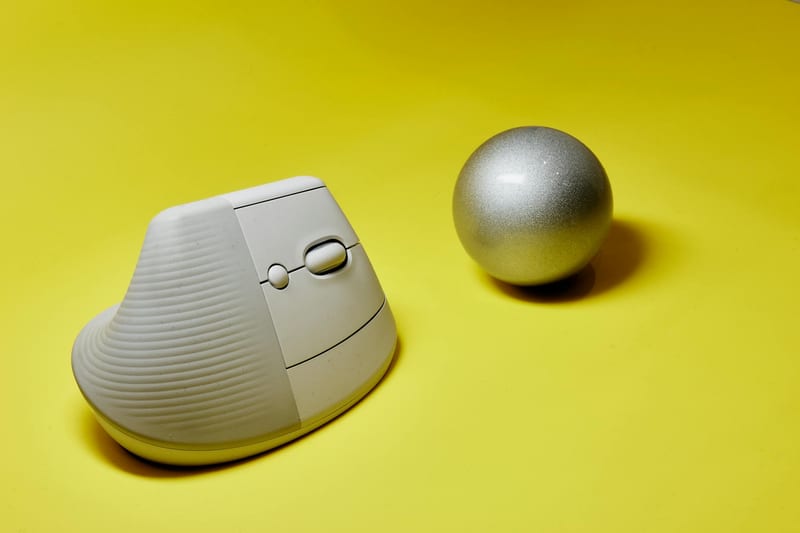
The keyboard alone won't solve the problem if you sit on an uncomfortable chair or your desk is too high. For maximum effect, it's worth complementing your workspace with a vertical mouse (it eliminates pronation in the right hand), an adjustable standing desk, and an ergonomic chair with armrests.
Reviewers at ComfortShop emphasize: even the best keyboard won't help if your elbows are below desk level. The ideal posture is a 90-degree angle at the elbow, forearms parallel to the floor, wrists straight. Check the height of your chair and the position of your keyboard tray.
Don't forget about micro-breaks. Every 30-40 minutes of work, take a 2-3 minute pause to shake your hands, make circular movements with your wrists, and extend your fingers. This improves blood circulation and prevents fluid stagnation in the carpal tunnel.
Conclusion:
An ergonomic keyboard is an effective, but not magical, tool. It undoubtedly helps with wrist pain if that pain is caused by incorrect posture while typing. However, to achieve a lasting result, it is necessary to take a comprehensive approach to organizing your workspace: add a vertical mouse, adjust the desk and chair height, and incorporate regular hand exercises. Choose a model that allows you to adjust the position of your hands, and give yourself time to adapt — and the discomfort will gradually disappear.
Frequently Asked Questions
Can an ergonomic keyboard completely eliminate wrist pain?
An ergonomic keyboard can significantly reduce pain, but it is not a panacea. It works best in combination with correct posture, frequent breaks, and wrist stretching exercises.
How to choose an ergonomic keyboard for my wrist if I work at a PC all day?
Look for models with a split body (split keyboard) and adjustable tilt angle. For professionals, keyboards with mechanical switches and a soft wrist rest that relieves tendon tension are recommended.
Is it worth buying an expensive professional keyboard if pain occurs only occasionally?
If pain occurs sporadically, start with budget PC accessories for pain, such as a gel wrist rest. If the discomfort persists, then it's worth investing in a quality ergonomic keyboard that prevents the development of carpal tunnel syndrome.
Is an ergonomic keyboard suitable for gamers, or is it just an office tool?
Yes, there are specialized gaming models with an ergonomic design. They have fast key response and reduce wrist strain during long sessions, making them an excellent choice for both work and gaming.