HDMI Adapter for Chromebook: How to Unlock Your Device's Full Potential
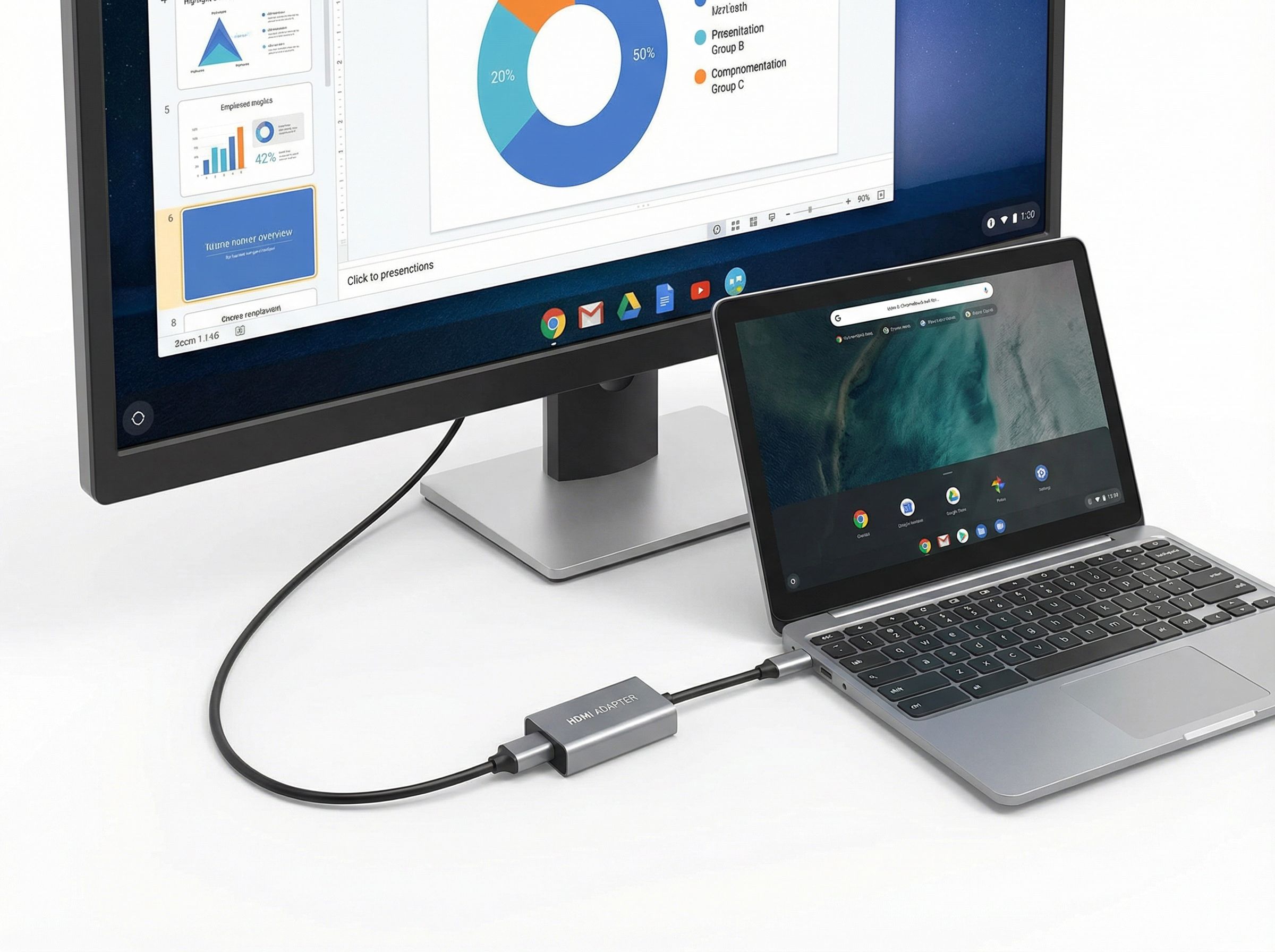
Modern Chromebooks are true workhorses: lightweight, fast, and energy-efficient. However, their minimalist philosophy often results in a limited number of ports. This is where an indispensable accessory comes to the rescue — the Chromebook adapter. More specifically, a multifunctional Chromebook hub that doesn't just add a single port but radically expands your device's capabilities. Among the key interfaces, HDMI is the most in-demand, allowing you to connect a monitor, TV, or projector for comfortable work or content viewing.
Why a Simple Cable Isn't Enough? The Role of a USB Hub
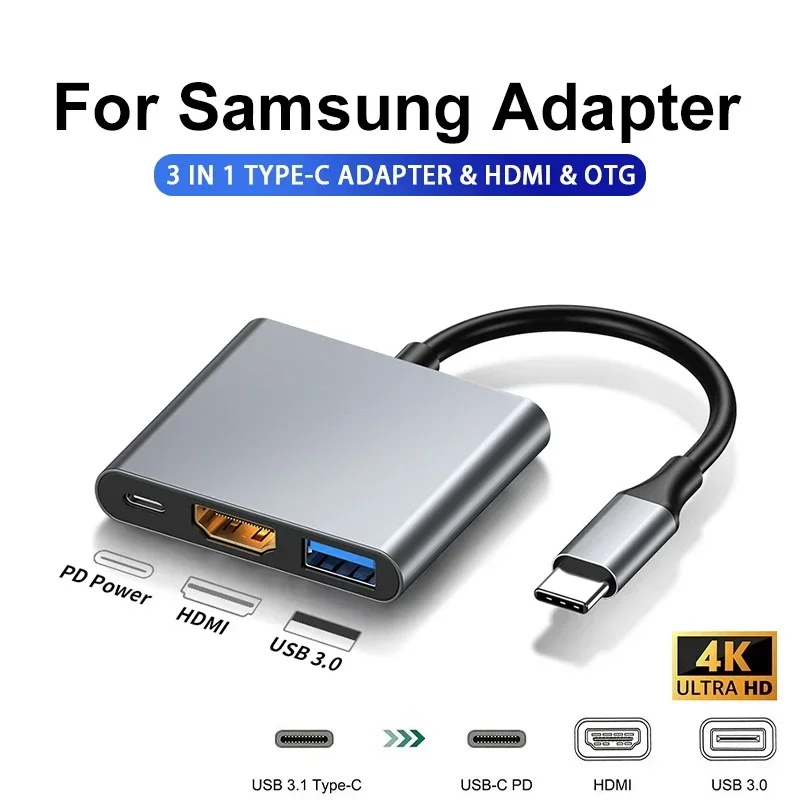
Many users wonder: isn't it easier to buy a separate USB-C to HDMI cable? Unfortunately, for many Chromebooks with one or two ports, this won't solve the problem. You'll be left without the ability to connect a flash drive, external hard drive, or mouse. The ideal solution is a USB hub that integrates not only an HDMI adapter but also additional USB ports. This compact station transforms your portable laptop into a full-fledged workstation.
UGREEN: Reliability and Quality in Every Detail
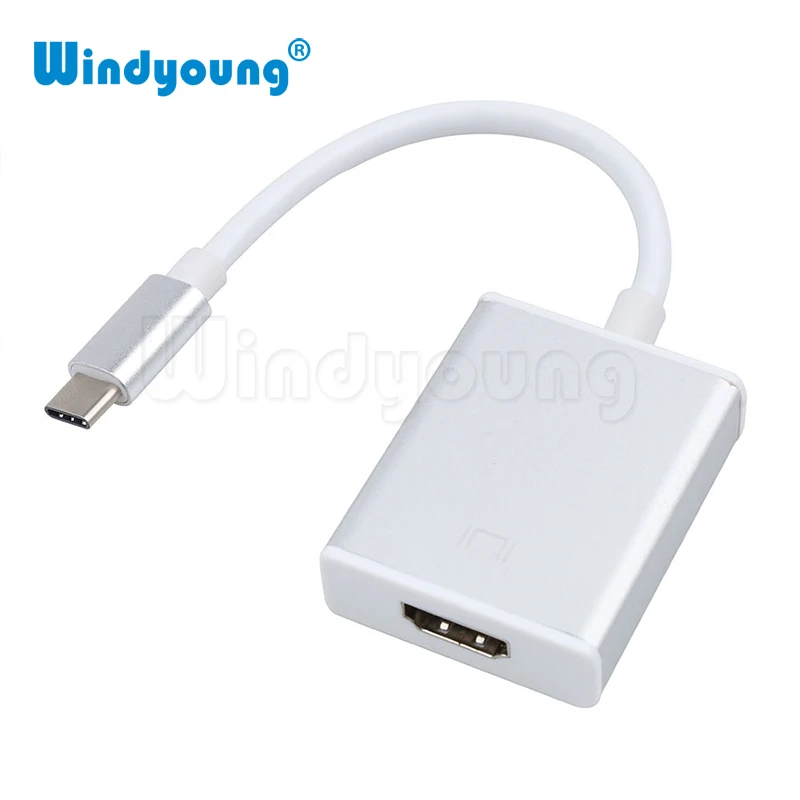
UGREEN adapters are synonymous with stability and the trust of millions of users worldwide.
Here's why:
- Reliability: All products are made from high-quality materials, ensuring a long service life even with daily active use. The durable casing reliably protects electronic components from damage.
- No Interference and Excellent Bandwidth: This is critical for a stable signal. UGREEN adapters deliver a clear picture on an external display without artifacts, flickering, or delays. High bandwidth guarantees fast data transfer from connected drives and smooth video playback in high resolution via HDMI.
- Compact Size: UGREEN gadgets are designed for mobility. They easily fit into a pocket or laptop bag without adding extra weight, perfectly aligning with the Chromebook concept.
- Use as a Card Reader: Many combined hub models from UGREEN include separate slots for SD and microSD memory cards. This is very convenient for photographers, videographers, or simply for quickly transferring files from a camera without additional accessories.
- No External Power Required: Most basic models draw power directly from the Chromebook via the USB-C port. You don't need to carry a power supply or occupy an extra outlet, making usage extremely simple and convenient.
How to Choose the Perfect HDMI Adapter for Your Chromebook?
Before buying a USB hub, it's worth paying attention to a few technical aspects.
- HDMI Version: Choose an adapter that supports HDMI 1.4 or, better yet, 2.0. This ensures video transmission in 4K resolution with a good frame rate, which is important for watching movies or working with graphics.
- Number and Type of USB Ports: Assess your needs. Are two USB-A ports enough for a mouse and flash drive, or do you also need modern USB-C for fast data transfer? Some hubs also include a LAN (Ethernet) port for a stable internet connection.
- Compatibility: Make sure the model is suitable for your specific Chromebook (Chrome OS). UGREEN adapters have broad compatibility and usually work without additional drivers.
Usage Scenarios: Where the Adapter's Power Shines
What is such a gadget needed for in practice?
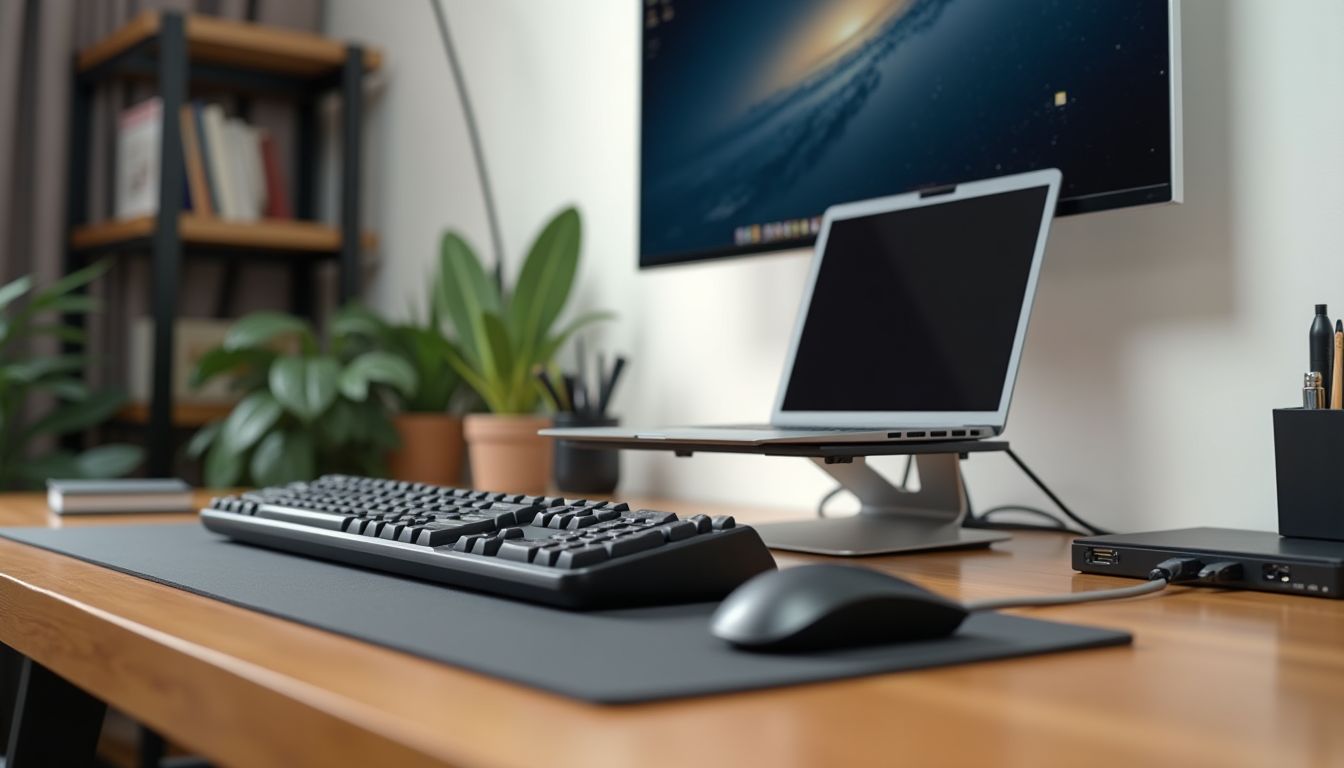
- Home Workstation: Connect your Chromebook via an HDMI adapter to a large monitor, and to the hub — a keyboard, mouse, and external hard drive. You'll get an ergonomic and productive workspace.
- Presentations and Learning: Easily display images on a projector or TV in a classroom or conference room. At the same time, you can charge the Chromebook itself through a passive hub or use a flash drive with your presentation.
- Multimedia Center: Turn your living room into a cinema by connecting your Chromebook to a TV to watch movies from online platforms in the best quality.
- Simple Data Synchronization: Using the card reader function, instantly transfer travel photos to your Chromebook for editing or cloud storage.
As you can see, having a quality Chromebook adapter is not just a desire but a practical necessity for anyone who values functionality and mobility. It removes the main limitation of modern ultrabooks, allowing you to fully utilize their power. Investing in a good accessory, such as a UGREEN adapter, pays off in convenience, time savings, and expanded capabilities for your device.
Therefore, if you're looking for a way to make your Chromebook truly versatile, starting with the choice of a reliable multifunctional hub is the right move. Choose proven solutions, consider the technical specifications — and your portable assistant will reveal itself from a completely new side.