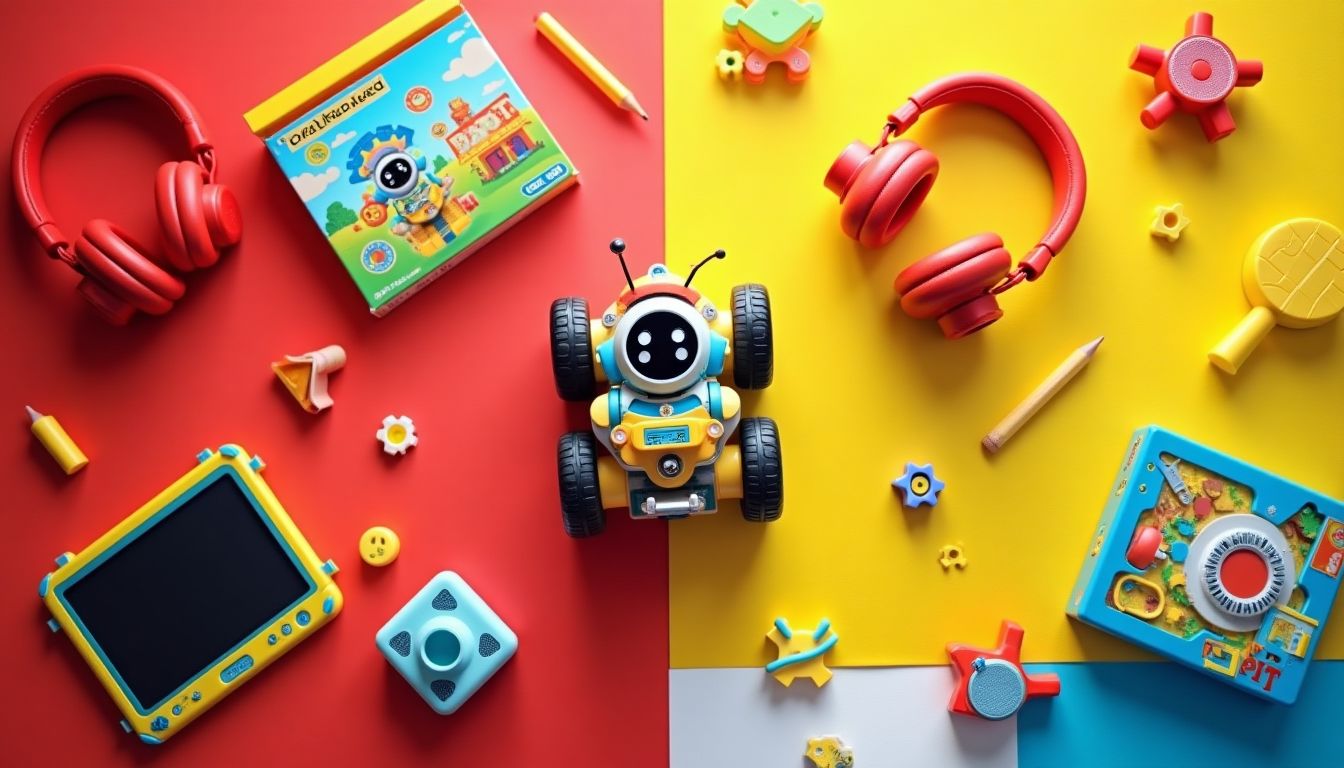
In a world where digital technologies are becoming second nature, programming for children is transforming from a narrowly specialized skill into fundamental literacy. The best way to master the logic of code is not through boring lectures, but through engaging play. That is why coding toys for children are at the peak of popularity today, as they turn abstract algorithms into real actions of a bright robot or character. Based on the recommendations of the ComfortShop editorial team, we have gathered the key principles for choosing such devices to make children's programming education as effective as possible.
Article Contents
Why start with coding toys
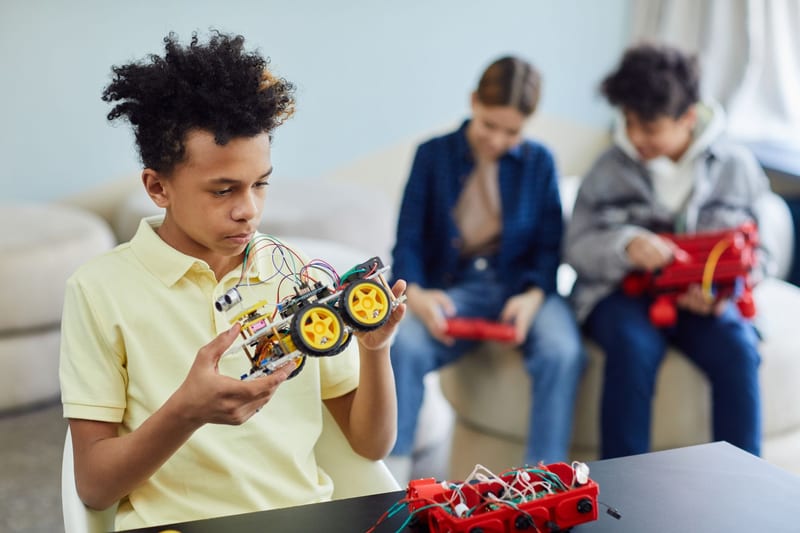
Traditional computer science education often scares schoolchildren away with complex syntax and monotonous tasks. In contrast, educational coding toys offer instant visual feedback. A child writes a simple sequence of commands and immediately sees how the robot executes it, avoiding obstacles or drawing lines.
This approach builds not just language knowledge, but engineering thinking. The child learns to break down a large task into small steps, find errors in a chain of actions, and predict the outcome. This is the foundation of programming for schoolchildren, presented through play.
Age-specific features and a safe start.
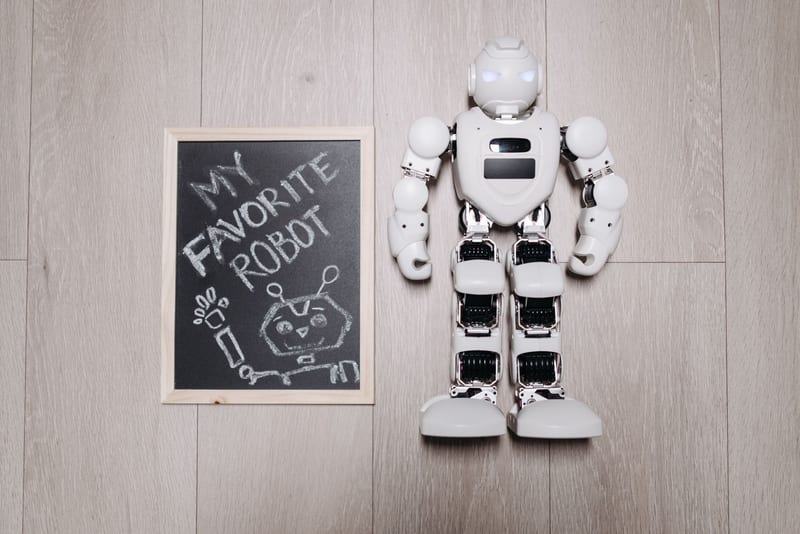
It is important to understand that coding toys for children are divided into categories by complexity. For toddlers aged 4-5, screen-free solutions where the program is set with physical buttons or cards are ideal. Younger schoolchildren can already be trusted with a tablet featuring a block-based visual environment like Scratch, which is integrated into most modern kits.
Main types of coding devices
The market offers a multitude of formats capable of satisfying any request. To avoid confusion, it is worth dividing them into functional groups. This will help you understand what exactly will interest your child: mechanics, logic, or creativity.
The first major group is coding robots for children. They come both ready-to-use (for example, Botley or Matatalab) and as construction kits that need to be assembled first (LEGO Boost, Makeblock). The second category is interactive learning systems with sensors that allow creating music or drawing with light. The third is classic board games with elements of algorithmics.
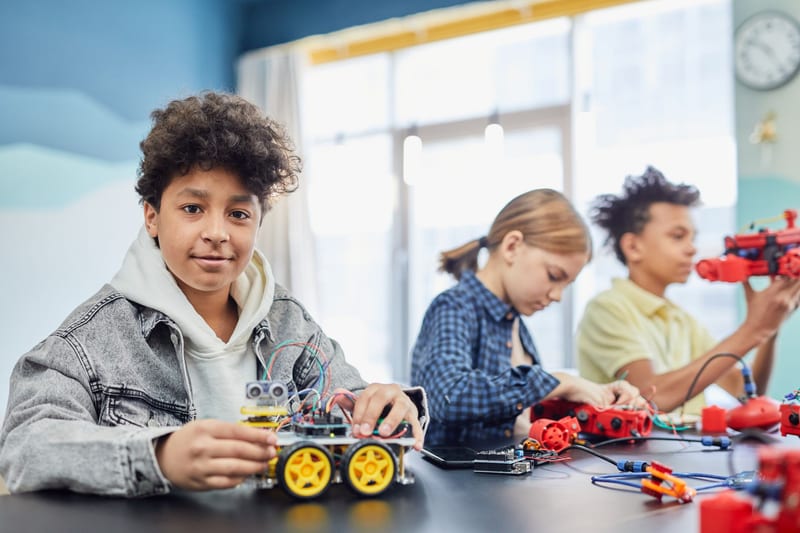
After analyzing open sources, the ComfortShop editorial team notes that modular platforms are the most versatile. They "grow" with the child: initially, it is a simple control panel, and later — writing complex scripts to complete missions.
Top 3 criteria for choosing educational coding toys
When buying such a device, parents often pay attention only to the bright design, ignoring the technical component. To ensure that the investment in children's programming education pays off, we recommend paying attention to three critical aspects.
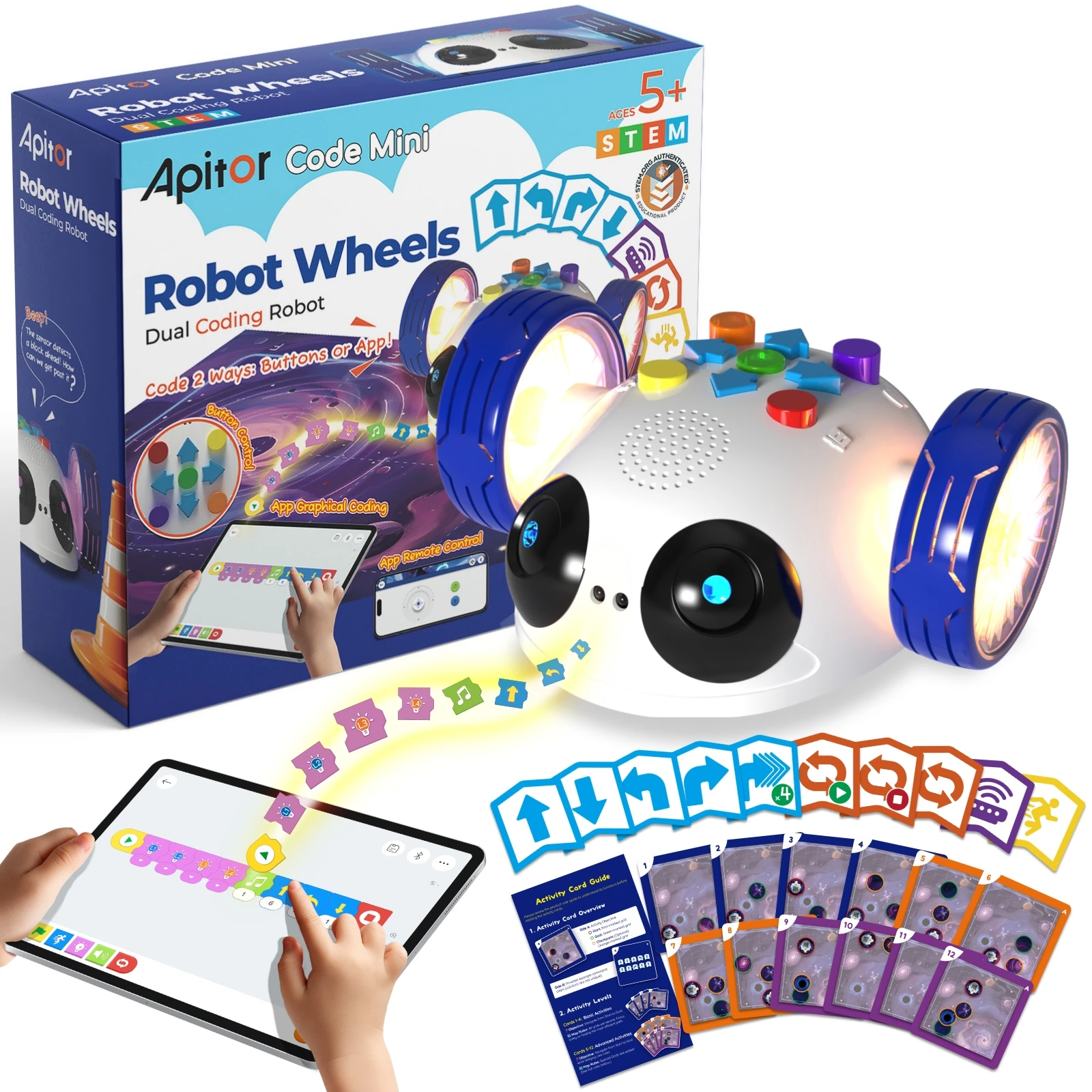
Programming method. For the youngest, a tactile interface without the need to look at a monitor is a priority. For children aged 7 and up, graphical programming through an app is suitable, and for teenagers — the ability to see the generated code in Python or JavaScript.
Compatibility with gadgets. Most advanced coding toys for children require a smartphone or tablet. Be sure to check whether the device supports your operating system (iOS or Android), because without this, the robot could turn into an ordinary static figure.
Expandability. It is good practice when the manufacturer offers additional mission sets, expansion maps, or new modules. This maintains the child's interest, since programming for schoolchildren should be a constant challenge, not a one-time entertainment.
Overview of the best solutions for different ages
Let us look at several specific categories that have received the highest ratings in coding toy reviews. We have grouped them by age-specific perception so that you can easily navigate.
Preschoolers (4-6 years old): no screens.
At this age, robot mice or bees that are programmed by pressing arrows on their backs work perfectly. The child builds a route to the cheese or flower, physically feeling the space. This is a basic level of programming for children without straining their eyesight.
Primary school (7-9 years old): visual blocks.
Here, construction kits with motors and sensors lead the way. The child assembles a model and then "brings it to life" through an app with block-based code. Such coding robots for children react to movement, color, and sound, which makes the process incredibly spectacular. Based on the analysis of characteristics, ComfortShop recommends paying attention to models with high-quality gyroscopes — they provide more room for creative experiments.
Teenagers (10+ years old): transition to text-based code.
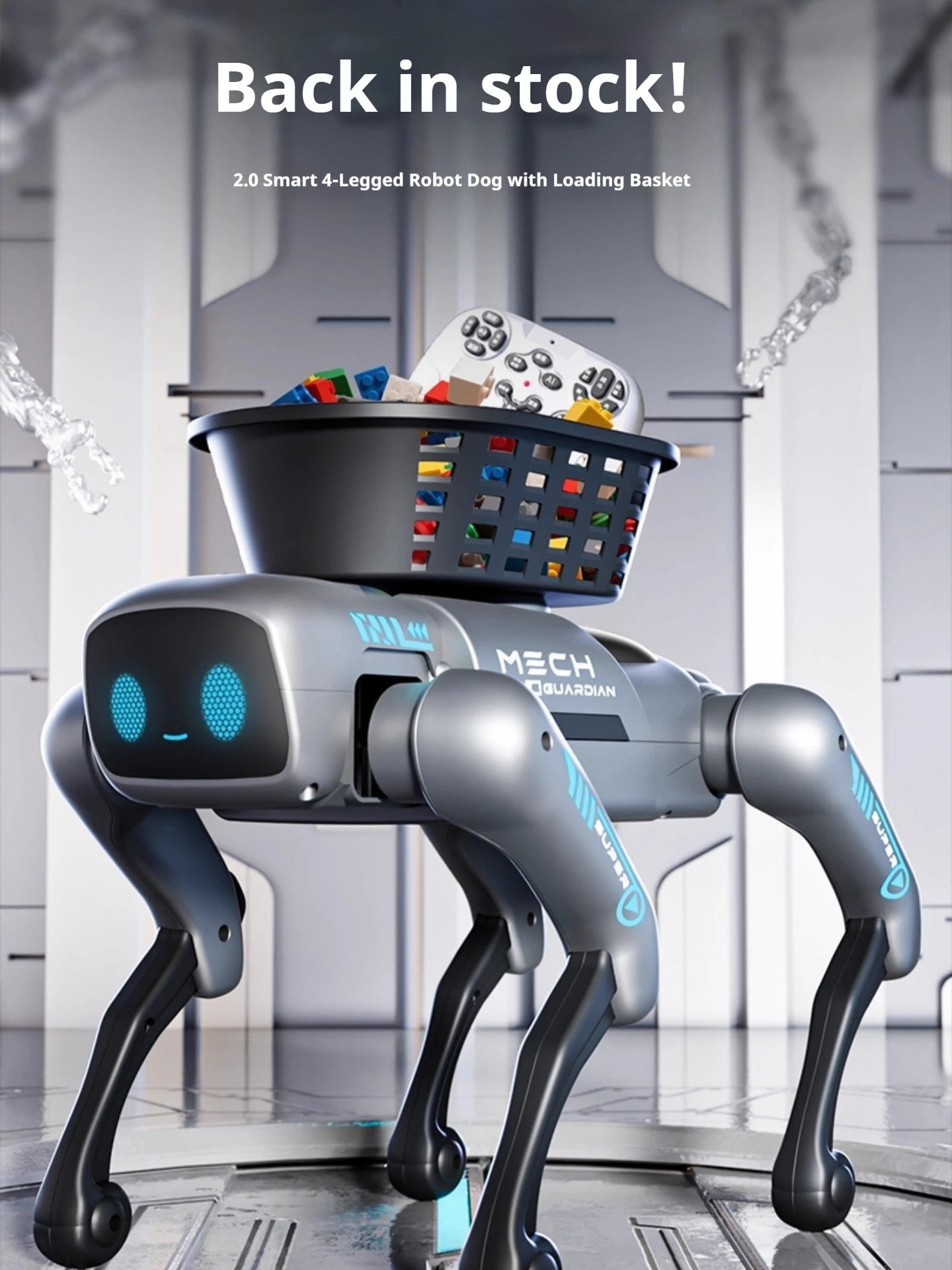
For older children, kits based on Arduino or Micro:bit are relevant. They allow creating their own inventions: from smart lamps to weather stations. This is already real programming education for children, where the result depends only on imagination and knowledge of syntax.
How to integrate toys into systematic learning
Coding toys for children are not a magic pill, but a tool. To ensure that enthusiasm grows into a lasting interest in IT, it is important to organize the process correctly. You should not leave a child alone with an instruction manual if they cannot yet read complex texts.
Try the method of joint exploration. Ask the schoolchild to teach you what they have already understood. By explaining the robot's algorithm, the child structures their own knowledge. It is also useful to connect virtual code with physical tasks: for example, program the robot to bring an apple from the kitchen using a manipulator.
Do not forget about the competitive element. Organize robot races at home or a contest for the best drawing created with code. Such programming for schoolchildren develops soft skills: the ability to work in a team and accept defeats gracefully.
Conclusion:
Integrating coding toys into leisure time is the most organic path to mastering digital literacy. From simple tactile robots to complex construction kits with text-based languages, each stage shapes a confident user of future technologies. By choosing educational coding toys, you are investing not just in knowledge, but in the child's ability to think logically and find unconventional solutions. The ComfortShop editorial team advises choosing devices with the potential for increasing complexity to maintain interest in programming for years to come.
Frequently Asked Questions
At what age can you start teaching a child programming with toys?
As early as 3-4 years old, you can use simple coding toys that teach the basics of sequencing and logic without a screen, and from 6-7 years old, move on to more complex robots with visual programming.
How do coding toys differ from regular educational toys?
Coding toys have built-in logic that the child can configure through commands, step sequences, or simple visual programming, whereas regular toys only react to button presses without the element of creating an algorithm.
What skills do coding robots for children develop besides programming?
Such toys develop spatial thinking, problem-solving skills, creativity, patience, and the ability to work in a team, as well as introduce the basics of mathematics and physics.
Do parents need special knowledge to help their child master a coding toy?
No, most modern coding toys have intuitive interfaces and step-by-step instructions, so parents can learn together with the child, and many models work completely autonomously without connecting to a computer.