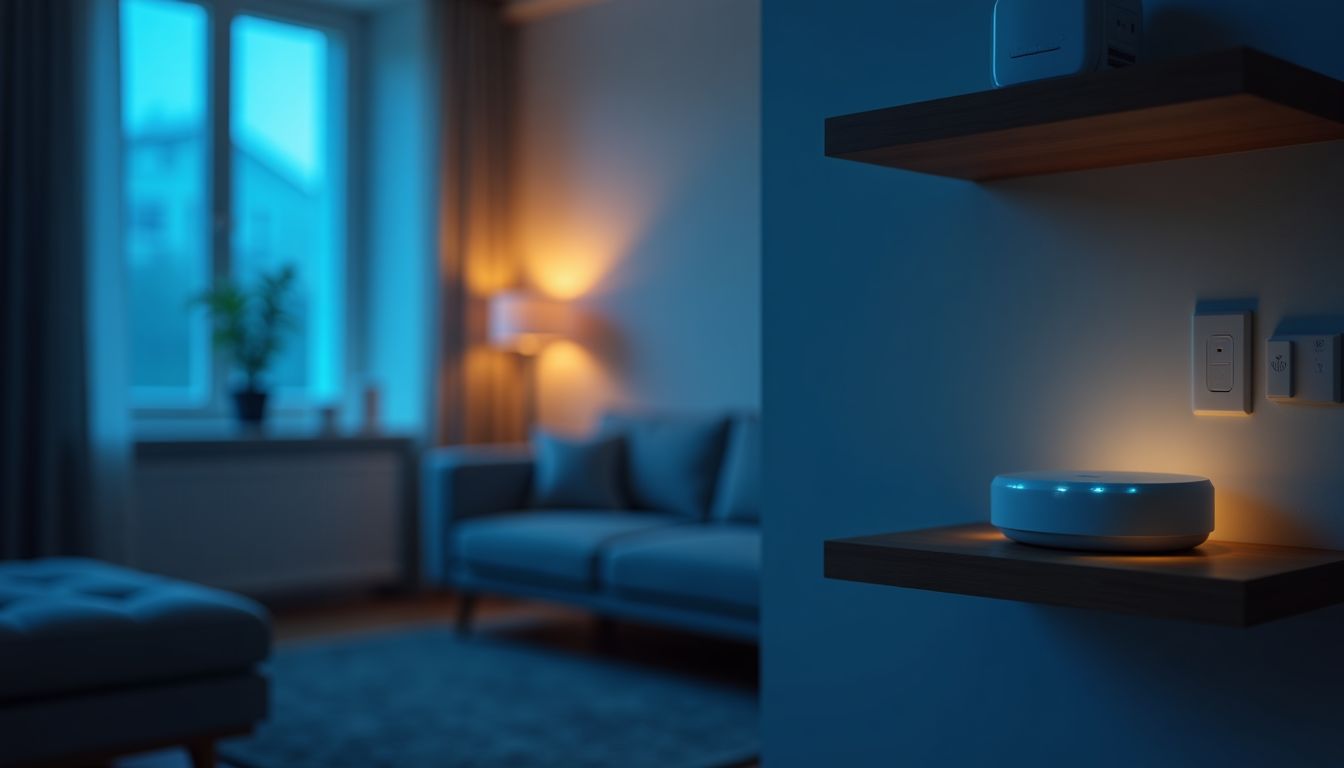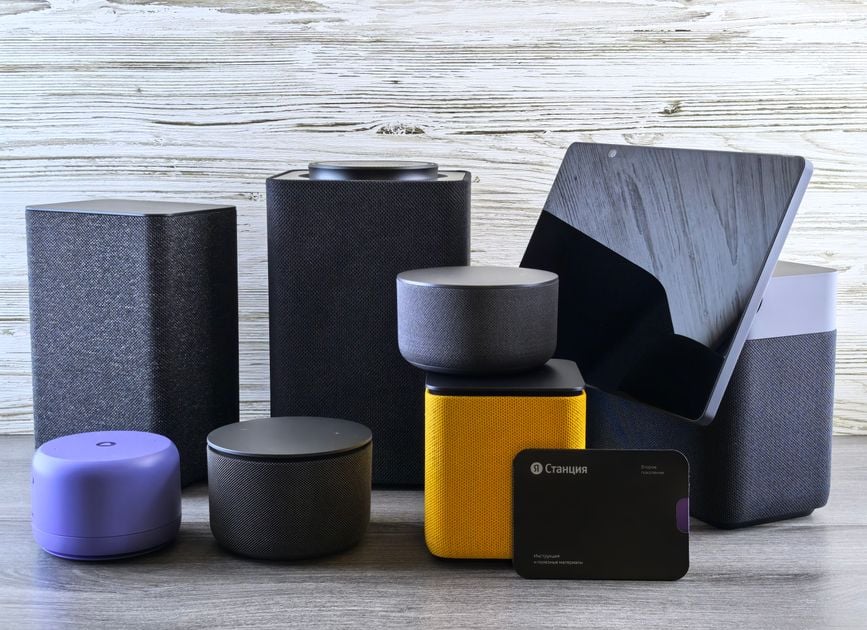
The modern market offers a multitude of solutions for home automation, however, most of them are tied to cloud services and monthly subscription fees. Many users seek to gain full control over their space, not wanting to depend on an internet connection or the manufacturer's pricing policy. This is precisely why the concept of a smart home without a subscription is gaining increasing popularity. It is based on open automation protocols that allow for the creation of a reliable and independent system. As noted by ComfortShop reviewers, transitioning to local solutions is not only about saving money but also a step towards true autonomy for your home.
Article Contents
- Why should you abandon cloud services?
- Open source smart home: what do you need to know?
- Zigbee and Z-Wave protocols without clouds: the foundation of stability
- Local smart home control: how does it work?
- Step-by-step plan for creating a system without a subscription fee
- Popular devices for a local network
- Conclusion:
Why should you abandon cloud services?
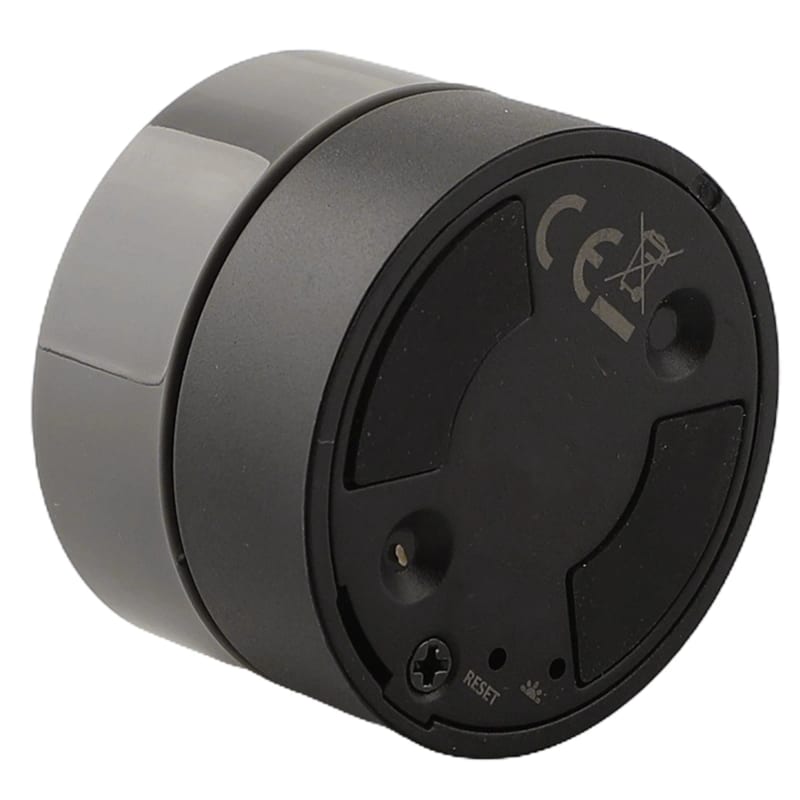
Most commercial systems, such as popular smart speakers or branded hubs, operate through remote servers. This means that without internet access, your "smart" device turns into an ordinary switch or light bulb. Furthermore, cloud services often require payment for extended functionality or storing event history.
Smart home automation at the local level guarantees an instant response to commands, as all computations occur on your controller. This is critically important for security systems or scenarios where a delay of a few seconds can be unacceptable. Abandoning the "cloud" also protects your data from leaks and surveillance by corporations.
Open source smart home: what do you need to know?
The term open source smart home refers to using open-source software to manage devices. The most popular platforms are Home Assistant, OpenHAB, and Domoticz. They allow you to combine equipment from different manufacturers that operate on different protocols into a single ecosystem.
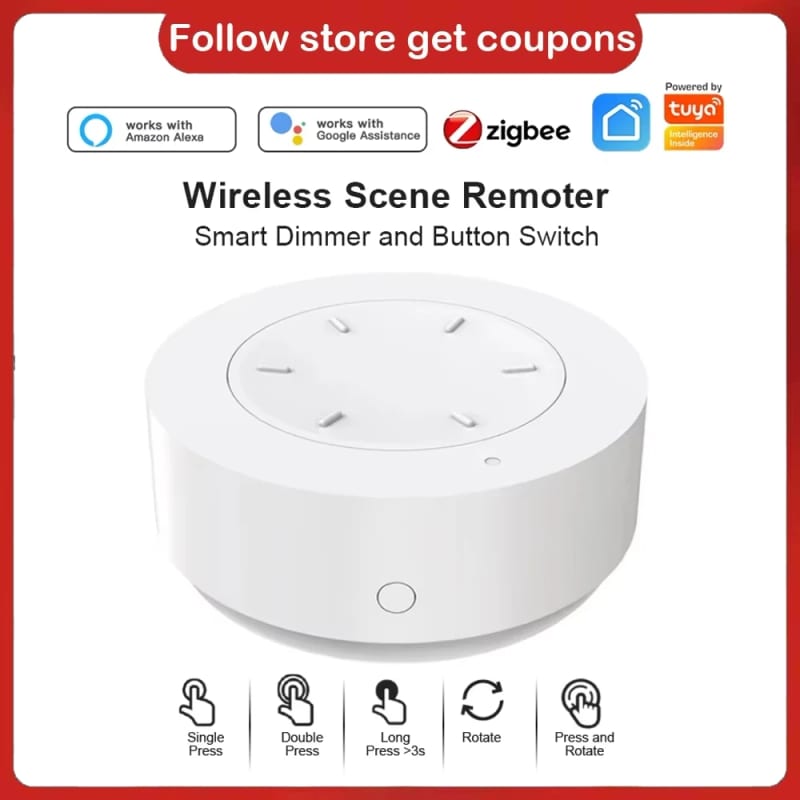
The main advantage of such systems is flexibility. You can configure almost any operational logic: from automatic flower watering to complex security scenarios with Telegram notifications. At the same time, the smart home system without a subscription fee remains entirely under your control, and updates are released for free thanks to the developer community.
Zigbee and Z-Wave protocols without clouds: the foundation of stability
The physical communication layer between sensors and the controller is provided by wireless protocols. Using Zigbee and Z-Wave protocols without clouds is the gold standard for local automation. These protocols create a mesh network where each device can act as a signal repeater, significantly increasing coverage reliability in large homes.
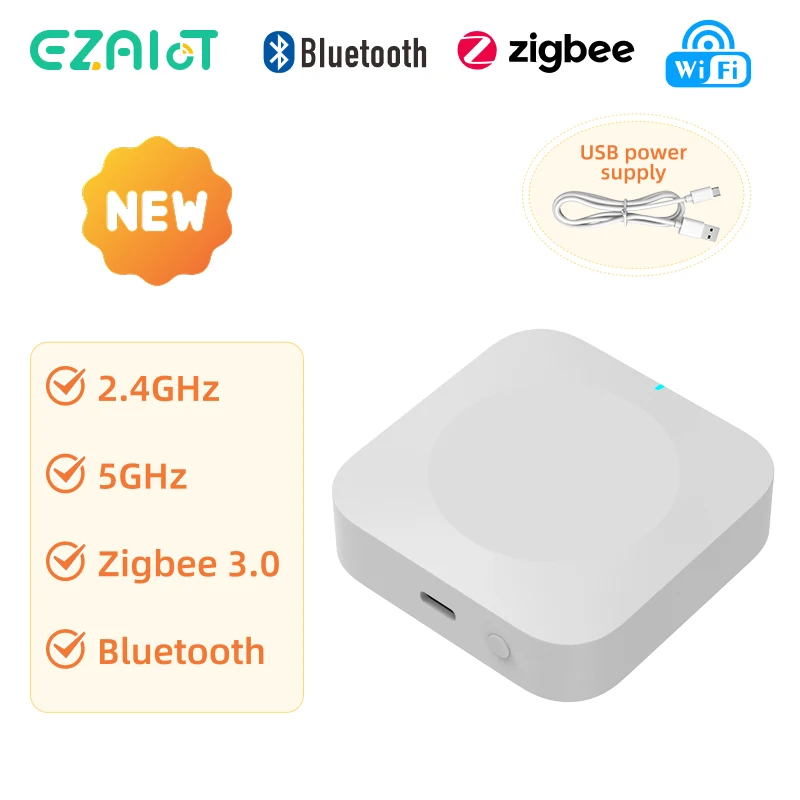
To work with these protocols, you will need a USB coordinator or a special gateway that connects to your server. It is important to choose devices that do not require mandatory registration in the manufacturer's cloud. For example, sensors from Aqara or Sonoff can be reflashed and used exclusively on the local network.
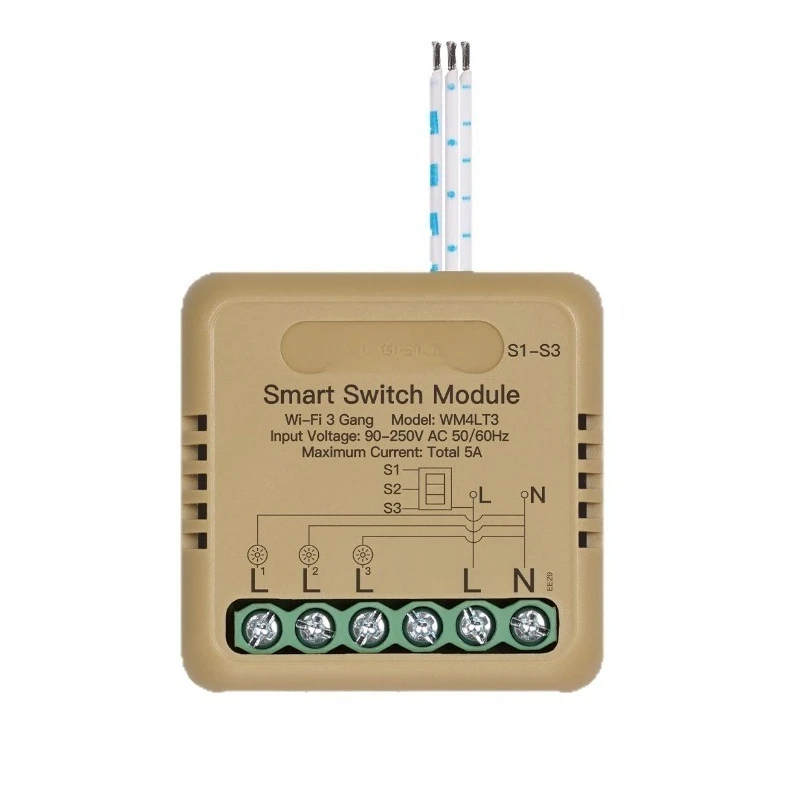
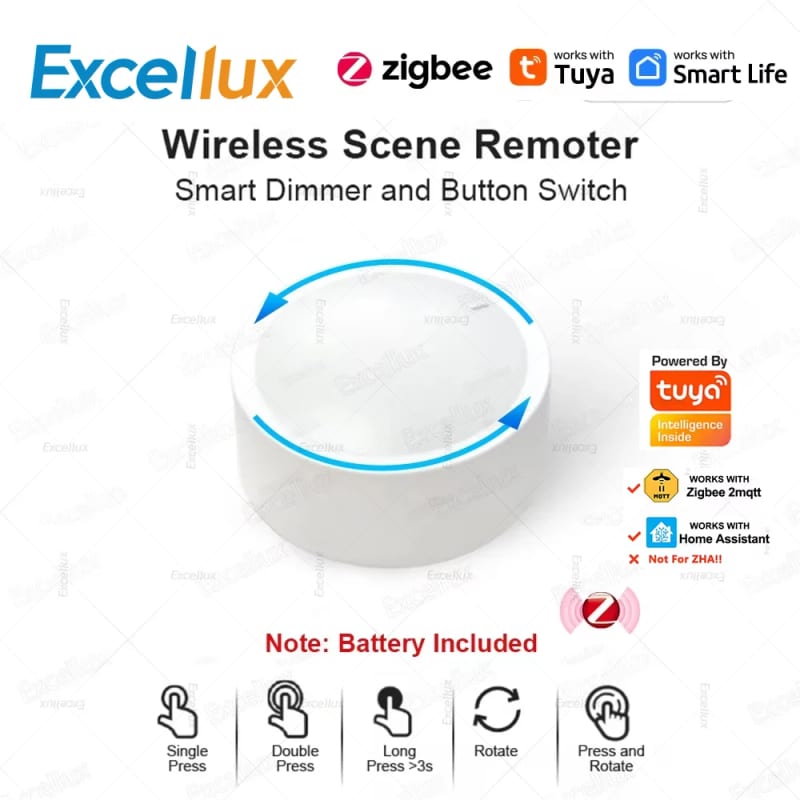
ComfortShop experts advise paying attention to equipment compatibility before purchasing. Some manufacturers block the possibility of local control, so it is worth choosing devices that support open profiles like Zigbee 3.0 or Z-Wave Plus.
Local smart home control: how does it work?
Local smart home control involves having a central controller (server) that processes all commands within your home network. This could be a single-board computer (Raspberry Pi, Orange Pi) or a specialized hub with open firmware. The controller constantly polls the sensors and executes the programmed scenarios.
This approach guarantees that even if the internet cable is cut, the lights will turn on according to schedule, and the alarm will trigger when a window is opened. For remote access from a smartphone, you can set up a VPN tunnel or use free services like DuckDNS or Nabu Casa (local interface).
How to choose a controller for local automation.
The best choice for beginners is Home Assistant Green or installing Home Assistant OS on a Raspberry Pi 4/5. These platforms have a huge database of integrations and an intuitive web interface. For more experienced users, OpenHAB is suitable, offering more flexible rule configuration through text configuration files.
Step-by-step plan for creating a system without a subscription fee
- Choosing a controller: Purchase a mini-computer or hub that supports open-source software.
- Installing the software: Download and install Home Assistant or a similar system.
- Connecting the coordinator: Add a USB dongle for Zigbee or Z-Wave.
- Pairing devices: Add sensors and actuators (relays, light bulbs) one by one.
- Configuring scenarios: Create automations (e.g., "if the motion sensor is triggered after sunset, turn on the light").
- Local access: Set up secure remote access via VPN.
This path allows you to get a full-fledged smart home automation without any monthly costs. You will independently control the updates and security of your network.
Popular devices for a local network
To start, it is worth choosing proven sensors and actuators. Among the best options are Aqara temperature and humidity sensors, Sonoff S31 smart plugs (Zigbee version), and Shelly relays with local API support. All these devices can be used without connecting to the manufacturer's clouds.
If you plan to use Wi-Fi devices, choose those that support the ESPHome or Tasmota protocol. This will allow you to reflash them and integrate them into Home Assistant exclusively via the local network. Thus, you will get a smart home system without a subscription fee with maximum response speed.
Conclusion:
Creating a smart home without a subscription based on open automation protocols is not only about saving money but also an investment in your own independence and security. By using local controllers and equipment with Zigbee or Z-Wave support, you get a system that will work even when the internet is disconnected. According to the recommendation of the ComfortShop editorial team, it is best to start with a small set of sensors and a Home Assistant controller, gradually expanding the functionality to suit your own needs.
Frequently Asked Questions
Can I create a smart home without a subscription to cloud services?
Yes, this is entirely possible thanks to open automation protocols like Zigbee, Z-Wave, or Matter, which work locally through a hub without the need for a monthly subscription fee.
Which protocols are best suited for smart home automation without a subscription fee?
The most popular options are Zigbee and Z-Wave, as they support local smart home control and do not depend on cloud servers, ensuring stable operation without additional costs.
Do I need a special hub for a smart home system without a subscription fee?
Yes, to work with open protocols, you need a local hub, for example, based on an open source smart home (Home Assistant or OpenHAB), which unites all devices without a subscription.
How to ensure data security in a local smart home system?
Use zigbee z-wave protocols without clouds, which encrypt traffic between devices and the hub, and configure local smart home control through a secure home network without internet access.