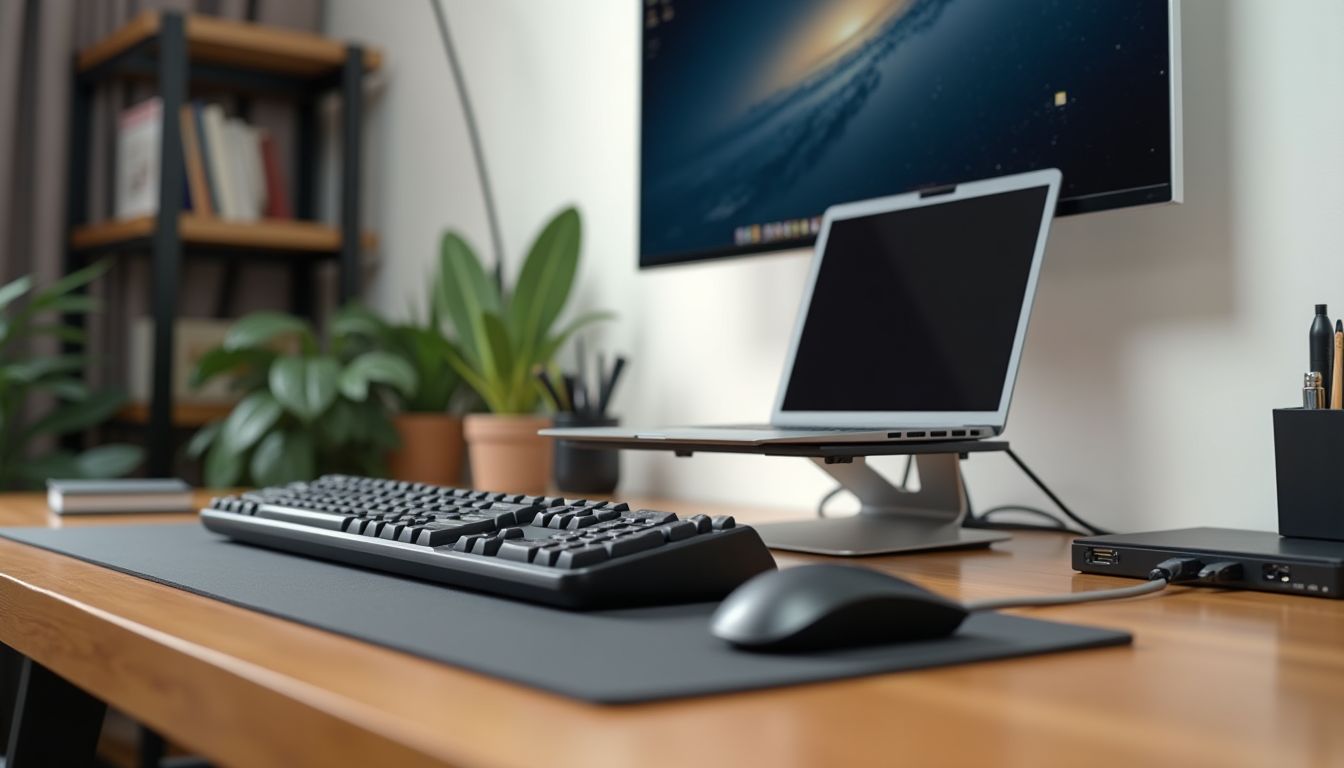
Choosing the right wireless keyboard for your iPad can dramatically change your tablet experience, turning it into a full-fledged workstation. Modern models offer not only typing convenience but also stylish design and extended functionality. In this article, we conducted a detailed test of several popular models to determine which one best suits different usage scenarios. Following the recommendation of the ComfortShop editorial team, we focused on key aspects that affect productivity and comfort.
? Table of Contents
Why a Wireless Keyboard for iPad is a Must-Have Accessory
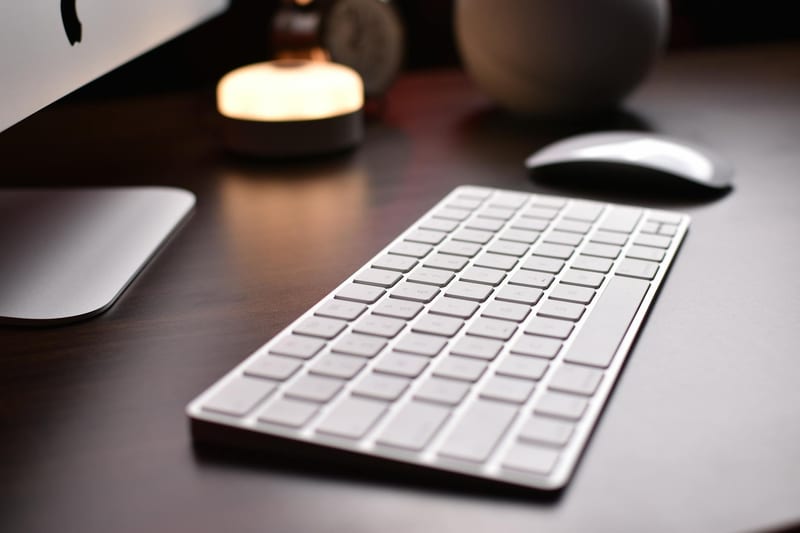
Many users perceive the iPad as a device for consuming content, but when a keyboard is connected, it becomes a powerful tool for work. Typing long texts, replying to emails, or working with spreadsheets on a touchscreen is a real challenge. That is why a wireless keyboard for iPad becomes an indispensable assistant for students, writers, and office workers.
Furthermore, modern keyboards for tablets often come with additional features: a stand, key backlighting, and a trackpad. This allows you to completely abandon using the screen for text input. As ComfortShop reviewers note, having such an accessory increases work efficiency with an iPad by 40-50%.
Key Benefits of Using an External Keyboard:

- Reduced strain on hands and neck due to proper posture.
- Ability to see more content on the screen simultaneously, as the virtual keyboard does not take up space.
- Typing speed increases by an average of 30-50 words per minute.
- Battery life: most models work for months without recharging.
Selection Criteria: What to Look for When Buying
Before purchasing a wireless keyboard for your iPad, you should decide on several important parameters. First, compatibility with your tablet model — whether it supports iPad Pro, iPad Air, or standard iPad. Second, pay attention to the connection type: Bluetooth 5.0 or 5.1 ensures a stable connection without delays.
ComfortShop experts also advise considering the weight and dimensions of the device. If you often carry your tablet with you, a lightweight, compact model would be the optimal choice. For home use, you can choose a more massive keyboard with full-size keys and an additional numeric keypad.
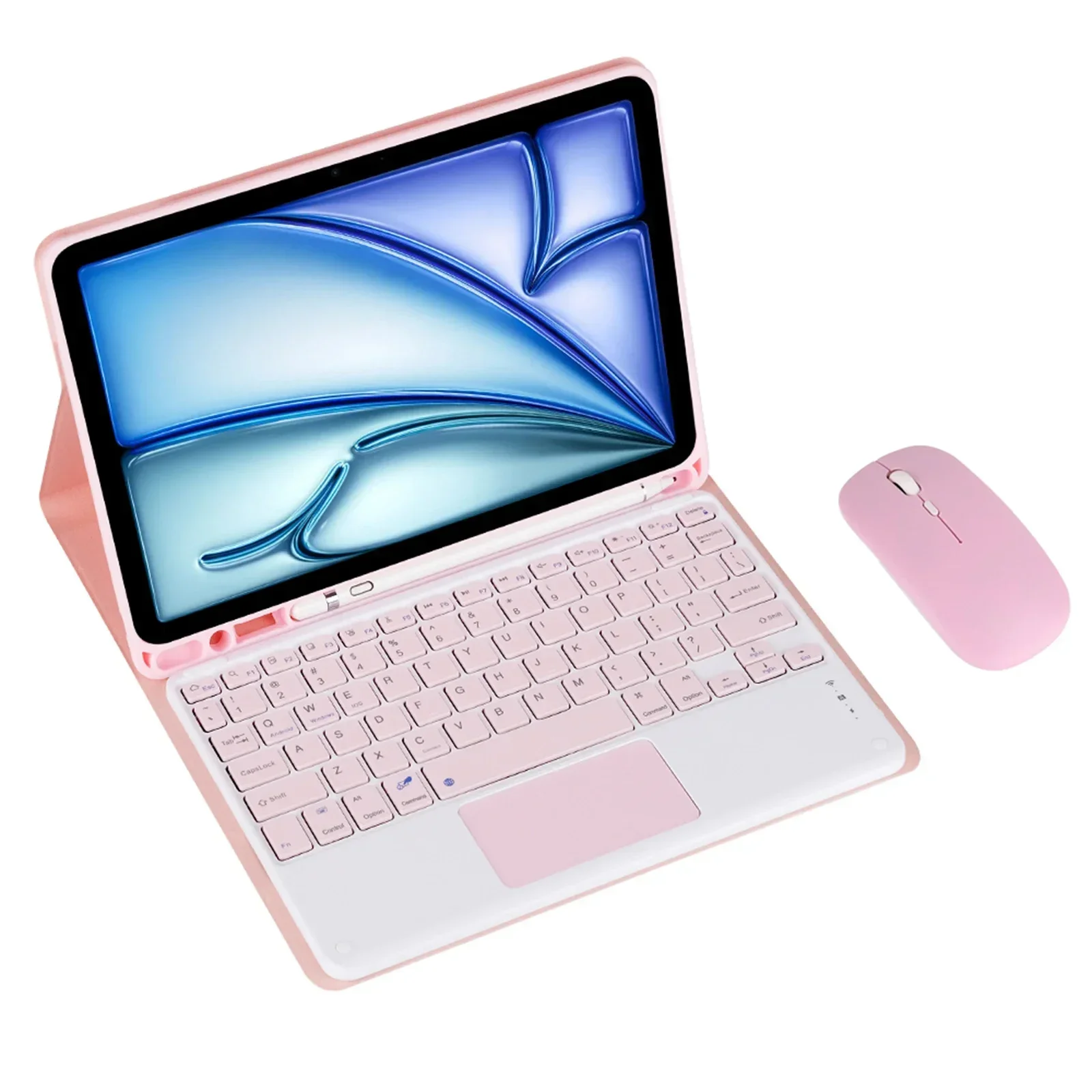
Main Criteria for Reviewing an iPad Keyboard:

- Materials and Build Quality: aluminum casing or high-quality plastic.
- Key Type: scissor or membrane mechanisms.
- Backlight Availability: important for working in the dark.
- Battery Life: from 30 days to 6 months of operation.
- Additional Features: trackpad, stand, spill resistance.
Top Models Overview: Feature Comparison
We tested three popular wireless keyboard models that iPad owners most often choose. The first is a compact model with a stand, ideal for the iPad Air. It has a thin body just 6 mm thick and weighs less than 300 grams. The keys have a clear travel and quiet sound, making it convenient for working in a library or cafe.
The second model is a full-size keyboard for the iPad Pro with a numeric keypad and backlighting. It connects via Bluetooth 5.0 and has a built-in 500 mAh battery that lasts for 3 months of active use. The third model is a universal option with a trackpad that supports iPadOS gestures. All three models showed excellent connection stability and fast pairing with the device.
Comparison Table of Key Specifications:
- Model A (for iPad Air): weight 280 g, thickness 6 mm, battery life 40 days.
- Model B (for iPad Pro): weight 450 g, backlighting, numeric keypad, battery life 90 days.
- Model C (Universal): weight 350 g, trackpad, battery life 60 days.
How a Wireless Keyboard Affects Productivity
Using a wireless keyboard for your iPad can significantly speed up the completion of everyday tasks. For example, writing a long text takes half the time compared to typing on the screen. Additionally, many models support hotkeys for quick access to iPadOS functions: copy, paste, language switching, and screenshots.
It is also worth noting that a keyboard for a tablet is often used as a protective case. This makes it not just an accessory, but a full-fledged element of device protection. Some models even have special cutouts for the Apple Pencil, allowing you to charge the stylus directly while working.
Care and Usage Tips
To ensure your wireless keyboard for iPad lasts as long as possible, follow simple rules. First, regularly clean the keys from dust and dirt using special wipes or compressed air. Second, do not leave the device in direct sunlight or in places with high humidity.

It is also important to monitor the battery charge level. Although most modern models have a low battery indicator, it is better to recharge the keyboard in advance to avoid sudden disconnection during work. If you use PC accessories, these recommendations will be especially useful for extending the device's lifespan.
Conclusion:
Summing up the results of our test, we can confidently say that a wireless keyboard for iPad is an extremely useful accessory that significantly expands the tablet's capabilities. Whether you choose a compact model for travel or a full-size one for stationary work, the modern market offers options for every taste and budget. We recommend paying attention to models with backlighting and a trackpad, which provide maximum comfort. Choose high-quality accessories that will serve you for years to come.
Frequently Asked Questions
Does any wireless keyboard work with an iPad?
Yes, most wireless keyboards with Bluetooth work with an iPad, but for the best compatibility with iPadOS features (e.g., special keys), it is worth choosing models optimized for Apple tablets.
How to distinguish a keyboard for iPad Air from a model for iPad Pro?
The main difference is in size and attachment: for iPad Pro, keyboards often need a larger area and magnetic attachment support, while for iPad Air, more compact models with a universal holder are suitable.
Can I use a PC keyboard as an accessory for an iPad?
Yes, a regular wireless PC keyboard will connect to an iPad via Bluetooth, but you will lose access to some gestures and special iPadOS keys, so for convenience, it is better to choose specialized models.
What should I look for in a review of a wireless keyboard for iPad?
In a review, you should check the battery life, Bluetooth connection quality, the presence of a stand, and compatibility with your iPad model to avoid connection issues or discomfort while typing.