The familiar computer mouse has remained the primary input device for decades, but the PC accessories market offers interesting alternatives. One such alternative is the trackball — a device that fundamentally changes the approach to cursor control. Can a trackball really become a more comfortable solution for work and gaming instead of a mouse, or is it just a nod to technical nostalgia? We conducted our own test to find the answer. Following the recommendation of the ComfortShop editorial team, we tested several models in various usage scenarios to objectively evaluate their advantages and disadvantages.
? Table of Contents
How is a trackball fundamentally different from a mouse?
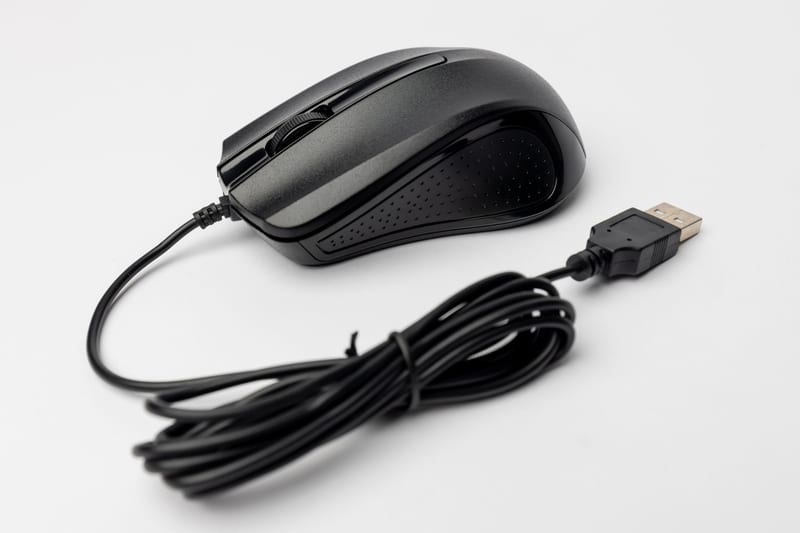
The main difference of a trackball is that the device's body remains stationary on the desk, and the cursor is controlled using a ball that is rotated with fingers or the palm. This completely changes the biomechanics of hand movement. While a regular mouse requires moving the entire forearm, a computer trackball engages only the fine motor skills of the fingers and wrist.
For users who work at a computer for 8-10 hours a day, this can be a real lifesaver. The lack of need to move the hand across the desk reduces strain on the elbow and shoulder joints. Additionally, a trackball does not require a special surface — it works perfectly on a knee, couch, or even a vertical surface.
There are two main design types: with the ball under the thumb (like on older models) and with the ball under the index/middle finger. The first type is considered more intuitive for former mouse users, while the second provides higher positioning accuracy.
Trackball review: our testing experience
For the experiment, we chose two popular models — a thumb-operated trackball and a classic finger-operated trackball. The testing lasted two weeks, during which we performed typical work tasks: text editing, working in graphic editors, and internet browsing. Specialists at ComfortShop recommend starting your acquaintance with a trackball with work tasks rather than games to give your hand time to adapt.
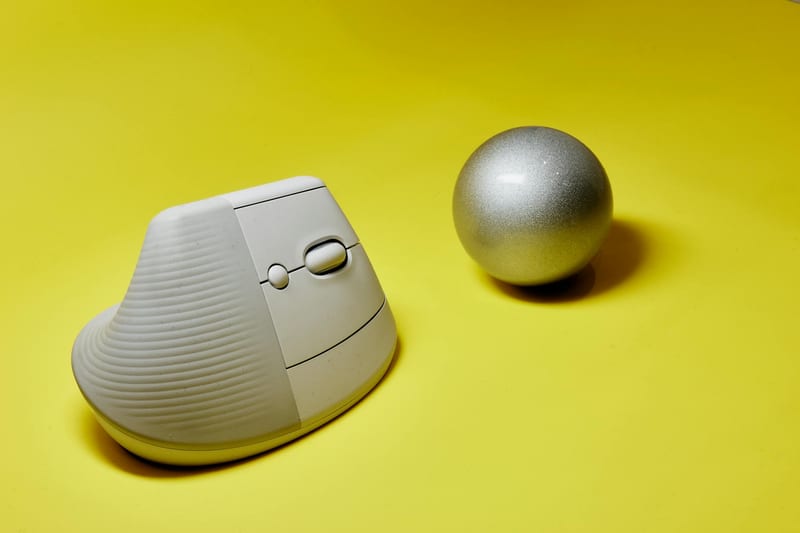
For the first few days, productivity dropped by about 30% — cursor movements felt inaccurate, and the usual targeting of small elements required concentration. However, by the fourth day, coordination noticeably improved. By the end of the second week, work speed almost matched that of a regular mouse, and in some tasks, it even surpassed it.
The most impressive aspect was working in multi-monitor configurations. Moving the cursor between two 27-inch screens requires only a slight finger movement — this is much faster than moving a mouse 30 centimeters across the desk. Additionally, the problem of insufficient desk space completely disappeared.
Trackball vs mouse: comparison in different scenarios
To objectively assess whether a trackball is worth considering instead of a mouse, we compared both devices in three key categories: office work, graphic design, and gaming. The results were mixed. In office programs, the trackball demonstrated higher ergonomics, especially during prolonged work with documents and spreadsheets.
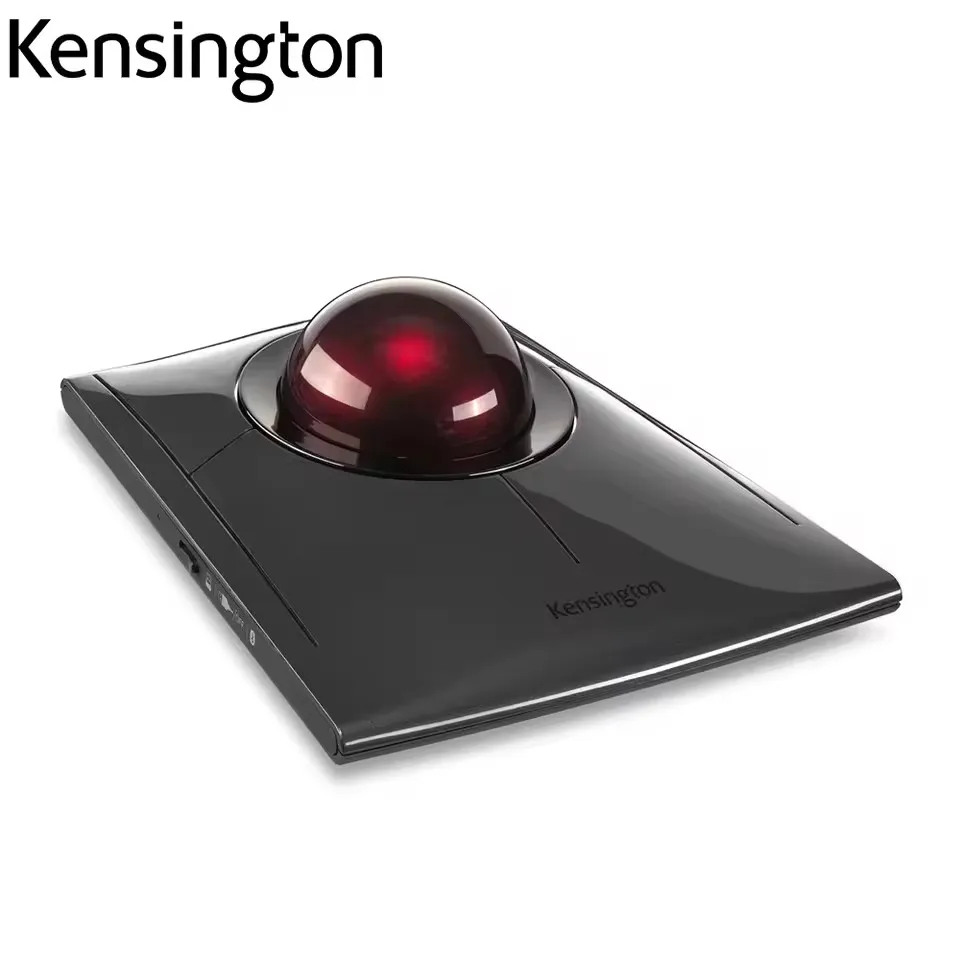
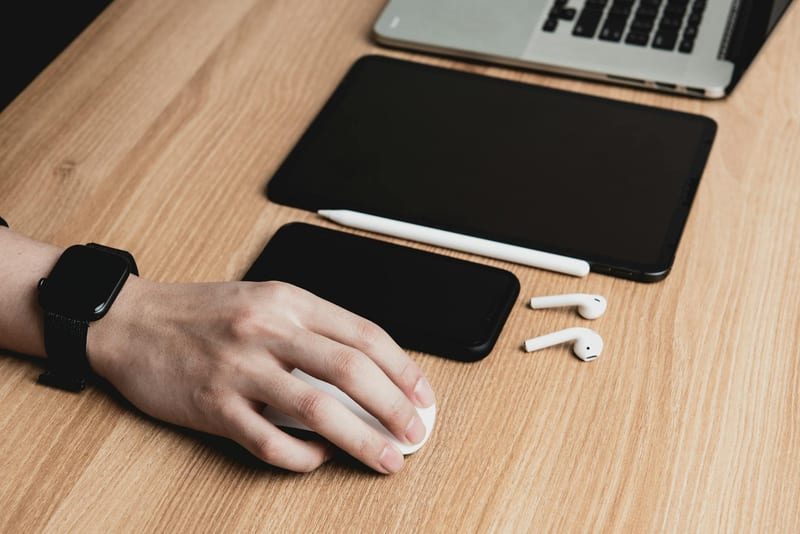
In graphic editors, the situation depends on the type of tasks. For spot retouching and working with fine details, the finger-operated trackball proved even more accurate than a mouse. However, for quick drawing with broad strokes, a mouse is still more convenient due to the greater range of motion.
And in gaming, trackball vs mouse is a separate story. For strategy games and turn-based games, it is quite suitable, but in dynamic shooters, it falls short of a mouse due to slower camera rotation. However, for casual games or MMORPGs, where ultra-fast reaction is not required, a trackball is perfectly adequate.
How to choose a trackball: key criteria
How to choose a trackball that will be perfect for you? First of all, pay attention to the type of ball control. Thumb-operated models require less adaptation time but can cause strain at the base of the thumb during prolonged use. Finger-operated trackballs are more ergonomic for long-term work but require up to two weeks to get used to.
The second important parameter is the ball size. A large ball (50-60 mm) provides smoother movement and better control but takes up more space. A small ball (30-40 mm) is more compact but requires more frequent spinning. The ball material also matters: ceramic surfaces glide better than plastic ones.
Don't forget about additional features. Wireless connectivity, sensitivity adjustment options, and programmable buttons significantly expand the device's capabilities. Some modern models have a built-in battery and Bluetooth support for simultaneous connection to multiple devices.
Who would find a trackball the ideal choice?
A computer trackball is not a universal replacement for a mouse but a specialized tool for certain categories of users. It is ideal for people suffering from carpal tunnel syndrome or wrist pain. The fixed hand position allows relieving tension from the tendons and preventing the development of occupational diseases.
A trackball is also indispensable for those who work in confined spaces. If your desk is cluttered with documents, monitors, or other equipment, the lack of need to move the mouse will be a significant advantage. Additionally, a trackball is great for use with laptops on the go — in cafes, trains, or planes.
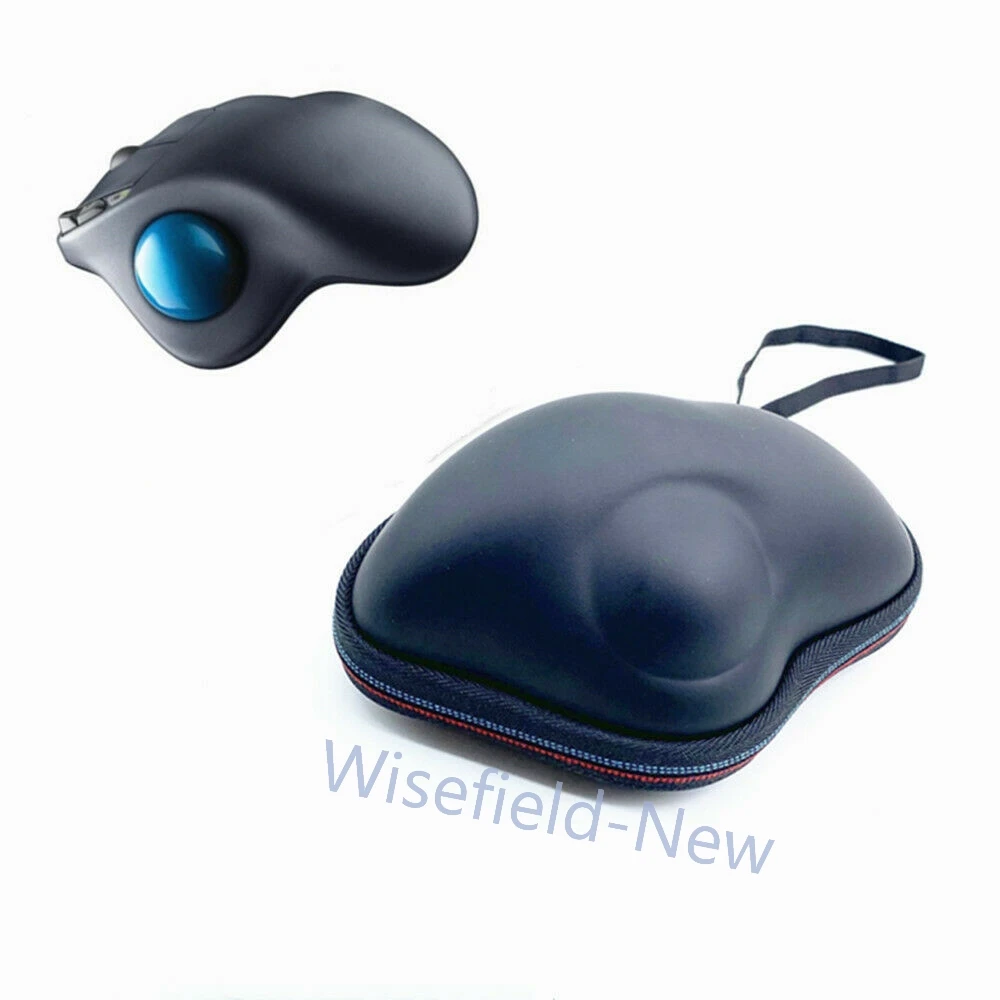
However, gamers who prefer dynamic shooters or fighting games should stick with a regular mouse. Although there are professional players who use trackballs, this is more of an exception than the rule. For most users, a trackball will be an excellent secondary device for work tasks.
How to adapt to a trackball without losing productivity.
The adaptation process can be accelerated by gradually increasing the time spent working with the trackball. Start with 30 minutes a day, performing simple tasks. Gradually replace the mouse with the trackball for longer periods. After two to three weeks, you will notice that movements have become natural, and hand fatigue has significantly decreased.
Conclusion:
Our test showed that a trackball instead of a mouse is not just a novelty but a fully viable alternative for many usage scenarios. It is not a universal replacement, but under certain conditions, it significantly surpasses a regular mouse in ergonomics and convenience. As reviewers at ComfortShop note, the optimal solution could be a combination of both devices: a mouse for gaming and dynamic work, and a trackball for office tasks and prolonged typing. The main thing is to give yourself time to adapt and choose a model that meets your individual needs.
Frequently Asked Questions
Is it worth replacing a regular mouse with a trackball for work?
Yes, a trackball can be a better choice for work, especially if you spend a lot of time at the computer, as it reduces strain on the wrist and allows you to work even on small surfaces.
What is the main difference between a trackball and a mouse?
The main difference is that in a trackball, the ball moves, not the device itself, which reduces hand strain and allows for more precise cursor control without unnecessary movements.
How to choose a trackball for a computer that suits my needs?
Pay attention to the type of trackball (thumb or finger-operated), the number of buttons, and the availability of additional features like DPI adjustment to ensure comfortable work according to your tasks.
Is a trackball suitable for gaming, or is it just a PC accessory for office work?
Although trackballs are more often used for work, some models with high sensitivity and additional buttons can be effective in games, especially in strategy games or simulators where precision is required.