It's hard to imagine a modern workspace without a dozen devices that need to be connected simultaneously. A keyboard, mouse, external drive, smartphone, tablet — and that's just the basic set. When the built-in ports are catastrophically insufficient, a USB hub with charging comes to the rescue. This is not just a splitter, but a full-fledged power management tool capable of solving the problem of discharged gadgets in the middle of the workday. According to the recommendation of the ComfortShop editorial team, choosing such a device should start not with design, but with a clear understanding of your technical needs.
Article Contents
The Main Difference: Hub with External Power Supply
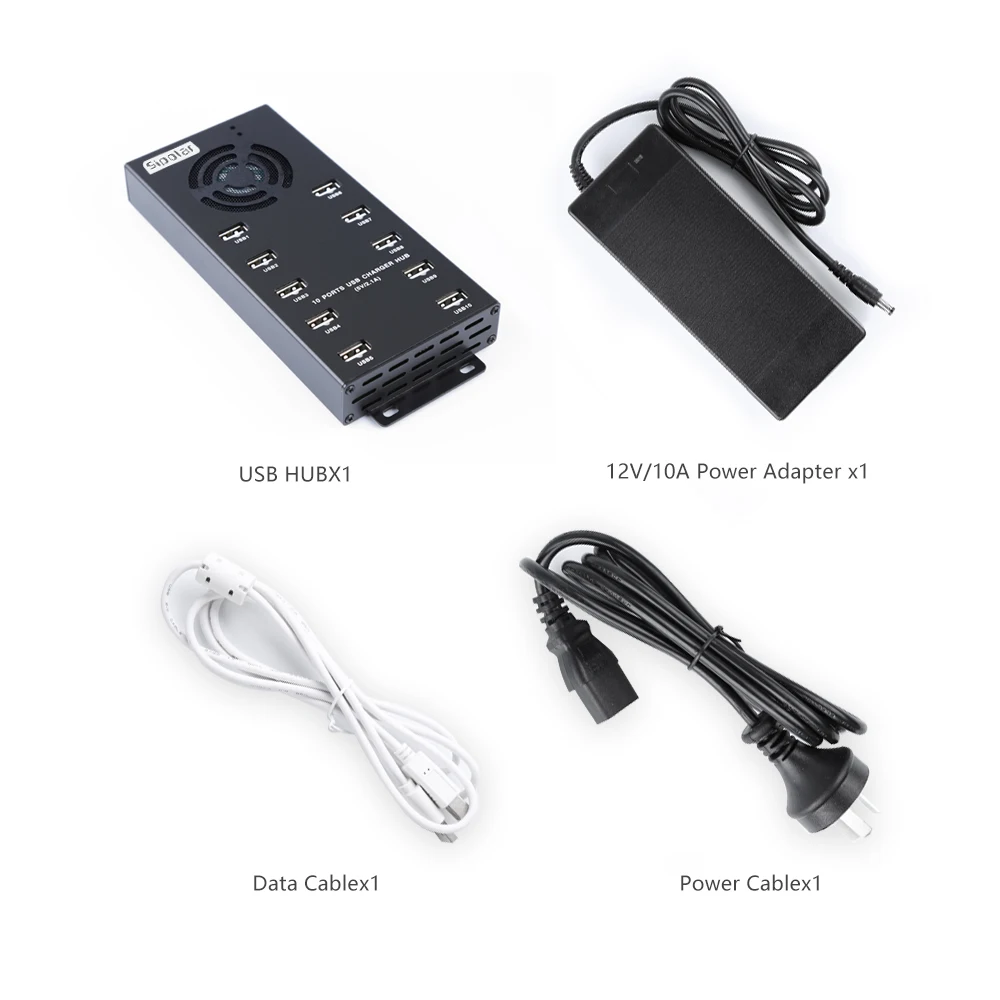
A classic passive splitter simply divides the power of one port among several devices. This means that by connecting an external hard drive, you risk getting a notification about insufficient power. A hub with charging support (active) is fundamentally different because it has its own power supply that plugs into an outlet.
It is this separate power source that allows not only stable data transfer but also fast charging of phones, headphones, or power banks, even when the computer is turned off. For owners of laptops with a limited number of Type-C ports, this is the only way to maintain mobility and productivity without sacrificing connected peripherals.
Which Connection Type to Choose for a Laptop
Today, the market is clearly divided into USB-A and USB-C solutions. If you have a modern ultrabook, you need a hub with charging for a laptop that supports Power Delivery (PD) technology. Such models not only charge small electronics but can also pass through power up to 100W, directly powering the laptop itself.
Pay attention to the pass-through power. If the hub consumes 15W for its own operation and the power supply delivers 100W, only 85W will reach the laptop. This is sufficient for office tasks but may be insufficient for powerful gaming or workstations. ComfortShop experts advise always checking the output power specification on the PD port to avoid slow battery discharge under load.
Stationary USB Hub for PC: Reliability Above All
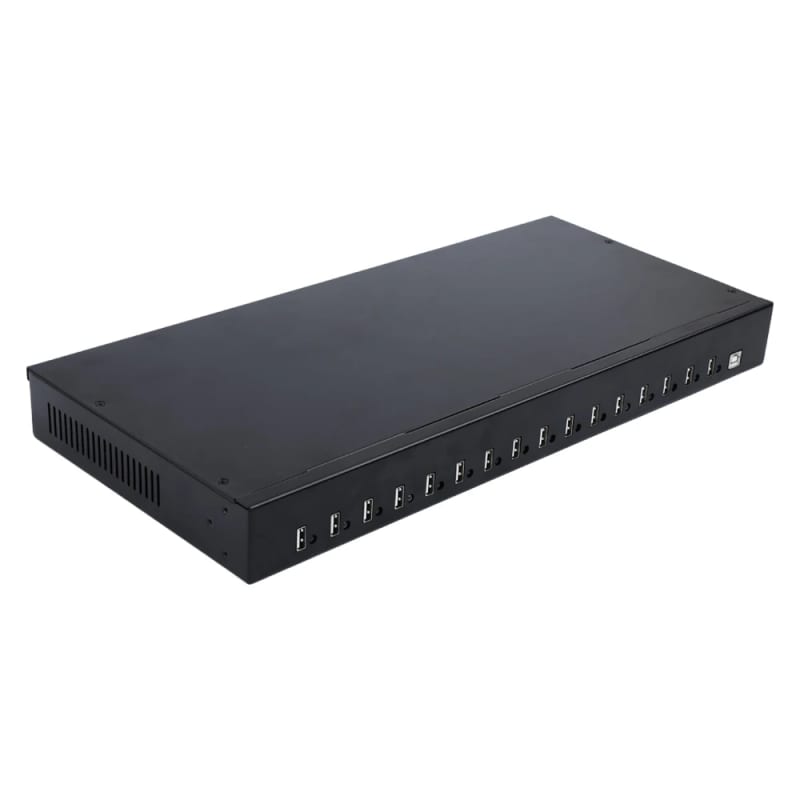
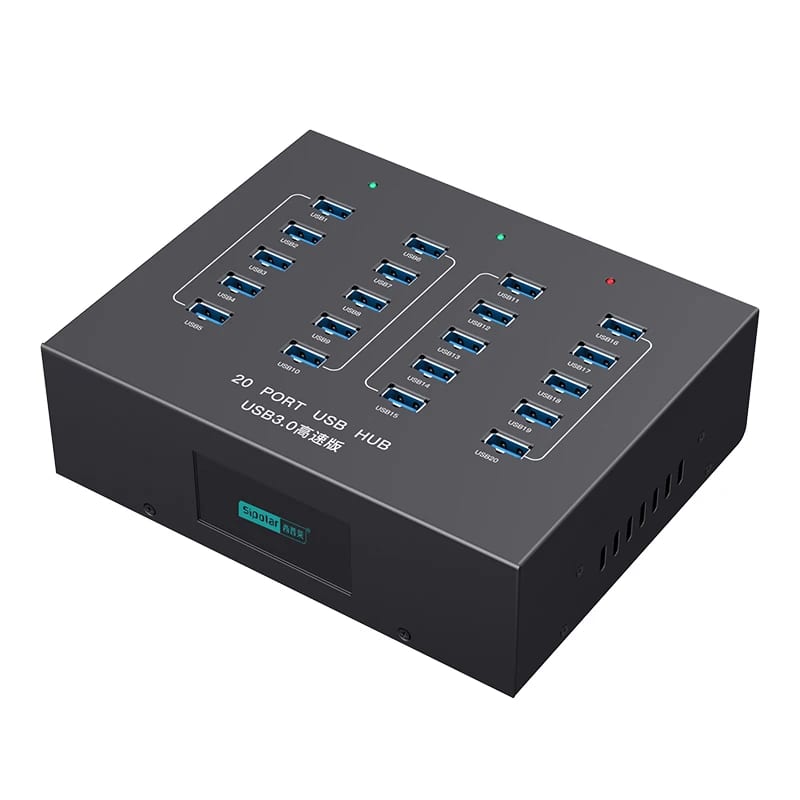
Desktop owners usually don't need compactness; instead, connection stability and the number of ports come to the forefront. A quality USB hub for PC should have a long cable (from 60 cm) to place it on the desk rather than reaching for the system unit under the desk. This is important for those who frequently connect flash drives or memory cards.
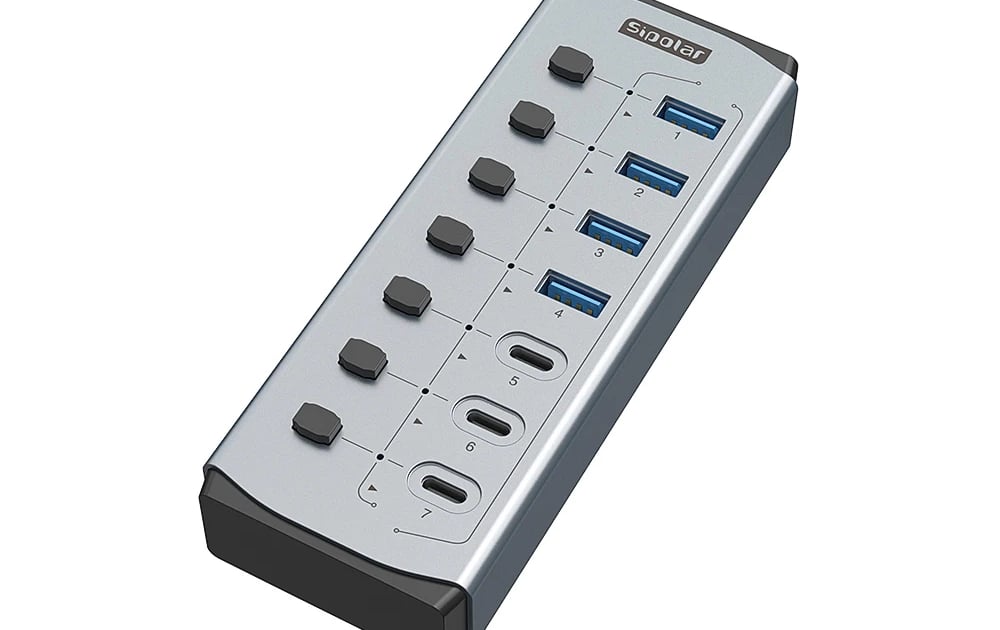
For stationary use, hubs with a metal case are ideal. They dissipate heat better during prolonged transfer of large data volumes and simultaneous charging of multiple devices. It's also worth paying attention to models with individual power on/off buttons for ports — this allows you to physically disconnect power from devices without pulling out the cable, extending the life of the connectors.
Charging Speed and Fast Transfer Protocols
Not all hubs charge equally fast. A standard USB 3.0 port delivers 900 mA (4.5W), which is enough for a mouse but catastrophically little for a modern smartphone. Look for models that have specially marked ports with support for Quick Charge (QC) or Power Delivery (PD). This guarantees that your PC accessories and mobile devices will receive the maximum possible battery charging speed.
When choosing, consider the total current. If the hub's power supply is rated at 3A and you connect three devices, each consuming 1.5A, the power supply will be overloaded and may go into protection mode. A good hub should have a power reserve of at least 20-25% above your current needs.
Portability: Travel Hub Without Compromises
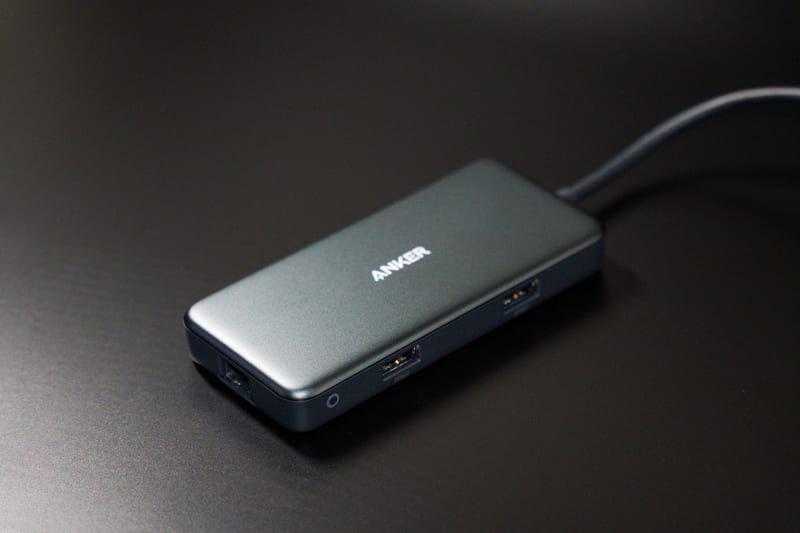
For those constantly on the move, the ideal solution is a portable USB hub. The main criteria here are minimal weight and the absence of a bulky external power supply. Such models are often powered directly from the laptop's port but have an additional Type-C connector for connecting a power bank or charger if needed to boost power.
What to look for in a travel model:
- Built-in cable length: a short one (10-15 cm) is more convenient for transport but sometimes limits placement.
- Cable braid material: nylon braiding lasts many times longer than rubber.
- Form factor: a flat hub is easier to hide in a laptop bag pocket.
How to Choose a USB Hub for Specific Scenarios
To finally decide how to choose a USB hub, base it on your main usage scenario. All users can be roughly divided into three camps: office workers, creative professionals, and gamers. Each needs their own set of characteristics.
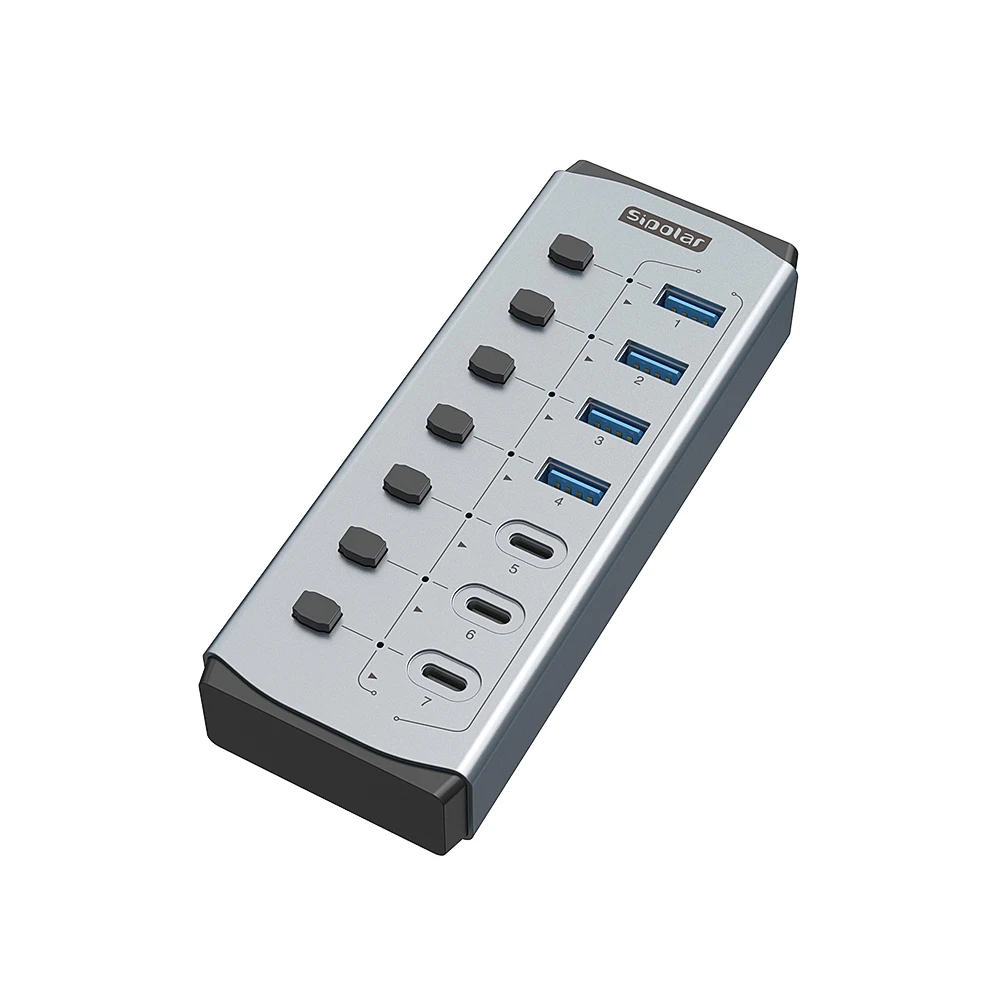
An office worker needs 4-7 USB-A 3.0 ports with data transfer support up to 5 Gbps and one port for fast phone charging. For designers and video editors, the presence of a card reader for SD/microSD and high-speed ports of 10 Gbps is critically important. As ComfortShop reviewers note, for gamers, the priority is minimal signal latency and a shielded case that protects against interference from wireless mouse or headset modules.
Conclusion:
A well-chosen USB hub with charging is an investment in desk organization and uninterrupted operation of all gadgets. Don't skimp on the power supply and fast charging protocols, as they determine whether your hub will turn into a slow and useless adapter. Assess your needs, calculate the required wattage, and confidently organize the digital chaos.
Frequently Asked Questions
How is a USB hub with charging different from a regular one?
A regular hub only transfers data, while a hub with charging has a separate power supply that provides stable power to connected devices and fast charging of gadgets even without being connected to a laptop.
Can a USB hub with charging be used to charge a laptop?
Yes, if the hub supports Power Delivery (PD) technology and has sufficient power (usually 60-100W), it can simultaneously charge the laptop and power connected devices through a single USB-C port.
Which USB hub with charging is better to choose for a stationary PC?
For a PC, choose a model with an external power supply, support for USB 3.0 or 3.1, and at least 7 ports to connect peripherals, flash drives, and charge smartphones without losing data transfer speed.
Is a portable USB hub with charging suitable for travel?
Yes, portable models are compact, often have a built-in cable and support fast charging, allowing you to charge a smartphone or tablet even on the go without connecting to a wall outlet.