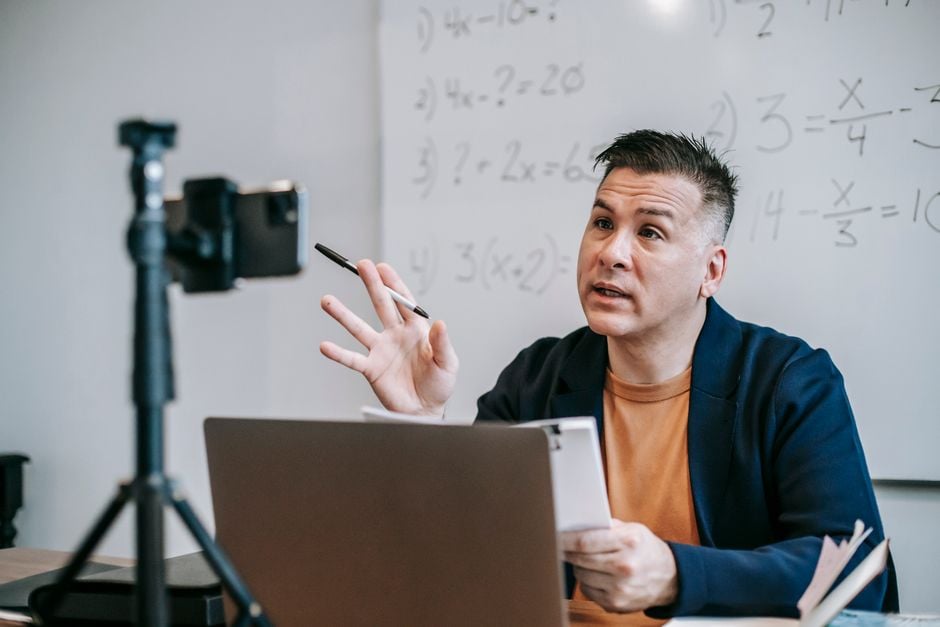
Online learning has become firmly established in the lives of modern teachers and tutors. The quality of video communication directly affects students' perception of the material and the professional image of the instructor. If your laptop's built-in camera is no longer up to the task, it's worth seriously considering purchasing an external device. To avoid getting lost in the variety of models, it's important to clearly understand which characteristics truly matter for conducting lessons. According to the recommendation of the ComfortShop editorial team, choosing the right webcam for online lessons begins with an analysis of working conditions and technical requirements.
Article Contents
Resolution and Frame Rate: The Foundation of a Clear Image
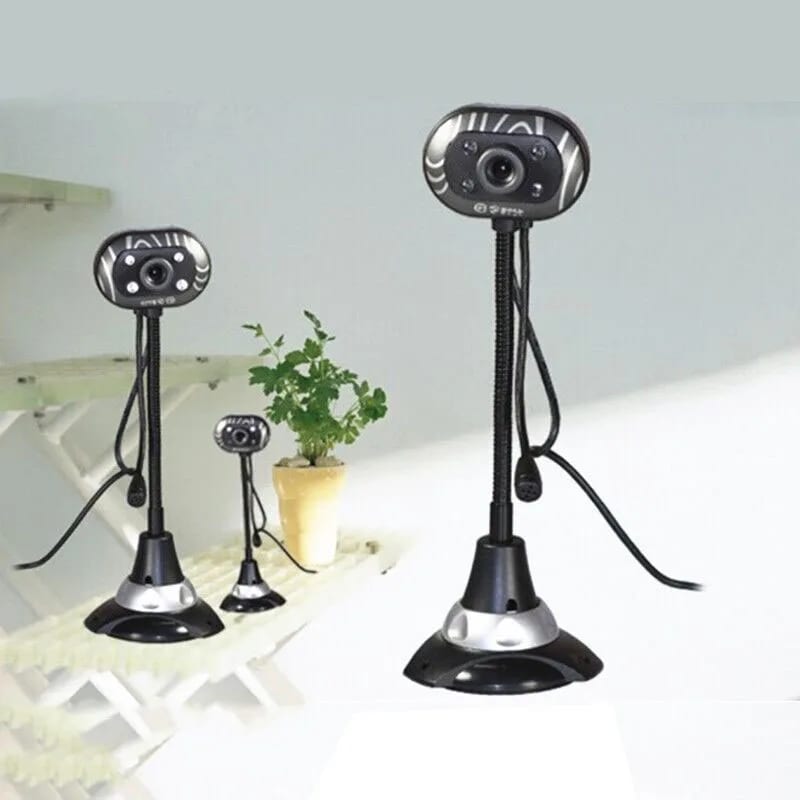
The first thing to consider when choosing a webcam for a PC is the resolution. For comfortable communication in Zoom, Google Meet, or Skype, 720p (HD) format is sufficient. It provides a clear image without overloading the internet channel. However, if you plan to demonstrate small details, writing on a board, or handicrafts, it is better to choose a model with 1080p (Full HD) resolution.
Frame rate (FPS) also plays a key role. The standard 30 frames per second ensures smooth lip movement and facial expressions. Some modern models support 60 FPS, making the image as natural as possible, especially during active presentations or demonstrations of experiments. For regular lessons, 30 FPS is an optimal and sufficient indicator.
Autofocus and Field of View: How to Stay in the Frame
Autofocus is a feature that significantly improves the quality of a webcam for video communication. It automatically adjusts sharpness when you lean towards a notebook, move to the board, or show a book. Without autofocus, the image will blur every time you change position, which distracts students.
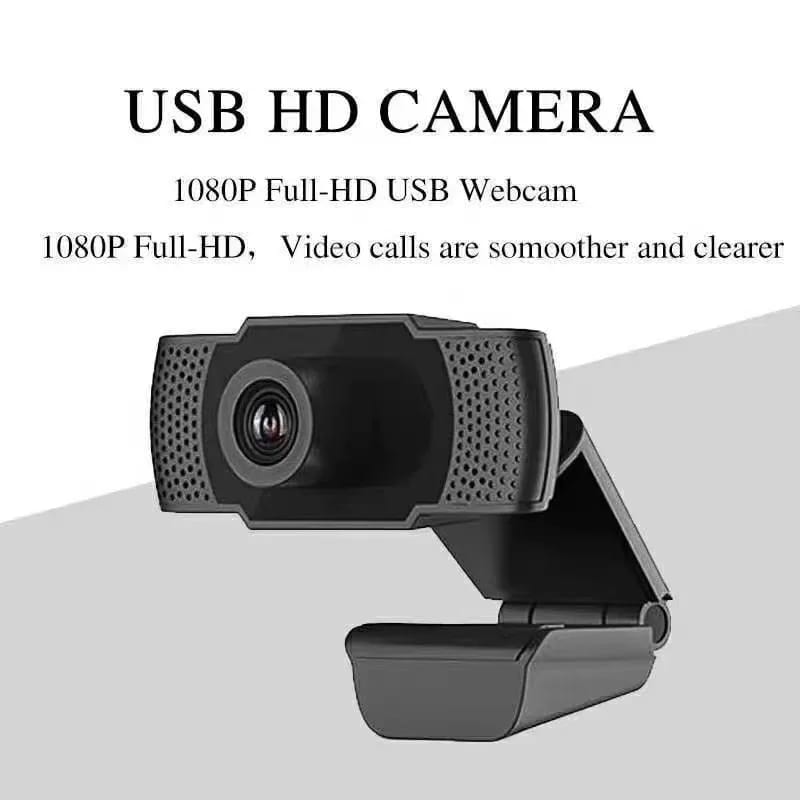
The field of view determines how much space is captured in the frame. For individual lessons, an angle of 70-80 degrees is considered optimal — it captures the face and part of the desk. If you conduct group lessons or need to show a large space, choose models with an angle of 90-110 degrees. An overly wide angle (over 120°) can distort facial proportions.
A quality webcam for teaching: what else to pay attention to.
Separately, it's worth mentioning the possibility of rotating and tilting the camera. Some models have a universal mount that allows you to install the device on a monitor, tripod, or even on a desk. This allows you to flexibly adjust the angle depending on the lesson format.
Built-in Microphone: Can It Be Relied Upon
Many users choose a webcam with a microphone to avoid buying additional equipment. Indeed, the built-in microphones of modern cameras have become significantly better. They use noise cancellation technology that cuts out extraneous sounds — street noise, keyboard clicks, or the hum of a refrigerator. This is very convenient for home conditions.
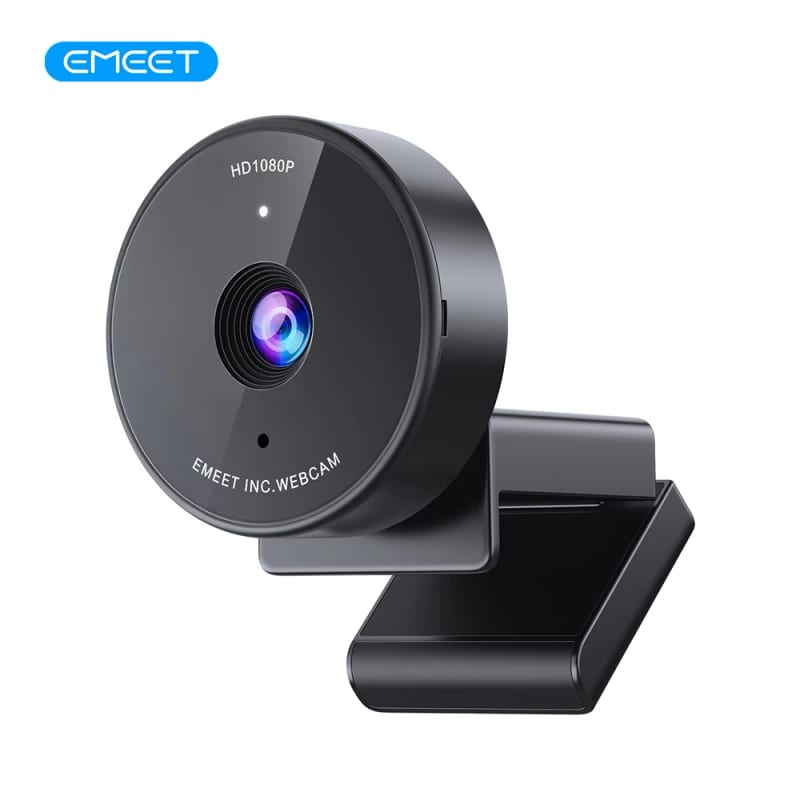
However, if you work in a very noisy room or require crystal-clear sound for recording video lessons, it is better to use a separate microphone. A built-in microphone will handle 80% of tasks, but for a professional level of sound quality, it is advisable to have an external device. ComfortShop experts advise testing the sound immediately after purchase to ensure its acceptable quality.
Lighting and Sensor: The Secret to a Perfect Image
Even the best webcam for a teacher will not produce a good image in a dark room. Pay attention to the type of sensor. Most quality models use CMOS sensors, which work well under various lighting conditions. Some cameras have automatic light correction (HDR or WDR), which evens out overexposed areas and darkened zones.
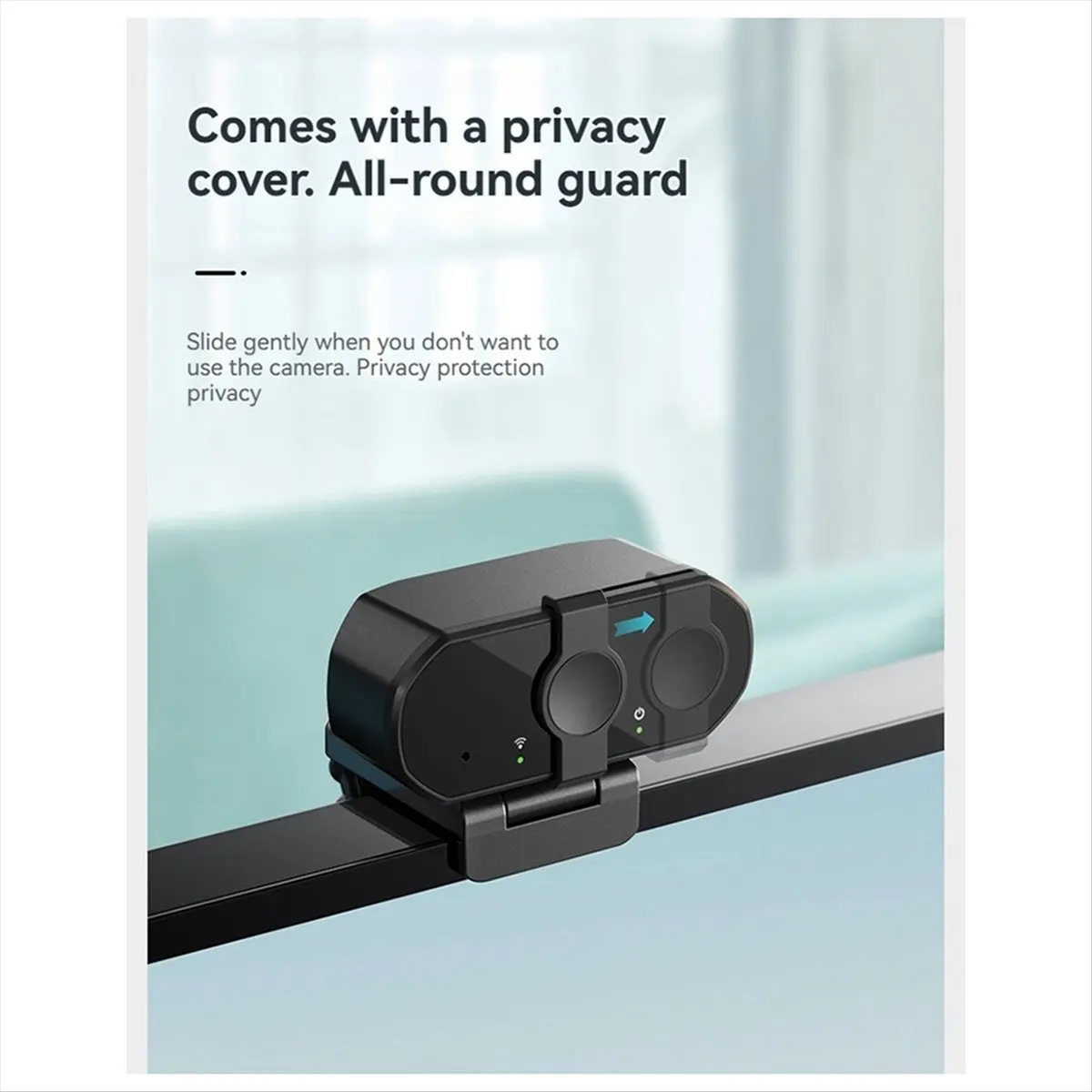
Before purchasing, check if the camera has a working indicator. This is a small LED that lights up when the device is active. It helps control privacy and not forget to turn off the camera after the lesson.
- CMOS sensor — standard for most modern models.
- Automatic white balance adjustment — prevents yellowness or blueness on the face.
- Low light sensitivity (Lux) — allows shooting in minimal lighting.
Connection and Compatibility: USB or Wireless?
The vast majority of models connect via USB. For a webcam review for a PC, it is important to know that modern devices use the USB 2.0 or USB 3.0 interface. For 1080p video at 30 FPS, USB 2.0 is sufficient. If the camera supports 4K or 60 FPS, USB 3.0 will be needed for stable data transfer.
Wireless webcams are less common and often have signal lag, which is critical for online lessons. Therefore, a wired connection remains the best choice. Make sure the cable is long enough (at least 1.5 meters) to conveniently place the camera on the desk or monitor.
Software and Additional Features
Some manufacturers offer proprietary software for camera settings. It allows you to manually adjust brightness, contrast, saturation, and zoom. This is very useful if you want to set up the perfect image for your face and lighting. Also, pay attention to the presence of a physical privacy shutter — this is a simple but effective way to protect yourself.
For teachers who conduct many lessons in a row, operational stability is important. Choose models from trusted brands that have drivers for Windows, macOS, and, if necessary, for Chrome OS. Some budget cameras work using Plug-and-Play technology and do not require installing additional drivers.
Conclusion:
Choosing a webcam for online lessons is an investment in the quality of your work. The optimal solution would be a model with Full HD (1080p) resolution, 30 FPS frame rate, autofocus, and a built-in microphone with noise cancellation. As ComfortShop reviewers note, for most teachers and tutors, this set of characteristics provides the ideal balance between price and quality. Don't forget about the field of view and the ability to adjust the position — this will make your lessons more dynamic and professional.
Frequently Asked Questions
What webcam resolution is needed for online lessons?
For high-quality video communication, 1080p (Full HD) resolution is sufficient, providing a clear image of text on the board and the teacher's face without overloading the internet.
Is a webcam with a built-in microphone mandatory for teaching?
Yes, a webcam with a microphone significantly simplifies lesson preparation, but for the best sound quality, it is recommended to use a separate microphone or headset.
How to choose the best webcam for a teacher if they work in poor lighting?
Pay attention to models with autofocus and low-light correction (e.g., Logitech C920 or Razer Kiyo), which automatically adjust brightness so the face remains clear even in semi-darkness.
Will a regular webcam for a laptop work for a desktop PC?
Yes, most modern webcams for PCs are universal and connect via USB, so they can be easily used on both a laptop and a desktop computer.