The modern workday increasingly consists of online calls, video conferences, and Zoom meetings. The quality of your connection affects not only your comfort but also the professional impression you make on colleagues or clients. That's why choosing the right headset becomes a key task for anyone working from home or in an office. According to the recommendation of the ComfortShop editorial team, ideal headphones for calls should combine clear voice transmission, comfort during prolonged wear, and a reliable connection.
? Table of Contents
Design Type: Closed or Open Headset
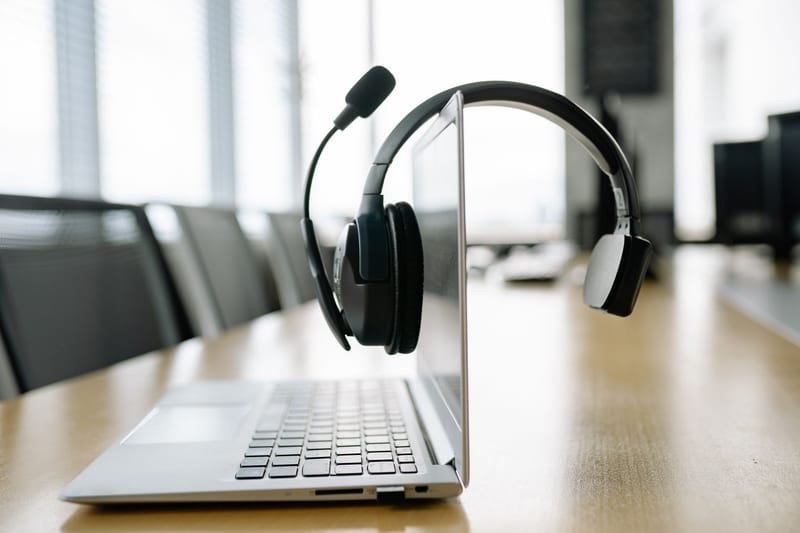
The first thing to determine before purchasing is the type of acoustic design. For work calls and meetings, closed-back headphones are the best choice. They effectively isolate you from external noise, allowing you to focus on the conversation, and at the same time, they don't let sound escape, which is important if you work in a coworking space or near other people.
Open-back models, on the other hand, provide a more natural sound, but they let in ambient sounds. This can become a problem during important negotiations. ComfortShop experts advise choosing a closed-back headset for your PC if clarity of speech and concentration without unnecessary distractions are priorities.
Microphone: The Main Communication Tool
Microphone quality is a decisive factor for meeting headphones. Your voice should sound clean, without hissing, crackling, or background noise. Look for models with noise-cancelling technology that cuts out keyboard sounds, street noise, or the hum of an air conditioner.

The best choice is headphones with a microphone on a flexible boom arm. Such a microphone is positioned directly near the mouth, ensuring maximum sensitivity. Built-in microphones in the cable or housing more often pick up extraneous noise, so they should only be considered for quiet home environments.
What to look for when testing a microphone:

- Presence of a mute function — often implemented with a button on the housing or cable.
- Microphone frequency range — a wider range provides a more natural voice.
- Ability to rotate the boom arm up for automatic mute.
Connection: Wired or Wireless
The choice between a wired and wireless model depends on your work scenario. Wireless headphones for work offer freedom of movement — you can stand up, pour coffee, or grab documents without interrupting the call. However, they require charging and may have slight audio latency.
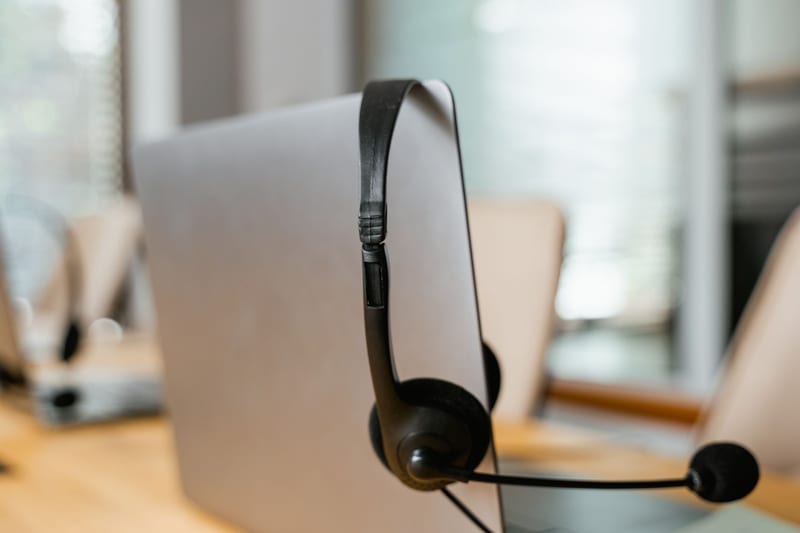
Wired models via USB or a 3.5mm jack guarantee a stable connection without quality loss or delays. They are ideal for long negotiations where every second counts. If you are choosing accessories for a PC for a stationary workspace, a wired headset is often a more reliable and budget-friendly solution.
Key criteria for wireless models:
- Battery life — at least 15-20 hours for a comfortable workday.
- Support for Bluetooth 5.0 or newer for a stable signal.
- Availability of a wired mode (as a backup option if the battery dies).
Comfort Fit and Materials
Since work calls can last for hours, comfort is critical. Choose headphones for calls with soft ear cushions made of leatherette or memory foam. They should not press on your ears or cause overheating. The weight of the headset also matters — lighter models are less tiring for the neck.
An adjustable headband and rotating ear cups allow you to customize the headphones to the individual shape of your head. If you wear glasses, pay attention to models with soft ear cushions that do not create excessive pressure on the temples. ComfortShop experts recommend trying on the headset and wearing it for at least 10-15 minutes before purchasing.
Active Noise Cancellation (ANC) System
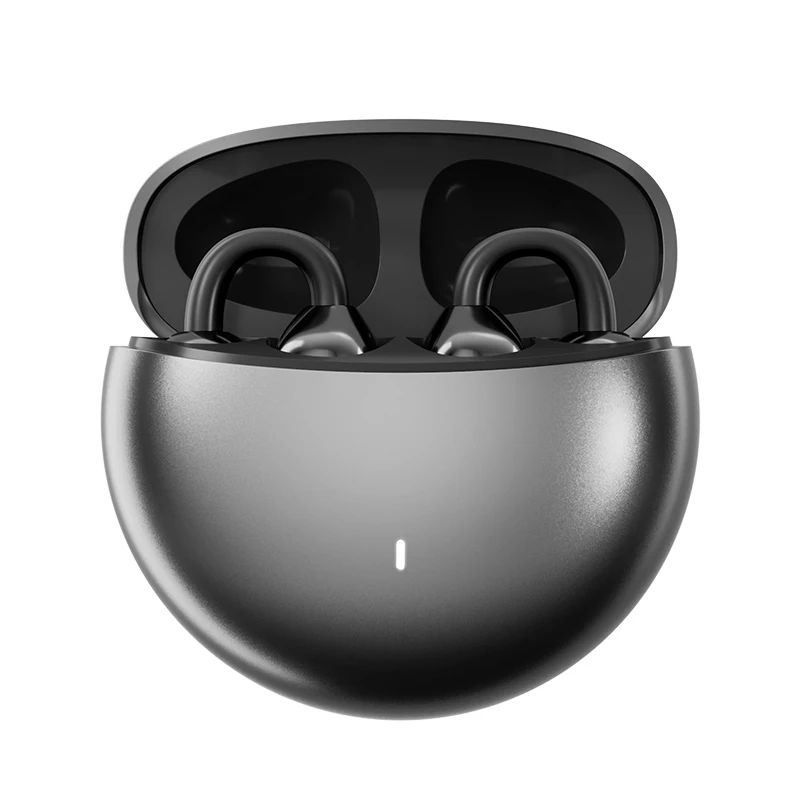
For those who work in a noisy environment, headphones with a microphone and ANC function become a real lifesaver. Active noise cancellation analyzes external sounds and creates "anti-noise" that neutralizes them. This allows you to hear your interlocutor even with a TV on or construction work outside the window.
It's worth remembering that ANC consumes battery power, so for wireless models, this is an additional factor in charge consumption. However, for meeting headphones, it is an investment in productivity that fully pays off during important negotiations.
Conclusion:
Choosing a headset for work is a balance between microphone quality, design type, and comfort. For maximum efficiency, choose closed-back headphones for calls with an external boom microphone and a noise-cancelling system. A wired connection provides reliability, while a wireless one offers mobility. As ComfortShop reviewers note, the best solution is a model that doesn't irritate after five hours of wear and transmits your voice as if you were sitting next to your interlocutor.
Frequently Asked Questions
Will regular wireless headphones work for work calls?
Yes, but pay attention to the presence of a high-quality microphone with noise cancellation, as music-oriented models often transmit voice poorly during video conferences.
Which type of connection is best for a PC headset?
For stable operation without delays, choose wired models with a USB or 3.5mm jack, or wireless headphones with a radio channel or Bluetooth 5.0+ for minimal audio latency.
Is active noise cancellation (ANC) mandatory for meeting headphones?
Not mandatory, but it is very useful if you work in a noisy environment — ANC helps you focus on the interlocutor and improves the quality of your voice transmission.
How to choose headphones with a microphone so that colleagues hear me clearly?
Look for models with an external boom microphone or microphone noise cancellation technology (ENC), which filters out extraneous sounds, leaving only your voice.