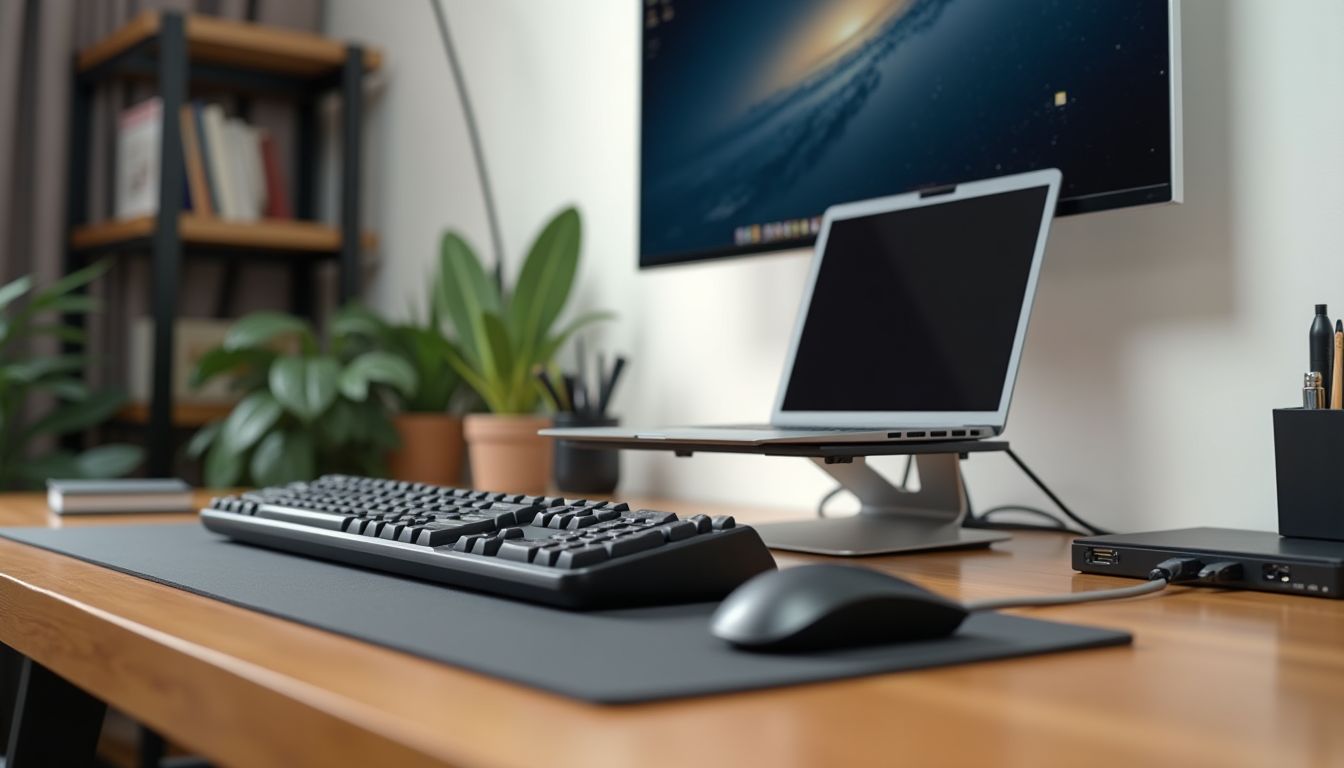
Assembling the perfect workspace or gaming station around a personal computer is an exciting process where properly chosen accessories play a key role. They not only improve ergonomics and comfort but also significantly boost productivity, precision, and the overall experience of interacting with technology. However, the variety of options on the market can confuse both beginners and experienced users. In this article, we will compare the main categories of PC accessories in detail, break down their key features, advantages, and disadvantages, to help you make an informed choice that perfectly matches your needs and budget.

? Table of Contents
Keyboards: Mechanical, Membrane, or Hybrid?
Choosing a keyboard is the foundation of comfortable work or gaming. All modern models are divided into three main types based on the key actuation mechanism, each with its own characteristics.
Mechanical Keyboards: The Gold Standard for Gamers and Typists.
They use a separate mechanical switch under each key. Their main advantages are exceptional durability (50-100 million presses), clear tactile feedback, and the ability to press many keys simultaneously (N-key rollover). Disadvantages include high cost, significant noise level (except for switches with "red" or "silent" profiles), and greater weight.
Membrane keyboards are the most common due to their low price and quiet operation. A key presses on a silicone membrane that closes a contact. They are less durable (about 5-10 million presses), have less distinct feedback, and may not support many simultaneous presses. Hybrid (e.g., membrane-mechanical) keyboards try to combine the advantages of both worlds: they offer improved tactile feedback compared to regular membrane keyboards at a moderate price, but still fall short of true mechanical models in durability and precision.
Computer Mice: From Office to High-Precision Gaming
Modern computer mice can be divided by sensor type, design, and purpose. The main parameter is the sensor type: laser or optical.
Optical mice with LED illumination are the most popular. They offer an excellent price-to-quality ratio, high accuracy on most surfaces (except reflective ones), and have no issues with acceleration (unpredictable cursor speed-up). Laser sensors can theoretically work on any surface, including glass, and often have a higher stated resolution (DPI), but may suffer from slight cursor drift on fabrics or imperfect surfaces.
For gamers, critical parameters include polling rate (preferably 1000 Hz), the presence of programmable buttons, and sensor quality without filtering or acceleration. Ergonomic models with support for DPI profiles are ideal for shooters and MMOs. For office work, a standard wireless mouse with an optical sensor is often sufficient, where key factors are battery life and comfort.
Audio Accessories: Headphones and Microphones
Quality sound is half the experience of a game, movie, or communication. The choice between gaming headsets and separate headphones with a microphone depends on your priorities.
Gaming Headsets: A Convenient "All-in-One" Package.
Ready-made headsets usually come with a USB connection, software for sound customization (e.g., 7.1 surround), and a built-in, often retractable, microphone. This is a convenient out-of-the-box solution, but the sound and microphone quality in the mid-price range often falls short of separate components. Expensive flagship models can offer excellent quality.
A separate combination of studio or Hi-Fi headphones (with a 3.5mm or USB connector) and a desktop microphone (condenser or dynamic) is the choice of perfectionists. This combination will provide significantly cleaner and richer sound in the headphones and professional voice quality for recording or calls. However, it is more expensive, takes up more desk space, and requires separate setup.
Monitors: By Resolution, Refresh Rate, and Panel Technology
The monitor is your main window into the digital world. When choosing, you need to balance three main characteristics: resolution, refresh rate, and panel type.
For gaming, the priority is a high refresh rate (144 Hz, 240 Hz and higher) and low pixel response time (1-5 ms), ensuring smooth, tear-free images in dynamic scenes. For working with photos, video, or just consuming content, high resolution (2K, 4K) and color reproduction quality (sRGB, AdobeRGB coverage) are more important.
The panel type determines image quality: IPS panels offer the best viewing angles and accurate color reproduction but have a higher response time. VA panels have high contrast and deep black colors but may exhibit "smearing" during fast motion. TN panels remain the fastest and cheapest but with poor viewing angles and colors. The modern choice for most users is IPS with a 144 Hz refresh rate or 4K IPS for creative work.
Other Important Accessories: Mouse Pads, Stands, Joysticks
Details make the workspace complete. A mouse pad is not just decoration. It ensures stable and predictable operation of the optical sensor, protects the desk from scratches, and increases movement comfort. Hard pads made of plastic or glass provide maximum gliding speed, while cloth pads offer better control and comfort.
A wrist rest for the keyboard or mouse is an important investment in health. It supports the hand in a neutral position, preventing the development of carpal tunnel syndrome during prolonged work. Wrist rests can be gel, memory foam, or wooden.
For fans of flight simulators, racing games, or certain action game genres, specialized controllers become indispensable: steering wheels with pedals, joysticks, or gamepads. They provide not only a new level of realism but also often offer more precise control than a keyboard and mouse.
Conclusion:
The choice of PC accessories depends on your specific goals and budget. For competitive gamers, priorities should be a mechanical keyboard with fast switches, a lightweight high-frequency optical mouse, and a monitor with a 144 Hz refresh rate or higher. For professional content creation, it's worth investing in a monitor with an IPS panel and high resolution, as well as quality headphones. For home and office users, the optimal choice would be a reliable membrane keyboard, a wireless optical mouse, and ergonomic accessories for comfort. Start with the element most important to you and gradually build the perfect working environment.