Choosing a gaming mouse with a budget of up to 1000 hryvnias is a task faced by many gamers who want to get a quality device without overpaying for a brand or excessive features. The modern market offers plenty of models capable of providing precise positioning, comfortable grip, and sufficient response speed for most gaming genres. As reviewers from ComfortShop note, the main thing is not to chase the number of buttons or aggressive design, but to focus on sensor quality and ergonomics. Let's look at the key criteria that will help you choose a truly best gaming mouse under 1000 hryvnias, and the current models on the market.
? Table of Contents
- What to Look for When Choosing a Budget Gaming Mouse
- Top Budget Gaming Mice: Review of the Best Models
- How to Choose a Cheap Gaming Mouse for PC: Practical Tips
- Gaming Mouse Ranking 2024: What Budget Brands Offer
- Inexpensive Gaming Mouse: Is It Worth Buying Wireless Models
- PC Mouse Accessories: What Else Is Worth Buying
- Conclusion:
What to Look for When Choosing a Budget Gaming Mouse
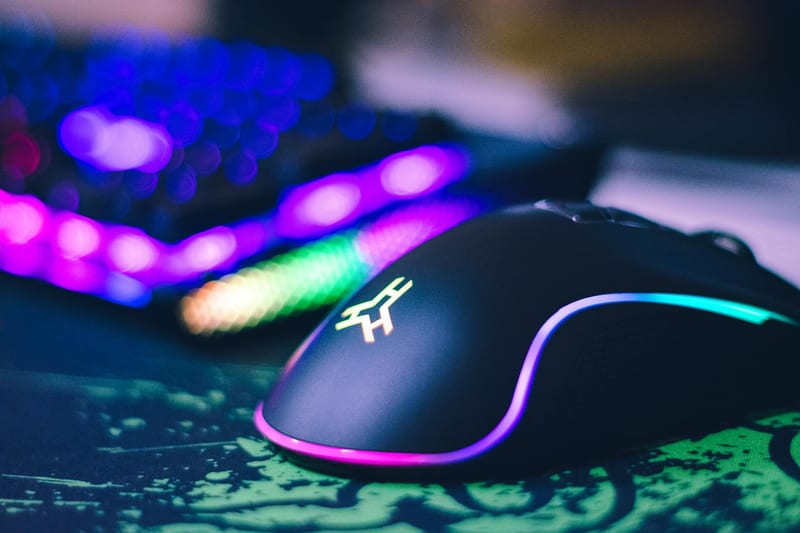
Before moving on to specific models, it's worth deciding on the technical characteristics that directly affect the gaming experience. The main element is the optical sensor — for the budget segment, a sensor with a resolution of 3200 to 6400 DPI is considered optimal. This is enough for comfortable gaming in shooters, MOBAs, and strategies.
Equally important is the type of switches. Mice under 1000 UAH typically use mechanical Omron or Huano switches, which withstand 5 to 10 million clicks. Pay attention to the shape of the body — a symmetrical design suits all grip types, while an ergonomic right-handed body reduces fatigue during long sessions.
The polling rate is also important. For budget models, the standard is 1000 Hz, which ensures minimal signal delay. Wired USB connection remains the most reliable option in this price category, as wireless solutions often have noticeable latency or require frequent battery changes.
Top Budget Gaming Mice: Review of the Best Models
The market offers several proven models that consistently receive positive reviews from gamers. Let's look at three of the most balanced options available within a budget of up to 1000 hryvnias.
Leaders in price-quality ratio:
- Bloody J95S — a model with a PixArt optical sensor and metal switches. Offers high accuracy and a lifespan of up to 20 million clicks. Has adjustable weight and RGB backlighting.
- Defender Spirit W-553 — a lightweight symmetrical mouse with a sensor up to 4000 DPI. Features a soft cable and quiet buttons, making it comfortable for long gaming sessions.
- A4Tech X-748K — a classic model with a time-tested sensor and comfortable grip. Has additional buttons for macros and a durable body.
Each of these models can provide comfortable gaming in dynamic projects, but the choice depends on your personal preferences regarding shape and weight. Specialists at ComfortShop advise holding the mouse in your hand before purchasing, if possible, or carefully studying the dimensions and body shape.
How to Choose a Cheap Gaming Mouse for PC: Practical Tips
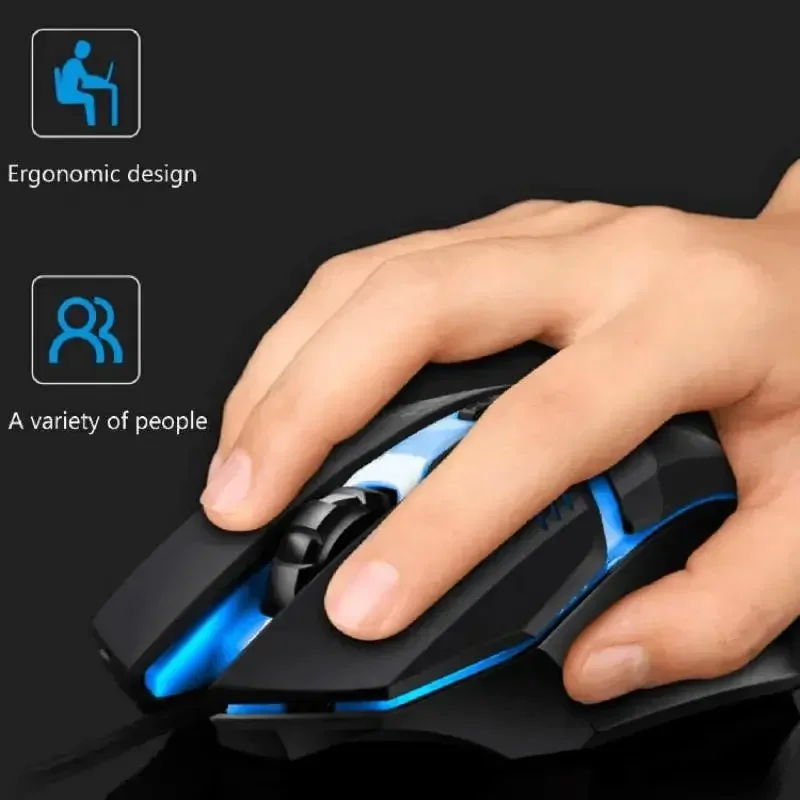
When buying a cheap gaming mouse for PC, it's important not to make a mistake with the size. For gamers with large palms, it's better to choose models longer than 125 mm, while mice of 115-125 mm are suitable for medium hands. Small mice (up to 110 mm) are usually chosen for a claw grip or for travel.

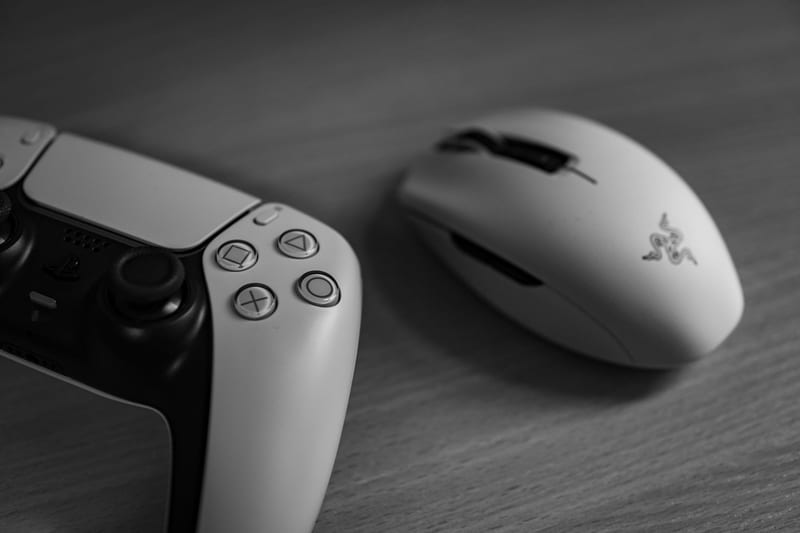
Pay attention to the coating material. Matte plastic collects fewer fingerprints and holds better in the hand when sweating, while glossy looks more impressive but can be slippery. Rubber inserts on the side panels significantly improve control but may wear out over time.
Don't ignore the cable length. For desktop PCs, a length of 1.5-1.8 meters is optimal to have enough freedom of movement. Also, make sure the mouse has a braided cord — it tangles less and lasts longer than a regular rubber one.
Gaming Mouse Ranking 2024: What Budget Brands Offer
In 2024, the budget segment of gaming mice has undergone significant changes. Chinese brands such as Rapoo, VXE, and Attack Shark have started producing models with PAW3311 and PAW3395 sensors even in the price category up to 1000 UAH. This provides accuracy that was previously only available in expensive devices.
It's worth mentioning the Rapoo VT9 model — it offers a lightweight body (about 70 grams), a sensor up to 8000 DPI, and additional buttons. Its main competitor, the VXE R1, has a symmetrical design and high-quality Kailh switches. Both models have received high marks in reviews due to low latency and convenient configuration software.
We also cannot ignore models from Bloody, which use Light Strike technology — optical switches that activate instantly. This is especially important for shooters where every millisecond counts. According to the recommendation of the ComfortShop editorial team, such mice are the optimal choice for beginners and intermediate-level players.
Inexpensive Gaming Mouse: Is It Worth Buying Wireless Models
Wireless inexpensive gaming mouse is a compromise between convenience and performance. In the budget segment, wireless models often have noticeable latency (up to 10-15 ms), which can be critical in competitive games. However, for casual games or work, this is quite acceptable.
If you still choose a wireless model, pay attention to the power type. Mice with a built-in battery are more convenient, but lose capacity over time. Models on AA/AAA batteries allow for quick power source replacement but require additional costs. We recommend choosing options with support for wired charging connection.
Among budget wireless models, it's worth highlighting the Logitech G305 (although it's slightly more expensive than 1000 UAH, it's often available at a discount) and the Rapoo MT750S. Both have a stable 2.4 GHz connection and sufficient autonomy. Remember, for serious gaming, it's better to choose a wired model from the same price category.
PC Mouse Accessories: What Else Is Worth Buying
When choosing PC mouse accessories, don't forget about the mousepad. Even the best budget mouse will work incorrectly on an old or uneven mousepad. We recommend choosing models with a rubberized base and a smooth fabric surface — they ensure even gliding and durability.
A cable organizer is also a useful accessory. It will help secure the mouse cord on the table so it doesn't interfere with movement. This is especially relevant for budget models, as the cord is often stiff. Some gamers also use special Teflon mouse feet pads that reduce friction.
Don't forget about the software. Most modern mice have proprietary utilities for configuring DPI, macros, and backlighting. Install them immediately after purchase to set up the device according to your needs. This will allow you to unlock the potential of even an inexpensive model.
Conclusion:
Choosing the best gaming mouse under 1000 hryvnias is quite realistic if you know the key criteria. Focus on a quality sensor (from 3200 DPI), a comfortable body shape, and reliable switches. Wired models remain the best choice for serious gaming, while wireless options are suitable for casual games and work. As reviewers from ComfortShop recommend, don't chase the brand — modern budget mice from Bloody, Defender, Rapoo, and VXE can provide excellent performance for a reasonable price.
Frequently Asked Questions
Is it worth buying a gaming mouse under 1000 UAH for esports?
Yes, but with limitations. In the budget segment, you can find models with a good sensor and comfortable design for casual games, but for professional esports, it's better to consider more expensive options with a higher polling rate and better material quality.
What sensor should a cheap gaming mouse for PC have?
For comfortable gaming, choose models with an optical sensor from brands like PixArt (e.g., PMW3325 or PAW3311). They provide precise positioning and minimal acceleration even in budget mice.
Will an inexpensive gaming mouse be suitable for shooters and MOBAs?
Yes, if it has adjustable DPI (from 400 to 6400) and a weight of up to 90 grams. Lightweight models with a wired connection (USB) are best suited for quick reactions in shooters and MOBAs.
What PC mouse accessories should I additionally buy for a budget model?
We recommend purchasing a quality mousepad with a smooth surface (e.g., fabric) and spare Teflon feet, which increase the device's lifespan and improve gliding.