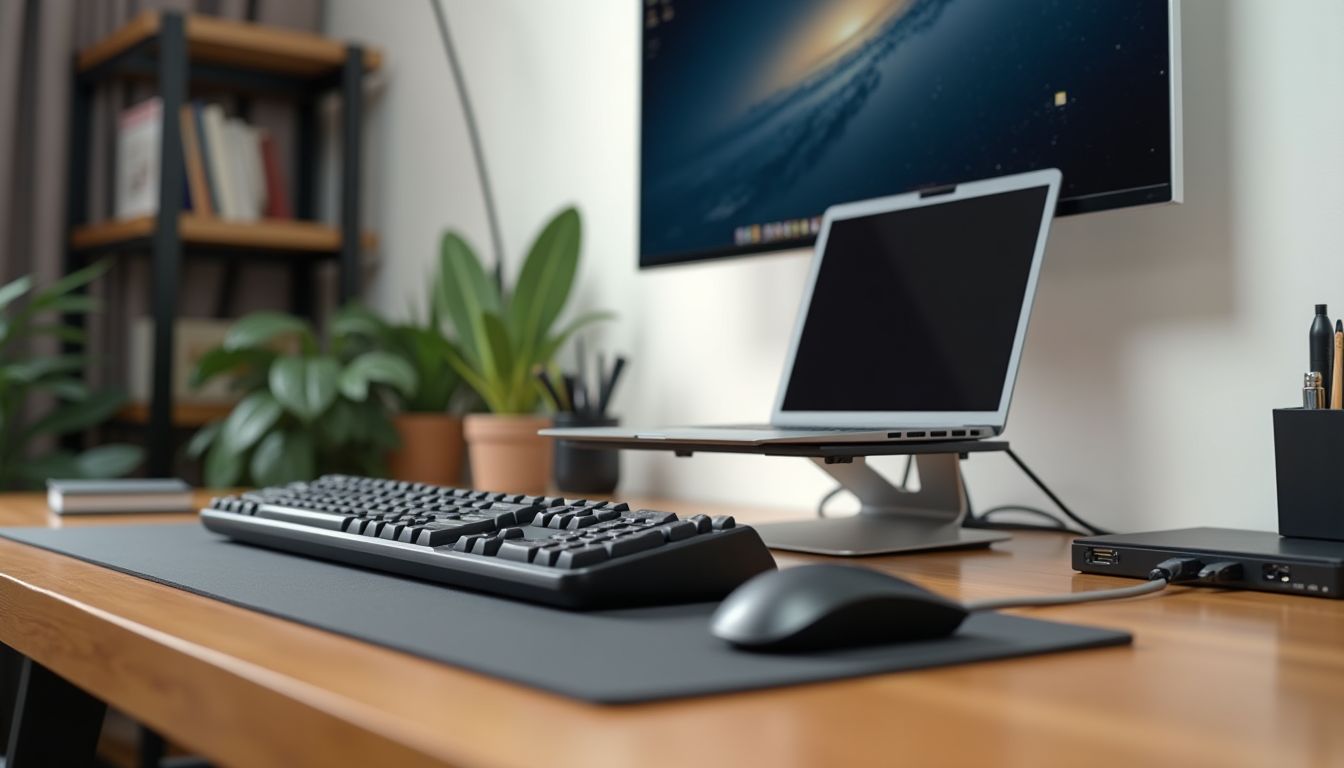
A modern computer, whether a laptop or a desktop PC, often has a limited number of USB ports, which creates a real challenge when you need to connect a keyboard, mouse, external hard drive, flash drive, and also charge your smartphone at the same time. This is where a USB hub for connecting 4 devices comes to the rescue, turning one port into four or more, significantly expanding the system's functionality. According to the recommendation of the ComfortShop editorial team, you should choose not just any random splitter, but a well-thought-out device that will ensure stable data transfer speeds and sufficient power for all connected gadgets.
Article Contents
Why choose a 4-port USB hub?

The number of peripherals we use daily is steadily growing: webcams, printers, game controllers, external sound cards. If your laptop has only two ports and you need to connect more devices, the best USB hubs for PCs become an indispensable accessory. They not only duplicate connectors but also often add fast charging capabilities.
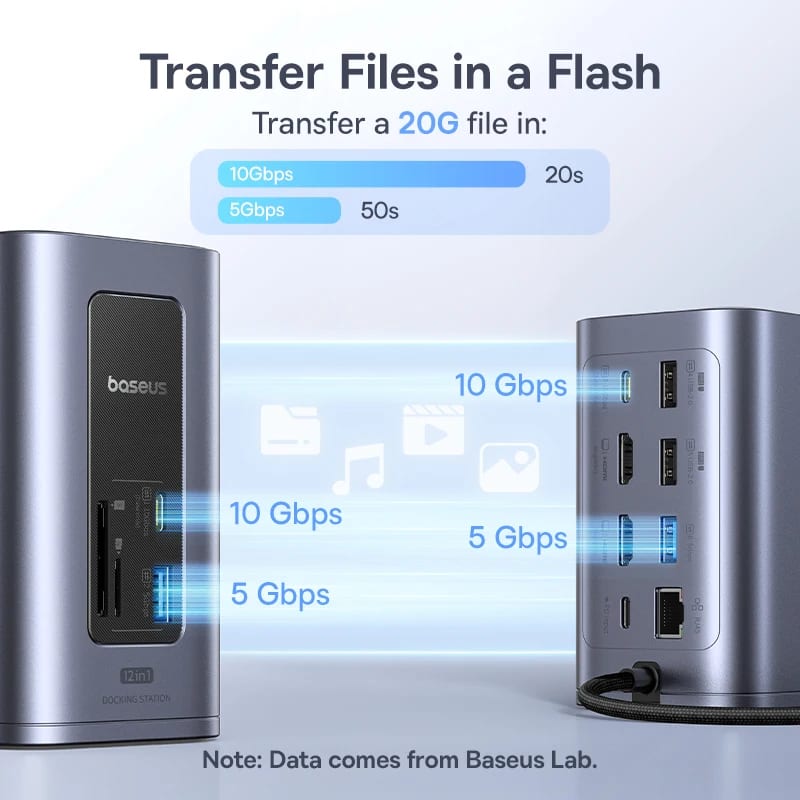
The best USB hub for a PC stands out not only for the number of ports but also for supporting high-speed protocols, which is critical for copying large amounts of data. For example, models with USB 3.0 or 3.1 support provide transfer speeds of up to 5 Gbps, which is several times faster than older standards.
ComfortShop experts advise paying attention to models with individual switches on each port — this allows you to disconnect unnecessary devices without physically removing the cable, saving connector resources and electricity.
Key criteria for choosing a 4-port USB hub
Before buying a 4-port USB hub, it is worth evaluating several technical parameters that directly affect convenience and work speed. Not all hubs are equally useful — cheap models without external power are often unable to support power-hungry devices.
Power type — passive or active:
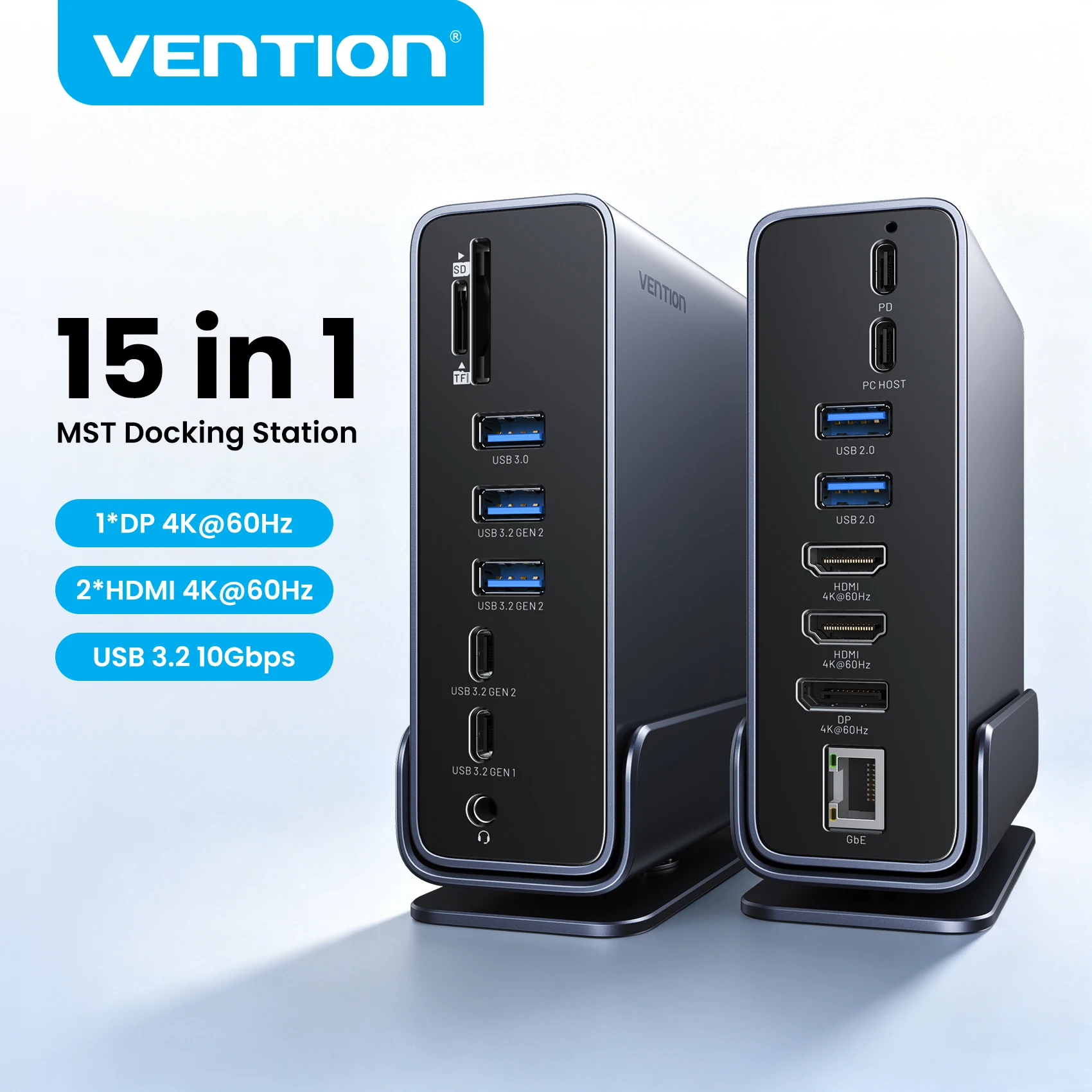
Passive hubs are powered directly from the computer's port and are suitable for low-power devices such as flash drives or mice. Active models are equipped with their own power supply, making them an ideal choice for connecting external HDDs, tablets, or several gadgets simultaneously.
Data transfer speed:
USB 2.0 is sufficient for office tasks, but if you work with video or large archives, look for top USB hubs for computers with USB 3.0 or higher support. Some advanced models offer ports with fast charging support according to Quick Charge or Power Delivery standards.
Top USB hubs for computers: a practical rating
The market offers many models, but only a few deserve attention in terms of price, quality, and functionality. We have gathered several proven options that are ideal for simultaneously connecting 4+ devices.
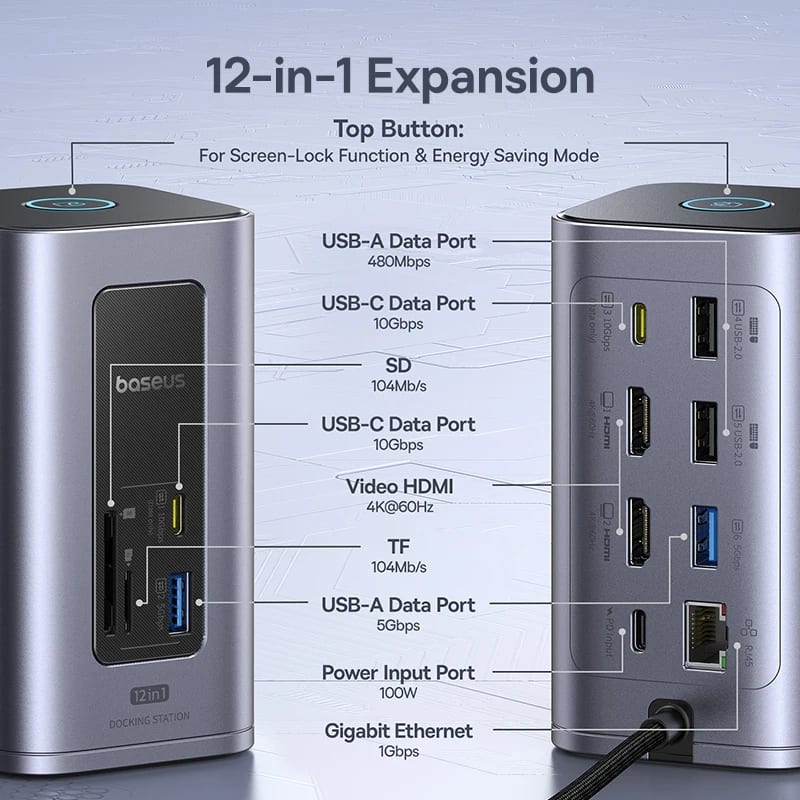
Among the leaders are models with an aluminum case, which effectively dissipates heat under prolonged load. As ComfortShop reviewers note, metal hubs are not only more durable but also less prone to overheating, which extends the service life of both the hub itself and the connected devices.
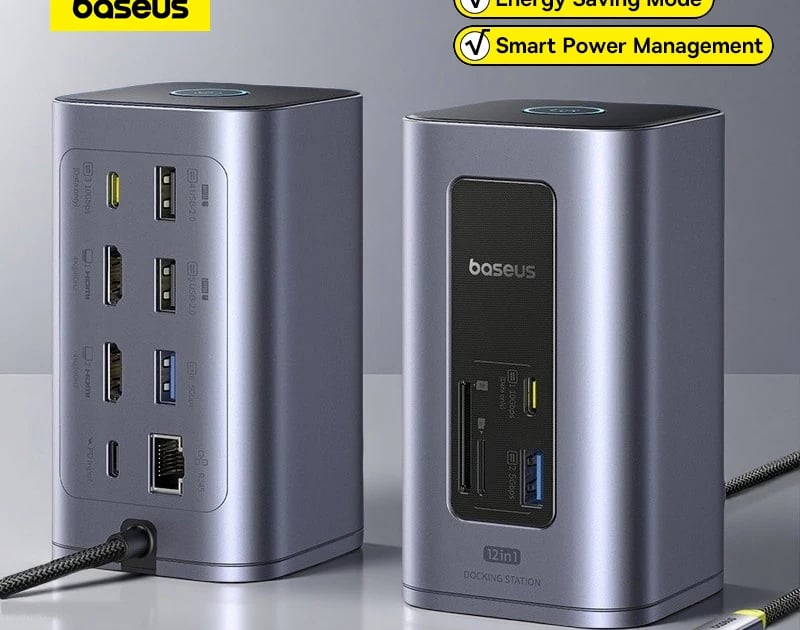
Models with additional SD/TF memory card slots stand out separately — they turn a regular USB hub for simultaneous connection into a full-fledged docking station for photographers and videographers. Also, pay attention to the cable length: a short cable is convenient for a laptop, while for a desktop PC it is better to choose a model with a meter-long wire to place the hub on the table.
Practical tips for using a USB hub
Even the best USB hub for a PC requires the right approach to connecting devices. You should not connect two external hard drives at once through a single passive hub — they may not have enough power, which can lead to malfunctions or even data damage.

Distribute the load evenly: use high-speed ports for storage devices and slower ones for keyboards and mice. This will help avoid "delays" in peripheral operation, especially during gaming sessions, where every millisecond is worth its weight in gold.
The 4-port USB hub rating is often topped by models with the ability to mount to a monitor or under a desk — this frees up workspace and makes cable organization much tidier. Also, remember compatibility: modern hubs with USB Type-C may require adapters for older computers.
Conclusion:
A properly selected USB hub for connecting 4 devices can radically change your experience working with a computer, eliminating the constant "carousel" of disconnecting and connecting gadgets. Choose models with active power, support for current speed standards, and a durable case — this way you will get a reliable assistant for years to come. Visit the ComfortShop catalog to find the ideal USB hub that matches your needs and budget.
Frequently Asked Questions
Do all 4-port USB hubs support simultaneous operation of all devices?
No, not all. For stable simultaneous operation of 4+ devices, choose models with an external power supply; otherwise, failures may occur when connecting power-hungry gadgets (external drives).
Which USB hub is better for a PC: USB 3.0 or USB-C?
For modern computers, a USB hub with a USB 3.0 interface (up to 5 Gbps) or USB-C with Power Delivery support is optimal if you need fast data transfer and laptop charging simultaneously.
Can a 4-port USB hub be used to charge smartphones?
Yes, but pay attention to the current strength per port: at least 2.1 A is needed for fast charging; otherwise, the gadget will charge slowly or not charge at all.
How to choose the best USB hub for a computer so it does not overheat?
Choose models with a metal case and an automatic shutdown function in case of overload — this ensures reliable cooling and protection of connected equipment.