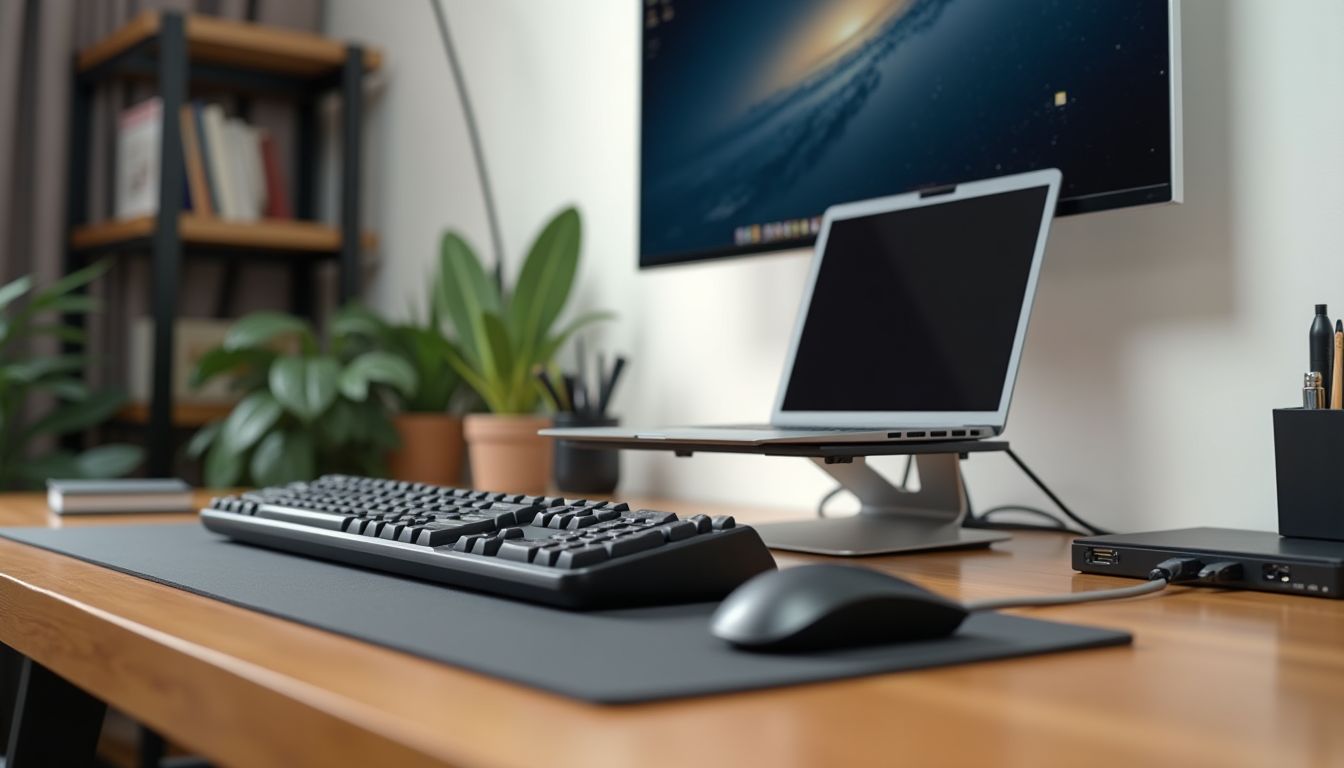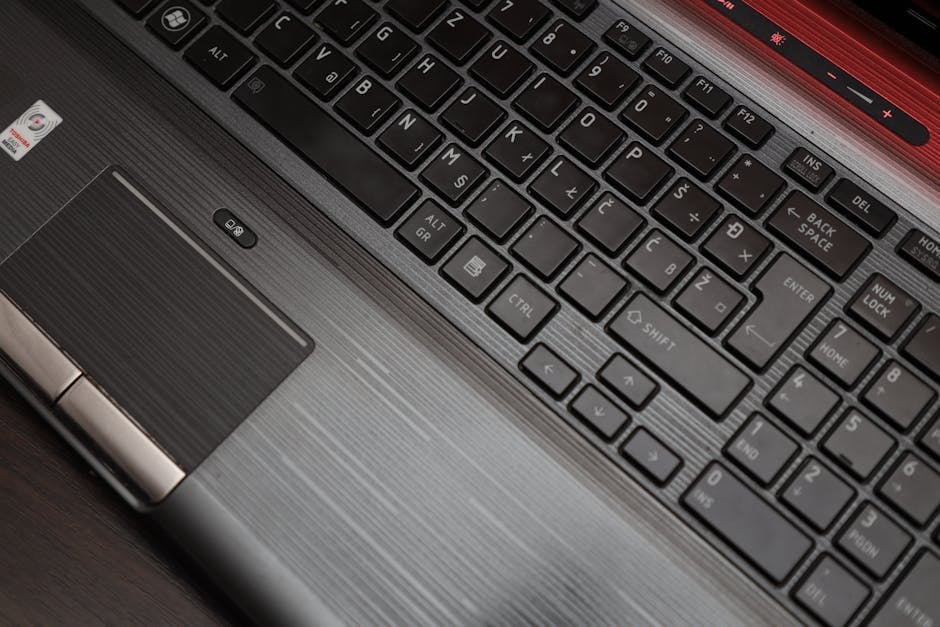
In a modern office, employee comfort directly impacts productivity, and one of the main irritants is often the noise from keyboards. The constant clicking of mechanical switches can be distracting, cause fatigue, and reduce concentration. That is why choosing a silent model is not a whim, but a necessity for creating a healthy working atmosphere. Based on the recommendation of the ComfortShop editorial team, we have compiled a rating of the best devices that will allow you to type quickly, but completely unnoticed by your colleagues.
? Table of Contents
Why a Quiet Keyboard is Important for Productivity
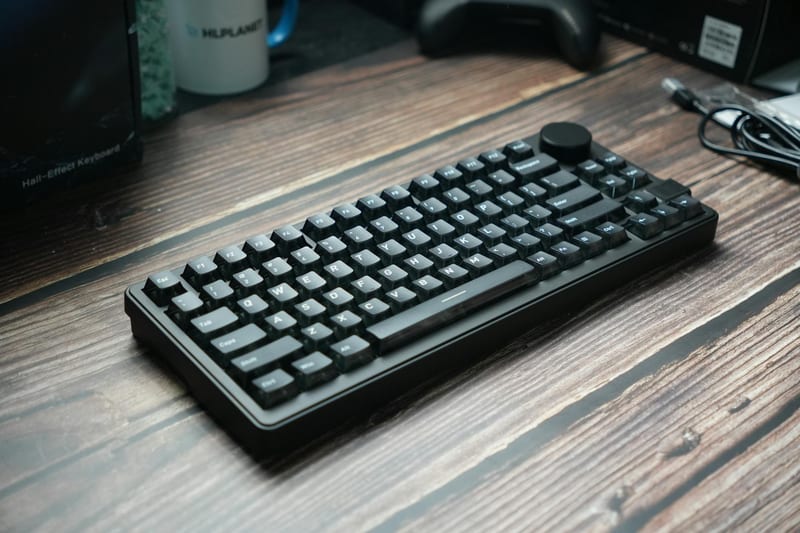
The noise level in an office directly affects a person's cognitive abilities. Studies show that loud sounds, especially rhythmic ones, increase cortisol levels and interfere with focusing on complex tasks. A quiet keyboard for the office solves this problem, allowing each employee to work at their own pace without creating acoustic pollution.
Furthermore, a silent keyboard for work often has a softer key travel, which reduces strain on the finger joints and wrists. This is especially relevant for people who spend 8-10 hours a day at the computer. Thus, investing in a quiet model is an investment in the health and efficiency of the entire team.
Types of Construction: Membrane, Mechanical, or Scissor?
Before buying a device, it's worth understanding the types of switches. A quiet membrane keyboard is a classic option for the office. It works using a rubber dome, which provides a soft press without a sharp click. Such models are the cheapest and almost silent, but over time the rubber can lose its elasticity.
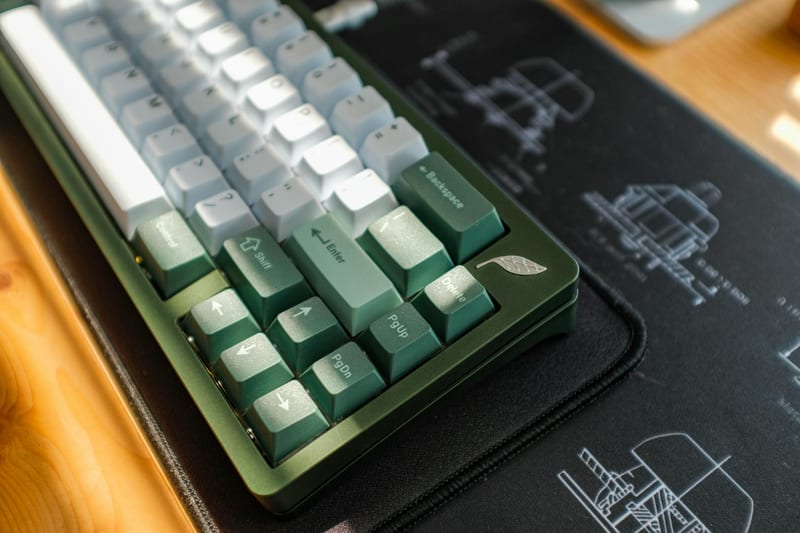
Mechanical keyboards, on the other hand, are known for their loudness, but there are special "silent" switches, such as Cherry MX Silent Red or Brown. They have dampeners that absorb the sound of the key hitting the base. Finally, the scissor-switch mechanism is a compromise often used in laptops. It provides a clear but quiet travel and is very reliable.
Top 7 Best Models for Office Work
We have analyzed the market and selected models that have received the highest ratings from users and experts. Each of them has its own features, but they are all united by one thing — a minimal noise level when typing.

Models that will change your perception of office work.
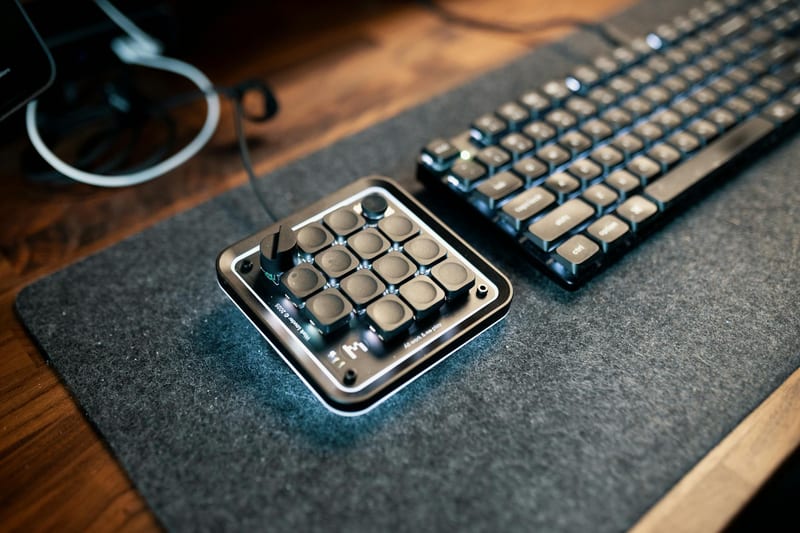
- Logitech MX Keys S — a premium wireless keyboard with perfectly quiet scissor switches and backlighting that automatically adjusts to the lighting.
- Microsoft Sculpt Ergonomic Keyboard — an ergonomic model with a split body that is not only silent but also reduces strain on the wrists.
- Cherry Stream 3.0 — a classic wired keyboard with a low profile and special SX technology that makes each press soft and almost inaudible.
- HP 975 Silent Wireless Keyboard — a stylish wireless model with spill resistance and quiet key travel, ideal for open-plan spaces.
- Logitech K780 — a versatile keyboard that allows switching between three devices. It has a quiet travel and a smartphone stand.
- Lenovo Preferred Pro II — a budget-friendly but very reliable wired model with a scissor mechanism that produces virtually no sound when typing.
- Razer BlackWidow V3 X (Yellow Switch) — a mechanical keyboard with linear yellow switches that have dampeners. It is quieter than standard mechanical keyboards but retains tactile feedback.
What to Look for When Choosing: Feature Rating
When buying a silent keyboard for a PC, it's important to look not only at the price but also at the technical parameters. First is the connection type: wired models (USB) provide stability, while wireless (Bluetooth or radio frequency) offer freedom of movement but require charging.
Secondly, pay attention to the presence of a numeric keypad. For accountants and analysts, it is critically important. Thirdly, ergonomics: the presence of a wrist rest, adjustable tilt angle, and case shape. ComfortShop specialists advise not to skimp on these parameters, as your health depends on them.
Pros and Cons of Popular Keyboard Types
To compile an objective top of quiet keyboards, it's worth comparing the advantages and disadvantages of each type. Membrane models are the cheapest and quietest, but their lifespan is usually shorter (about 5-10 million presses). They are ideal for offices with high staff turnover or for working from home.
Mechanical keyboards with silent switches (Silent Reds) last much longer (up to 50-100 million presses) but cost significantly more. They are chosen by programmers and people who type a lot of text. Scissor mechanisms are the golden mean: they are quiet, have a clear travel, and an affordable price.
How to Properly Care for a Quiet Keyboard
To ensure the best quiet keyboard serves you for a long time, it needs care. The main enemy is crumbs and dust that get under the keys and start to squeak. We recommend turning the keyboard over once a month and shaking out debris, as well as using a special can of compressed air.

If you spill liquid, immediately disconnect the device from power, turn it over, and let it dry naturally (not with a hairdryer!). For mechanical models, you can remove the keycaps and wash them in warm soapy water. Remember: cleanliness is the key to silent operation.
Conclusion:
Choosing a quiet keyboard for the office is not just a matter of comfort, but a strategic decision to increase team productivity. Whether you choose a proven membrane, modern mechanical with dampeners, or an ergonomic model, the main thing is that the device matches your work tasks. As ComfortShop reviewers note, the best way to be sure is to personally test several models in a store to feel the key travel and noise level. Invest in silence, and your work will become much more enjoyable.
Frequently Asked Questions
Are all membrane keyboards quiet?
Not all, but most membrane keyboards are significantly quieter than mechanical ones. However, for maximum silence, it is worth choosing models with rubber domes or special dampeners.
Which mechanical keyboard is the quietest for the office?
The best choice would be models with linear switches (e.g., Cherry MX Red or Silent Red) and built-in dampener rings — they hardly click and do not irritate colleagues.
Is a silent keyboard suitable for gaming?
Yes, but pay attention to the response time and switch type. For work and gaming, it is better to choose hybrid models with silent mechanical switches that provide speed and comfort.
How to choose a quiet keyboard for a PC in the office?
Choose a model with a membrane or optical mechanism, low profile keys, and a wrist rest. Also, check the noise level in reviews — the best quiet keyboards have the "silent" mark in their name.